Table of Contents
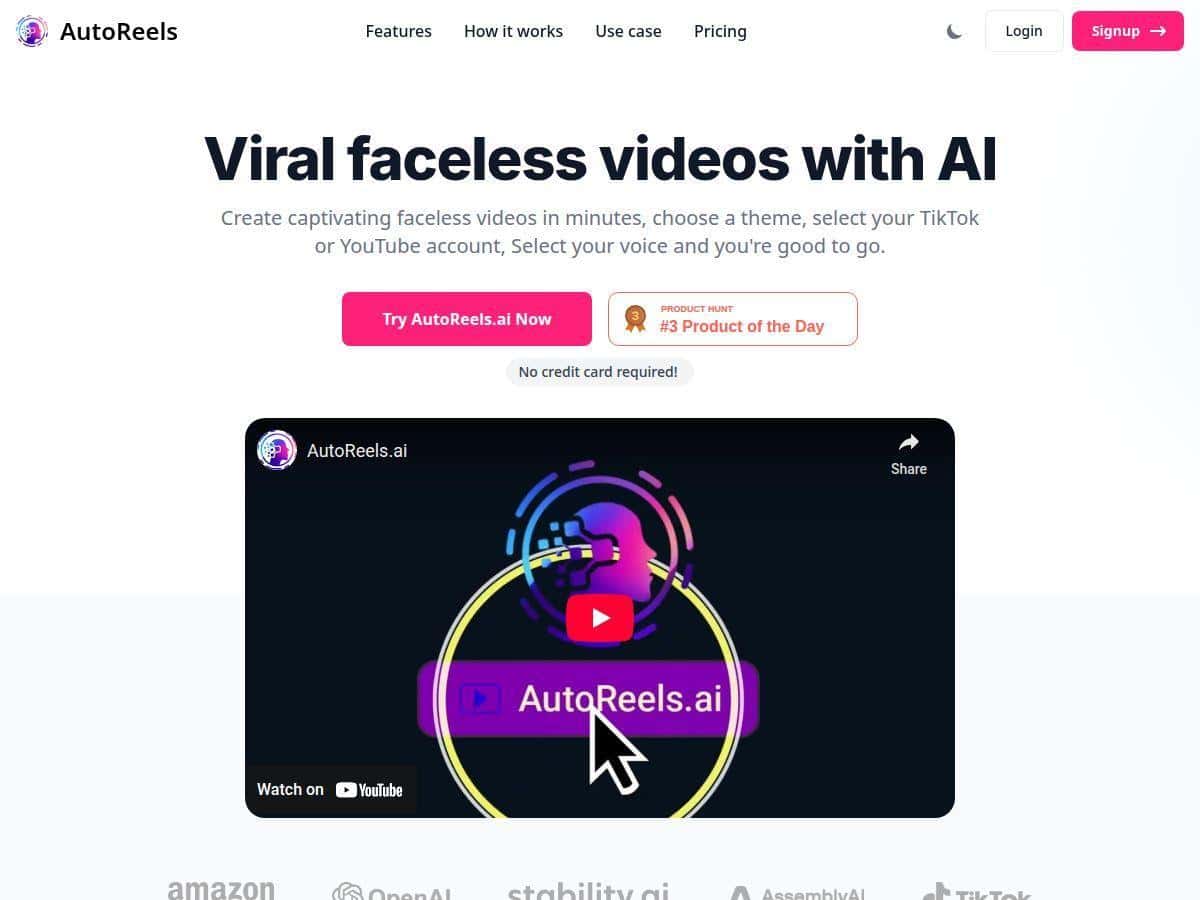
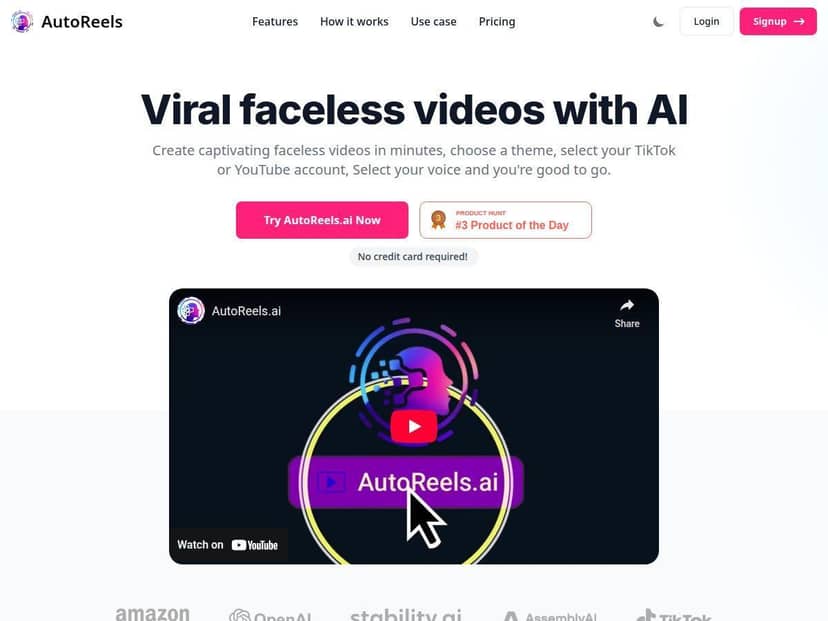
If you want to post more social videos but you don’t want to be on camera, AutoReels is the kind of tool that immediately gets my attention. I tested it specifically to see how “faceless” it really is in practice, how much control you actually get, and whether the output looks good enough to publish.
My biggest takeaway? It’s built for speed. You can go from a script to a finished vertical video without stitching clips, syncing audio, or doing the whole “edit for hours” routine. But it’s not a full replacement for a real video editor either—there are clear limits on manual tweaking.
AutoReels Review: What I Actually Got After Testing
I went into AutoReels expecting “AI video” in the generic sense. You know—text on screen, robotic narration, and visuals that feel random. Instead, what I noticed right away is that the workflow is very guided. It’s basically: pick a style, drop in your script (or use a prompt), choose voice + music, and generate.
Here’s the exact workflow I used for my test:
- Script: I pasted a short 60–90 second script (bullet-style, conversational tone). No fancy formatting—just plain text.
- Style: I selected a theme that matched the topic (I kept it simple—clean, modern visuals).
- Voice: I tried one of the available voice options and kept the pacing default (I didn’t manually edit the narration after).
- Music: I left music on and checked how it sat under the narration.
- Aspect ratio: I generated for a vertical format so it would fit TikTok/Reels style posting.
Time-wise, the part that surprised me was how quickly it moved from “I’m typing” to “I have something to publish.” The generation wasn’t instant, but it was fast enough that I didn’t feel like I was waiting forever between iterations. I also didn’t have to manually time captions to the audio—AutoReels handled that automatically.
Narration quality: The voice sounded clear overall, but I did notice a couple moments where pronunciation felt a little off—especially with more unusual words and faster sentences. It wasn’t unusable. It just wasn’t perfect, and you’d still want to proofread your script before you hit generate.
Background music: The music selection matched the vibe of the template pretty well. The mix was generally balanced, but if your script has lots of short punchy lines, the music can feel slightly “busy” under the narration. In those cases, I’d either shorten the script or pick a calmer style.
Scheduling + autopost: This is one of the reasons people buy tools like this, so I tested it. The scheduling flow felt straightforward, and it gave me confidence that it wasn’t just “marketing autopost.” That said, autopost reliability depends on your connected accounts and permissions—if something is misconfigured, it won’t magically fix it for you.
Bottom line: AutoReels delivered publish-ready faceless videos quickly, with enough customization to keep them from looking identical. But if you need a timeline editor or frame-by-frame control, you’ll hit the ceiling fast.
Key Features That Matter (Not Just Marketing Bullets)
- Faceless video creation: You’re generating a full vertical video without filming yourself. It’s privacy-friendly by default, and the visuals are template-driven so you don’t need a stock library workflow.
- Automated scheduling: I liked that scheduling isn’t buried. You can line up posts without doing the “export → upload → duplicate settings” loop.
- Auto posting (when connected): It’s there, but it’s only as reliable as your account connection. I’d treat it like automation you still need to monitor, at least at first.
- Customization that actually affects output: Themes/styles, voice selection, music behavior, video length, and aspect ratio all change what you get. I didn’t just see different colors—I saw different pacing and layout choices.
- Manual uploads & downloads: This matters if you want control. If you don’t want to post immediately, you can keep files locally and publish elsewhere.
- Multi-language support: AutoReels supports up to 15 languages. If you’re targeting multiple regions, that’s a big deal because you don’t have to rebuild everything from scratch per language.
- Series creation: A “series” workflow is useful if you plan content in batches. I generated multiple videos with the same general style so the feed looked consistent.
- Ownership & monetization: The platform positions full rights for personal/commercial use. That’s important if you’re selling content or running a brand channel.
Pros and Cons (Based on What I Ran Into)
Pros
- Fast to first result: I didn’t spend hours learning menus. The workflow is simple enough that I could test multiple variations in one sitting.
- Less manual syncing: Narration + visuals are handled together, so you’re not manually lining up audio and text.
- Customization is meaningful: Changing voice, style, music, and length actually changes the final video—not just the skin of the UI.
- Multi-language workflow: Creating non-English versions is much easier when the tool supports it natively.
- Free plan is usable for testing: I could generate enough to understand the output style before committing.
Cons
- Editing is limited: This isn’t a timeline-based editor. If you want to trim at specific timestamps, rearrange scenes manually, or fine-tune caption placement, you’ll feel restricted.
- Free plan limits: The free tier restricts series/video creation (you won’t build a full content pipeline on it).
- AI still needs a human pass: If your script has tricky wording, you may need to rephrase to avoid narration glitches.
- Music can be “too much” sometimes: When the style is upbeat, the music can compete with the narration. It’s not a dealbreaker, but it’s something I adjusted for in subsequent runs.
Pricing Plans (What You Get at Each Level)
I saw AutoReels described with a free tier plus paid plans starting around $19/month, and higher tiers at $39 and $69. The big difference, in plain English, is how much you can generate and how far the automation goes.
Plan breakdown I’d expect you to check before paying:
- Video/series limits: Free is for testing; paid tiers increase how many you can produce.
- Resolution/export quality: Higher tiers typically unlock better output settings.
- Automation scope: More automation and higher limits usually come with the higher plans.
- Language support limits: Even though the platform supports up to 15 languages, tiers can affect how many languages you can use per workflow.
- Branding/watermarks: Some tools add branding on free plans—worth checking in your generated export.
- Export formats: Make sure the formats match where you post (vertical for TikTok/Reels is the main one people care about).
My practical recommendation: If you’re testing content ideas or building a small batch, start with the free plan and generate 2–3 videos using your real script. If the narration/music balance works for your niche, then move up. If you need heavy manual edits, you may be better off using a traditional editor alongside AI generation.
Wrap up
AutoReels is best if you want faceless, vertical videos made fast—without the usual editing grind. After testing it, I felt confident hitting publish because the outputs were polished enough for social. The narration and music are generally solid, but not flawless, and the manual editing limitations are real.
So, is it worth it? For creators who want speed and repeatable content (especially series-style posting), yes—AutoReels earns its place. But if you need deep timeline control or very specific edits, don’t expect it to replace your editor.