Table of Contents
If you’ve ever sat down to plan a week of posts and realized you’ve somehow got 6 platforms, 3 different content calendars, and zero time… yeah, you’re not alone. I’ve been there—especially when you’re trying to keep your brand active without turning social media into a full-time job.
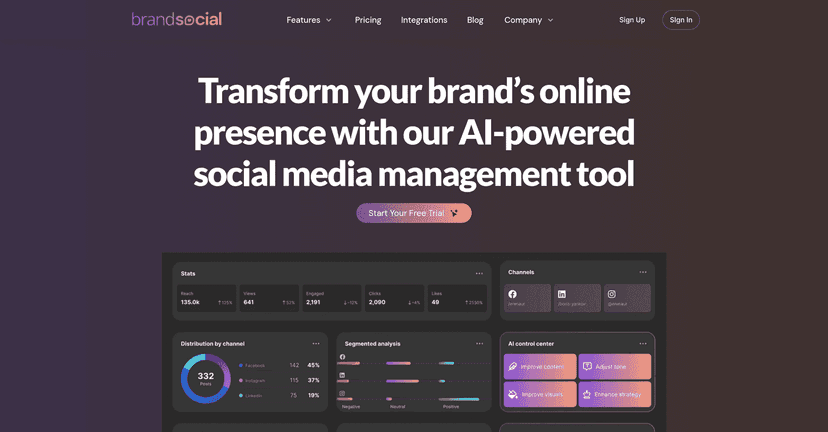
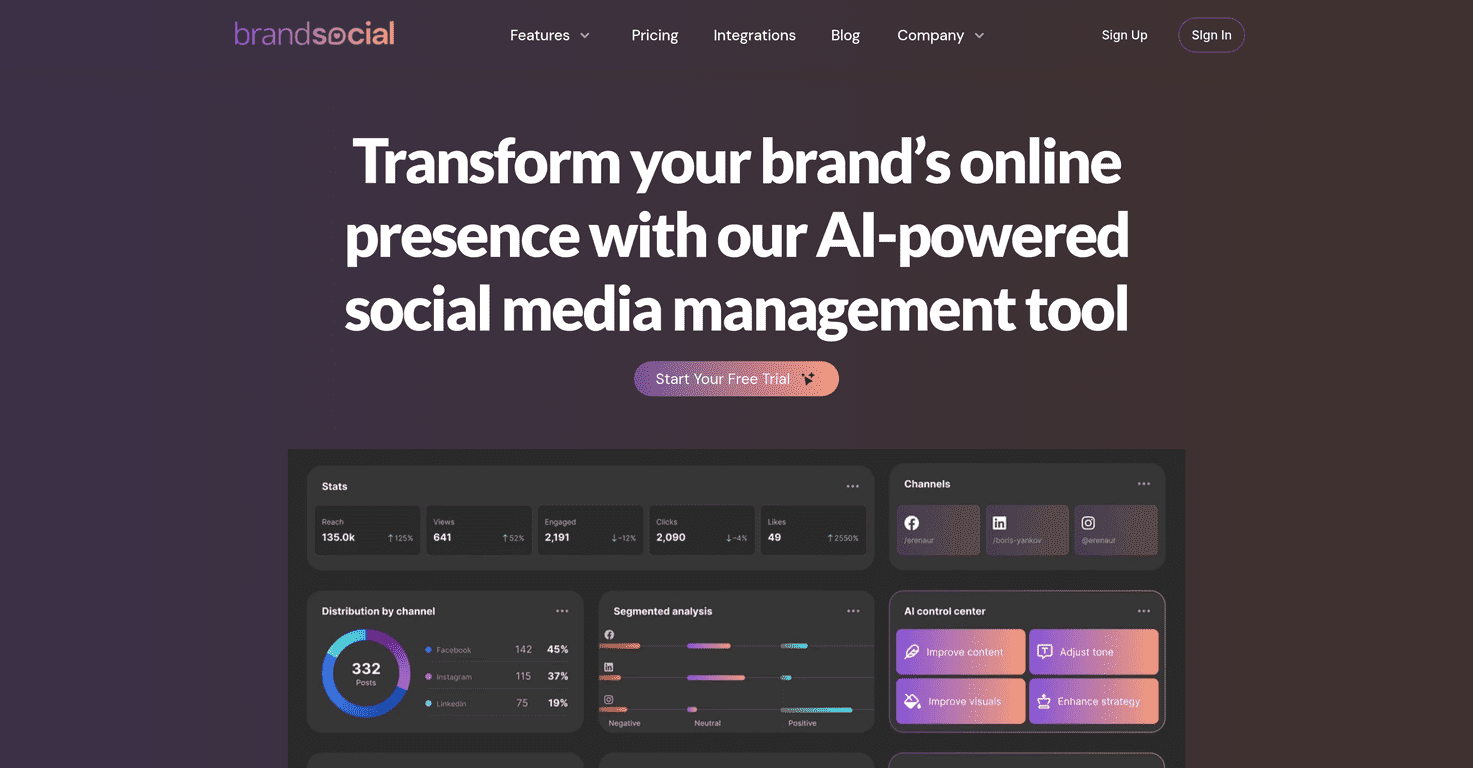
That’s why I took a close look at BrandSocial. The promise is simple: use AI to help generate content and then schedule it so you’re not posting “whenever you remember.” In practice, it’s meant to be a one-stop dashboard where you can create, plan, publish, and check what’s working.

BrandSocial Review: Does It Actually Help With Social Media?
BrandSocial is a social media management tool built around two big ideas: AI-assisted content creation and automated scheduling. The goal is to reduce the “blank page” feeling and keep your posting consistent without you manually planning every single day.
When I tested it, the first thing I noticed was how much time it tries to save in the workflow. Instead of bouncing between tools—writing in one place, designing in another, and scheduling somewhere else—you’re supposed to get most of it from one dashboard. That matters. If your process takes 30–60 minutes per batch of posts, even a small improvement adds up fast.
Here’s what I liked about the setup:
- AI content generation helps you get drafts quickly, especially when you’re staring at a topic and thinking, “Okay… what do I actually say?”
- Scheduling makes it easier to plan ahead. You’re not relying on last-minute posting habits.
- Performance insights are there so you can adjust instead of just “hoping” the content works.
Also, it’s not only for big marketing teams. If you’re a solo creator or a small business, you still need structure—content calendar, consistency, and some way to see what’s resonating. BrandSocial aims to cover that without making you feel like you need a full agency setup.
One small reality check, though: AI can speed things up, but you still have to review. If you publish something that sounds generic, your audience will feel it. I’d treat AI outputs as a strong starting point, not the final word.
Key Features I’d Use (and What They’re For)
- AI Content Generation for engaging posts
This is the “drafting” engine. In my experience, it’s most helpful when you give it clear inputs like your topic, your audience, and the tone you want (friendly, professional, punchy, etc.). If you’re vague, the output will be vague. - Visual Content Creation for stunning graphics and videos
Social posts live or die by visuals. BrandSocial’s visual tools are aimed at helping you create shareable assets without needing to design everything from scratch every time. I found it helpful for producing consistent-looking posts, even when I wasn’t in a “design mood.” - Automated Scheduling to maintain consistent posting
This is where the time savings really show. Instead of remembering to post, you can batch your work and schedule it. Even if you only schedule 3–5 posts per week, that consistency is noticeable over a month. - Performance Analytics for tracking effectiveness
You need more than vanity metrics. The analytics help you see what’s performing so you can double down on topics, formats, or posting times that actually move the needle. - Social Media Auditing to improve performance
Audits are useful when you’re not sure why engagement is flat. I like having a way to spot weaknesses—like underperforming content types or missed opportunities—rather than guessing. - Content Calendar Management for better organization
A calendar sounds basic, but it’s the difference between “posting randomly” and building a real plan. It also helps you keep track of themes, campaigns, and gaps.
Pros and Cons From My Perspective
Pros
- It’s built for speed—the AI drafting + scheduling combo reduces the time between “idea” and “published.”
- One place to manage things (content, visuals, calendar, analytics). I don’t love hopping between tools, and this is designed to avoid that.
- Analytics aren’t an afterthought. You’re not stuck with “post and pray.”
- Works for different users—from individuals to businesses—because the workflow is straightforward even if you’re not running a big team.
Cons
- Pricing could be tough for very small budgets. If you’re a brand that posts once a week and barely needs automation, you might not get enough value.
- Customization isn’t always as deep as you’d want. Sometimes you’ll want more control over voice, formatting, or creative direction than what templates/AI provide.
- There’s a learning curve—mostly around setting things up and getting your workflow dialed in (inputs, tone, posting cadence, etc.). Once you get it, it’s smoother.
Pricing Plans (What You Should Expect)
BrandSocial includes a Free Trial, which is honestly the best way to find out if the tool matches your workflow. Before you commit, I recommend you test it with your real content needs—like generating posts for your niche and scheduling a small batch (even 5–10 posts) so you can see how the analytics and calendar feel in your day-to-day.
For the most up-to-date pricing and plan details, check BrandSocial’s official website.
Wrap up
Overall, I think BrandSocial is a solid option if you want to stop thinking about social media all day and start working from a real plan. The AI drafting and scheduling are the big wins, and the analytics/auditing help you improve instead of repeating the same mistakes.
Just don’t expect AI to replace your judgment. If you take 2–5 minutes to review and tweak the copy (and make sure the visuals fit your brand), that’s when it really starts to pay off. If you’re ready to tighten up your posting routine and get more organized, it’s worth trying BrandSocial.