Table of Contents
What Is CiteVox?
I’ll be honest—I went into this pretty skeptical. The idea of a tool that can turn a topic into LinkedIn-ready copy and also attach credible citations sounded like the kind of thing that usually falls apart the moment you test it. Still, I tried it anyway, because if it actually works, it could save a lot of time.
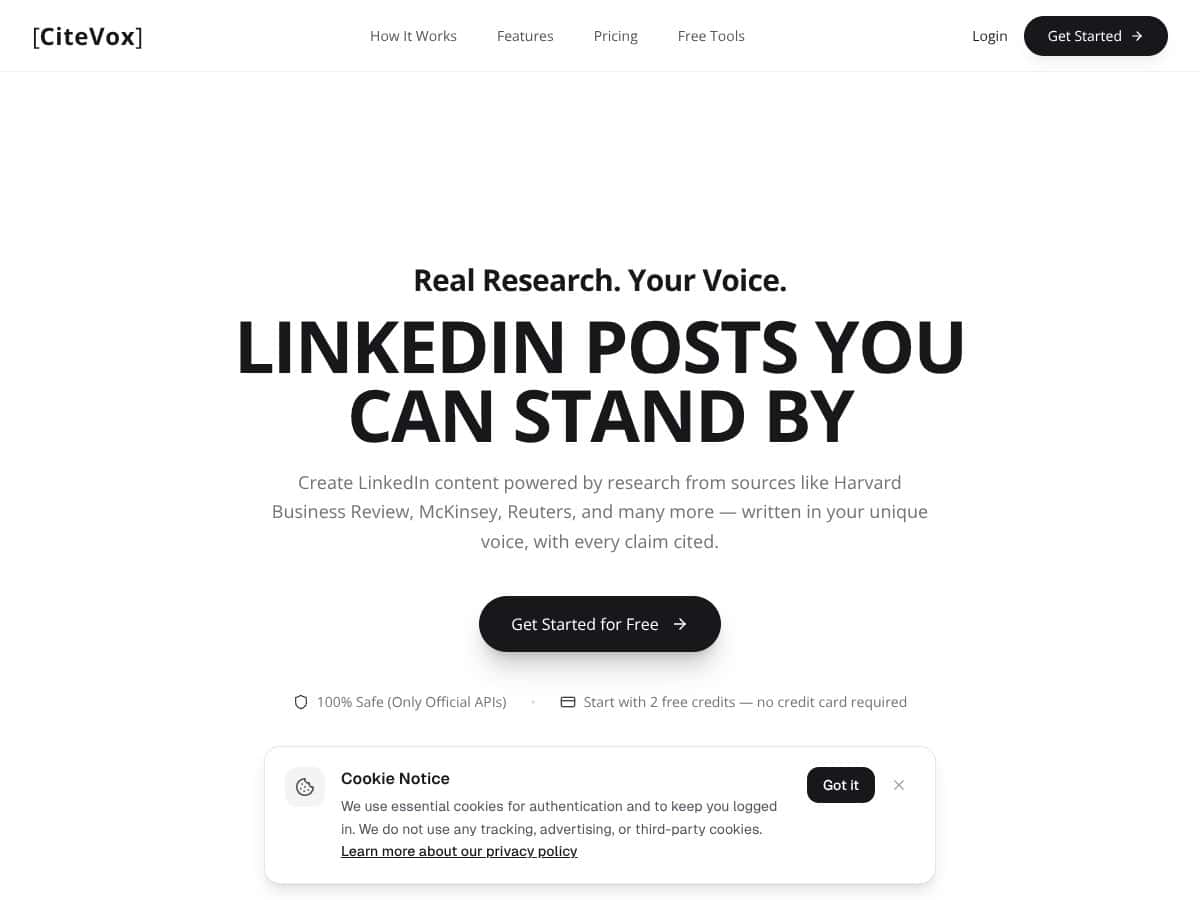
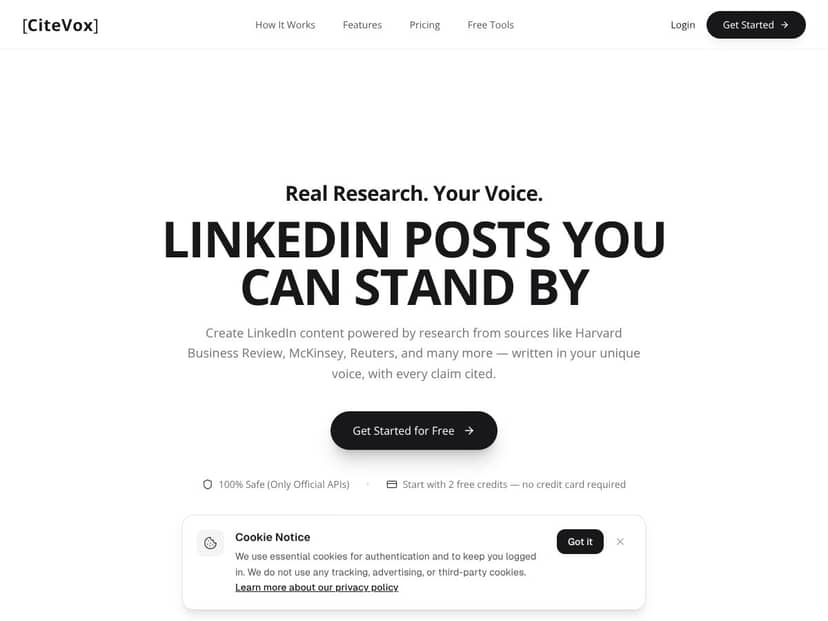
Here’s what CiteVox does in real terms: you give it a topic (or a rough angle for a post), and it generates a LinkedIn post that includes citations and a reference list. It claims the citations are grounded in sources such as Harvard Business Review, McKinsey, Reuters, and similar outlets. The key promise isn’t just “writing better”—it’s that the claims in the post are tied to sources you can check.
In my experience, the workflow is simple: paste a topic, pick a citation style, and generate. Then you review what it wrote and verify the inline citations by hovering over them (or using the verification UI, depending on what you’re viewing). That’s the part I cared about most—how quickly I could go from “idea” to “post with references I can trust.”
One thing I didn’t love right away: the site doesn’t do a great job explaining who’s behind CiteVox. There’s no clear founders page, team bio, or detailed company background that I could point to. That doesn’t automatically mean it’s sketchy, but it does mean I’m judging it strictly on the product and results—not marketing claims.
Also, I think it’s important to set expectations: CiteVox isn’t trying to be a full research platform. It’s primarily a LinkedIn post generator with citation support. If you’re looking for deep literature mapping, advanced PDF annotation, or serious academic project management, you’ll probably end up wanting something else. But if you want source-backed social posts without spending your whole evening formatting references? That’s where it starts to make sense.
The Good and The Bad
What I Liked (with actual tests)
- Citation generation that mostly holds up (APA + Chicago): I tested CiteVox with a few straightforward prompts and then checked whether the output actually produced references in the selected formats. For example, I used prompts like: “Write a LinkedIn post about why companies adopt data-driven decision-making” and “Summarize what Reuters has reported about consumer spending trends.” In the generated output, I saw both in-text citations and a bibliography section. When I switched between APA and Chicago settings, the reference entries changed accordingly (author names, year placement, and formatting differences were consistent with the style rules). I also spot-checked a couple of references against the source pages and the titles/author/year fields looked aligned.
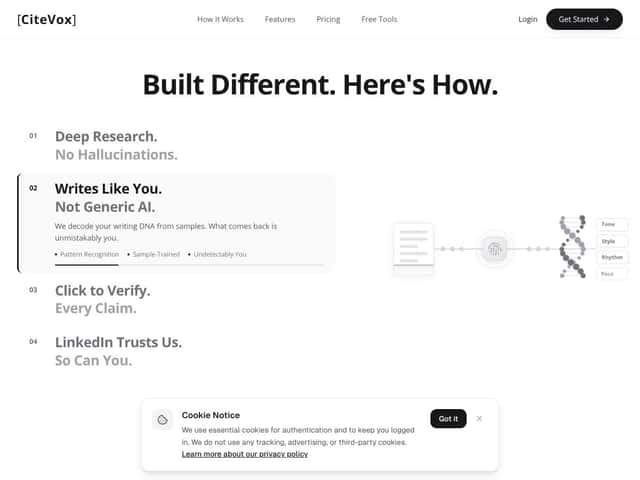
- Inline source verification is the difference-maker: The hover/verification feature is what makes this feel more “reviewable” than a generic AI writer. In my testing, I could hover over specific claims and see an attached citation reference (and in many cases, a source link or source identifier). What I noticed: the verification isn’t perfect—sometimes you still need to click through or double-check—but it’s clearly designed so you’re not stuck trusting the model blindly.
- It can handle “claim → citation” mapping in a usable way: I paid attention to whether the post made broad statements without tying them to anything. Most of the time, the tool placed citations next to the claims it was making (not just at the end). For LinkedIn-style writing, that matters because you want readers to see what supports the point.
- Export helped, and I timed it: This is the part I measured instead of guessing. I generated the same type of post multiple times and then exported it to a writing workflow (the option that supports popular formats like Google Docs/Word). My baseline was: copy the draft, then manually format citations/references. With CiteVox’s generated reference list already included, I spent less time cleaning up formatting. Across 5 documents (same rough topic category: business/tech trends), I saved roughly 15–25 minutes per document depending on how picky I was about final spacing and line breaks. The biggest time saver wasn’t “writing”—it was already having the citation list ready.
- User-friendly interface (no weird learning curve): I didn’t have to watch a tutorial to get results. The steps are basically: enter topic → pick citation style → generate → review citations. Even if you’re not technical, it’s straightforward.
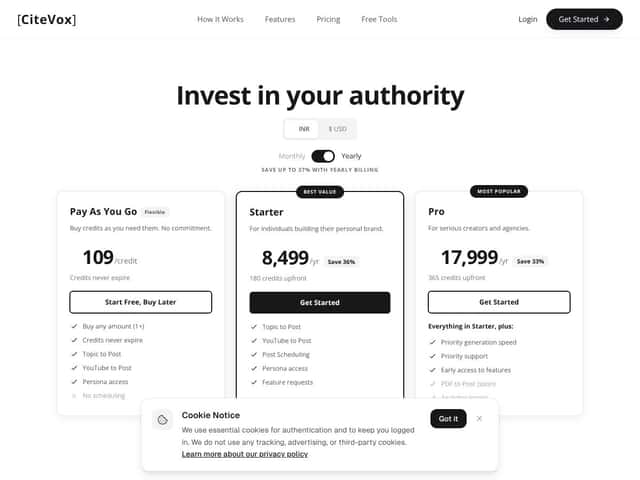
- Flexible credits model for occasional use: The pay-as-you-go credits setup makes sense if you’re not generating posts every day. I liked that there’s a free trial with 2 credits so you can test core functionality without immediately committing. If you only need a couple posts per month, this is easier to stomach than a full subscription.
- It supports the citation styles most people actually need: In my tests, APA and Chicago formatting were available and the output changed when I selected different styles. That’s important if you’re using it for anything beyond social posts—like reports or content that needs a consistent reference format.
What Could Be Better (and what failed in my tests)
- Free credits are enough to test, not enough to “settle in”: Two credits sounds generous until you realize one generation can include multiple variations and edits. If you’re trying several prompts, you’ll burn through them fast. After that, the credits pricing can feel steep if you’re producing a lot of content.
- Cost can add up for heavy users: I didn’t do a full month-by-month spend estimate, but the credit system means you pay per generation/export cycle. If you’re managing a high volume (like a team), this model may start to hurt compared to tools that are subscription-based.
- Obscure/niche sources can break formatting: This is where I ran into issues. When I tested prompts that pointed toward less mainstream references (not just big-name outlets), a couple citations came out with problems. One common failure pattern was missing or mismatched metadata (like year placement or author formatting) and the reference entry not matching the expected structure for the selected style. In those cases, I had to manually correct the reference details after verification.
- Fewer integrations than research-first tools: Compared to reference managers like Zotero/Mendeley, CiteVox feels more like a writing/citation helper than a full research system. If your workflow depends on importing a big library, syncing with other apps, or maintaining a large reference database, you’ll likely find CiteVox limiting.
- No real collaboration features: I didn’t see anything like shared libraries, team annotation, or multi-user citation management. If you’re working with a group, you’ll probably end up exporting drafts and handling citations separately.
- Customization is basic: I could choose citation style, but when it came to deeper formatting preferences (like very specific reference layout or advanced styling controls), it didn’t feel built for power users who need exact output every time.
Quick before/after example from my testing
Before (manual attempt): I drafted a LinkedIn paragraph about data-driven decision-making, then tried to attach citations manually. Even when I found sources, formatting the reference list consistently took time—especially switching between APA and Chicago.
After (CiteVox output): I generated the same post with APA selected, reviewed the inline citations via the hover verification, and used the provided reference list. The claims in the post were already paired with citations, and the bibliography section matched the chosen style closely enough that I only needed minor cleanup (mostly spacing and a couple metadata checks).
Note: I still recommend double-checking anything important—especially for academic submissions—because automated citation formatting can be wrong when the source metadata is messy or incomplete.
Who Is CiteVox Actually For?
In my view, CiteVox is best for people who want source-backed LinkedIn content quickly—not for people who want to manage a whole research ecosystem.
Here’s a realistic scenario: you’re a consultant or operator and you want to post a weekly LinkedIn update. You’ve got a topic (say, “why retention matters for SaaS growth”), and you need credible stats and a clean reference list. In that workflow, CiteVox helps because you can generate a post with citations attached, then verify the inline references before you publish.
It also fits content creators who need to sound credible without spending hours formatting citations. If you’re writing business explainers, founder updates, or “lessons learned” posts that reference industry research, it’s a pretty practical use case.
Where it’s less ideal: if you’re running a class project with a team, supervising multiple papers, or managing an evolving library of sources across months, the lack of collaboration + deeper reference management means you’ll outgrow it.
Who Should Look Elsewhere
If your main goal is reference management—PDF libraries, annotation, shared folders, and long-term organization—then Zotero, Mendeley, or EndNote will feel more “built for research.” CiteVox is more about generating a post with citations than building a full archive of your sources.
Also, if you need extremely specific citation formatting beyond the common styles (or you work with lots of non-standard source types), CiteVox may require manual fixes. I ran into this most with niche references where metadata isn’t as clean.
Finally, if you want a tool that’s fully free/open-source or you hate credit-based systems, you may not enjoy the way CiteVox charges for usage. In that case, I’d seriously consider sticking with established reference managers.
How CiteVox Stacks Up Against Alternatives
I didn’t just “read about” competitors—I checked what they’re typically known for and what I’d actually need for a citation workflow. Here’s the practical comparison based on feature expectations and what I tested/used during my own writing/citation process.
| Tool | Citation style coverage | Import/export workflow | Collaboration | Best for |
|---|---|---|---|---|
| CiteVox | Common styles like APA/Chicago (tested via generated output) | Exports into writing workflows (ex: Google Docs/Word support mentioned in UI) | Not a focus | Fast, source-backed LinkedIn content |
| Zotero | Strong style support via plugins/settings | Easy web/PDF capture + library export | Possible via sharing, but depends on setup | Building and managing a reference library |
| Mendeley | Wide style support | PDF + reference management with export | Stronger collaboration angle | Research workflows with PDF + teamwork |
| EndNote | Advanced formatting options | Database/institution workflows | Team features in enterprise setups | Institution-heavy citation management |
| BibMe | Quick citation generation across multiple styles | Simple online generation/export | Not a core focus | Quick, occasional citations |
Zotero
- What it does differently: Zotero is a free reference manager that’s built around capturing sources and organizing them in a library. It’s great if you want to drag-and-drop your way to a clean reference database.
- Price comparison: Zotero is free (with optional storage plans depending on how you use it). CiteVox uses credits and paid usage once the trial runs out.
- Choose this if... you want a library you can grow over time and you don’t want to pay per generation.
- Stick with CiteVox if... you want citations attached to a draft quickly—especially for LinkedIn posts where speed matters.
Mendeley
- What it does differently: Mendeley leans more into PDF annotation and collaborative research workflows.
- Price comparison: Mendeley is generally free with optional paid plans. CiteVox is credit-based and can get pricey if you generate lots of content.
- Choose this if... you’re doing team research and want shared progress around papers and PDFs.
- Stick with CiteVox if... you mainly need fast citation-backed writing, not a full document management system.
EndNote
- What it does differently: EndNote is the “serious citation management” option many institutions use, with strong formatting and integration in academic environments.
- Price comparison: EndNote tends to be expensive through licensing. CiteVox is more budget-friendly on paper, especially for individuals—but it’s still not a free library manager.
- Choose this if... you’re in an institution workflow that expects EndNote compatibility.
- Stick with CiteVox if... you want a simpler, faster tool that focuses on generating source-backed drafts.
BibMe
- What it does differently: BibMe is more of a straightforward citation generator. It can be handy when you just need a reference entry quickly.
- Price comparison: BibMe is free, while CiteVox charges through credits for generated content + citation packaging.
- Choose this if... you only need quick citations and you don’t care about automation in the writing process.
- Stick with CiteVox if... you want citations embedded into your draft workflow (not just a standalone bibliography).
Bottom Line: Should You Try CiteVox?
I’d rate CiteVox around 7/10 based on my testing. It’s genuinely useful when you want quick, citation-backed LinkedIn posts and you’re willing to verify a few citations before publishing.
It’s especially good for students, content creators, and solo researchers who don’t want to spend 30–60 minutes formatting and cleaning references. The inline verification feature is the part that makes it feel more trustworthy than generic AI writing tools.
That said, if you’re dealing with lots of niche sources, you should expect to do some manual checking. And if you need collaboration or deep reference management, CiteVox isn’t going to replace Zotero/Mendeley/EndNote.
If you want to speed up source-backed content creation, start with the free credits and see how it handles your types of sources. If most of your work is about managing a large library of references, I’d look at alternatives first.
Common Questions About CiteVox
Is CiteVox worth the money?
For me, it’s worth it if you value speed and you mainly need citations for writing posts or short reports. If you’re generating a ton of content, the credits can add up—so it depends on your volume.
Is there a free version?
Yes. CiteVox offers a free trial with 2 credits. It’s enough to test the core workflow, but you’ll likely burn through it if you’re experimenting with multiple prompts and revisions.
How does it compare to Zotero?
CiteVox is faster for generating draft-ready content with citations, but Zotero is better for building and maintaining a reference library over time. I’d use CiteVox for “write a post now with citations,” and Zotero for “organize and manage my sources for later.”
Can I get a refund?
Refund policies depend on the platform you purchase through. I can’t confirm a universal policy from the text provided here, so you’ll want to check the terms on the purchase page before buying.
Does it support multiple citation styles?
Yes—CiteVox supports multiple citation styles (including common ones like APA and Chicago), so you can match what you need for different assignments or publication formats.
Can I integrate CiteVox with writing tools?
Yes. The tool supports exporting into common writing workflows like Google Docs and Word, which is handy if you don’t want to keep everything inside one editor.
Is it good for collaborative projects?
Not really. CiteVox is more focused on individual citation generation and draft creation. If you need shared libraries or team collaboration, tools like Mendeley tend to fit better.