Table of Contents
If you’re trying to reduce the amount of “busy work” your team does every day, I get it. I’ve been testing CodeAsk as a way to build internal workflow tools without jumping straight into custom code. My goal wasn’t to build a fancy app—it was to automate a few repeatable tasks and see if the tools were actually usable by normal teammates (not just the person who built them).
What I looked for while testing: (1) how fast I could go from idea → working tool, (2) how much tweaking was needed after the first draft, (3) whether the output fit my workflows (not just generic automation), and (4) what was missing or annoying once it was time to roll it out.
CodeAsk Review
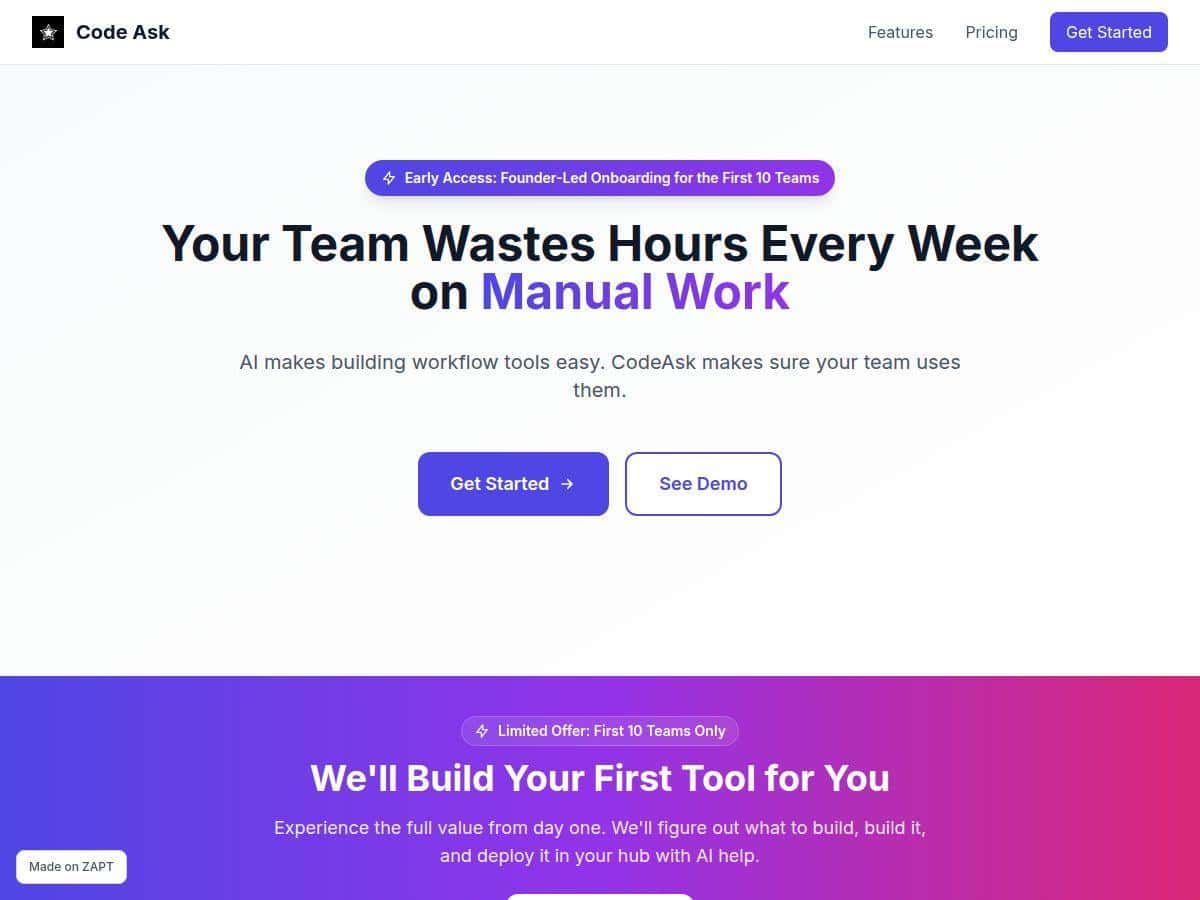
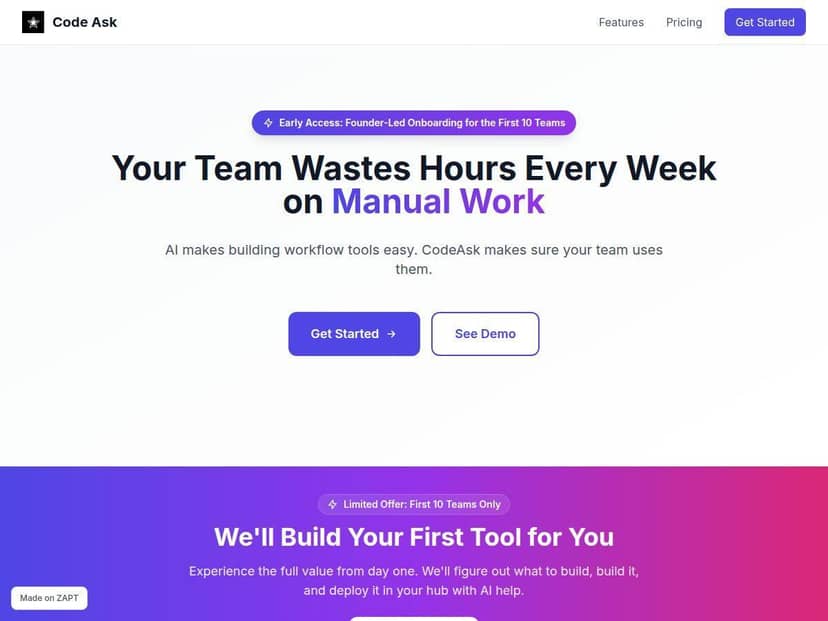
I spent time testing CodeAsk on a few internal workflows that tend to get handled in spreadsheets, Slack threads, and “can you just do this real quick?” messages. The big thing I noticed right away: CodeAsk feels built for people who don’t want to write an entire app from scratch. It’s more like you’re shaping a workflow and letting the system help you assemble the pieces.
Here are three examples of what I tried and what I actually saw:
1) Intake form → task checklist (the “stop the back-and-forth” workflow)
Problem I targeted: requests came in with missing details, so we’d spend time asking follow-up questions.
What I built in CodeAsk: a simple intake workflow that asks for the key fields first, then outputs a checklist-style task list.
- Input: requester name, project type, deadline, and a short description.
- Output: a structured checklist that a teammate can follow without re-reading the whole thread.
What I noticed: the first draft was quick. But the “real work” was in refining the questions so they matched how our team actually thinks. Once I aligned the fields, the tool reduced the amount of clarifying messages. Not magic—just fewer avoidable loops.
2) Weekly status report generator (turn messy notes into something consistent)
Problem I targeted: status updates were inconsistent. Some people wrote paragraphs, others used bullet points, and formatting always took time.
What I built: a workflow that turns raw notes into a consistent status template.
- Input: what I worked on, what’s blocked, and what’s next.
- Output: a report in a predictable structure (progress / blockers / next steps).
What I noticed: the output quality depended heavily on how specific the prompt instructions were. If I left the guidance vague, the template came out “sort of right.” When I tightened the requirements (like forcing short bullet points and consistent labels), it became much more usable.
3) Internal “handoff” tool (collect info before work starts)
Problem I targeted: work would start and then we’d realize we didn’t have the right context (links, assets, decisions, etc.).
What I built: a handoff workflow that collects the required context items and produces a tidy summary for the next person.
- Input: links to docs, key decisions, and “what to watch out for.”
- Output: a handoff summary with the same headings every time.
What I noticed: this is where CodeAsk felt strongest. It’s not just automating a single step—it’s standardizing what “done” looks like so the next person isn’t guessing.
Now, the reality check: CodeAsk isn’t a full replacement for a custom engineering build. If your workflow needs deep logic, lots of custom integrations, or very specific edge-case handling, you’ll likely hit limits. But for the kind of repetitive, team-facing workflows that eat time every week? That’s where it earns its keep.
Key Features
- AI-powered creation of custom workflow tools
- In my testing, this is less about “press a button, get a perfect app” and more about speeding up the first draft. I’d describe the workflow, and then I’d refine the structure and instructions until the output matched what my team needed.
- Centralized hub to organize and manage tools
- Instead of hunting through old docs or buried automations, I could keep multiple workflow tools in one place. That matters when you’re rolling out more than one internal tool—otherwise it turns into a mess fast.
- Features to promote team adoption, like AI widgets
- Adoption is usually the hard part. I liked that CodeAsk pushes the workflow outward—so teammates can actually use the tools without needing to understand how everything was built.
- Supports planning, building, and deploying tools easily
- The workflow creation flow felt straightforward enough that I didn’t need to “learn a whole new programming language.” That said, I still spent time tweaking prompts and required fields so the tool matched real-world usage.
- Focus on tracking manual work and optimizing processes
- This is a big reason I kept using it. The tools I built were designed to convert informal work into something trackable and repeatable—especially useful for handoffs and status updates.
Pros and Cons
Pros
- Faster time-to-first usable tool. I could get a working version together quickly, then iterate on what mattered.
- Better consistency for team outputs. The biggest win for me was standardizing intake, handoffs, and reporting so people weren’t reinventing formats.
- Non-technical friendly. If you can explain the workflow clearly, you’re already halfway there.
- Adoption-focused design. It’s easier to get teammates to use a workflow tool when it’s presented as something simple and repeatable.
Cons
- Initial setup takes tinkering. The first version is usually a starting point. You’ll want to refine inputs/outputs so the tool matches your team’s reality.
- AI won’t automatically fit every niche workflow perfectly. For workflows with lots of exceptions, the results may need extra guidance and guardrails.
- Public proof is limited. I couldn’t find enough verifiable, detailed third-party reviews to confidently compare outcomes across different teams. I checked for specifics like reported results, but most mentions stayed high-level.
- Pricing and security details aren’t clear enough (at least from what I could verify). I didn’t see fully transparent plan pricing or security specifics in the material available to me, so you’d need to confirm directly.
Pricing Plans
CodeAsk lists subscription tiers (Free, Maker, Startup, and Pro), but I couldn’t verify exact pricing numbers or the full breakdown of feature limits from public text in the content available to me. That means I don’t want to guess and mislead you.
What I recommend: if you’re comparing budgets, reach out to their sales/support team and ask for:
- Exact price per plan (monthly/annual)
- Any limits on number of tools, users, or workflow runs
- What’s included in Free vs. Maker vs. Startup vs. Pro
- Security details (data handling, retention, access controls) that apply to your use case
If you want, I can also help you draft a quick message to their team—just tell me what workflows you’re trying to automate.
Wrap up
After testing CodeAsk, my take is pretty simple: it’s best for teams who want practical, repeatable internal workflow tools without building everything from scratch. It shines when you’re standardizing intake, handoffs, and consistent outputs (like status updates). If you need deep custom logic or super-specific integrations, you may find yourself doing more tweaking than you expected.
If reducing repetitive work and improving adoption is your priority, CodeAsk is worth a real look. Just make sure you confirm pricing and security details directly before you commit.