Table of Contents
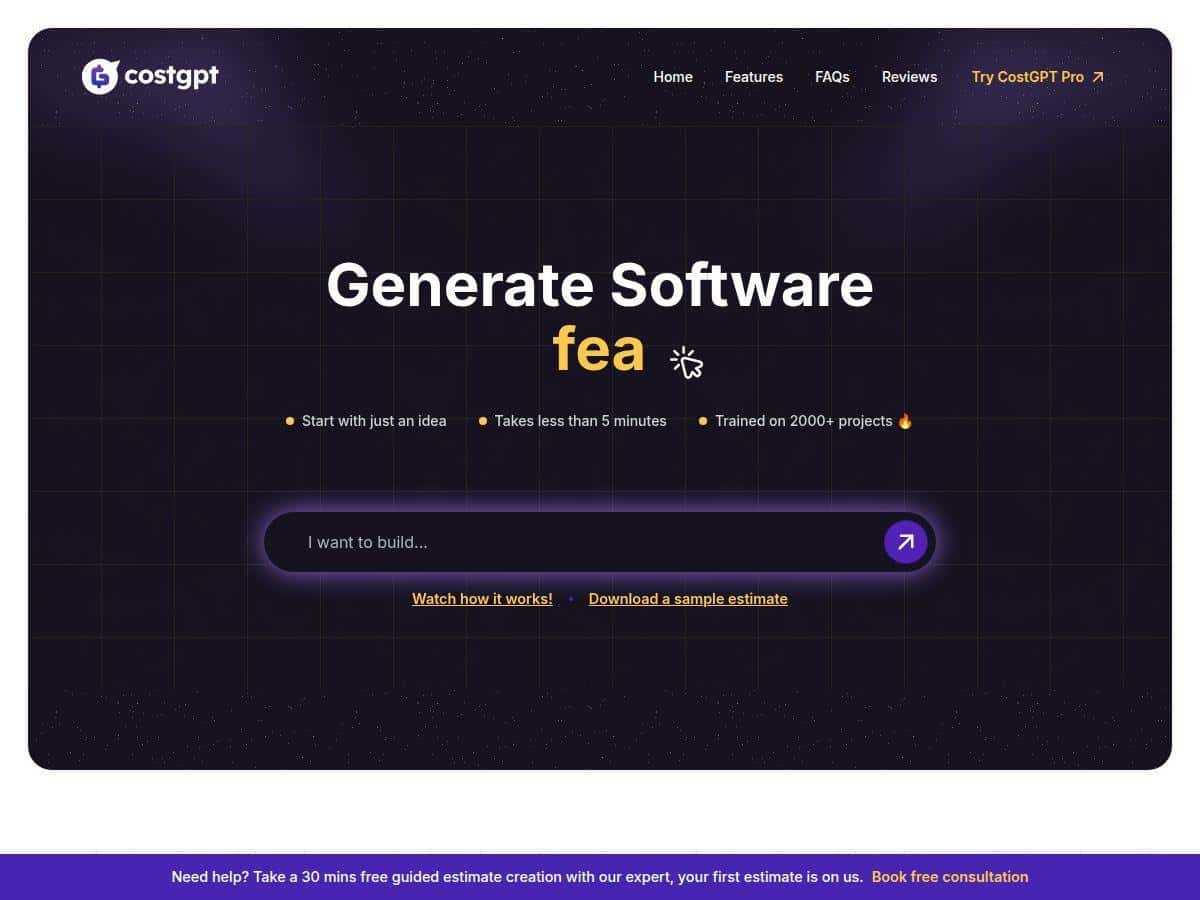
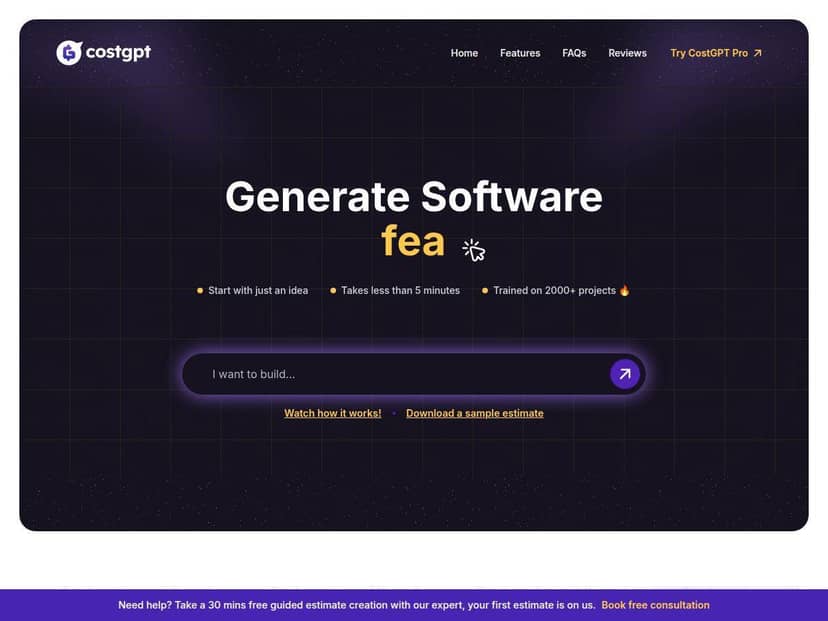
If you’re planning a new software project, you already know the real problem isn’t “figuring out what to build.” It’s getting to a believable estimate fast—before you burn weeks in meetings or scare stakeholders with random numbers. That’s why I tested CostGPT AI, an AI cost estimator that’s built to turn basic project details into a structured plan you can actually use.
What I liked right away: it doesn’t feel like you’re feeding a chatbot and hoping for the best. You start with inputs, then it gives you an estimate plus the supporting breakdown (features, dependencies, user stories, milestones). What I didn’t love: you’ll get better results when your inputs are specific. Garbage in, garbage out—just like any estimator.
CostGPT AI Review: What You Get (and What I Noticed)
Here’s the honest version of my experience. I didn’t just click around—I actually ran a couple of estimations so I could see what the tool produces and how consistent it is when your inputs change.
Example input I used (typical MVP-style project):
- Project type: Web app
- Goal: Let users create and manage simple listings
- Core screens: Login, dashboard, create/edit listing, listing detail, basic settings
- Roles: 2 roles (admin + regular user)
- Integrations: Email notifications + basic analytics
- Timeline expectation: “MVP in a few months” (no strict date)
What it returned: a structured estimate quickly (I saw results in under five minutes), plus a breakdown that’s meant to support planning—not just a single number. The output included a project estimate section and also the supporting pieces like core features and dependencies. For the more “project management” style items (like user stories and milestones), those were tied to the paid tier in my testing.
Now, about accuracy. Cost estimation is never perfect—especially early on when requirements are fuzzy. What I found is that CostGPT AI’s estimates feel most useful when you treat them like a range and direction, not a contract. If I gave more detail (extra screens, clearer roles, specific admin features), the estimate became more believable. When I kept things vague, the tool still produced a breakdown, but it was easier to spot places where requirements were likely underestimated.
Also, the tool’s “over 80% accuracy” claim is the kind of statistic you can’t just swallow without context. I’m not seeing the full methodology in the review page itself, so I can’t verify the benchmark math from here. What I can say is this: the estimate breakdowns were detailed enough that I could sanity-check them against common MVP work (frontend, backend, auth, admin, basic QA, and setup). That’s usually what you want from an estimator anyway.
Key Features: What Each One Does in Practice
CostGPT AI’s main value is that it doesn’t stop at “here’s a cost.” It tries to show the building blocks behind the number. Here’s what that looks like feature by feature.
1) Project Estimate: the summary you can actually use
What you input: basic project details like app type (web/mobile), feature goals, rough scope (MVP vs. bigger build), and sometimes roles/integration hints depending on the prompt.
What you get: a consolidated estimate that’s meant to reflect the overall build effort. In my tests, it was presented as a clear overview rather than a wall of text.
Example output format (what it feels like): a top-level estimate section, then supporting sections you can click through mentally (features, dependencies, etc.).
Who it helps: founders, product managers, and freelancers who need a quick “budget conversation starter” without spending days on spreadsheets.
2) Core Features Listing: turns your idea into a feature checklist
What you input: the features you want (even if you only know them at a high level).
What you get: a breakdown of core software features. This is useful because it forces clarity: do you really need all of these? Are you missing something obvious like auth, profiles, or admin controls?
Example output format: a list of essential features grouped in a way you can map to work items.
Who it helps: dev leads and PMs who want to confirm scope before they start estimating tasks line-by-line.
3) Dependencies: the “don’t forget this” section
What you input: any mention of integrations, services, or prerequisites (even loosely).
What you get: dependencies identified to support a smoother project start—things like required services, supporting components, and setup work that often gets missed.
Example output format: a dependencies list you can forward to your team as a checklist.
Who it helps: anyone planning architecture or sprint kickoff, especially if you’ve been burned by “we forgot auth/email/logging.”
4) Sitemap / User Flow: helps you visualize navigation
What you input: the screens or pages you expect (or the “what users can do” description).
What you get: a sitemap-style view and user flow mapping. In other words: it tries to show how users move through the product.
Example output format: a structured breakdown of screens and how they connect.
Who it helps: UX folks and product teams who want a quick sanity check before wireframes.
5) User Stories: translates features into “who does what”
What you input: roles and key actions (even rough ones).
What you get: user stories describing different user journeys within the app.
Example output format: user story statements tied to roles (admin vs. regular user, etc.).
Who it helps: sprint planning and QA thinking. It’s also handy when you need acceptance criteria that don’t sound like developer notes.
6) Milestones: a timeline-style planning layer
What you input: scope and expectations for delivery (even if it’s not a strict date).
What you get: milestone suggestions for sprint planning and timeline setup.
Example output format: grouped phases with an implied order of work.
Who it helps: teams that need a starting point for scheduling—especially when you’re trying to avoid “we’ll build it someday” planning.
Quick reality check: in my testing, the “nice-to-have but very useful” planning outputs (user stories and milestones) weren’t fully available on the free tier. So if you want those deliverables, you’ll likely end up paying.
Pros and Cons: The Honest Tradeoffs
Pros
- Fast first output: I got results in under five minutes. That’s genuinely useful when you’re trying to answer “roughly how much?” on the fly.
- More than one number: you’re not just handed a cost. The breakdown (features/dependencies) helps you explain the estimate to others.
- Works well for MVP-style projects: when the scope is clear (screens, roles, basic integrations), the output is easy to sanity-check.
- Input quality matters in a predictable way: the more specific you are about what users can do, the better the structure and supporting details feel.
- Planning-friendly: for early-stage teams, the sitemap/user flow and user story style outputs reduce the “blank page” problem.
Cons
- Free tier is limited: you can get basic estimate-style content, but the deeper planning outputs (like user stories and milestones) are paid.
- Not ideal for highly specialized builds: if your project involves heavy compliance, unusual architecture, or complex integrations, you’ll want a human review anyway. The tool can’t magically know your edge cases.
- Accuracy depends on your scope clarity: if you say “we need a dashboard” without describing what’s inside, the estimator can only guess.
- No substitute for real estimating later: once you’re ready for quotes, you’ll still want task-level estimation, risk buffers, and actual requirements sign-off.
Pricing Plans (What I’d Recommend You Check)
CostGPT AI includes a free plan with basic features like project estimates plus core planning elements (like core features and dependencies). For more detailed planning outputs—especially things like sitemaps/user stories/milestones—the premium option is where most teams will feel the difference.
Premium pricing (as shown on the review page): $19 (limited-time offer), originally $49. This is described as a one-time fee rather than an ongoing subscription.
What I recommend you verify before paying:
- Whether the $19 offer is still active on the pricing page
- What exactly the premium unlocks (which deliverables are included)
- Any limits on number of estimates or exports
If you want to double-check the current terms, you can start from the product page here: CostGPT AI.
Wrap Up
CostGPT AI is one of those tools that’s easiest to love when you’re doing early planning. It’s fast, it gives you a structured breakdown (not just a single guess), and it can help you turn a rough idea into a checklist you can take to your team. Just don’t treat it like a magic oracle. If your inputs are vague, your estimate won’t suddenly become precise.
If you’re a startup, freelancer, or product team trying to get to a credible budget range quickly, it’s worth trying—especially if you want the extra planning outputs beyond the basic estimate.