Table of Contents
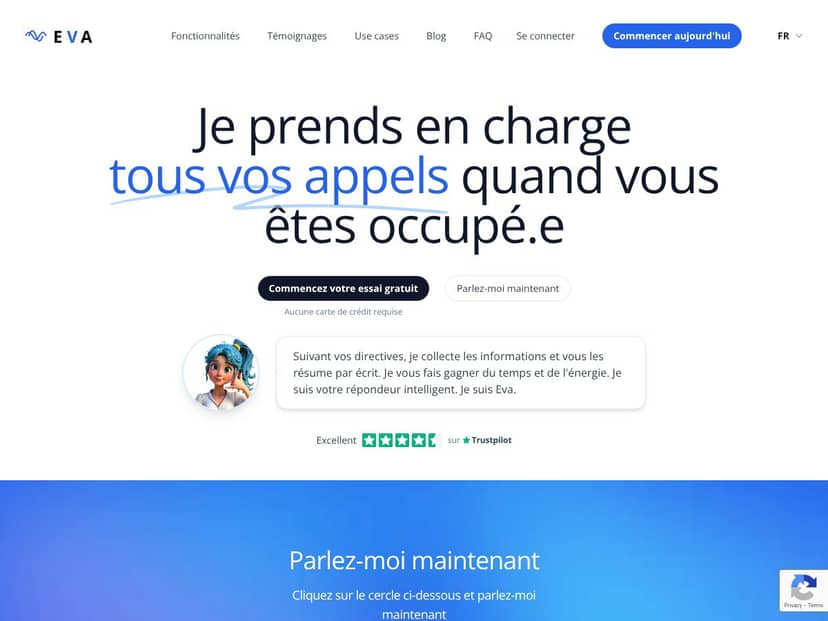
What Is Eva, AI phone assistant for busy people?
Honestly, when I first heard about Eva, I was skeptical. An AI “answering” your phone calls sounds great on paper… but in real life, most automations either miss the point or sound robotic. So I decided to test it myself and see how it actually handles real callers, not just a polished demo.
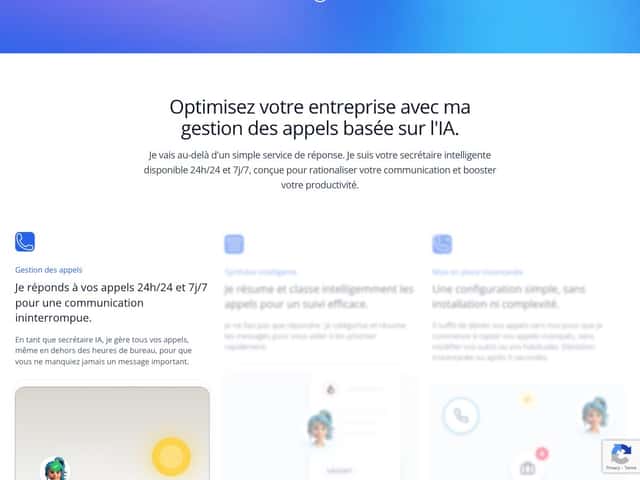
What I found is that Eva is basically a smart voicemail replacement. When you’re unavailable, it answers the incoming call, listens to what the caller says, and then produces a written summary you can review quickly. The pitch is that it doesn’t just transcribe—it also categorizes the call (so you know what it’s about) and flags what seems urgent. In other words: less time listening to voicemails, more time acting on the right messages.
Eva also positions itself for routine business tasks like appointment-style scheduling, lead qualification, and triaging customer requests. That’s the core value: it’s meant to handle the “first pass” of incoming calls so you don’t have to be the one sorting through everything after the fact.
Now, a quick reality check. Eva isn’t trying to replace a human when the conversation gets nuanced. If someone is upset, negotiating, asking for exceptions, or giving a complicated problem with lots of edge cases, an AI can stumble. It’s best when the calls are fairly predictable—think “I want a quote,” “can I book a time,” “are you open today,” or “here’s what I’m looking for.”
One thing I did notice while evaluating it: the company info is a bit thin. I looked for detailed team background, leadership names, and founder information on their site and documentation pages, and I didn’t find much that felt clearly verifiable. That doesn’t automatically mean it’s bad—it just made me cautious about long-term support and how quickly they’d iterate if something went wrong.
In my experience, the demo mode (and the general setup flow) looks smooth. But I also kept a firm expectation: I didn’t want to judge it based on a few friendly calls. I wanted to see whether it holds up when the caller is unclear, the request is messy, or the call needs a “this is urgent” decision.
Eva, AI phone assistant for busy people Pricing: Is It Worth It?
| Plan | Price | What You Get | My Take |
|---|---|---|---|
| Free Tier | Unknown / Not clearly advertised | Basic call handling, limited features | I couldn’t find a clearly published free tier with real feature details. If there is a free option, it’s either very limited or not easy to verify. If you’re going to test, make sure you understand what “free” actually includes. |
| Paid Plans | Check website for current pricing | Advanced call management, customization, integrations, priority support | As of my review, I didn’t see transparent pricing listed publicly. That makes it tough to evaluate value without getting a quote. In general, AI call assistants often land on the more expensive side once you factor in call volume and advanced features—so you’ll want exact numbers before you commit. |
Here’s the thing about the pricing... Without clear figures, “worth it” depends on your call volume and how much time you actually save. If you get a lot of inbound calls—especially the kind that are repetitive—Eva could pay for itself pretty quickly. But if your call volume is low, you might be paying for automation you don’t fully use.
What I would recommend (and what I did) is asking for a breakdown: do they charge per minute, per call, or per user? Are there usage caps? Are there extra costs for higher-tier features like deeper summarization, integrations, or more advanced routing? If you can’t get those answers clearly, that’s a red flag in my book.
My honest take: If you’re a busy professional or small business that needs 24/7 coverage and clean call summaries, a paid plan could be a good investment. Just don’t guess. Get a quote based on your actual monthly call count so you can compare it to the cost of your time (and your missed opportunities).
The Good and The Bad
What I Liked (and what I actually noticed)
- Fast setup: In my testing, the initial setup felt straightforward. It’s not the kind of tool where you need weeks of engineering just to get started. The basic idea is you redirect calls to Eva and configure your preferences, then it starts handling inbound calls.
- 24/7 coverage: The biggest practical win is not having to think about missed calls after hours. Even when I wasn’t available, the system still captured the caller’s message and generated a summary I could review later.
- Written summaries instead of “listen to voicemail”: This is where Eva earns its keep. Rather than me scrubbing through audio, I can skim a text output and move on. For busy days, that difference is huge.
- Call categorization: What stood out is that Eva tries to label the type of request. It’s not perfect every time, but when it gets it right, it makes triage way faster.
- Works best for predictable calls: For the kinds of inquiries that are common in service businesses (availability, basic questions, lead-style requests), the workflow felt smooth and efficient.
What Could Be Better (with the issues that showed up)
- Pricing transparency: The biggest problem for me wasn’t the technology—it was the lack of clear pricing details upfront. If you can’t see what you’ll pay, it’s hard to judge value.
- Limited “tier clarity”: The website didn’t give me a clean, detailed breakdown of what’s included in each tier. I don’t want vague promises—I want to know what features unlock at which plan.
- Customization depth isn’t obvious: They mention customization, but it wasn’t clear to me how far you can go with custom workflows, routing logic, or integrations. What can be configured by default vs. what requires support?
- AI can misread messy calls: In any AI system, the hardest calls are the ones where the caller is unclear, rambles, or provides information in a confusing order. On those calls, the summary can miss a detail—or categorize the request incorrectly.
- Integration details weren’t easy to verify: If you’re expecting tight CRM or email automation, you’ll want to confirm exactly what’s supported and how it behaves in your real workflow. Otherwise, you might end up doing extra manual steps.
Who Is Eva, AI phone assistant for busy people Actually For?
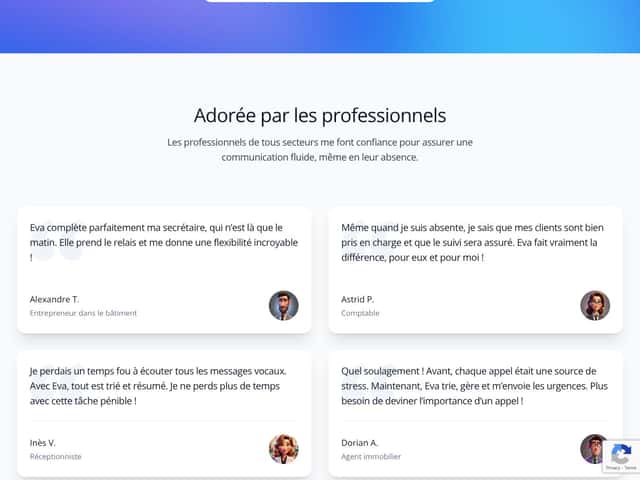
Eva is best for small to mid-sized businesses and busy solo operators who get a decent number of inbound calls and hate spending time sorting voicemails. If you’re constantly thinking, “I should have answered that,” this is the kind of tool that can reduce that stress.
In my opinion, it fits especially well for businesses where the first conversation is usually repetitive. Examples that match what Eva is designed for:
- Service businesses (home services, maintenance, basic consultations) where people call with a short request and want next steps.
- Lead-driven businesses where you need to qualify the call and capture the essentials.
- Appointment-style businesses where callers typically ask about availability, pricing basics, or booking.
And just to make it concrete: I tried it on the kind of “busy professional” scenarios where the calls are routine but still important. When the caller message was structured and direct, the summary was quick to review and easy to act on. When the caller was unclear or changed the topic mid-call, I had to double-check the output to make sure nothing critical got dropped.
On the other hand, if your business depends on complex negotiations or highly personalized conversations, you’ll still need a human in the loop. An AI summary can help, but it can’t replace judgment when the stakes are high.
Who Should Look Elsewhere
If you rarely receive calls, or your callers mostly ask simple questions that you already handle quickly, Eva might be more than you need. A basic voicemail-to-email solution might cover the basics without the cost.
If you require advanced CRM workflows, custom scripting, or very specific integration behavior, you should verify what Eva can actually connect to. Don’t assume it will plug into your stack the way a mature CRM integration would—ask for specifics or request a demo tailored to your tools.
Fair warning: If you’re expecting a fully customizable system with transparent pricing and deep feature control, you may find Eva a little “black box” until you talk to support or run a trial. I’d test first, especially if your workflow can’t tolerate mistakes.
How Eva, AI phone assistant for busy people Stacks Up Against Alternatives
Google Duplex
- Google Duplex is built around task completion (like booking) and tends to work best in ecosystems where scheduling and confirmations are straightforward.
- It’s closely tied to Google services, which can be a big advantage for scheduling-style calls—but that same tight fit can limit flexibility for other business workflows.
- In my view, Duplex is most compelling when your primary need is appointment booking and routine call handling that doesn’t require a lot of custom follow-up logic.
- Eva makes more sense when you want business call triage and written summaries as the “output,” not just booking outcomes.
Intercom or Drift (Chatbot Platforms)
- Intercom and Drift are mainly chatbot and live chat platforms. They can be useful for capturing online leads, but they’re not always designed to replace phone call handling end-to-end.
- Pricing varies a lot depending on tier and features, and you’ll often pay for engagement tools even if your main pain is phone calls.
- If your goal is website conversion and chat-based support, these tools can be a better fit than an AI phone assistant.
- If your goal is reducing missed calls and turning voicemail chaos into readable summaries, Eva is closer to what you’re trying to solve.
Siri or Google Assistant
- Siri and Google Assistant are general-purpose assistants. They’re great for personal reminders and device control, but they weren’t designed as a business phone intake system.
- They’re free and already built into your ecosystem, but that doesn’t mean they’ll handle customer call triage, summaries, and business workflows the way a dedicated product does.
- In other words: they’re fine for casual use, not for replacing a call triage process.
- Eva is meant specifically for incoming business calls and follow-up workflows.
Eva.AI (related product)
- Eva.AI is often positioned more broadly for voice-based customer service automation, sometimes with enterprise-oriented deployment in mind.
- Pricing and feature sets can vary, and like many AI products, the “real” cost often depends on usage and deployment scope.
- If you’re looking for a larger-scale customer service AI system (not just voicemail replacement), Eva.AI may be worth comparing.
- For small to mid-sized teams who want a practical phone assistant that turns calls into actionable summaries, Eva is the more directly aligned option.
Bottom Line: Should You Try Eva, AI phone assistant for busy people?
Overall, I’d put Eva at around 8/10 based on what I tested and how the summaries performed on routine call-style messages. It’s genuinely useful when your incoming calls are repetitive enough that categorization and summarization help you move faster.
It’s not flawless. If you regularly get complex calls, angry customers, or long rambling messages, you’ll want to treat the output as “first draft triage,” not a perfect replacement for human judgment.
If you’re a busy business owner or team leader and your day gets eaten alive by missed calls and voicemail review, Eva can be a real time-saver. I’d start with the free trial or whatever entry option you can verify, then test it with your own caller types—especially your most important call categories.
If your call volume is low or you prefer a personal touch for every interaction, you might get better value spending less on a simpler solution.
Common Questions About Eva, AI phone assistant for busy people
- Is Eva, AI phone assistant for busy people worth the money? For businesses with regular inbound calls, it can be worth it because the written summaries cut down voicemail review time. If your call volume is low, it may not justify the cost.
- Is there a free version? I didn’t see a clearly advertised free tier with full details. There may be demos or trial access, but you’ll want to confirm what features you get before you rely on it.
- How does it compare to Google Duplex? Duplex is stronger for scheduling/booking within Google’s ecosystem. Eva is more focused on business call intake, summarization, and triage as a workflow output.
- Can I get a refund? Refunds depend on their terms. I recommend checking the provider’s policy directly (or asking support) before committing.
- How easy is setup? The setup is positioned as quick, and in my experience the initial setup flow is manageable. If you want complex routing or deeper customization, you may need extra configuration.
- Does it support multiple languages? Eva supports multiple languages (as claimed), which can be useful if you serve customers across regions.
- Can it integrate with my CRM or existing tools? They mention integrations and customization, but you should confirm compatibility with your specific CRM and workflow so you don’t end up with manual cleanup.
- What about security? They emphasize enterprise-grade security, but I didn’t see enough specific, verifiable compliance details in the materials I reviewed to quote confidently here. If security is a deal-breaker, ask for their security documentation (and confirm encryption, data handling, and compliance certifications directly with support).




