Table of Contents
If you’re trying to get better at tough conversations, you’ve probably already noticed one annoying truth: it’s hard to practice when the stakes are real. You don’t want to fumble in front of your boss, a client, or a cross-functional team… but you also don’t learn much when everything stays “safe.” That’s where Exec and its AI Roleplays come in.
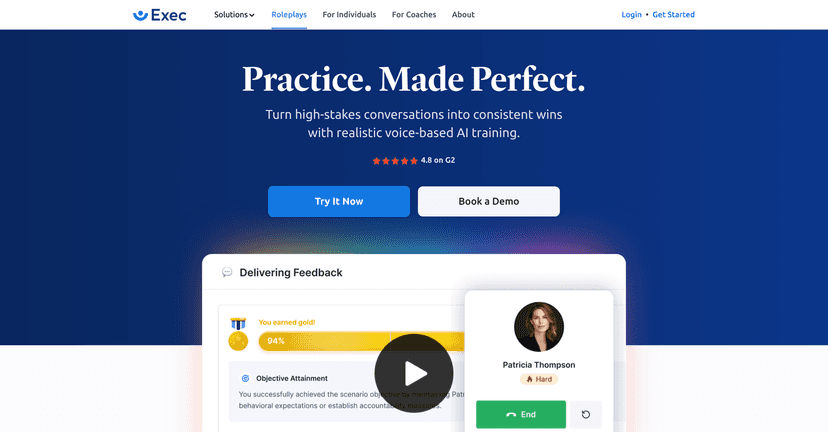
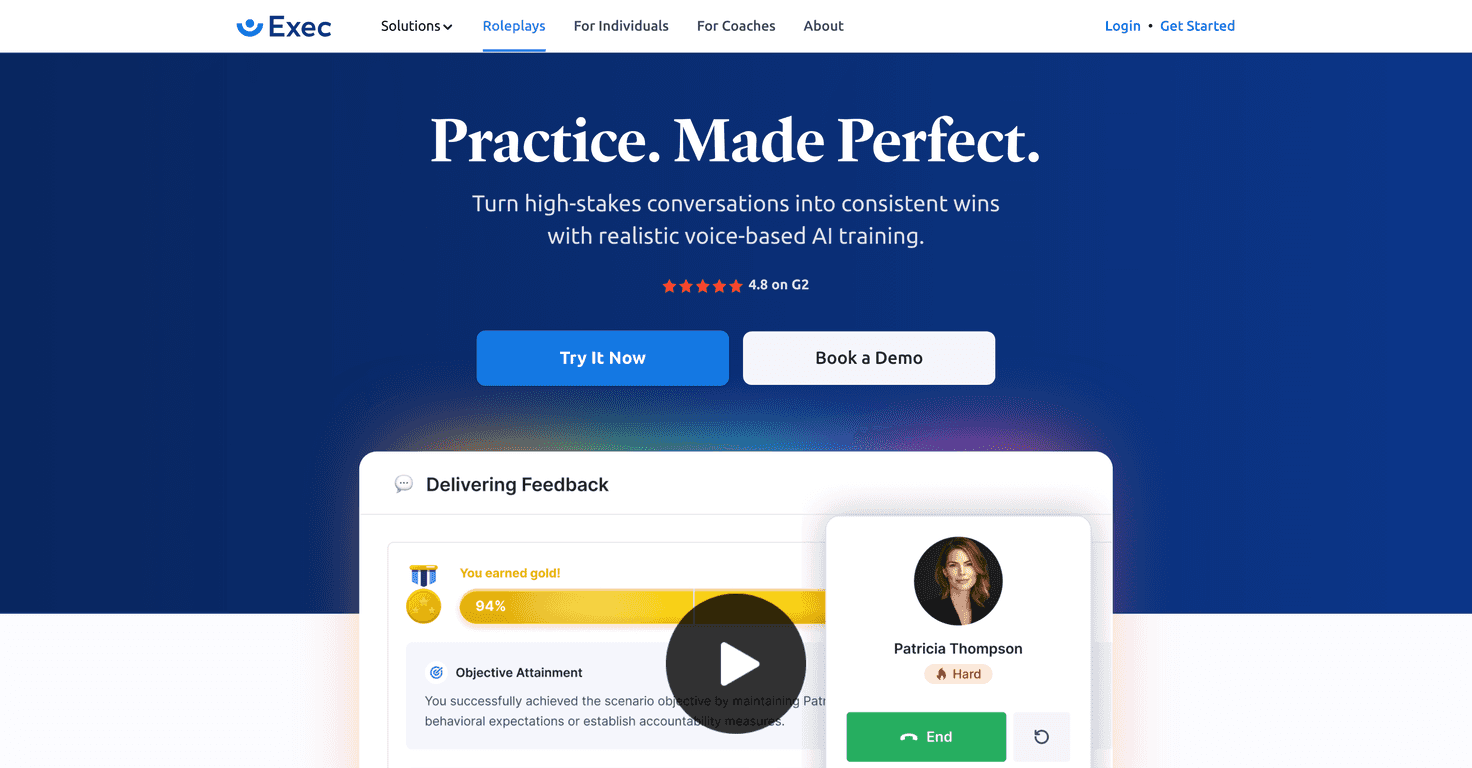
In my testing, AI Roleplays feels less like “watch a tutorial” and more like you’re stepping into a conversation that pushes back. You pick a scenario, talk through it (voice-based, not just typing), and then you get feedback right after. The characters don’t just repeat generic lines either—they react to what you say, which is what makes it useful. It’s the difference between rehearsing in your head and actually hearing how your phrasing lands.
Another thing I liked: it’s on-demand. No scheduling with a coach, no waiting for a workshop. I could do a quick practice session in between meetings, then come back later if I wanted to repeat the same scenario and try a different approach. And if you don’t see a scenario that matches your real life? You can create custom ones by speaking directly to the platform.
That said, it’s not magic. If you’re brand-new to AI tools, there can be a small learning curve—mostly around how to structure your responses so the feedback is actually meaningful. Also, some of the features (like deeper team analytics and assignments) make more sense when you have multiple people to train. Solo users will still get value, but teams will probably feel the biggest payoff.
Exec Review: What AI Roleplays Is Like in Real Life
Here’s the honest version: the platform shines when you treat it like practice, not a one-and-done demo. I found it’s easiest to get better when you repeat the same scenario a couple of times, then focus on one improvement at a time—like being more direct, using softer phrasing, or asking better questions instead of jumping straight to your point.
In voice roleplays, you can actually hear your own habits. Do you ramble? Do you sound defensive when you disagree? Do you avoid the question you should answer? Those are the moments where it clicks. The feedback after each session is also what keeps it from feeling like “just talking to a chatbot.” You’re getting something you can act on, not just a transcript.
And yes—custom scenarios are genuinely useful. I used that feature to model a conversation I’d actually have at work (think: pushing back on scope, handling timeline pressure, and trying to keep the tone professional). When the scenario matches your reality, the practice feels way more relevant.
One limitation I ran into: if your scenario is too vague, the feedback won’t be as sharp. Garbage in, garbage out—same as any training tool. The better you describe the context and the goal, the more you’ll get out of the session.
Key Features I’d Actually Use
- Hyper-Realistic Practice with AI characters (it feels like the other side is responding, not just waiting)
- Immediate Feedback after roleplay sessions (so you can adjust right away)
- On-Demand Access for practice (quick sessions between meetings)
- Voice-Enabled Scenario Creation (talk it through instead of hunting through menus)
- Custom Scorecards aligned with training frameworks (helps you track what “good” looks like)
- Roleplay Assignments for reminders (nice for teams that need consistency)
- Comprehensive Team Analytics (useful when multiple people are training)
- Integration-Ready with existing systems (best for orgs that don’t want another silo)
Pros and Cons (No Sugarcoating)
Pros
- It’s genuinely engaging. Voice roleplay makes it more real than text-only practice.
- The feedback is timely. Getting insights right after the conversation means you don’t forget what you did.
- Flexible practice. I like that you can do a short session whenever you’ve got 10–15 minutes.
- Custom scenarios help you stay relevant. If you want to practice a specific type of conversation, you can tailor it.
Cons
- There’s a small learning curve. If you’re not used to voice-based AI tools, it can take a few tries to get comfortable.
- Some value is team-dependent. Deeper analytics and assignment features feel more powerful when you’re training a group.
Pricing Plans: What You’ll Pay
AI Roleplays by Exec offers three pricing tiers: Individual Pro at $10/month, Team Essentials at $18/month per seat, and custom pricing for Enterprise solutions. Each tier includes different levels of features and analytics, so individuals can focus on practice while teams get more structure and reporting.
If you’re a solo professional, I’d treat Individual Pro as a “practice lab.” If you’re responsible for training others (or you’re part of a leadership development program), Team Essentials is where the assignments and progress visibility start to matter.
Wrap up
AI Roleplays by Exec is one of those tools that actually feels like preparation instead of “content consumption.” I like that it’s voice-based, on-demand, and built around feedback—so you can try, adjust, and improve. If you’re serious about handling stakeholder conversations better (and you’re willing to practice more than once), it’s a solid option.
Just don’t expect it to replace real coaching completely. It’s best as a practice space—one that makes your next real conversation less stressful and a lot more controlled.
Promote Exec