🌸 SPRING SALE — Fresh Start, Fresh Savings
Spring Into SavingsSpring Pricing 🌼
AI Tools

FlowGrid Review (2026): Honest Take After Testing

Stefan
11 min read
#Ai tool

Table of Contents

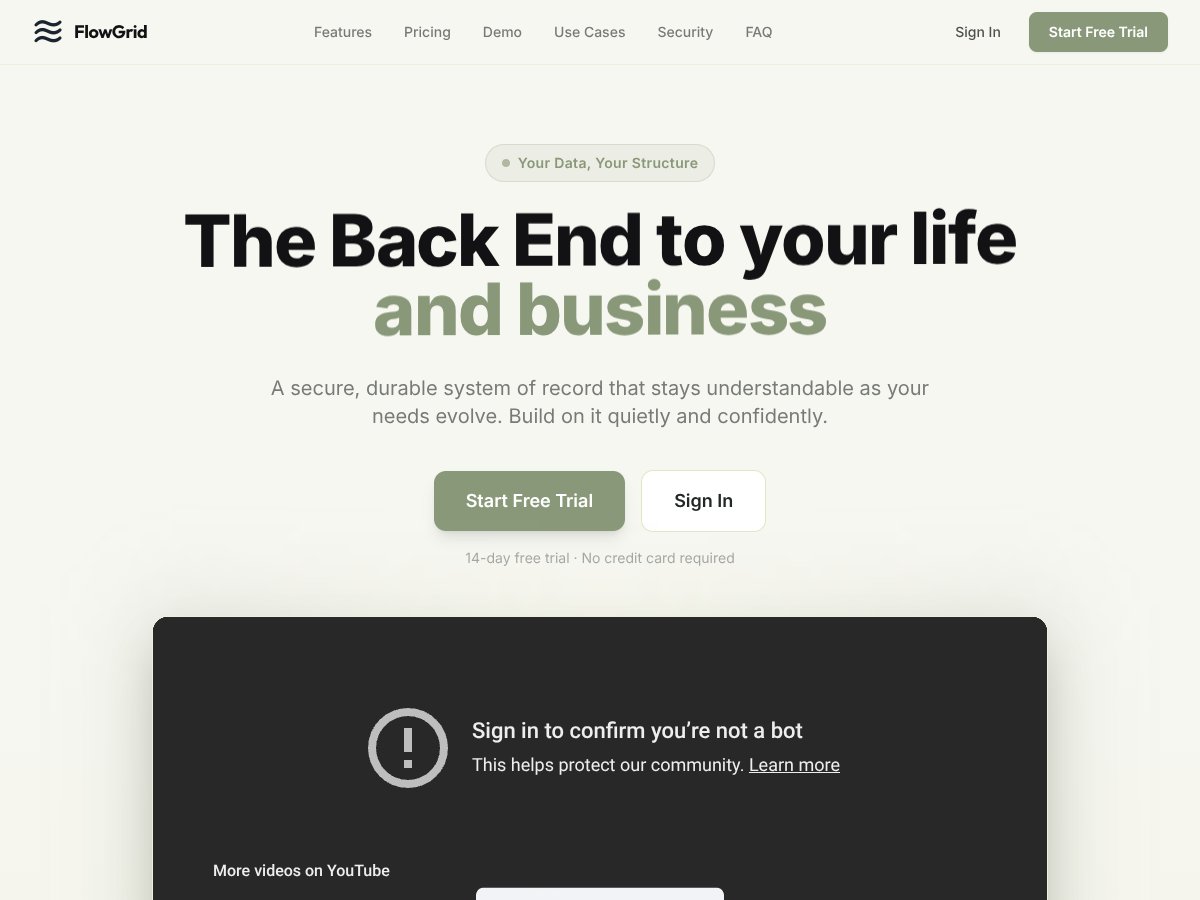
FlowGrid screenshot

What Is FlowGrid?

Honestly, when I first heard about FlowGrid, I was pretty skeptical. It promises to be "the back end to your life and business," which sounds a bit grandiose for what looks like a small business-focused CRM and internal tool builder. So I decided to give it a spin and see if it actually lives up to that hype—or if it’s just another customizable platform trying to sound more impressive than it is.

In plain English, FlowGrid is a no-code platform that lets small businesses build their own custom apps, dashboards, and workflows without needing to write code. Think of it as a sort of blank slate—an empty canvas—that you can shape into whatever internal system you need, whether that’s a CRM, inventory tracker, lead capture form, or task manager. It’s designed to be flexible enough to adapt to your existing workflow rather than force you into a rigid template.

The main problem it aims to solve is the rigidity of traditional CRMs and internal tools. Most of those tools come with a fixed structure—if you don’t like it, tough. FlowGrid tries to flip that around by starting blank and letting you build exactly what fits your business, no more, no less. That’s a big plus for small teams that have unique needs or workflows that don’t match off-the-shelf solutions.

As for who’s behind it, the website doesn’t give much info about the team or company—no founders, no company story, just the product itself. That immediately raised a bit of a red flag for me. It feels pretty early-stage, and I couldn’t find any user reviews or third-party feedback to back up its claims. So, I approached it with an open mind but a healthy dose of skepticism.

My initial impression was that the platform does what it says on the tin: it’s a flexible, no-code workspace that adapts to your needs. There’s no flashy setup wizard or onboarding tour—just a blank dashboard and a prompt to start building. It’s as advertised: a blank canvas for your data and workflows. But I wasn’t surprised to find that it’s not a plug-and-play CRM with pre-built features. Instead, it’s more of a toolkit for creating your own systems from scratch.

That said, it’s important to manage expectations early on: this isn’t a ready-made CRM with modules or integrations out of the box. If you’re looking for something that’s immediately turn-key, this probably isn’t it. What it is, is a platform that gives you the tools to design your own back-end, which can be powerful but also requires some effort and experimentation to get right.

FlowGrid Pricing: Is It Worth It?

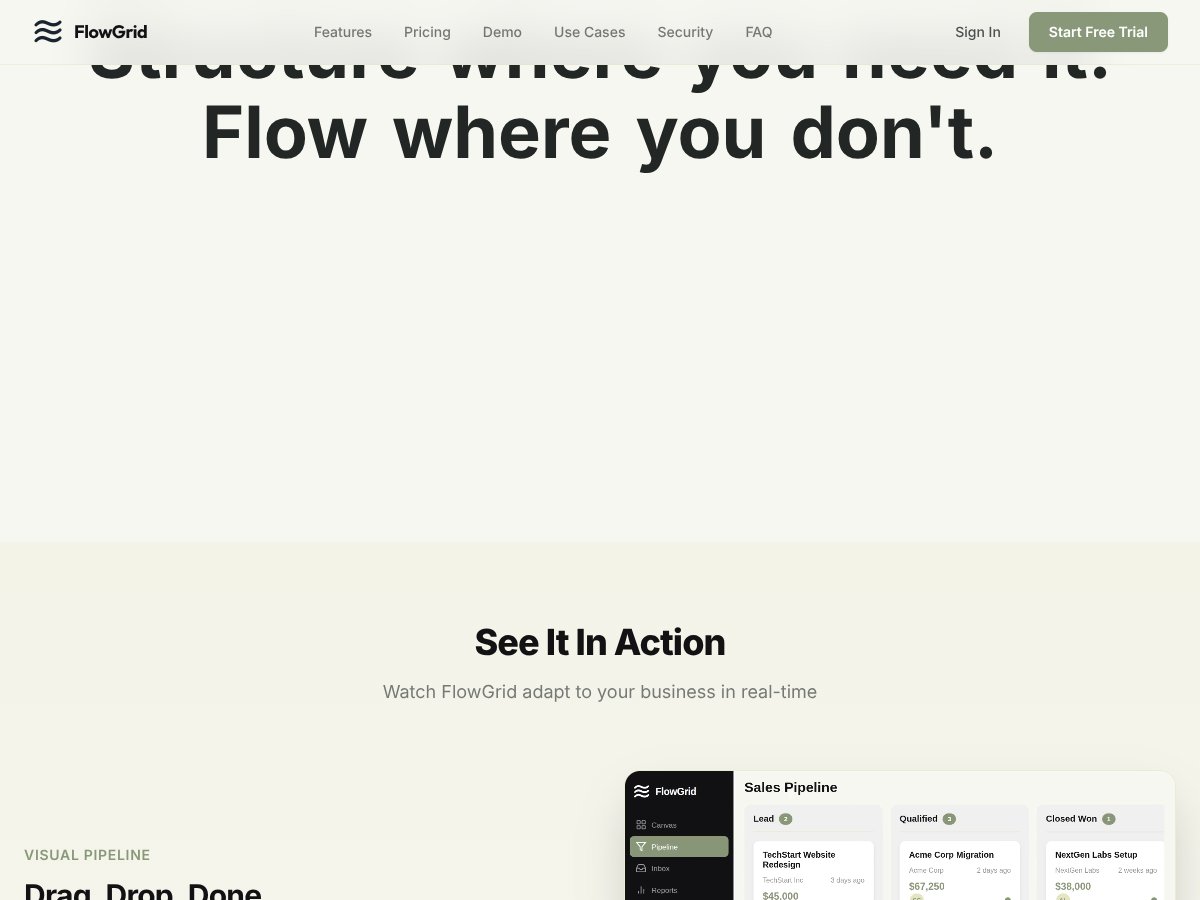
FlowGrid interface
FlowGrid in action
Plan Price What You Get My Take
Free Tier Unknown / Not publicly listed Likely limited features, probably basic access to build and test Honestly, I wish they made their free tier details clearer. Without knowing what’s included, it’s hard to gauge if it’s usable or just a tease.
CHF 20 per seat/month CHF 20 (~$22 USD) per user/month Full access to core features, including custom apps, workflows, and AI assistance This seems affordable for small teams, especially given the flexibility. But keep in mind, if you have multiple users, costs can add up quickly.
CHF 200 per seat/year CHF 200 (~$220 USD) annually per user Same as monthly plan, billed annually with a discount Annual plans usually save some money, which is good. But again, the total cost depends on how many users and features you need.

Here's the thing about the pricing: FlowGrid’s rates are straightforward for small teams, but the lack of detailed info on the free tier makes it tricky to assess value upfront. What they don't tell you on the sales page is whether there are usage caps, feature restrictions, or limits on data volume. Since it's aimed at small businesses, the per-seat pricing is manageable, but if you're a solo operator, it might feel steep compared to free or cheaper alternatives.

Personally, I was honestly expecting more transparent tier details, especially around the free plan. Without that, you’re flying a bit blind, which is a bit of a red flag. Fair warning: if you plan to scale or need advanced integrations, costs could escalate beyond initial expectations. And if you're a larger team, the per-seat model might not be the most economical solution.

Overall, this pricing seems fair compared to custom development or high-end CRM platforms, but it’s not the cheapest option out there. Make sure to evaluate your needs carefully—if all you need is a simple database or task tracker, other tools might be more cost-effective.

The Good and The Bad

What I Liked

  • Flexibility in structure: FlowGrid starts as a blank slate, letting you build precisely what your workflow requires, unlike rigid templates from other CRMs.
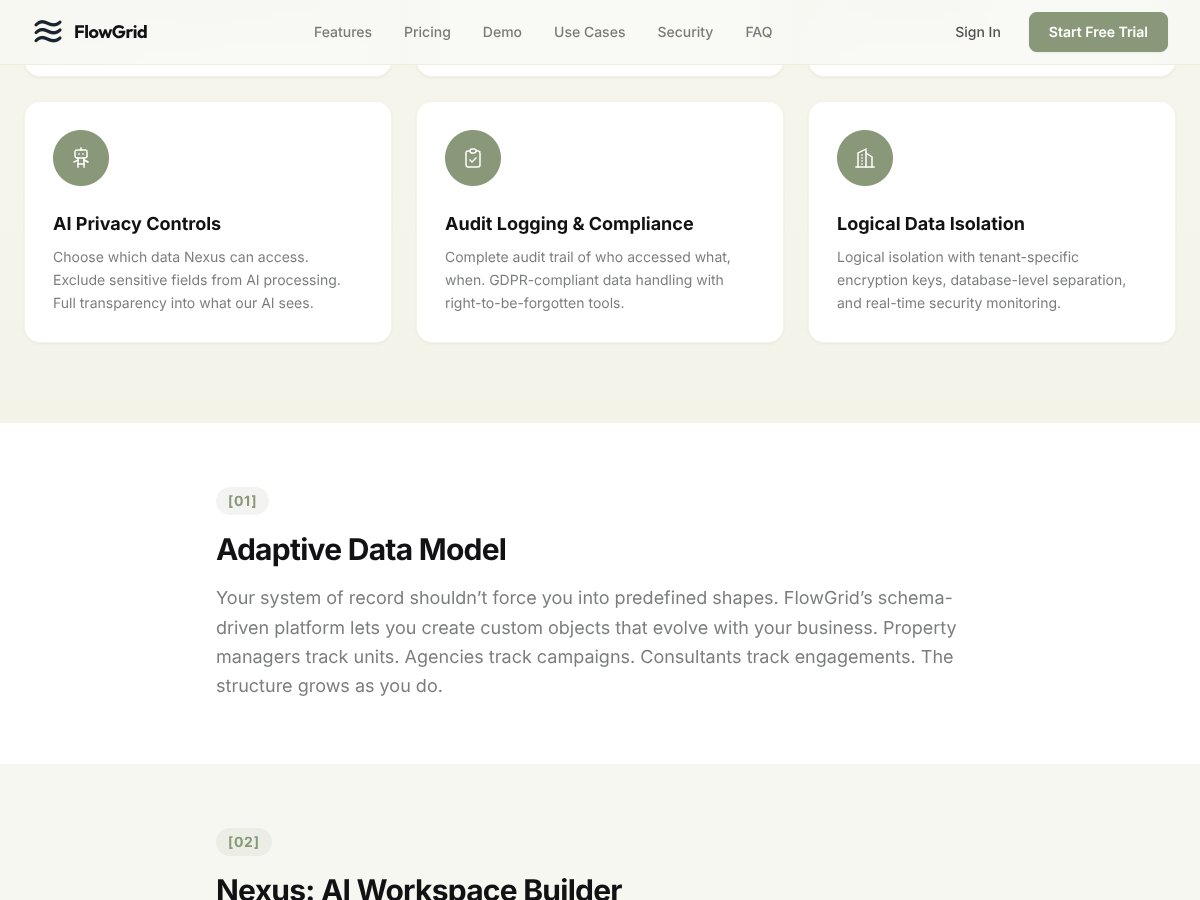
  • AI-powered assistance: Nexus can help you create fields, find duplicates, and set up workflows via natural language. This reduces setup time and technical hurdles.
  • Custom data modeling: You can build inventory, lead capture, or task management objects tailored to your business, which is a big plus for niche workflows.
  • Security features: End-to-end encryption and granular access controls are built-in, which is reassuring for sensitive data.
  • No-code app building: Embedding forms, chatbots, or dashboards without coding makes it accessible for non-tech users.

What Could Be Better

  • Limited public info and reviews: The lack of user feedback or testimonials makes it hard to gauge real-world performance or support quality.
  • Feature transparency: They don’t list specific limits, like data storage or API calls, which could be a concern if your needs grow.
  • Pricing clarity: No details on how many objects or users are included in the free tier or if there are usage caps—this could lead to unexpected costs.
  • Learning curve: The concept of building your own structure is powerful but might be overwhelming for users expecting more guided workflows or templates.
  • Potential niche focus: It’s clearly built for small businesses with specific needs; if you’re looking for enterprise-grade features or integrations, you might find FlowGrid lacking.

Who Is FlowGrid Actually For?

FlowGrid interface
FlowGrid in action

If you’re a small business owner or a team managing multiple internal processes that don’t fit into off-the-shelf CRMs, FlowGrid could be a game-changer. It’s ideal if you want a flexible, customizable platform to track inventory, manage leads, build forms, or automate workflows without coding. For example, a boutique retailer needing to track stock levels, vendors, and customer inquiries in a single unified system would probably find FlowGrid a good fit.

It’s also suitable for teams that have a bit of a technical mindset and are willing to invest some time customizing their tools. If you’re tired of rigid templates and want to build a bespoke internal app that evolves with your business, FlowGrid’s AI-powered building blocks could save you months of development.

However, if your primary need is a ready-made CRM with seamless integrations to email marketing, accounting, or other enterprise tools, you might find FlowGrid’s current feature set limited. It’s more about building your own backend than plugging into existing ecosystems.

Who Should Look Elsewhere

This isn’t the best choice if you need a turn-key CRM solution that works out-of-the-box with minimal setup. If you’re expecting a polished, user-friendly interface with a lot of prebuilt templates and integrations, tools like HubSpot or Salesforce (though more expensive) might serve you better.

Fair warning: If you’re looking for a platform with extensive third-party app integrations or a large community for support, FlowGrid's early-stage status and limited public feedback could be a drawback. Also, if your business requires complex automation, multi-user collaboration at scale, or enterprise compliance features, you might find FlowGrid’s current capabilities insufficient.

And finally, if you’re not comfortable with a more DIY approach—building your structure from scratch and managing your own data model—then a more guided CRM or project management tool could be less frustrating.

}

How FlowGrid Stacks Up Against Alternatives

Airtable

  • What it does differently: Airtable combines the familiarity of spreadsheets with database features, making it easy to organize and visualize data. It excels at quick setup with templates and integrations, but isn’t as flexible when it comes to building complex custom workflows.
  • Price comparison: Free tier with limited features; paid plans start at $10/user/month, which can get expensive as you scale.
  • Choose this if... you want a quick, user-friendly platform with lots of templates and integrations, especially if you’re comfortable with spreadsheet-style data management.
  • Stick with FlowGrid if... you need a highly adaptable, no-code app builder tailored specifically to your unique workflows and internal tools. FlowGrid’s AI-powered canvas offers more customization for internal processes.

Notion

  • What it does differently: Notion is a flexible all-in-one workspace, combining notes, databases, and task management. It’s great for documentation and lightweight project management but less suited for complex automation or custom app development.
  • Price comparison: Free for personal use; Team plans start at $8/user/month, with some limits on advanced features.
  • Choose this if... you want an intuitive workspace for documentation and simple project tracking, especially for small teams or personal projects.
  • Stick with FlowGrid if... you need custom workflows, internal apps, or inventory management that go beyond Notion’s capabilities.

Coda

  • What it does differently: Coda combines documents and spreadsheets with automation, allowing for interactive docs that can include buttons, formulas, and integrations. It’s powerful but can become complex for new users.
  • Price comparison: Free plan available; paid plans start at $10/month per doc creator, which can add up with larger teams.
  • Choose this if... you’re comfortable with building interactive documents and need automation features integrated into your workflow.
  • Stick with FlowGrid if... you prefer a more visual, no-code app builder that adapts to your flow, especially for internal tools or inventory management.

Retool

  • What it does differently: Retool is geared towards building internal tools quickly via drag-and-drop components connected to your databases. It’s more technical and less about general CRM or project management.
  • Price comparison: Starts at $10/user/month, but mainly designed for teams needing custom internal tools, often used by developers.
  • Choose this if... you’re building internal dashboards and tools with a tech-savvy team or require complex integrations.
  • Stick with FlowGrid if... you want a truly no-code experience with AI assistance, especially if you’re a small business without a developer on hand.

Bubble

  • What it does differently: Bubble allows for the creation of fully custom web apps without coding, offering a lot of flexibility for complex projects but with a steeper learning curve.
  • Price comparison: Free plan with limited features; paid plans start at around $25/month, which can get costly for advanced features.
  • Choose this if... you want to build complex, scalable web apps and are okay with a learning curve.
  • Stick with FlowGrid if... you prefer a simple interface for internal tools and CRM, and don’t need to build standalone web apps.

Bottom Line: Should You Try FlowGrid?

Overall, I’d give FlowGrid a solid 7/10. It’s a promising tool for small businesses that need a flexible, no-code way to build internal apps, dashboards, and automate workflows. Its AI-powered canvas is a nice touch, reducing setup time and making customization accessible even for non-technical users.

Who should definitely try this? Small business owners who want a tailored CRM or internal tool without the hassle of coding, especially if inventory or workflow automation is part of your daily grind.

Who should skip it? If you’re looking for an enterprise-grade solution with advanced features, dedicated support, or a large community, you might find FlowGrid’s early-stage status limiting.

The free trial is definitely worth exploring—you can get a feel for how adaptable the platform is to your needs. If you find it fits your workflow, upgrading to a paid plan could be a worthwhile investment. Personally, I’d recommend giving it a shot if your small business needs a flexible, AI-assisted internal tool. Otherwise, platforms like Airtable or Notion might serve you better for lighter use cases.

If you need a highly customizable, no-code internal app builder with AI help, FlowGrid deserves a try. If you’re after a more general workspace or don’t need heavy automation, consider other options.

As featured on

Automateed

Add this badge to your site

Stefan

Stefan

Stefan is the founder of Automateed. A content creator at heart, swimming through SAAS waters, and trying to make new AI apps available to fellow entrepreneurs.

Related Posts

FaceSymmetryTest Review – Honest Look at Free AI Tool

FaceSymmetryTest Review – Honest Look at Free AI Tool

FaceSymmetryTest is a fun online tool

Stefan
Sweep Review – An AI Assistant for JetBrains IDEs

Sweep Review – An AI Assistant for JetBrains IDEs

Sweep enhances productivity in JetBrains IDEs

Stefan
AI Song Maker Review – Simple & Creative Music Generation

AI Song Maker Review – Simple & Creative Music Generation

easy way to create music with AI

Stefan

Create Your AI Book in 10 Minutes