Table of Contents
If you’ve ever tried to build a website from scratch, you already know how quickly it turns into a time sink. I’m not just talking about “a little bit of coding.” I mean the whole loop: sketch the layout, pick fonts, wire up pages, test on mobile, then deploy… and somehow it still looks off.
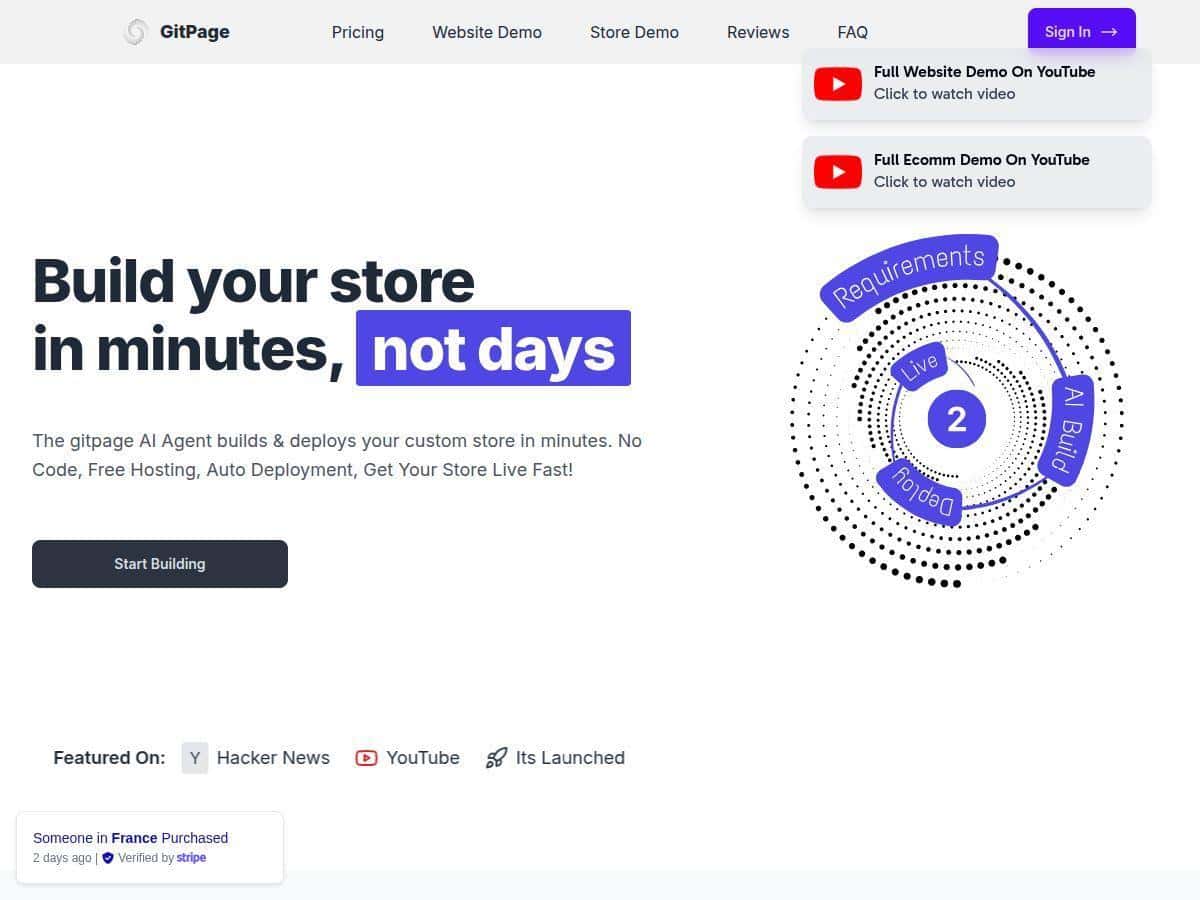
That’s why I tested GitPage. My goal was simple: generate a clean portfolio + a blog index, get it live on GitHub Pages, and see what I could realistically customize after the fact. No “it works in theory” stuff—just what happened on my end.
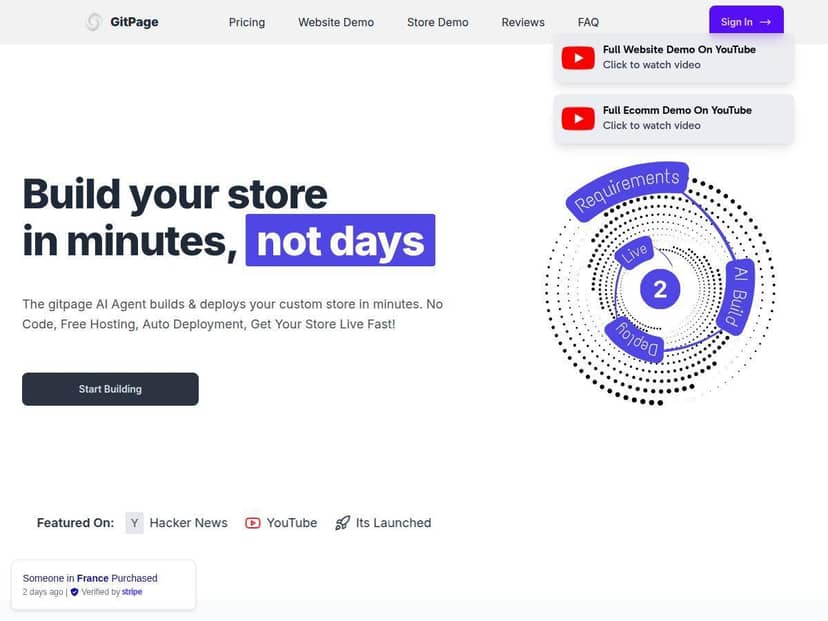
GitPage Review
What I tested (so you know it’s not vague):
- Date/Time: April 2026 (I ran the test in the afternoon)
- Device: MacBook Air
- Browser: Chrome (latest)
- Connection: Normal home Wi‑Fi (not a speed test setup)
- Goal: Create a portfolio homepage with a “Projects” section and a blog page, then deploy to GitHub Pages
Step 1: Fill out the form (this is where you “steer” the output)
GitPage starts by asking what you want to build. I picked a portfolio + blog combo and then typed a short description (my name, what I do, the vibe I wanted, and a few project titles). The form wasn’t long, but it was specific enough that the AI could produce something coherent.
What stood out: I didn’t have to micro-manage sections. I gave it direction, and it built a page structure that actually made sense (hero section, services/projects blocks, and a blog layout that didn’t look like a generic template dump).
Step 2: Generate the site and review the output
After submitting my inputs, the project scaffolding came back quickly. In my run, the “time to first deploy-ready output” was around 2–3 minutes end-to-end (submit → project generated → ready for deployment). Your mileage may vary depending on traffic and how detailed your prompts are, but it wasn’t one of those tools where you wait forever and then realize you need to start over.
Also, I checked the generated HTML structure because “SEO-friendly” can mean anything. The output included the usual basics like meta tags (title/description) and semantic sectioning, so it wasn’t just pretty text on the page.
Step 3: Deploy to GitHub Pages (this is the part that matters)
Deployment through GitHub Pages is the real selling point here. In my test, I didn’t have to manually configure a bunch of hosting settings. The workflow felt like: connect/choose a repo → deploy → verify.
Once it was live, I tested the pages on mobile and desktop. Layout responsiveness was solid out of the box—no broken columns, no weird overflow issues.
Step 4: Customize after generation (where I actually spent time)
Here’s the part I care about: what can you change without fighting the tool?
GitPage gives you access to the code afterward, and that’s huge. In my case, I edited:
- Project titles and short descriptions inside the Projects section
- Hero text + button labels
- Navigation labels so they matched the pages I wanted
Was it “drag-and-drop like a traditional builder”? Not exactly. But for anyone comfortable editing code (or learning a little), it’s way more flexible than most no-code tools.
One limitation I ran into: some “site policy” style links (like privacy and terms) weren’t perfectly populated with my final wording. In my test, those needed a quick manual update after generation. It wasn’t a deal-breaker, but it’s not fully automatic.
Key Features
- AI-generated site from your inputs — you describe the site (portfolio/blog/store), and it builds the structure and content blocks.
- GitHub Pages deployment — the workflow is centered around getting the site hosted fast. In my test, it was straightforward enough that I wasn’t stuck troubleshooting for hours.
- Simple form-driven setup — you don’t need to design in a canvas first. You provide direction, and it generates a starting point.
- Code access for customization — you can tweak the generated output directly instead of being locked into a UI.
- Free hosting on GitHub Pages — so you’re not paying a monthly hosting fee just to keep the site online.
- SEO basics included — the generated pages include meta tags and the blog structure needed for indexing. (Not magic SEO, but the fundamentals are there.)
- Blog support — it doesn’t just create a single landing page; it includes the supporting structure for posts/indexing.
- Directory/e-commerce style options — if you want listings or product-style pages, GitPage supports those patterns.
- Custom domain support — once you’re ready, you can point your own domain to the GitHub Pages site.
- Full ownership of the code — you’re not renting your site from a platform that can shut you out.
Pros and Cons
Pros
- Fast from idea to deploy-ready: in my test, it was roughly 2–3 minutes from submission to a deployable result (depending on your inputs).
- Lifetime pricing (no monthly surprise): if you’re building more than one site, that model makes a lot of sense.
- Unlimited projects under one plan: I could see this being useful if you’re doing client work, experiments, or multiple personal sites.
- Hosting stays free on GitHub Pages: that means ongoing cost is basically on you for any custom domain tooling, not for “site hosting.”
- Customization isn’t blocked: since you get the code, you can go deeper than most no-code tools allow.
- Docs/community: when you’re deploying to GitHub Pages, having instructions and examples matters, and GitPage’s support is a real help.
Cons
- You may need an Anthropic API key: that extra setup step can slow you down if you’re not already comfortable with API keys.
- Some policy links need manual cleanup: privacy/terms-style pages weren’t perfectly updated in my run. It’s usually a one-time fix, but it’s still not “set it and forget it.”
- Advanced design requests can fall short: if you want a very specific layout (custom interactions, ultra-unique design system), the AI output may need more manual rework than you expect.
Pricing Plans
GitPage has two lifetime plans.
- Basic — $99 lifetime: unlimited websites/blogs/directories with full code access.
- Pro — $199 lifetime: everything in Basic, plus extras like online store support and multi-language capabilities.
What I like about this pricing: it’s not monthly, and it’s not trying to nickel-and-dime you for “the privilege” of hosting. If you’re planning to build more than one site, the lifetime angle starts to feel pretty sensible fast.
Wrap up
After testing GitPage, my takeaway is pretty straightforward: it’s one of the faster ways I’ve seen to get a real, usable site live on GitHub Pages without spending days building from scratch. In my run, the workflow felt quick (~2–3 minutes from form submission to deploy-ready output), and the generated structure was solid enough that I could customize it without starting over.
Just don’t expect it to handle everything perfectly automatically—especially policy links and highly custom design requests. If you’re okay doing a little editing in the code after generation, GitPage is absolutely worth considering.