60-second summary
Quick answer
Open Course Maker, create a course around one learner result, review every generated lesson, add original instruction and complete the course details and assets before publishing.
Before you start
What you need
- Prepare the course topic, target learner and intended outcome before starting the course wizard.
- Choose whether the first structure should be created with Create my course with AI or with Start empty instead.
Procedure
Complete the task step by step
- 01
Open Course Maker
Go to /course-maker, choose New course, then select Create my course with AI or Start empty.
Current app screenOpen full size: Automateed Course Maker lesson editor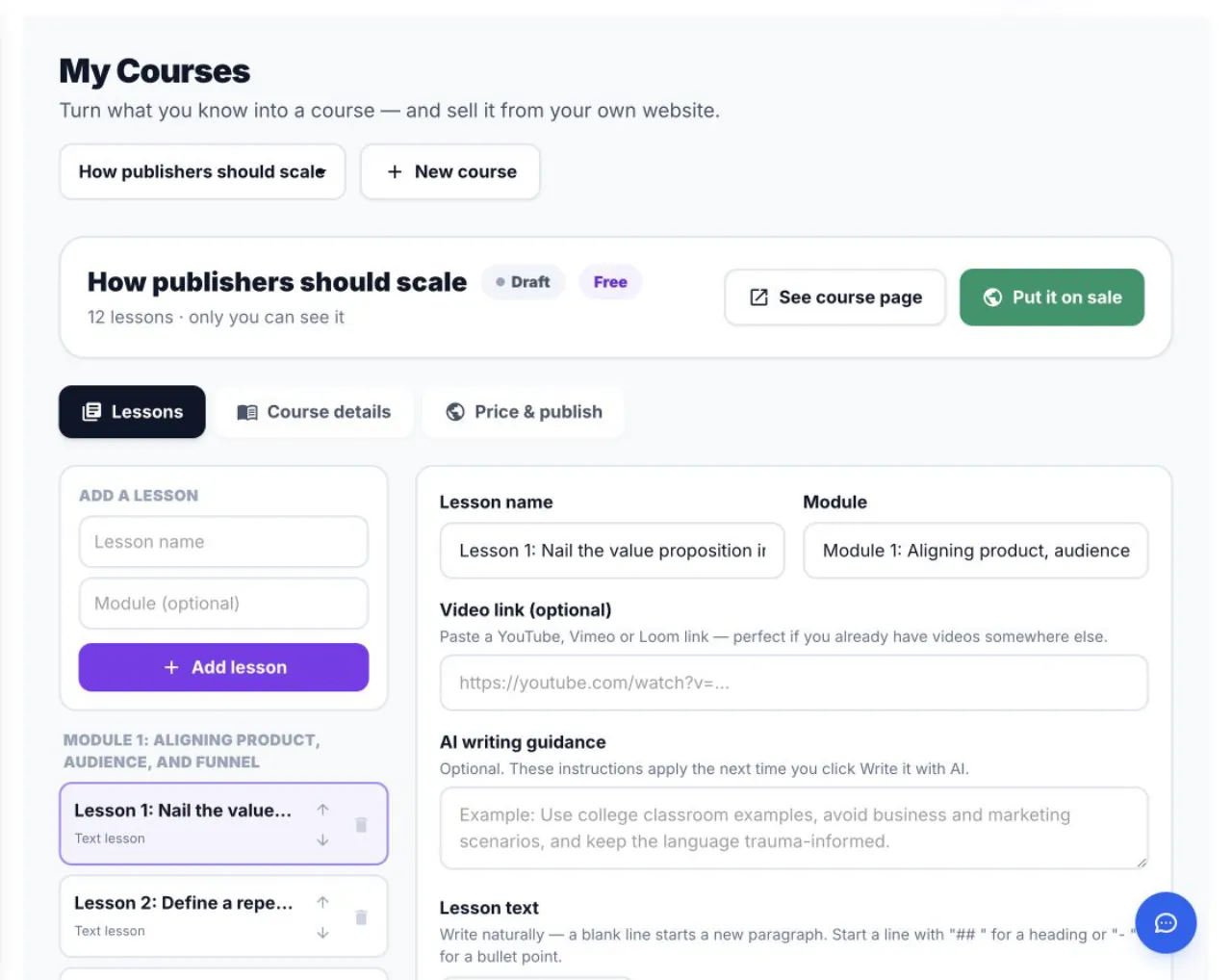
Course Maker separates Lessons, Course details and Price & publish for the selected course. - 02
Describe the learner and result
State the starting level, course promise and practical outcome.
- 03
Review the generated structure
Modules should progress logically and lessons should solve distinct learning jobs.
- 04
Add original instruction
Expand short AI lessons with demonstrations, examples, exercises and your experience.
- 05
Complete the course assets
Add a cover, preview, quiz, assignment or video where they improve the learning product. A paid course must have at least one lesson video before publishing.
Success check
Confirm that it worked
- The new course appears under My Courses and opens with Lessons, Course details and Price & publish tabs.
- Its modules and lessons form a reviewed structure that matches the intended learner and outcome.
Important notes
- Open Course Maker and choose New course under My Courses.
- A paid course will later need at least three lessons, lesson content, a price, at least one video lesson and an author name before it can be offered for sale.
Troubleshooting
If it still does not work
The course wizard does not create the course
Check the required title, teaching goal, audience and course choices, then wait for any existing build to finish before starting another course.
The generated outline is too broad
Edit the course audience, outcome, modules and lesson jobs in the course editor before adding more material or preparing it for sale.