60-second summary
Quick answer
Review the table of contents, paragraph density, heading hierarchy, image placement and page numbering in the formatted preview, then open a downloaded proof before publishing.
Before you start
What you need
- Save all chapter and heading edits before opening Preview & Download.
- Choose the intended PDF template and font before reviewing page flow.
Procedure
Complete the task step by step
- 01
Scan the table of contents
Chapter order and labels should match the content.
Current app screenOpen full size: Automateed formatted PDF preview controls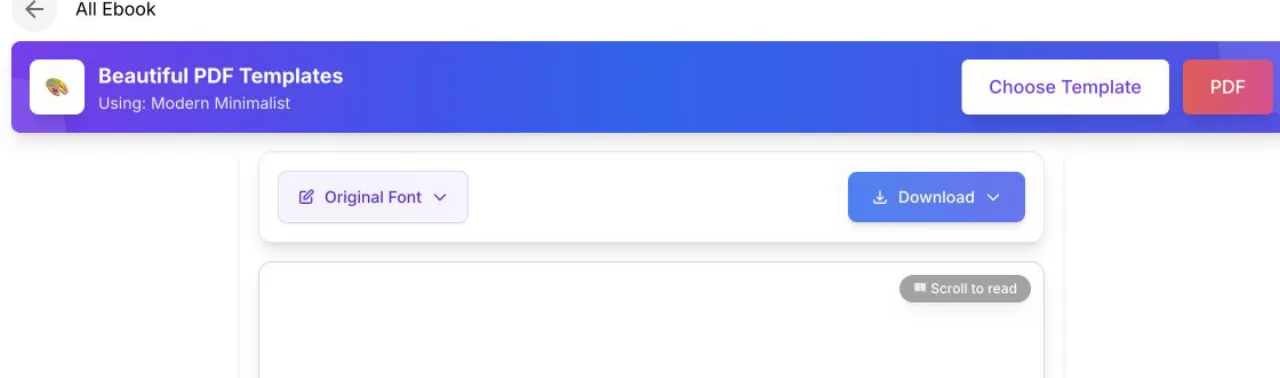
Use the preview for page flow, then use the downloaded PDF as the final proof. - 02
Inspect page density
If a page is too dense or leaves a stranded line, revise the source text or change the export font or template; there is no direct widow-control in the browser.
- 03
Review images
Images should support the nearby text and remain sharp at page size.
- 04
Check format-specific output
PDF includes the fixed template, cover, table of contents and page numbers; DOCX uses the chosen font but not the PDF template or saved cover.
- 05
Download a proof
Open the actual exported file on desktop and mobile before publishing.
Success check
Confirm that it worked
- The table of contents matches the saved chapter and subchapter names.
- A freshly downloaded proof has readable headings, body text, images, and page numbering in the formats that support it.
Important notes
- PDF is fixed-layout and includes cover, table of contents, and page numbers; DOCX includes title, table-of-contents entries, headings, chapter images, and a page-number footer.
- DOCX does not apply the PDF template. Page-level fixes such as widows or stranded lines require adjusting content, font, or template and exporting again.
Troubleshooting
If it still does not work
The table of contents or heading text is outdated
Return to the detail editor, rename and save the chapter or subchapter, then reopen Preview & Download and generate a fresh proof.