Table of Contents
I’m always trying to keep up with what’s going on online, but I also don’t want to spend my whole day reading long articles. That’s why I tested iBriefPage (iBrief) and paid attention to one thing: does it actually help you get the point faster, or does it just spit out generic blurbs?
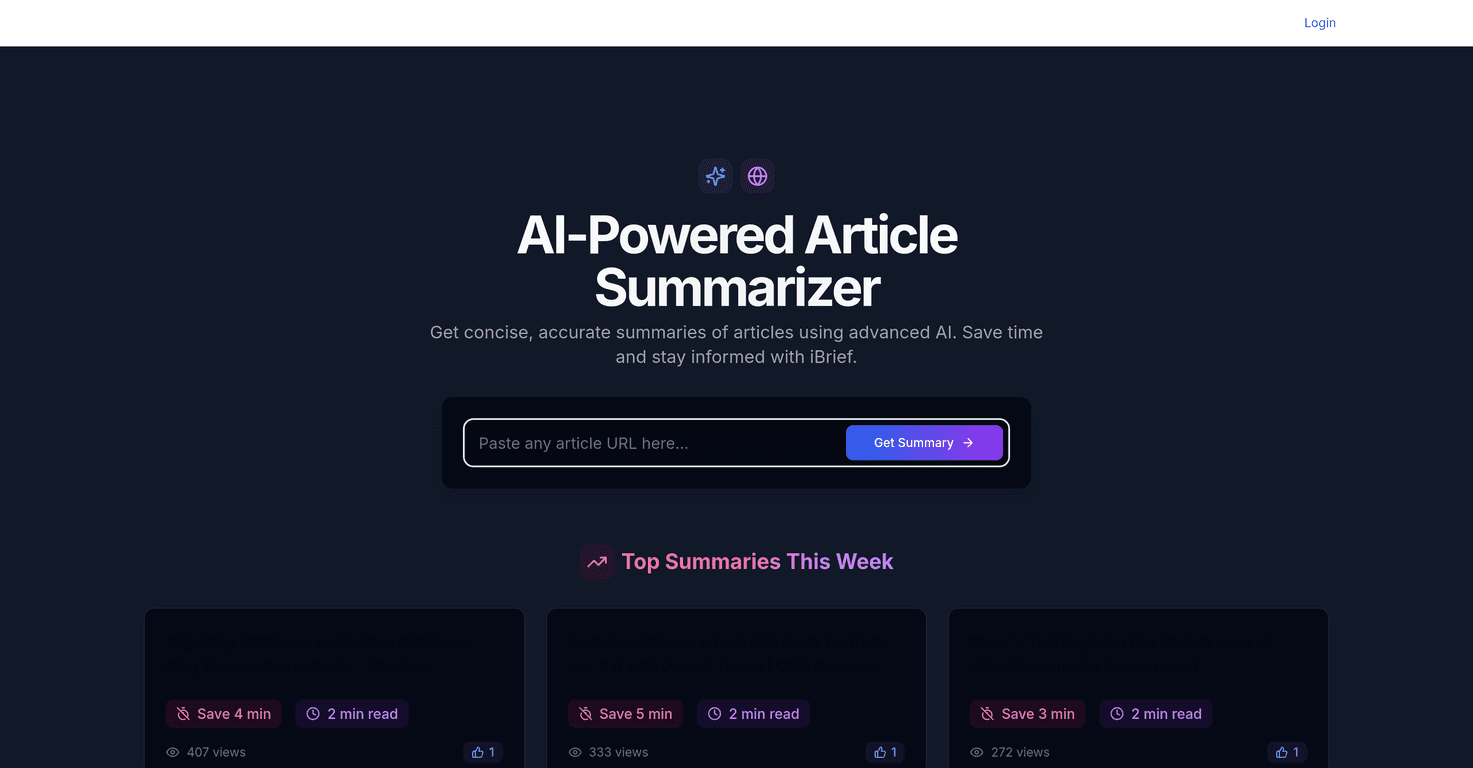
iBriefPage is built around AI article summarization. You feed it an article (or content you want to understand), and it returns a shorter summary that’s supposed to capture the key ideas. In my experience, this is most useful when you’re skimming for decisions—like “What changed?”, “What should I care about?”, or “Is this worth reading in full?”
iBriefPage Review
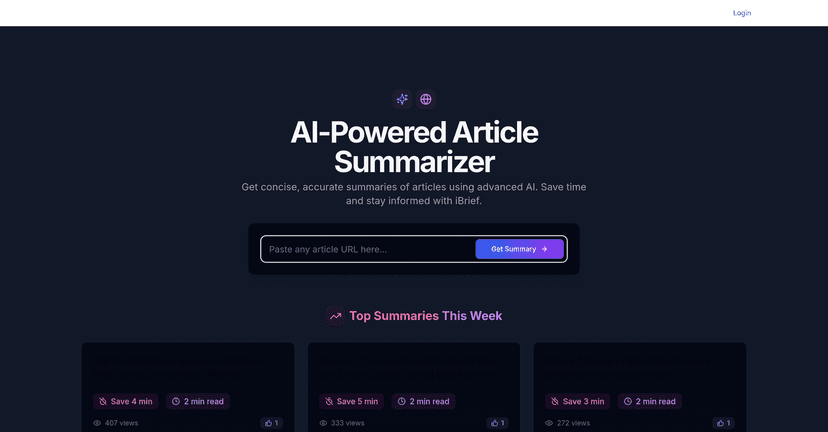
For what it is, iBriefPage does a pretty solid job of compressing articles into something you can actually get through. The interface feels straightforward—no complicated settings to fight with, which I appreciate when I’m just trying to read something quickly.
Here’s what I noticed right away: the summaries are best when the original article is already structured (headings, clear sections, and obvious “main takeaway” moments). If the piece is dense, heavily opinion-based, or loaded with small details, the summary can get a little too “clean” and smooth out the edges.
So, if your goal is speed—like reading 3–5 articles in the time it would take to read one—that’s where iBriefPage tends to shine. If your goal is quoting exact stats, names, and nuanced arguments, you’ll still want to open the full article.
Key Features
- AI-driven article summarization so you can skim the main points without the full read
- Quick access to the core ideas (useful when you’re scanning topics for relevance)
- User-friendly interface that makes the whole “summarize + move on” workflow feel easy
How I’d actually use it (real-life examples)
When I’m doing a quick research pass—say I’m checking updates in marketing, tech, or productivity—I use iBriefPage to get the gist first. If the summary mentions something specific (a new feature, a policy change, or a study result), then I’ll go back to the full article to verify the details.
It’s also handy for saving time when you’re reviewing content for work. Instead of trying to read every background article end-to-end, I can use the summary to decide what’s worth deeper attention.
Pros and Cons
Pros
- It saves real time. I can scan summaries quickly and decide whether the full article is worth my attention.
- Main ideas are usually easy to spot. The output tends to focus on the “what matters” parts rather than getting lost in every paragraph.
- Good for staying updated. If you follow a lot of sources, summarization helps you keep up without burnout.
Cons
- Nuance can get lost. Complex topics often need context, and summaries can flatten arguments a bit.
- Details aren’t always reliable for quoting. If you need exact numbers, precise wording, or subtle caveats, you’ll still want to read the original.
- Not every article type works equally well. Long, highly technical, or very opinion-heavy articles may produce a summary that feels more “interpretive” than factual.
Pricing Plans
I didn’t see pricing details included in the content I reviewed. To get the most accurate and current iBrief pricing, you’ll want to check their official website directly.
Wrap up
Overall, iBriefPage is a practical tool if you want to read faster and keep up without drowning in tabs. In my testing, it’s best for getting the gist quickly and making a “read it or skip it” decision. Just don’t treat the summary like a replacement for the original—especially for technical topics, statistics, or anything where nuance matters.
If you’re the type who wants to stay informed but hates long reads, iBriefPage might be exactly the kind of shortcut you’ll actually use.
Promote iBriefPage