Table of Contents
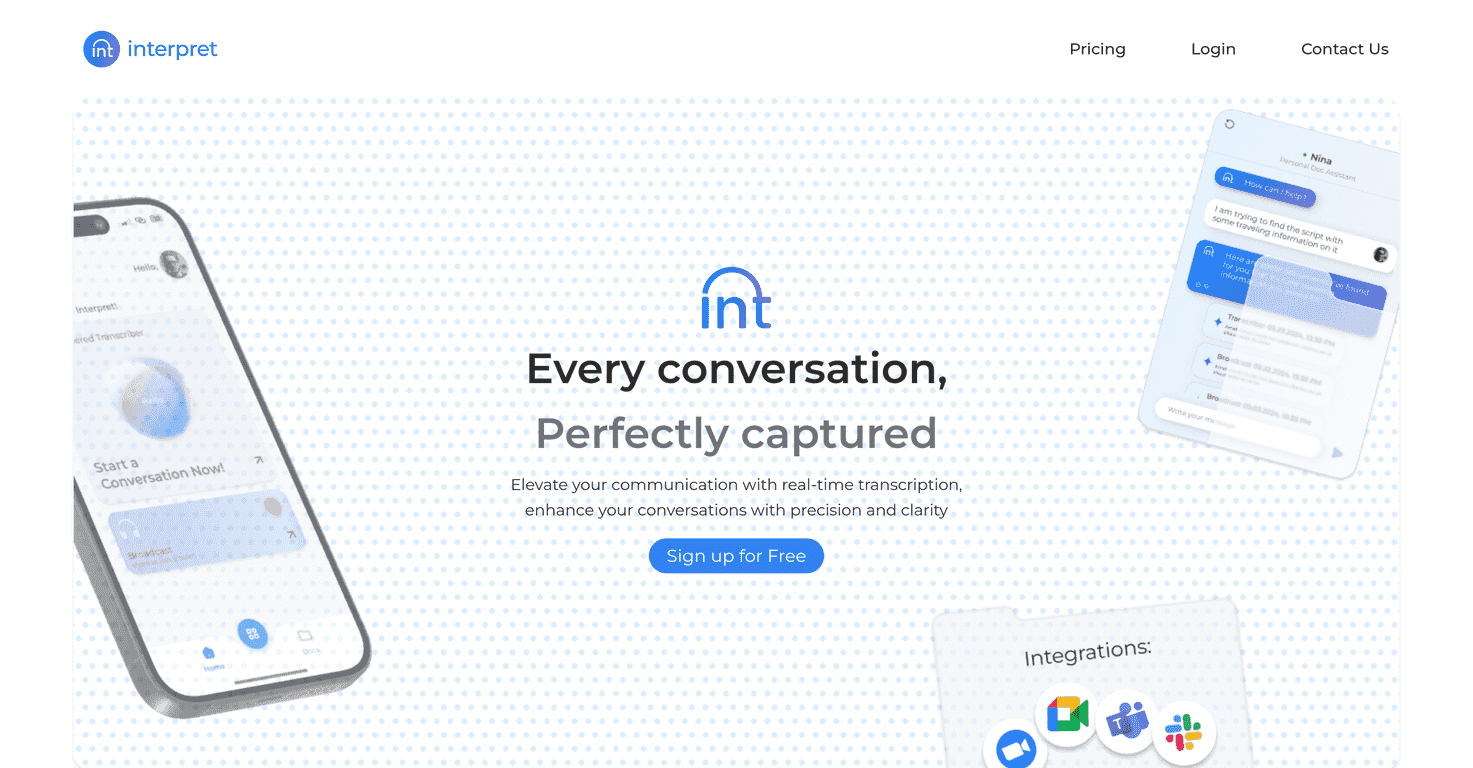
If you’ve ever tried to juggle note-taking and translation at the same time, you already know how messy it gets. One app for capturing notes, another tab for translating, then you’re stuck copying/pasting everything while the meeting keeps moving. That’s why I was genuinely interested in Interpret AI—it claims to handle both in one place.
Interpret AI Review
Here’s the basic idea: Interpret AI is built for people who want notes and translation without switching tools every few minutes. In my experience, that “switching” is usually what kills the flow—especially during lectures, interviews, or fast-moving calls. This app tries to keep you in the moment by capturing what’s being said and then translating it so you can actually follow along.
What I like about the concept is that it’s not just “translation” and it’s not just “notes.” It’s positioned as an all-in-one workflow—capture the content, then translate it in a way that’s easier to review later.
Now, I’ll be straight with you: the information available publicly doesn’t include a bunch of hard performance metrics (like word error rate, translation accuracy benchmarks, or how well it handles different accents). So I can’t honestly claim, “It’s 99% accurate.” But based on what it’s offering—AI-driven note capture plus translation—there’s a clear use case: turning spoken content into something you can study, share, or reference.
If you’ve ever had to re-listen to a recording just to understand a single paragraph, you’ll get why this matters. Even a small improvement in turnaround time can be a big deal over a semester or across multiple meetings.
Key Features
- AI-driven note-taking capabilities
Instead of manually typing everything, Interpret AI focuses on capturing the important parts as notes. The goal is to reduce the “I missed that” feeling when speakers talk quickly. - Integrated translation services
The translation is tied into the same overall experience, so you’re not stuck with a separate translation tool and a pile of copy/paste work afterward.
What this looks like in real life
Let me paint a pretty common scenario. Say you’re in a meeting where people are speaking in another language. You want:
- Notes you can skim later (action items, key points, names, dates)
- Translated text so you don’t have to guess meaning in real time
- A workflow that doesn’t turn into five tabs and a spreadsheet
That’s exactly where an all-in-one setup tends to shine. If it works as advertised, it saves you from the “translation treadmill.” You’re still reviewing your notes, but you’re doing it in the language you actually need.
Quick tips I’d use if I were testing this for notes + translation
- Use it for structured sessions first. Lectures and agenda-driven meetings usually produce cleaner notes than free-form conversations.
- Watch for names and terminology. If the system struggles, it’s often with proper nouns, technical terms, or industry jargon—so it helps to have a quick correction pass.
- Keep expectations realistic. AI translation can be strong, but nuance sometimes needs a human check—especially for legal, medical, or high-stakes contexts.
- Review your notes immediately. Don’t wait a week. If something is off, you’ll spot it faster while the context is still fresh.
Pros and Cons
Pros
- One platform for both notes and translation
That combo is the whole point. It reduces the friction of switching between tools mid-session. - Designed to improve efficiency
If you’re currently typing notes while also figuring out what you’re reading/hearing, this could cut down time and effort—especially for multilingual situations.
Cons
- Limited publicly shared performance details
Right now, there aren’t clear accuracy stats or detailed user experience breakdowns that would let me compare it to alternatives with confidence. - Pricing info isn’t available here
If you’re budget-conscious, you’ll want clarity before committing. No pricing details makes it harder to judge value.
Pricing Plans
No pricing information is currently available in the content I’m working with. If you’re considering Interpret AI, I’d check the official page first so you can compare plans and see whether they match how you’ll actually use it (notes volume, translation frequency, etc.).
Wrap up
Interpret AI is a solid idea if you want fewer tools and a smoother workflow for note-taking plus translation. The “all-in-one” positioning is exactly what I look for when I’m dealing with multilingual content, because it’s the switching and cleanup that usually takes the most time.
That said, the current info available here doesn’t give enough specifics—especially around pricing and measurable performance—so I’d treat it as promising rather than proven. If Interpret AI turns out to be reliable in practice, it could absolutely be useful for students, international teams, and anyone who regularly needs translated notes without extra busywork.
Promote Interpret AI