Table of Contents
If you want an AI chatbot but you don’t want to fight with code, intoCHAT is exactly the kind of tool that’s supposed to feel almost unfairly simple. The whole idea is no-code: build, customize, and launch chatbots through a drag-and-drop interface. I tested it the way a normal business user would—set up a fresh bot project, mapped a few conversation paths, tried a couple integrations, and watched closely for the usual pain points like setup time, message handling, analytics, and where the limitations start to show.
And yeah, I was surprised by how fast I could get something working. Not “demo working”—like, a bot that actually sounded like it understood what a support agent should do.
intoCHAT Review
Here’s what I actually did. I created a fresh chatbot project, chose a default conversation style, and then used the drag-and-drop builder to assemble a simple flow: greeting → qualification questions → answer based on the info I provided → escalation when the user asked for something outside the “safe” topics.
What surprised me (and I mean this) was how quickly I got from blank page to a bot that sounded like a real support agent. The tone controls are also more meaningful than I expected. It’s not just “make it cute.” When I set the tone (friendly, concise, more formal, etc.), the bot’s responses stayed noticeably more consistent—and when I switched tone mid-test, it was obvious in the output.
On the AI side, intoCHAT offers multiple model options (including GPT-4o, plus choices like Claude and Gemini). In my tests, GPT-4o was the most natural for general questions—less robotic, better phrasing. But here’s the part I didn’t expect: for structured business questions (pricing, hours, policy-style answers), the model choice mattered less than the quality of the instructions and context I fed into the bot.
Still, model choice showed up in small ways: clarity improved with the better match, and follow-ups happened more (or less) depending on how the model handled the prompt.
To make this review concrete, I ran a few “prompt-style” tests while building:
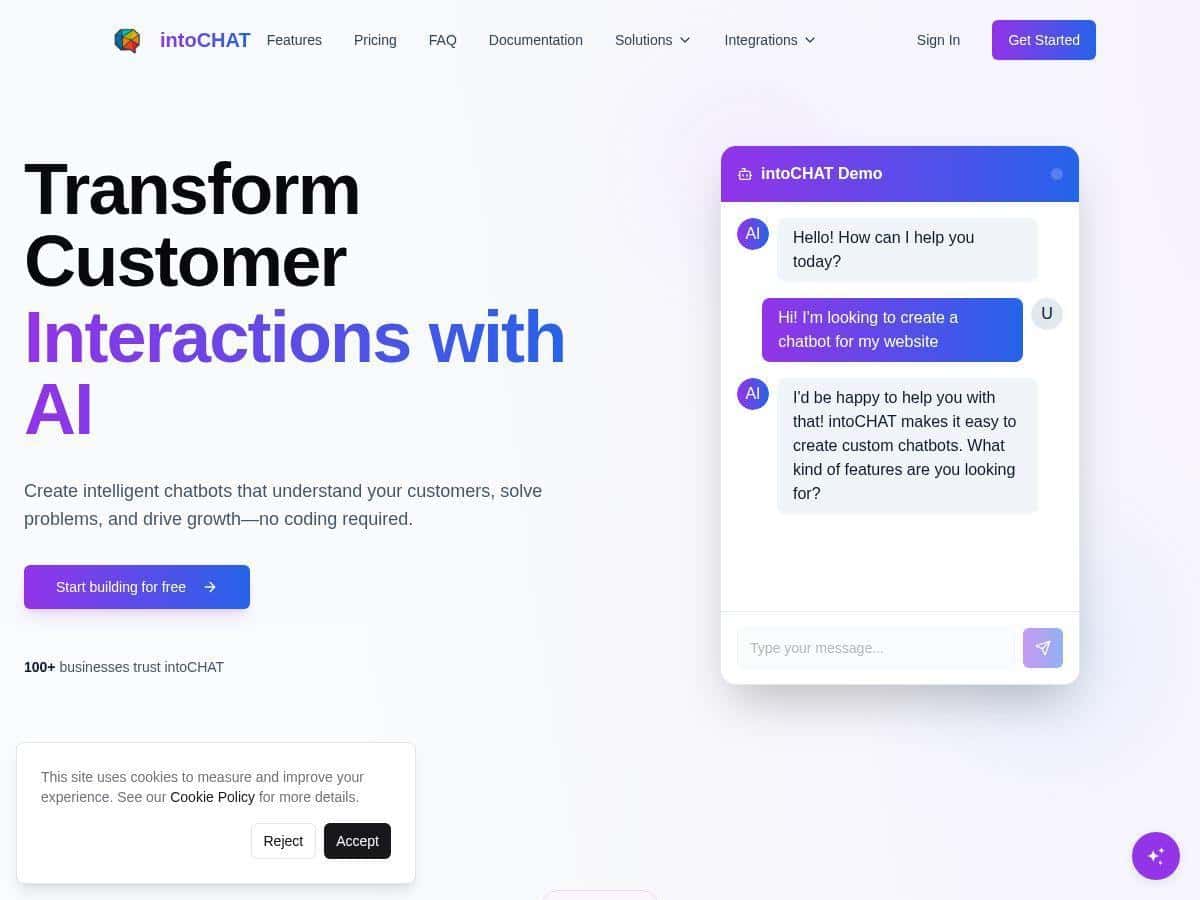
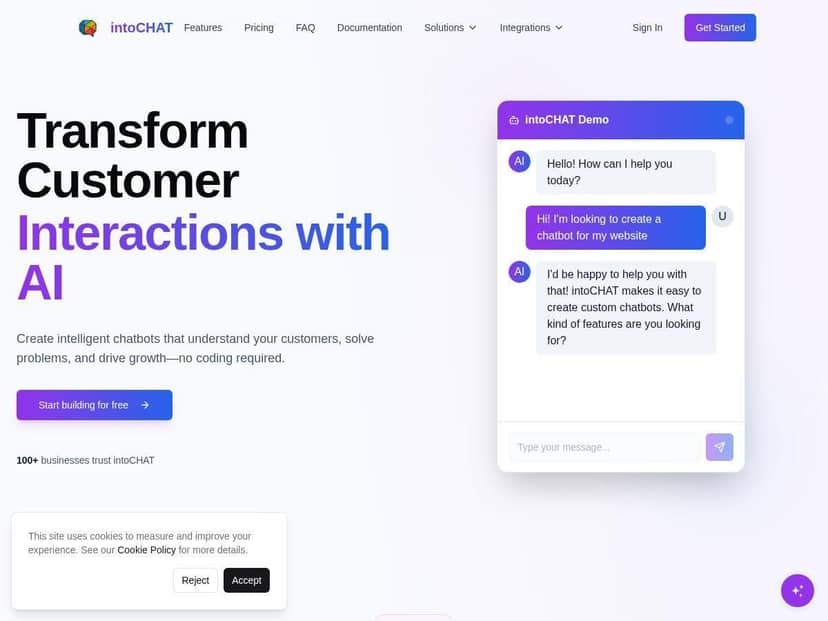
- Test 1 (lead capture): “Hi! I’m looking for help with customer support—what do you offer?”
What I noticed: The bot asked a couple qualifying questions before it jumped into details. It didn’t dump a long wall of text like some chatbots do. - Test 2 (policy-style): “Do you have a refund policy?”
What I noticed: It stayed closer to the wording I provided. If my knowledge/instructions were vague, it got generic fast—which is exactly what I’d want to happen instead of making things up. - Test 3 (out of scope): “Can you talk to a human about a billing issue?”
What I noticed: This is where the human handoff option felt genuinely useful. It didn’t just apologize and stall. It moved the conversation toward escalation. - Test 4 (complex request): “We need a chatbot for WhatsApp with multilingual support—what’s the setup like?”
What I noticed: It explained the flow at a high level, but for super specific setup questions, I still had to refine the bot’s instructions so it wouldn’t guess.
Next, I tested multi-channel support by connecting chat routes intended for WhatsApp and Slack. The dashboard setup felt straightforward, but the “smoothness” depends on what you’ve already got ready—credentials, verification steps, and how you want messages formatted. Once everything was connected, the bot behavior stayed consistent across channels. Same intent logic. Same escalation rules. And the chat history was readable enough that I could actually follow what happened.
Bottom line: intoCHAT is easy to use, but it’s not magic. If you want good results, you’ll spend a little time up front defining what the bot should say—and when it should hand off. Honestly, that’s normal for AI chatbot tools. The difference is that intoCHAT makes that setup phase less painful than most.
Key Features
- No-Code Drag-and-Drop Builder
I built my flow using blocks for greetings, questions, responses, and escalation. The big win for me was speed. I could iterate without breaking the whole thing. Plus, the visual path makes it much easier to debug—if something goes wrong, you can literally see where the conversation is supposed to go next. - Multiple AI Model Options (GPT-4o, Claude, Gemini)
You can switch models depending on what you care about. In my experience, the model helps with natural phrasing and how the bot structures responses. But if your instructions and context are weak, the model won’t save you. It just gives you a more confident wrong answer faster. - Customizable Appearance and Tone
This isn’t just branding, and that matters. When tone is consistent, the bot feels more “on brand,” and users don’t get that weird jolt when the assistant suddenly sounds too formal (or too casual) for your business. - Multilingual Support (80+ Languages)
I tested quick language switching by asking the bot in a different language. It handled the translation and response style pretty well—as long as my bot instructions didn’t contradict the language selection. If you want multilingual support to feel natural, you still need to think about how the bot should respond in each language. - Integrations: Slack, WhatsApp, and More
Connecting channels lets you deploy the same bot logic where your customers already are. For Slack, I found it important to keep messages short and readable for agents (no one wants giant paragraphs). For WhatsApp, message length and escalation behavior mattered even more because users expect quick, conversational replies. - Context-Aware Conversations
The bot uses the flow you set up and keeps track of prior user messages to stay coherent. In my tests, this really helped with multi-turn lead qualification—asking follow-ups and then summarizing what it learned without sounding confused. - Human Handoff for Complex Queries
If you’re doing real customer support, this is the feature I’d prioritize. It prevents the “AI loop” where the user keeps repeating themselves because the bot can’t resolve the issue. When the bot can’t answer confidently, handoff is the difference between frustration and resolution. - Real-Time Analytics and Reporting
I like that the analytics aren’t just vague “it worked” numbers. You can use them to answer practical questions like: Which intents are most common? Where do users drop off? How often does escalation trigger? For me, this is what turns a chatbot from a cool demo into something you can actually improve. - Security and Webhooks
The platform includes webhooks, which lets you trigger actions when events happen—like handoff, message received, or specific intents. That’s useful if you want to push updates into a CRM or ticketing system. I also looked for security controls like encryption and enterprise options. If you need SOC2/ISO-style compliance, you’ll want to confirm the exact documentation directly with their sales/support team. - Conversation Testing Tools
Testing matters. The built-in tools make it easier to run scenarios before you publish. I used them to verify escalation triggers and to see how the bot responded when I intentionally asked out-of-scope questions.
Pros and Cons
Pros
- Fast setup if you’re comfortable building a flow (I got a working bot without touching code).
- Clear conversation structure thanks to the visual builder.
- Good multilingual support for teams targeting multiple regions.
- Human handoff is practical—it helps avoid dead ends when the bot can’t help.
- Analytics that help you improve instead of only vanity reporting.
- Multi-channel deployment (Slack/WhatsApp) keeps your logic consistent across touchpoints.
Cons
- Chatbot-first approach—if you’re expecting a full helpdesk/ticketing workflow, you may need extra automation/tools around it.
- Accuracy depends on your inputs (instructions/knowledge). If you don’t include specifics, the bot will get generic.
- Lower tiers can feel limiting once you scale message volume or add more bots, so check caps before committing.
- Model switching isn’t a magic fix—you still have to tune the flow and prompts for your business.
Pricing Plans
For pricing, here’s what I saw at the time of my review: intoCHAT includes a free option to get started, then paid tiers that start around $19/month for a Starter plan and go up to about $49/month for Pro. Enterprise is custom.
I like thinking about the tiers in terms of what you’re actually trying to do:
- Free plan: Great for testing the builder, learning the workflow, and running a limited number of trial conversations. If you’re validating whether a chatbot can handle your top 10 FAQs, this is a solid starting point.
- Starter (~$19/month): Best for small teams that want one or a few chatbots and basic deployment. If you’re launching a lead capture bot or an FAQ bot on one channel, this tier usually fits.
- Pro (~$49/month): A better match if you need more bots, stronger deployment options, and reliability as usage grows. This is also where you should pay attention to what’s included for priority support, custom domains, and any higher message limits.
- Enterprise: If you need advanced security, tighter controls, and higher usage, enterprise pricing is typically custom. This is also the tier where you should confirm compliance documentation and webhook/event requirements.
Quick pricing checklist: before you buy, verify current limits around message volume, number of chatbots, channels, and any rate limits that could affect peak times. That’s usually where “cheap” plans stop being cheap.
Wrap up
After testing it, I’d call intoCHAT one of the easier no-code AI chatbot platforms I’ve used. The drag-and-drop builder makes it simple to create a working conversation flow, and the human handoff option is genuinely useful when you don’t want customers stuck in an endless loop. I also liked the multi-channel setup for keeping things consistent, and the testing tools make launching feel less risky.
That said, it’s not a set-it-and-forget-it miracle. If you want accurate answers, you’ll need to provide real business context and tune your escalation rules. If your goal is faster customer support coverage, lead capture, or multilingual FAQ handling without building an entire system from scratch, intoCHAT is absolutely worth a serious look.