Table of Contents
Looking to boost your website’s performance effortlessly? Keak promises to simplify A/B testing with AI magic. I decided to give it a try and see if it truly lives up to the hype. In this review, I’ll share my experience, highlight its features, and help you decide if Keak is right for your business. Stick around for an honest, friendly take on what this platform has to offer.
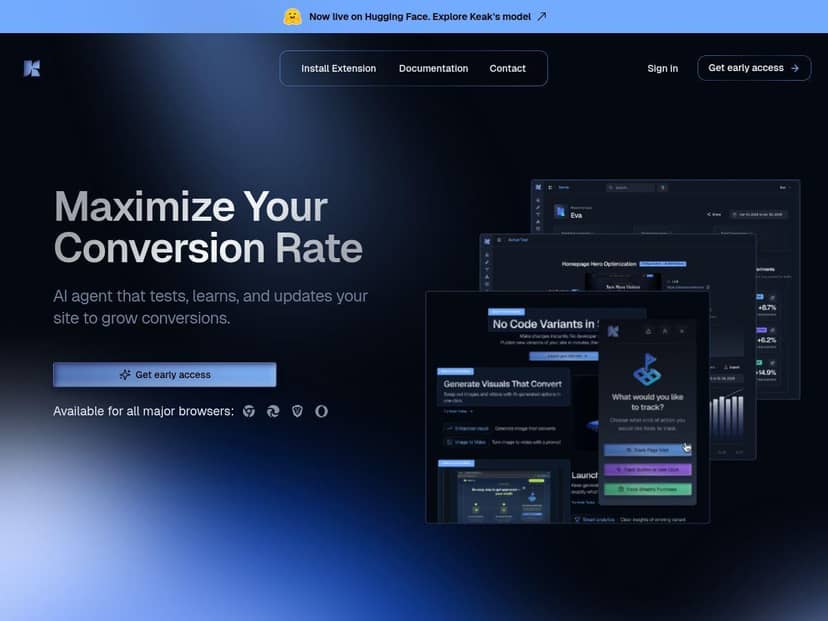
Keak Review
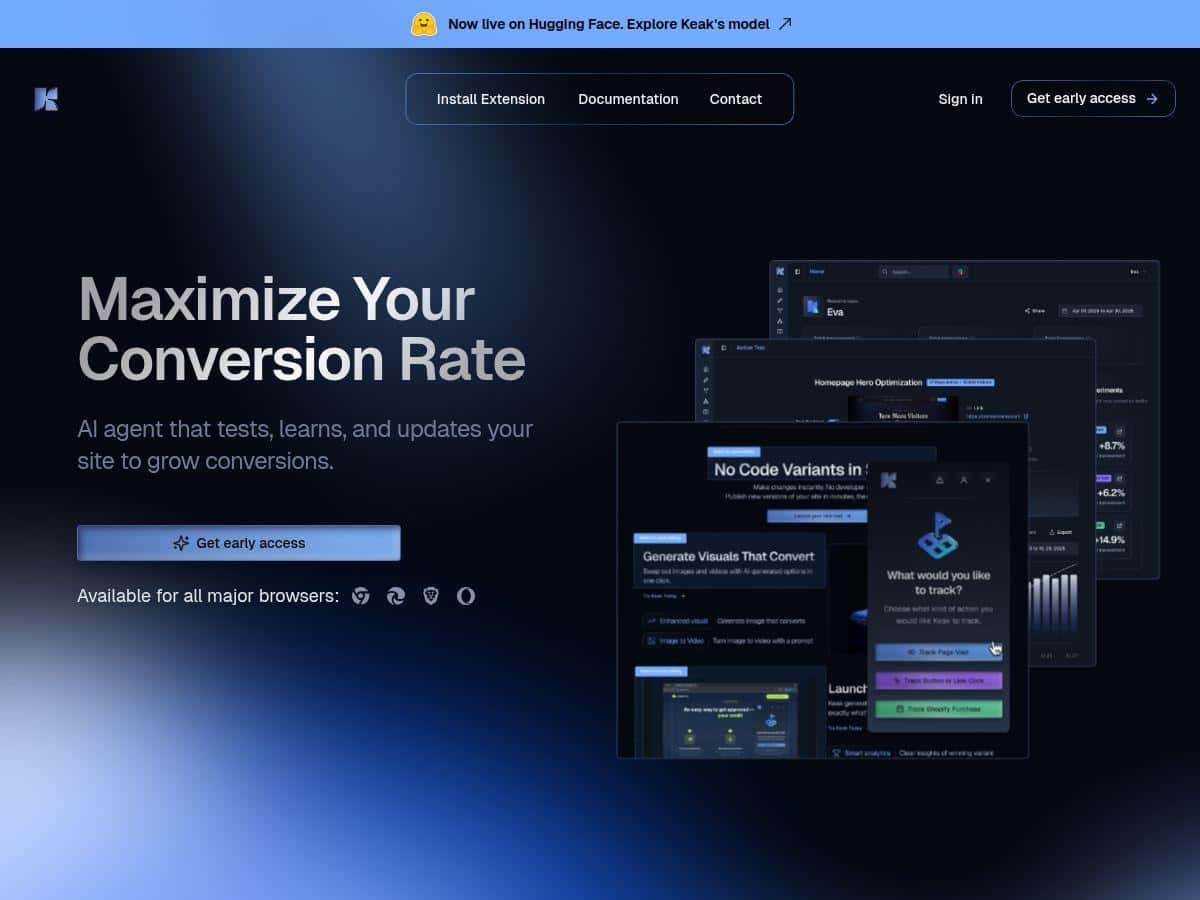
As someone who has experimented with various testing tools, I was curious about Keak’s claims of automation and AI-driven insights. Setting it up was surprisingly easy—no coding needed, just a quick install of the browser extension. I tested different headlines and images on my site, and Keak’s AI generated variants quickly. The real-time analytics dashboard was clear and helpful, showing me which version performed best within minutes. What impressed me most was how the platform kept learning, refining its suggestions as I ran more tests. The lightweight script load meant my site stayed fast, a crucial factor. Overall, I found Keak intuitive and effective, especially for marketers who want quick results without technical fuss.
Key Features
- AI-Powered Automated Testing: Generates variations and launches tests automatically
- Continuous Learning & Optimization: AI refines improvement strategies over time
- No-Code Setup: Easy to use via browser extension, no programming skills needed
- Ultra-Light Pixel: Only 34 KB, ensuring fast website load times
- Real-Time Analytics: Immediate insights into test outcomes
- Platform Integration: Compatible with Shopify, WordPress, Webflow, and more
- URL Split Testing: Test entirely different pages for bigger changes
- Major Browser Support: Chrome, Edge, Brave, Opera
Pros and Cons
Pros
- Very easy to set up and use, no coding required
- Automates the testing process, saving time
- Provides instant, actionable insights
- Lightweight script preserves site speed and SEO
- Self-learning AI improves results over time
Cons
- Supports mainly major browsers; limited on some outdated ones
- As a newer platform, user reviews are still limited
- Requires understanding of A/B testing principles for best use
Pricing Plans
Keak does not publicly list fixed pricing but offers a free trial. Plans are typically based on usage and features, with options available through direct inquiry or website links. It’s a flexible choice for businesses looking to test the waters before committing.
Wrap up
In summary, Keak is a powerful, user-friendly tool that brings AI into the world of website testing. It’s perfect for marketers and small business owners seeking quick, reliable results without technical hassle. While it’s still new, its features and ease of use make it a promising addition to your optimization toolkit. Give the free trial a try and see if Keak can help your website grow!