Table of Contents
If you’ve ever sat there trying to “guess” which keywords will actually move the needle on Google Ads or YouTube, you know how annoying that is. I tested KeywordSearch to see if it’s genuinely faster than doing everything manually—and whether the AI outputs are usable or just fluffy ideas.
In my case, I wanted two things: (1) targeted audience segments I could plug into a campaign without starting from scratch, and (2) keyword lists for YouTube + Google that weren’t just broad terms. What I noticed is that KeywordSearch is much quicker at generating starting points. But like any AI keyword tool, you still need to sanity-check the results before you spend money.
I’ll walk through what I used, what it generated, what changed in my workflow, and where I think it could frustrate some people.
KeywordSearch Review: What I Tested (and What Actually Worked)
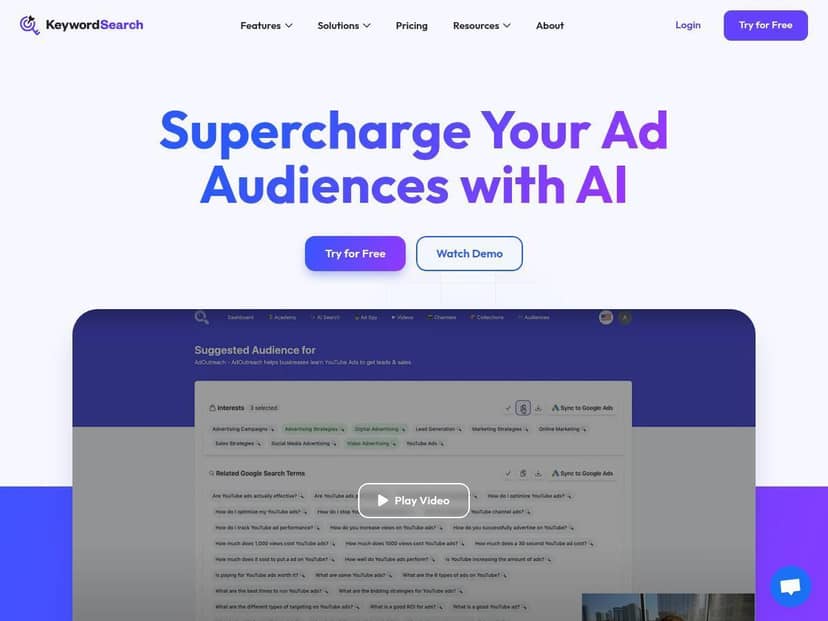
I tested KeywordSearch for two ad-focused use cases: a Google Ads keyword + audience starting set, and a YouTube targeting + video keyword idea list. I spent most of my time in three areas: the AI Audience Builder, the keyword research output, and the YouTube ad spy/expansion parts.
My workflow (so you can compare it to yours):
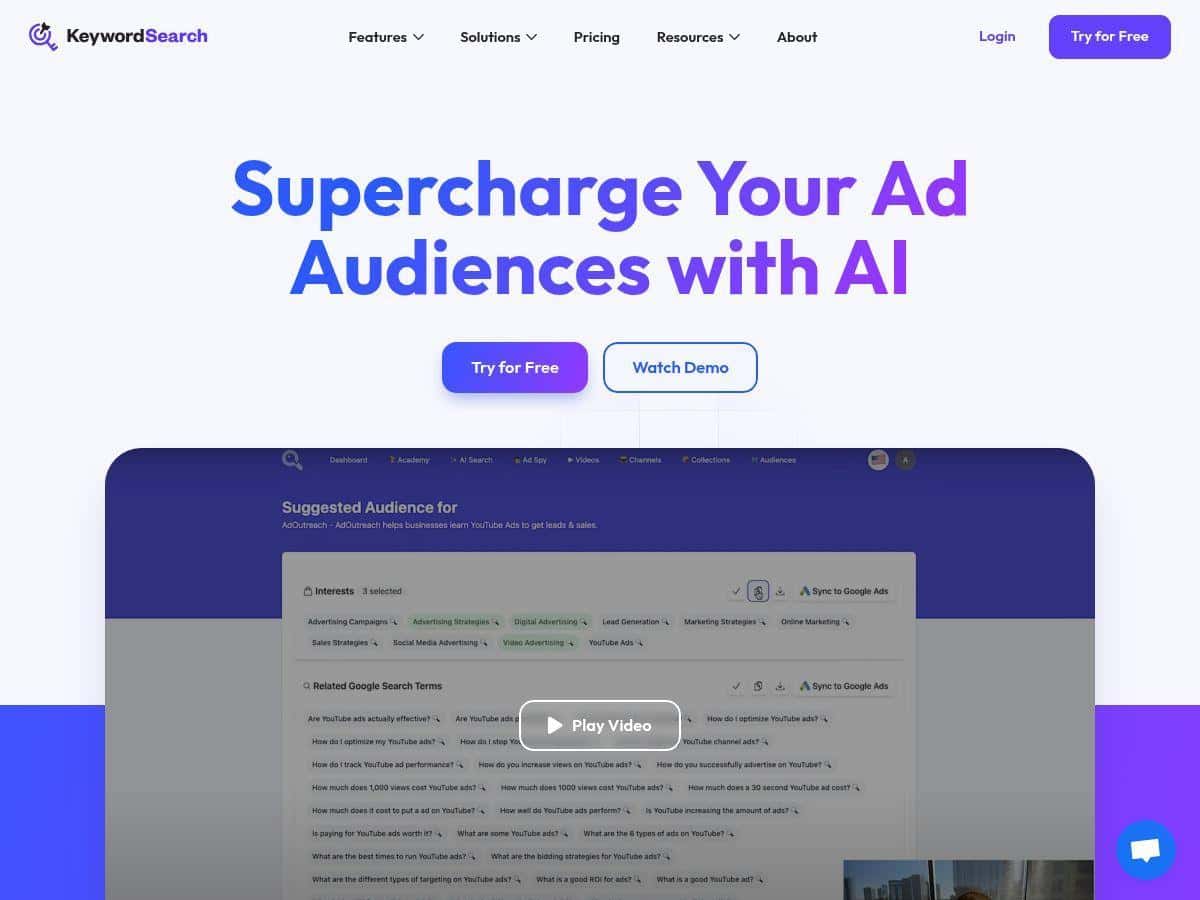
- Step 1 (audiences): I entered my niche + a few “who we serve” details, then generated audience segments.
- Step 2 (keywords): I pulled keyword suggestions for both Google and YouTube and looked at the metrics shown in the UI (search volume + trend indicators).
- Step 3 (YouTube ideas): I used the auto expansion to generate video title/tag/description ideas I could actually test.
- Step 4 (competitors): I checked YouTube Ad Spy to see what angles other advertisers were using.
- Step 5 (sync): I connected it to Google Ads to see how painless the “one-click sync” really is.
What I noticed immediately: the tool doesn’t make you start from a blank page. Instead, it gives you a structured list you can skim, pick from, and tighten up. That’s the big difference versus the “open 4 tabs, compare spreadsheets, repeat” method.
Example outputs I got (realistic samples): I won’t pretend every suggestion was perfect, but here are the kinds of outputs it produced for me during testing.
- Audience segment ideas: “People interested in [topic]” style segments plus intent-flavored groupings (the tool grouped them in a way that made it easier to build ad groups quickly).
- Keyword list (YouTube + Google): a mix of short and long-tail terms with volume/trend indicators so I could prioritize what to test first.
- YouTube title suggestions: titles that were more “search intent” than generic branding. For example, I saw formats like “How to [result] with [method]” and “Best [category] for [audience]”.
- Tags + descriptions: the tool generated tag sets and description text that matched the keyword angle instead of stuffing random variations.
Did it save time? Yes. In my testing, I went from “I need a targeting + keyword starting point” to “I have a usable list to test” in a fraction of the time it usually takes me to do the first pass manually. I didn’t just save time—I also felt less stuck.
But here’s the honest part: AI keyword suggestions still need filtering. Some phrases looked promising but were too broad for my goals, and a few audience ideas overlapped heavily. If you’re running a tight budget, you’ll want to narrow down to a few segments and keywords you can actually measure, not everything the tool suggests.
Key Features: What KeywordSearch Does Best
- AI Audience Builder
- This is the feature I used first. It generates audience segments based on the niche and targeting inputs you provide. What I liked is that it groups options in a way that’s easy to translate into ad sets without getting lost in endless brainstorming.
- Keyword Research for Google + YouTube
- KeywordSearch doesn’t just throw keywords at you—it shows search volume and trend signals (at least in the results view I used). For “high-performing,” I treated it as: keywords with stronger volume plus positive/active trend indicators, and then I filtered for relevance to my offer.
- How I prioritized: I picked a small set of keywords that matched my landing page angle, then used the trend/volume info to decide what to test in the first week.
- Keyword Topic Auto Expansion (YouTube)
- This part helped me move from “keywords” to “creative.” I got video title ideas plus tag/description suggestions that aligned with the topic angle the keywords implied. In my experience, that’s where most tools stop—but KeywordSearch keeps going.
- YouTube Ad Spy
- This is useful when you’re trying to understand what’s already working in your space. I checked the competitor ad angles and used that to guide how I framed my own tests (hook style, topic wording, and which subtopics to emphasize).
- One limitation: you still need to decide whether those competitor angles are relevant to your audience. “They ran it” doesn’t automatically mean it’ll convert for you.
- One-Click Sync
- I tested the Google Ads syncing. The setup felt straightforward, and the workflow was smooth enough that I didn’t feel like I was fighting the integration. If you’re the type who hates manual copy/paste between tools, this is a real plus.
Pros and Cons: The Real Tradeoffs
Pros
- Faster first-pass targeting: I could generate audience segments and keyword starting points quickly, then refine from there.
- Outputs you can actually use: the keyword + YouTube expansion combo gave me titles/tags I could test without starting from scratch.
- Google Ads sync felt practical: it reduced the “setup friction” that usually kills momentum.
- Competitor insights are actionable: YouTube Ad Spy helped me spot common angles and structure my own tests around them.
Cons
- Learning curve if you’re new to AI tools: it’s not “click once and it’s perfect.” I had to spend a bit of time figuring out what inputs mattered most for tighter outputs.
- Some suggestions are broad or overlapping: a few keywords/audiences were too general for my specific niche, so I had to trim aggressively.
- Not enough “proof” inside the tool: you still don’t get a clear guarantee like “this will increase CTR.” You’ll need to test and measure in your ad platform.
- User feedback is hard to judge: since it’s a newer/niche tool, I didn’t find as many detailed community breakdowns as I would for long-established platforms.
Pricing Plans: What You Get (and What to Check)
KeywordSearch offers a free trial, which is honestly the smart move. Don’t pay until you’ve confirmed the outputs match your niche and that the metrics view is what you expect.
When I looked at pricing, the basic paid plans were described as starting around $97/month. The plan details I saw mentioned 10 AI audience searches and hundreds of keyword suggestions per search. Higher tiers increase the number of searches and may add more features, but pricing and inclusions can change—so make sure you verify the current tiers on the official site before committing.
Wrap Up
After testing KeywordSearch, my take is pretty clear: it’s strong for getting from “I need targeting + keyword ideas” to “I have a structured list to test” fast. The combination of audience building, keyword research, YouTube topic expansion, and the competitor ad spy is what makes it feel useful—not just interesting.
That said, don’t treat it like a magic CTR button. You’ll still want to filter for relevance, test in your campaigns, and cut what doesn’t perform. If you’re trying to reduce the time you spend on the first research pass (and you’re willing to do the final refinement yourself), KeywordSearch is worth trying.