Table of Contents
Trying to generate leads on LinkedIn can feel like a second job. You spend time searching, checking profiles, writing messages, and then… you wait. And if you’re doing it manually, it adds up fast.
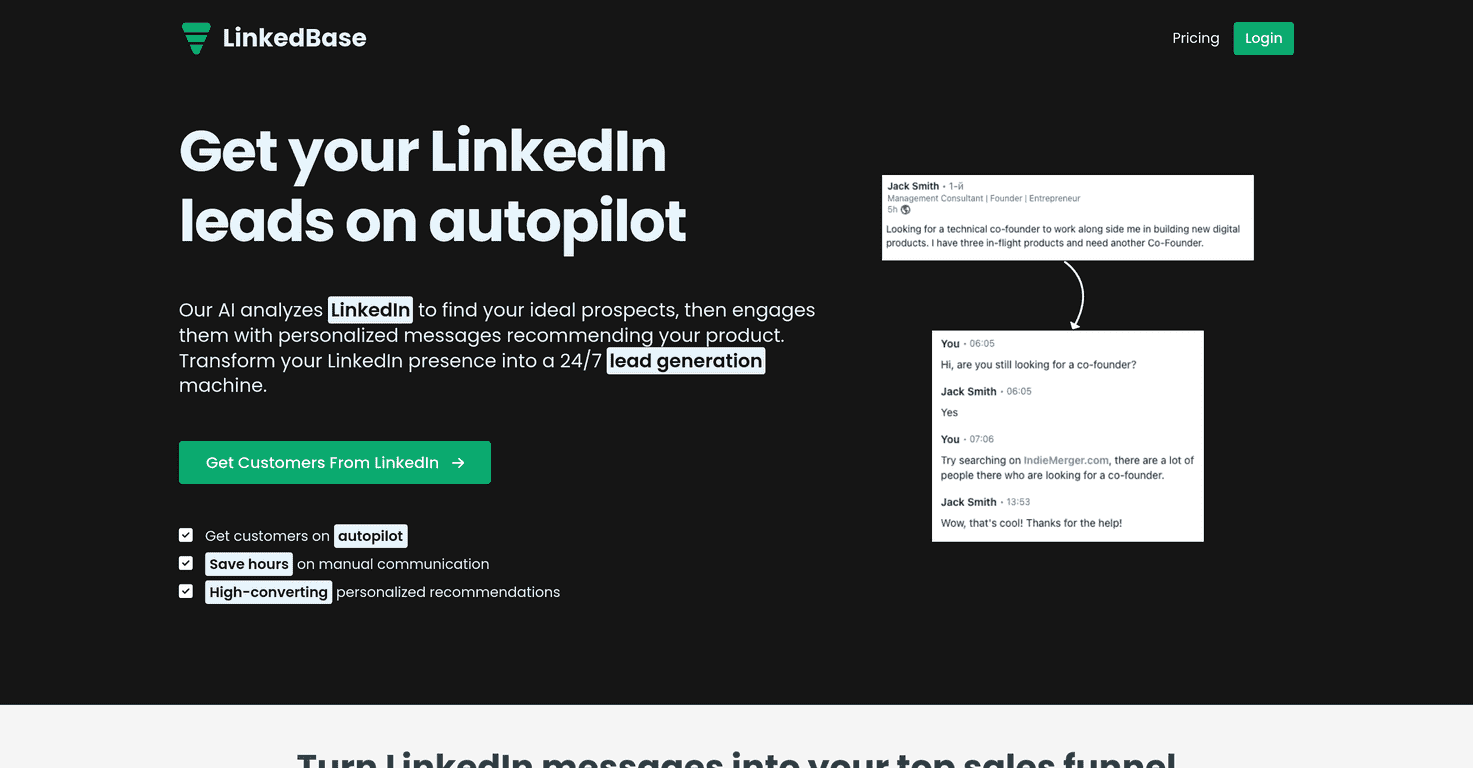
That’s why I decided to test LinkedBase. The pitch is simple: use AI to find prospects on LinkedIn and automate outreach so you’re not stuck doing the same repetitive steps all day. In practice, it’s aimed at turning your LinkedIn activity into a more consistent lead flow—without you babysitting it every hour.
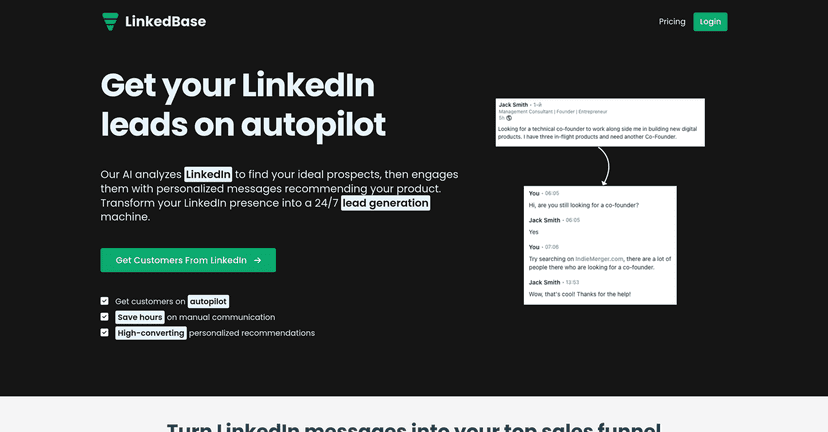
LinkedBase Review: Does It Actually Help You Get More Replies?
I’ll be honest: I’m always a little skeptical of LinkedIn “automation” tools. A lot of them sound great, but the messaging ends up robotic—or the results are inconsistent. With LinkedBase, the main idea is that it scans profiles, picks prospects based on your settings, and then uses personalized messaging templates to reach out.
What stood out to me right away is that LinkedBase isn’t just about sending messages. It’s built around an ongoing loop: find leads → engage with them → keep the outreach running so you’re not starting from scratch every day. If you’ve ever had those weeks where leads dry up because you got busy, you’ll understand why that matters.
In terms of setup, it’s pretty straightforward. You connect it to your LinkedIn account, configure your targeting, and then let it run. I didn’t have to spend hours in tutorials to get something working. That said, you still need to be thoughtful with your targeting—automation can only be as good as the inputs you give it.
One more thing I liked: the “autopilot” angle. The idea is that LinkedBase keeps working 24/7 so you can focus on follow-ups and closing. Is it literally hands-off forever? Not really. But it does reduce the daily grind a lot.
If you’re trying to scale LinkedIn outreach without turning it into a full-time job, LinkedBase is worth a look. Just don’t expect miracles if your offer, positioning, or targeting is off.
Key Features I Looked For in LinkedBase
- Automated Lead Generation: AI scans LinkedIn and surfaces potential leads based on your criteria. This is the core of the system, so I paid attention to how “relevant” the leads felt.
- Personalized Messaging: Messages are tailored to each prospect. The personalization is usually what determines whether you get replies or just ignored requests.
- Easy Setup: Quick integration with LinkedIn so you can get campaigns running without a ton of setup complexity.
- Autopilot Functionality: Continuous engagement so you’re not manually sending messages all day.
- Analytics: Campaign performance tracking so you can see what’s working and adjust instead of guessing.
- Support for Multiple Projects: If you’re running different niches or offers, multiple projects help keep things organized.
Pros and Cons (Straight From My Experience)
Pros
- Saves serious time: The “35+ hours a week” claim may be aggressive depending on your workflow, but I definitely felt the time savings once outreach was running.
- Better personalization than generic blasts: When the messaging matches the prospect context, replies tend to be higher quality.
- Runs consistently: Having it active 24/7 helps you stay in front of people instead of only reaching out during business hours.
- Low friction to start: You can get going quickly, which matters if you don’t want to spend a week configuring tools.
Cons
- Lower-tier limitations: Some features and usage caps are tied to plan level. If you want more volume or more flexibility, you may end up upgrading.
- Automation tools still require setup discipline: If you set broad targeting and generic messaging, you’ll still get generic results. It’s not magic.
- Results depend on fit: Your niche, offer, and audience quality matter a lot. I’ve seen tools like this perform great in one industry and underwhelm in another.
Pricing Plans: What You Get at Each Level
Here’s how LinkedBase structures pricing (and what the limits look like):
– Starter Plan: $19/month or $9/month billed yearly; includes 100 conversions/month and 1 project.
– Pro Plan: $39/month or $19/month billed yearly; includes 300 conversions/month and 3 projects.
– Enterprise Plan: $99/month or $49/month billed yearly; includes 1000 conversions/month and unlimited projects.
My take? If you’re just testing whether automated outreach works for your niche, Starter makes sense. If you already know your ICP and you’re ready to scale, Pro is the first plan I’d seriously consider. Enterprise is for teams or heavier outreach volume.
Wrap up
LinkedBase is one of those tools that can genuinely help if you’re trying to scale LinkedIn lead generation without spending your entire day doing it manually. The combination of automated lead scanning, personalized messaging, and ongoing “autopilot” outreach is the main draw.
That said, don’t treat it like a set-and-forget button. You’ll still want to refine your targeting and messaging so the leads it finds actually match who you want to talk to. If you do that, LinkedBase can be a practical way to increase engagement and keep your pipeline moving—without burning out.
Promote LinkedBase