Table of Contents
If you’re trying to stay active on LinkedIn but you don’t want to spend your evenings staring at a blank page, Linkgenie is the kind of tool you’ll want to test before you buy. I did a real test drive—same day, same topics I normally post about—and here’s what I noticed: it’s fast, it gives you usable drafts quickly, and it can cut down the “thinking” part of posting. But it’s not magic, and you’ll still want to edit for accuracy and voice.
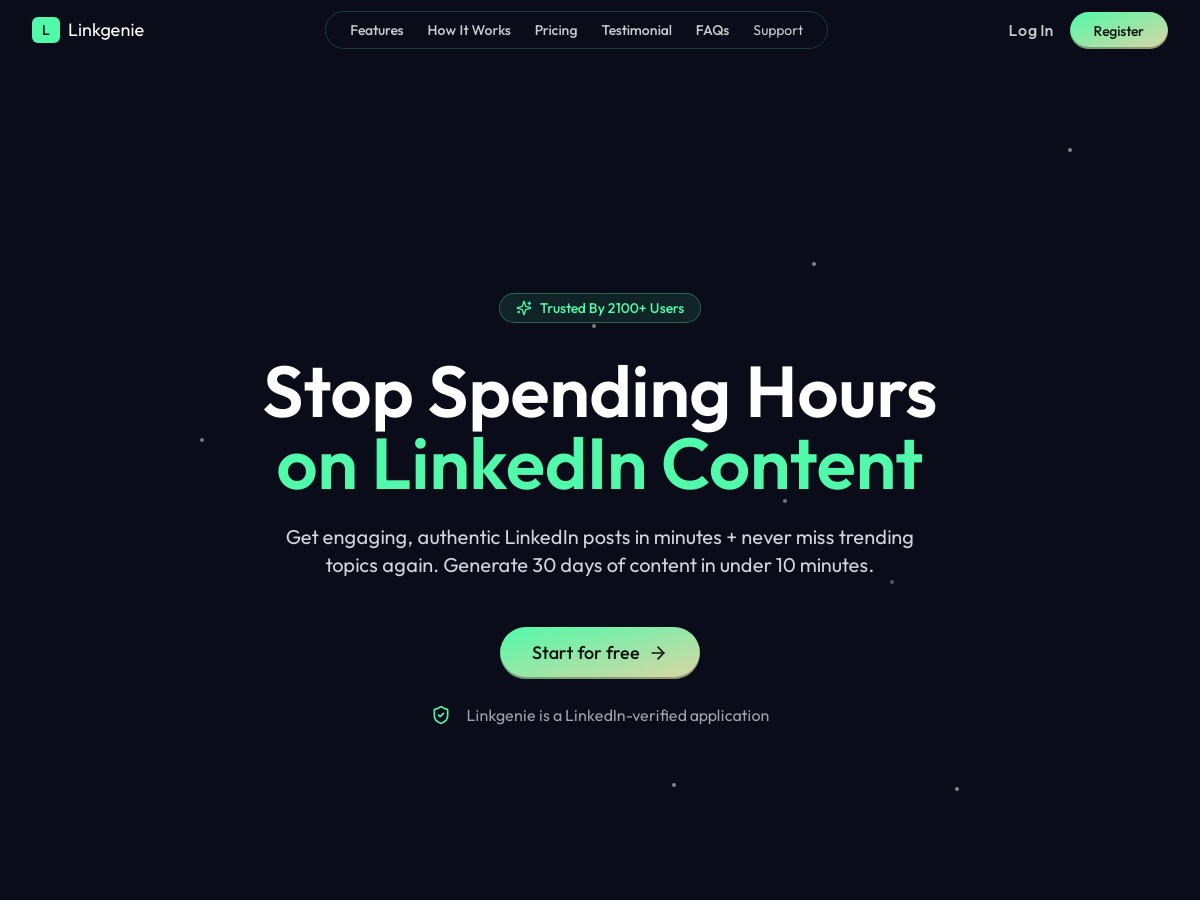
Linkgenie Review: What Happened When I Tested It
I tested Linkgenie on April 19, 2026 (about 45 minutes total). I started by signing up and then generating drafts using a topic I already know well: improving LinkedIn engagement for busy professionals. I didn’t try to “game” the system with weird prompts—I used a pretty normal workflow:
- Step 1: I entered my topic + a quick note on what I wanted to sound like (more direct, not salesy, and a little opinionated).
- Step 2: I generated post ideas and picked one that matched my usual style.
- Step 3: I edited the draft (mostly tightening sentences and swapping in a couple of specific examples).
- Step 4: I scheduled it instead of posting immediately.
What I noticed right away: the first batch of ideas came back quickly—fast enough that I didn’t feel like I was “waiting on AI.” The drafts weren’t perfect, but they were close. After a few edits, the final post sounded more like me than I expected.
Also, the “month planning” part isn’t just marketing fluff. In my case, I planned about 12 posts in one sitting. It wasn’t all “set and forget,” though. I still had to review each one for fit (especially where the AI guessed at examples or phrasing). But compared to writing from scratch, the time savings were real.
One more thing: I did notice times when the AI got a little too generic. When that happened, I corrected it by adding one concrete detail (a number, a specific scenario, or a short personal story). The difference was immediate—posts stopped sounding like templates and started reading like actual LinkedIn updates.
Key Features (and How They Worked in Practice)
- Tone + style adaptation (not just “AI voice”)
- Linkgenie doesn’t only spit out generic posts. It tries to match your writing vibe based on the inputs you give it and the edits you make. In my test, the first draft was slightly more formal than I wanted. I tweaked a few lines to be punchier, then generated follow-ups again. The next versions leaned more into that shorter, more conversational rhythm.
- Post idea generation (you still choose the best angle)
- It generated a list of ideas quickly—more than enough to avoid the “what should I post?” problem. I didn’t count every single idea, but it was clearly in the “30+ ideas” range that’s commonly advertised. What matters more than the number is that the ideas weren’t all the same. I saw different formats (question-style prompts, lesson-style posts, and short “here’s what I’d do” takes), which gave me options.
- Smart scheduling (and the part people forget to mention)
- The scheduler let me set posts for future delivery and showed “optimal” timing suggestions. Here’s the honest part: it’s not as if it magically knows your exact audience behavior. Instead, it recommends based on typical engagement windows and the data it has access to through your setup. In my dashboard, the scheduling experience was smooth—calendar view, timezone handling that didn’t require guesswork, and no weird “you can’t schedule that” surprises.
- I ended up scheduling posts for different days/times so I could test consistency, not just one lucky slot.
- Editor with formatting options
- The editor is where you make the draft feel human. I used it to adjust wording, add a couple emojis (sparingly), and format a few lines for readability. If you’ve ever posted on LinkedIn, you already know: the difference between “okay” and “gets read” is often just spacing and structure.
- Publish instantly or schedule for later
- You can post right away or schedule. In my case, scheduling was the main win because it let me batch work. I wrote/edit drafts, then queued them up rather than constantly switching contexts.
- LinkedIn-verified posting (what that actually means)
- Linkgenie uses a LinkedIn connection/verification flow so it can post (or schedule) on your behalf. Practically, that means you’re connecting your LinkedIn account through an authorized integration, not manually pasting content into some random “publish” button. I didn’t have to do anything sketchy like sharing passwords, and the permissions step felt like a normal OAuth-style connection.
- If you’re careful about account security, this is a big deal: you should only connect tools you trust, and you should review what permissions you’re granting.
Pros and Cons (What I Liked, What I Had to Fix)
Pros
- Time savings were noticeable. Planning ~12 posts in one session felt way faster than writing from scratch.
- Drafts are usable after editing. I didn’t have to rewrite everything—mostly tightening and adding specifics.
- Editing + formatting helps it read like LinkedIn. The small stuff (spacing, emoji usage, line breaks) made a difference.
- Content ideas reduce writer’s block. Even when I didn’t pick the “best” idea, I still found angles I could adapt.
- Posting workflow is straightforward. Scheduling was easy to manage from the dashboard.
Cons
- AI can drift into generic territory. One draft I generated sounded like it could apply to any industry. I fixed it by adding a concrete example and tightening the first 2 lines so it felt specific to my audience.
- Tone sometimes needs a nudge. Early drafts leaned a bit more “corporate.” After I edited a few sentences, the next iterations matched better.
- It won’t replace your judgment. You still need to check claims, keep your real opinions, and make sure the post matches your brand.
- Learning curve exists. Not huge, but you’ll want to spend a short session figuring out the best workflow (idea → edit → schedule) so you don’t bounce around.
Pricing Plans (and Who Each One Fits)
Linkgenie has three plans: Starter at $12/month, Pro at $19/month, and Premium at $26/month. In my opinion, the “right” plan depends less on features you might use once and more on how consistent you want to be.
- Starter ($12/month): Best if you post occasionally and want help generating a few ideas + one or two scheduled drafts.
- Pro ($19/month): Good if you’re posting weekly and want more output without constantly hitting limits.
- Premium ($26/month): This is the one I’d consider if you’re batching content and planning across the month. The value is in doing more drafts, faster, and spending your time editing instead of starting over.
During my test, the biggest “value moment” wasn’t one perfect post—it was the ability to keep the pipeline full without burning time. If you’re serious about consistency, Premium makes more sense than you’d think.
Wrap up: Should You Use Linkgenie?
Linkgenie is a solid option if you want a faster LinkedIn content workflow and you’re okay spending a few minutes editing AI drafts into your voice. If you’re posting at least weekly, it can genuinely reduce your workload. If you only post once in a while, the subscription might feel like overkill.
My bottom line: it’s not a “publish and forget” tool, but it’s absolutely a drafting + scheduling tool that can help you stay consistent—without the daily stress of starting from scratch.