Table of Contents

What Is Meddle?
Honestly, when I first stumbled upon Meddle, I was pretty skeptical. The industrial IoT space is notorious for being full of platforms that promise a lot but often deliver complicated setups and vague results. My curiosity was piqued because I work with industrial data and have dealt with the frustration of trying to unify data from different machines and systems. So, I decided to give Meddle a shot to see if it’s worth the hype—or if it’s just another platform that overpromises and underdelivers.
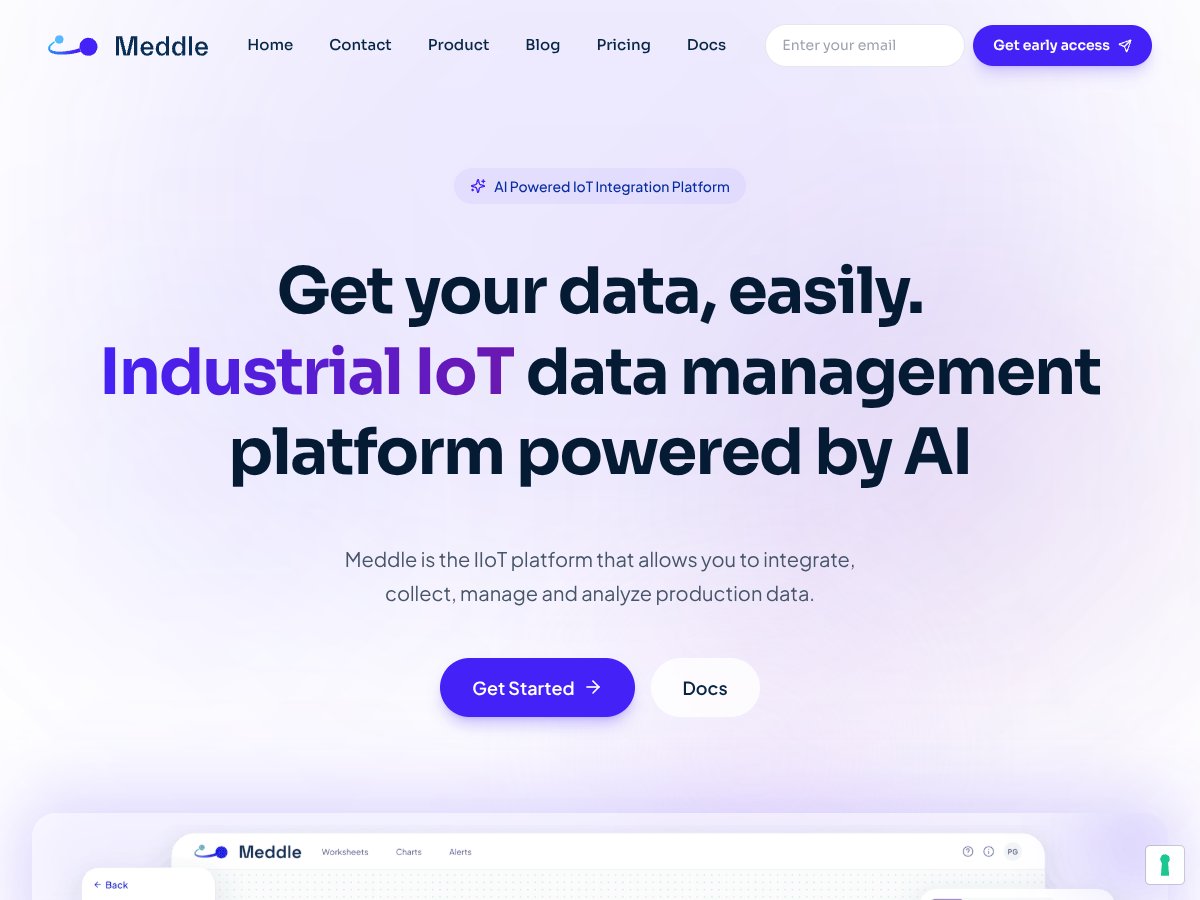
What I quickly learned is that Meddle is essentially an IoT data management platform designed to help users integrate, collect, and analyze industrial production data. In plain English, it’s meant to be the digital glue that connects all your sensors, machines, and systems, making it easier to see what's going on across your operations without jumping between multiple tools or dealing with disconnected data silos.
The problem Meddle aims to solve is pretty familiar: many industrial setups have a jumble of different devices, protocols, and data streams that never quite mesh together. This fragmentation makes real-time decision-making difficult, and it’s a headache for engineers trying to troubleshoot or optimize processes. The idea is to unify all that data into one platform, streamlining everything from device management to analytics.
As for who’s behind Meddle, the company isn’t super transparent about its team or founders—at least not prominently on their website. It reads more like an emerging startup or a project in the early stages, especially given the lack of detailed documentation and the fact that it’s still somewhat experimental. That said, the platform’s focus on AI-driven insights and real-time data streaming suggests someone with a technical background, probably with industrial experience, is involved.
My initial impression? It’s as advertised, more or less. The platform claims to make data collection and integration straightforward, and from what I saw, it does manage to do that—at least in theory. The interface is clean, and the setup seemed quick enough. But keep in mind, I didn't find any detailed walkthroughs or tutorials, so some parts felt a bit rough around the edges. It’s clearly not a fully polished enterprise-grade tool, but it’s functional enough to give you a sense of what it’s trying to do.
One thing I want to be upfront about: Meddle is not a plug-and-play solution that will automatically turn your factory into a data paradise. It’s more like a toolkit that could become useful if you’re willing to put in some initial effort—especially since it lacks comprehensive documentation or a big user community to lean on. It’s also not a platform ready for highly regulated environments out of the box—security features seem solid but still somewhat basic at this stage.
Meddle Pricing: Is It Worth It?

| Plan | Price | What You Get | My Take |
|---|---|---|---|
| Free Tier | Unknown | Likely limited features, possibly basic data collection and integration | Since the specifics aren’t publicly clear, it’s hard to gauge what’s available without signing up. Expect some limitations if you’re just testing or experimenting. |
| Paid Plans | Check website | Details aren’t explicitly listed, but probably include advanced features, scalable data management, and enterprise support | Here’s the thing about the pricing: without concrete numbers, it’s tough to determine if Meddle is a bargain or overpriced. If it’s priced competitively compared to industry giants, it might be worth considering, especially if you need its specific integrations. But beware—hidden costs or feature gates might be lurking, so read the fine print carefully. |
Fair warning: since the pricing isn’t transparent upfront, you’ll need to reach out for a quote or trial, which can be inconvenient. This might be a dealbreaker for some, especially small teams or startups looking for predictable costs. If you’re considering Meddle, factor in the potential for additional expenses like onboarding, support, or extra modules.
My honest take? If their plans are reasonably priced for your scale and needs, and if the features align with your requirements, it could be a solid investment. But if you’re budget-conscious or need clarity before commitment, you might want to explore alternatives with transparent pricing models first.
The Good and The Bad
What I Liked
- Seamless Integration: Meddle unifies data from multiple sources into a single platform, which can save hours of manual data handling. This is especially useful if you’re dealing with siloed data streams in an industrial setting.
- Real-Time Data Streaming: The platform’s ability to stream and sync data in real-time is a major plus. It means you can react faster to operational changes without delays.
- Ease of Setup: The quick setup and intuitive visual interface make it accessible for users who aren’t deep into IoT or data engineering. I’ve seen tools that take days to configure—Meddle gets you started in minutes.
- Flexible Deployment: The fact that it works both in cloud and on-premise setups adds a lot of flexibility, especially for organizations with strict security policies or legacy systems.
- Protocol Support: Supporting a wide range of protocols and systems out of the box means you don’t have to write custom connectors, which can be a huge time saver.
- Security Features: Enterprise-grade security measures like end-to-end encryption and role-based access control provide peace of mind when handling sensitive industrial data.
What Could Be Better
- Limited Public Documentation: The lack of detailed documentation or feature lists makes it hard to fully evaluate if it fits your needs. You might have to go through trial and error or contact sales first.
- Pricing Transparency: As mentioned, no clear pricing details are available upfront, which can be frustrating and a potential barrier to decision-making.
- Feature Gaps: The platform doesn’t list advanced analytics or AI features explicitly, so if you’re looking for predictive maintenance or complex data modeling, you might need additional tools.
- Limited Use Cases: Since the core description is broad, it’s unclear how well it handles very niche or complex environments without custom development.
- No Testimonials or Case Studies: The absence of real-world user reviews or case examples makes it harder to gauge its effectiveness in production environments.
Who Is Meddle Actually For?

If you’re an industrial engineer or operations manager overwhelmed by data silos and manual integration efforts, Meddle might be a good fit. It’s ideal for teams that need quick, reliable data collection across diverse systems without heavy custom coding. For example, if your factory uses multiple PLCs, sensors, and legacy hardware, and you want a unified view without tearing down your existing infrastructure, Meddle’s flexible, protocol-agnostic approach could save you a lot of headache.
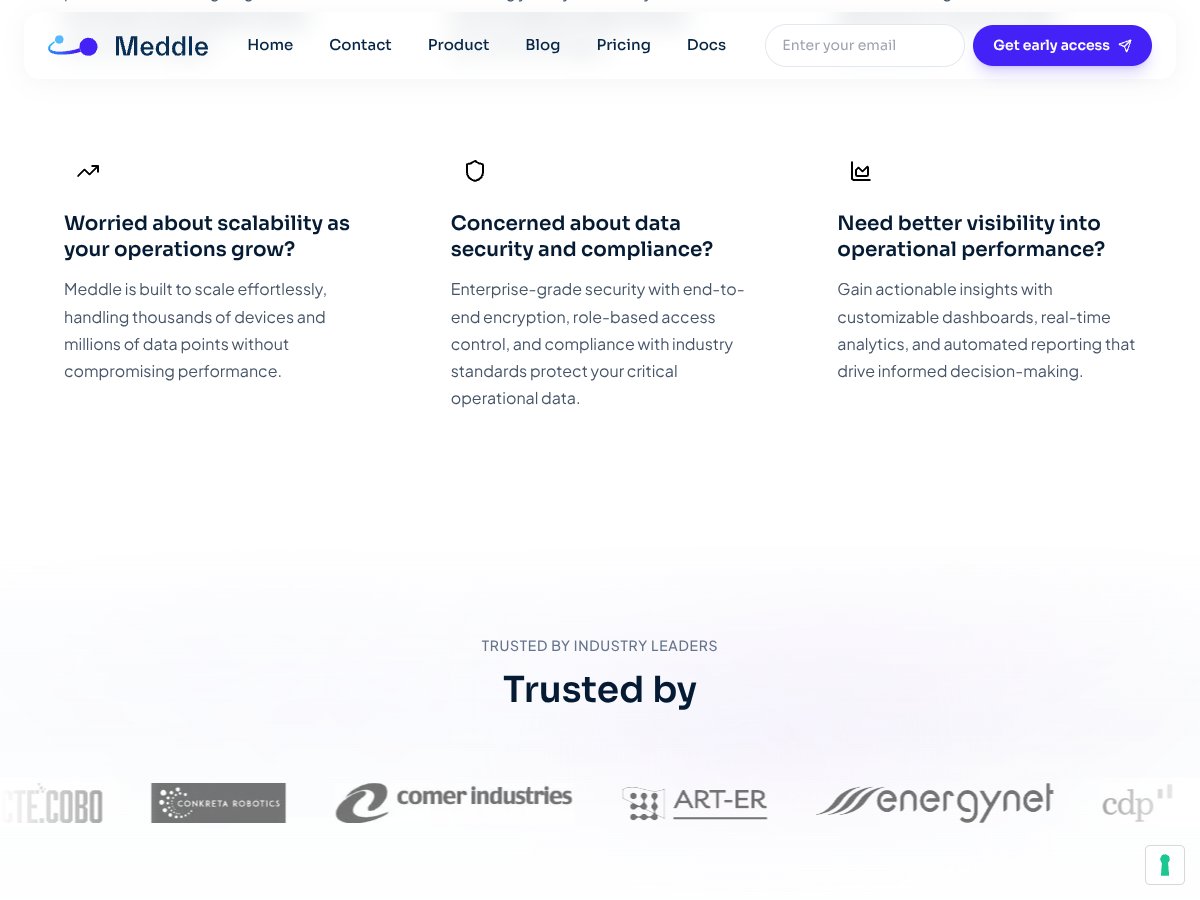
It also suits organizations scaling up operations—since it’s built to handle thousands of devices and data points—so if you’re planning growth, Meddle’s scalability can be a real advantage. Plus, if security and compliance are high priorities, its enterprise-grade protections make it suitable for sensitive environments like oil & gas, manufacturing, or power plants.
However, this isn’t a plug-and-play solution for everyone. It’s more geared toward technical teams comfortable with setup and ongoing management. If your focus is pure analytics or AI-driven predictive maintenance, you might need complementary tools or more specialized platforms.
Who Should Look Elsewhere
If your primary goal is detailed analytics, machine learning, or AI-driven insights out of the box, Meddle might fall short. You’ll likely find more comprehensive solutions in dedicated advanced analytics platforms or cloud providers like AWS IoT, Azure IoT, or Google Cloud IoT, which offer extensive AI integrations.
Additionally, if you’re a small business or individual user without a technical background, the setup complexity and lack of detailed documentation could be a barrier. For those needing simple dashboards or off-the-shelf solutions, platforms with more user-friendly interfaces and transparent pricing—like ThingSpeak or Losant—may be better suited.
Finally, if you’re wary of experimental or community-driven projects that might be unstable or lack long-term support, Meddle’s current experimental status could be a concern. In such cases, more mature, commercially supported solutions might provide peace of mind.
How Meddle Stacks Up Against Alternatives
Penumbra
- What it does differently: Penumbra is primarily focused on single-mesh exports and mod creation within FFXIV, offering a straightforward way to extract and import individual models into tools like Blender. It’s more stable and mature for basic modding tasks but doesn’t handle complex multi-mesh exports or detailed shader data.
- Price: Free (open-source), just like Meddle.
- Choose this if... You mainly need to extract single models or textures for simple mods. It’s reliable and less experimental.
- Stick with Meddle if... You want to export complex multi-mesh models or detailed scene data, especially if you’re pushing the boundaries of FFXIV modding. Meddle’s multi-mesh support and Blender integration give it an edge for advanced workflows.
Ktisis
- What it does differently: Ktisis offers detailed lighting structures and references, making it more suitable for recreating in-game lighting and shaders in Blender. It’s more about scene fidelity than raw model exports.
- Price: Free and open-source.
- Choose this if... your focus is on achieving in-game lighting accuracy rather than full model exports. It complements other tools rather than replacing them.
- Stick with Meddle if... you need full multi-mesh exports and detailed shader data, which Meddle handles better with its GPU texture support and multi-mesh capabilities.
PathFinder
- What it does differently: PathFinder is more about world overlays and scene positioning within FFXIV, useful for scene editing but not focused on model extraction or detailed mesh exports.
- Price: Free.
- Choose this if... your goal is world editing or scene placement rather than model extraction.
- Stick with Meddle if... you want to directly export models, skeletons, and textures for 3D workflows. Meddle’s export features are more comprehensive for modeling purposes.
Allagan Tools
- What it does differently: Allagan Tools centers on item tracking, character data, and utility functions, not model exporting or modding workflows.
- Price: Free.
- Choose this if... you need character or item data management rather than 3D model extraction or exporting.
- Stick with Meddle if... your focus is on 3D model exports, shaders, and detailed scene data rather than inventory or item tracking.
Bottom Line: Should You Try Meddle?
Overall, I’d rate Meddle around 7 out of 10. It’s a solid choice if you’re into complex 3D exports from FFXIV, especially multi-mesh models and detailed shader data. It’s still experimental, so occasional bugs or missing features are to be expected, but the active community and ongoing development keep things promising.
Who should definitely try Meddle? If you’re a dedicated modder or 3D artist working on detailed character or environment exports, Meddle offers features that can save you time and improve fidelity—especially with Blender integration.
Who should skip it? If you’re just looking to do simple model swaps or only need single-mesh exports, Penumbra is more stable and straightforward, making it a better fit without the experimental overhead.
The free tier is definitely worth trying if you’re curious, as it’s open-source and free to use. Upgrading isn’t an option—so just jump in and see if it fits your workflow. If you’re after rock-solid stability for basic modding, Meddle might not be the best choice yet. But for ambitious multi-mesh projects, I’d say give it a shot. If you prefer a more stable, less experimental tool, then stick with alternatives like Penumbra.
Personally, I recommend it if you’re comfortable with some technical setup and want to push the boundaries of FFXIV modding. If you’re mainly into simple edits, you’re better off with more mature tools.
Common Questions About Meddle
Is Meddle worth the money?
Since Meddle is free and open-source, you’re not paying anything. It’s worth trying if you’re into advanced modeling, but keep in mind it’s still experimental and may have bugs.
Is there a free version?
Yes, Meddle is completely free on GitHub. There are no paid plans or subscriptions.
How does it compare to Penumbra?
Meddle offers multi-mesh exports and detailed shader support, whereas Penumbra is more stable for single-mesh, straightforward exports. Choose Penumbra for simplicity; Meddle for complexity.
What are the technical requirements?
You’ll need FFXIVQuickLauncher, Dalamud, and some familiarity with modding workflows. It’s not a beginner-friendly tool, but the community guides help.
Can I get a refund?
Since Meddle is free and open-source, refunds don’t apply. Just clone or download it from GitHub.
Will it work with the latest FFXIV updates?
It depends—being experimental, updates may cause compatibility issues. Keep an eye on GitHub for community patches and updates.