Table of Contents
I’ve been trying to cut down the boring parts of running an online shop—writing the same product descriptions over and over, resizing images, and then scrambling to get listings live before a sale ends. That’s why I tested Merchant Floor (the Merchant Floor product photo + listing workflow tool) to see if it actually saves time or if it’s just another “AI helps with content” pitch.
Merchant Floor Review: What I Actually Did in the Trial
Here’s the part that matters: I didn’t just click around. I used Merchant Floor to create and improve listings for a small batch of products—think “new items going live this week,” not a huge catalog.
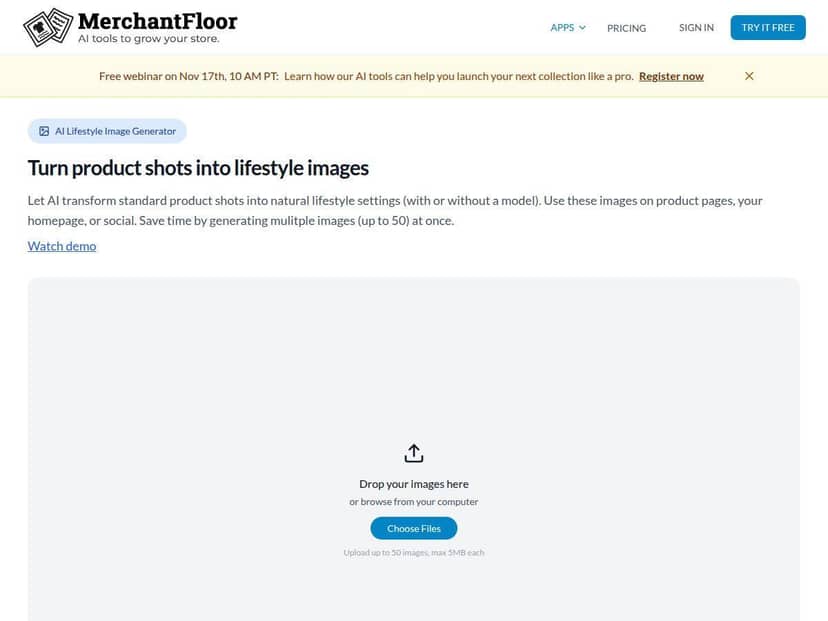
Setup (what it felt like): The dashboard is pretty straightforward. I was able to get into the product workflow without digging through a maze of settings. The UI is clearly built for speed—upload, generate, review, and then push to your store.
How I tested it:
- I worked on 10 product listings during my trial (mixed categories, so the AI had to generalize a bit).
- For each product, I tried the same flow: generate photo assets first, then draft marketing copy, then do quick edits before saving.
- I timed the “listing creation” portion (from starting a new product to having something I’d actually publish).
What I noticed about speed: For me, the biggest time saver wasn’t “magic instant listings.” It was that I didn’t have to start from a blank page. On average, I cut roughly 20–35 minutes per listing down to about 10–15 minutes once I got the workflow going. That’s a pretty meaningful difference when you’re adding products regularly.
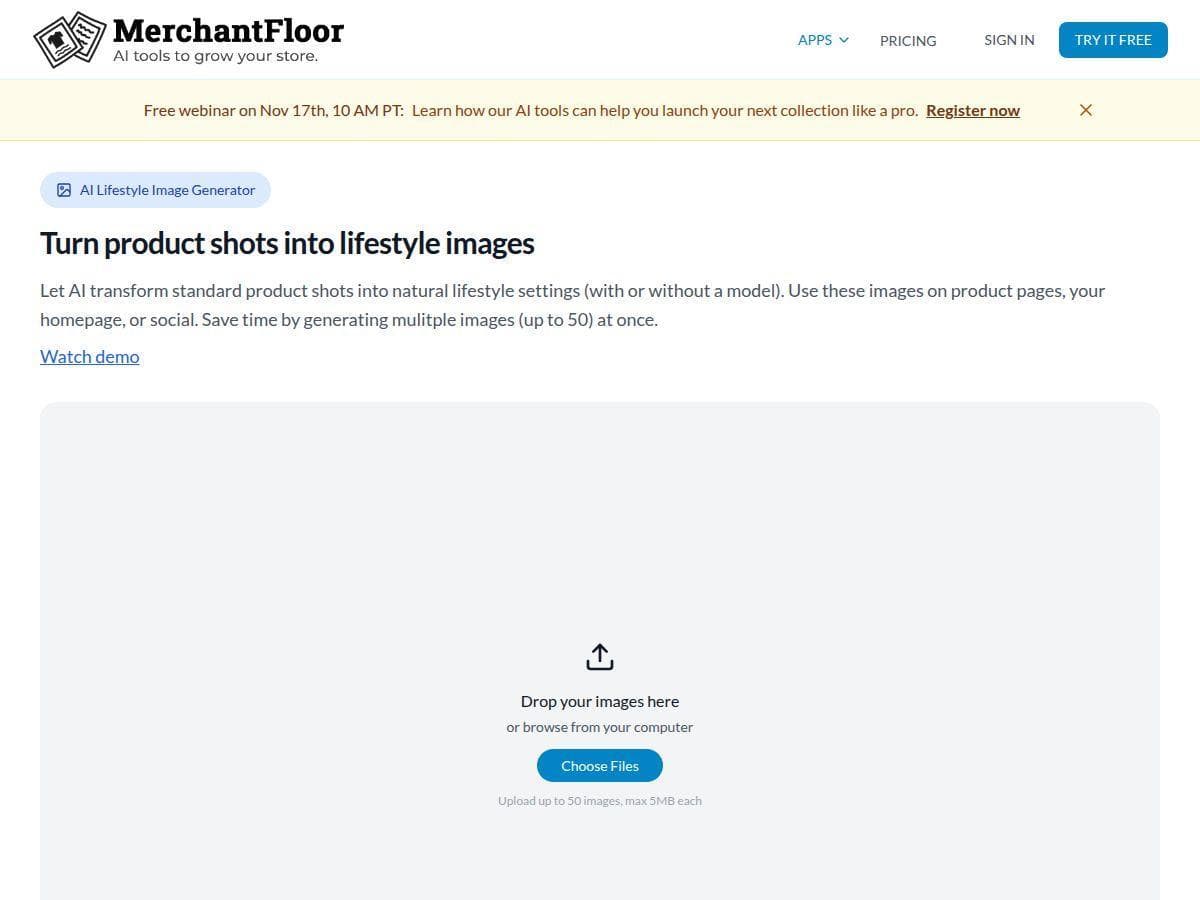
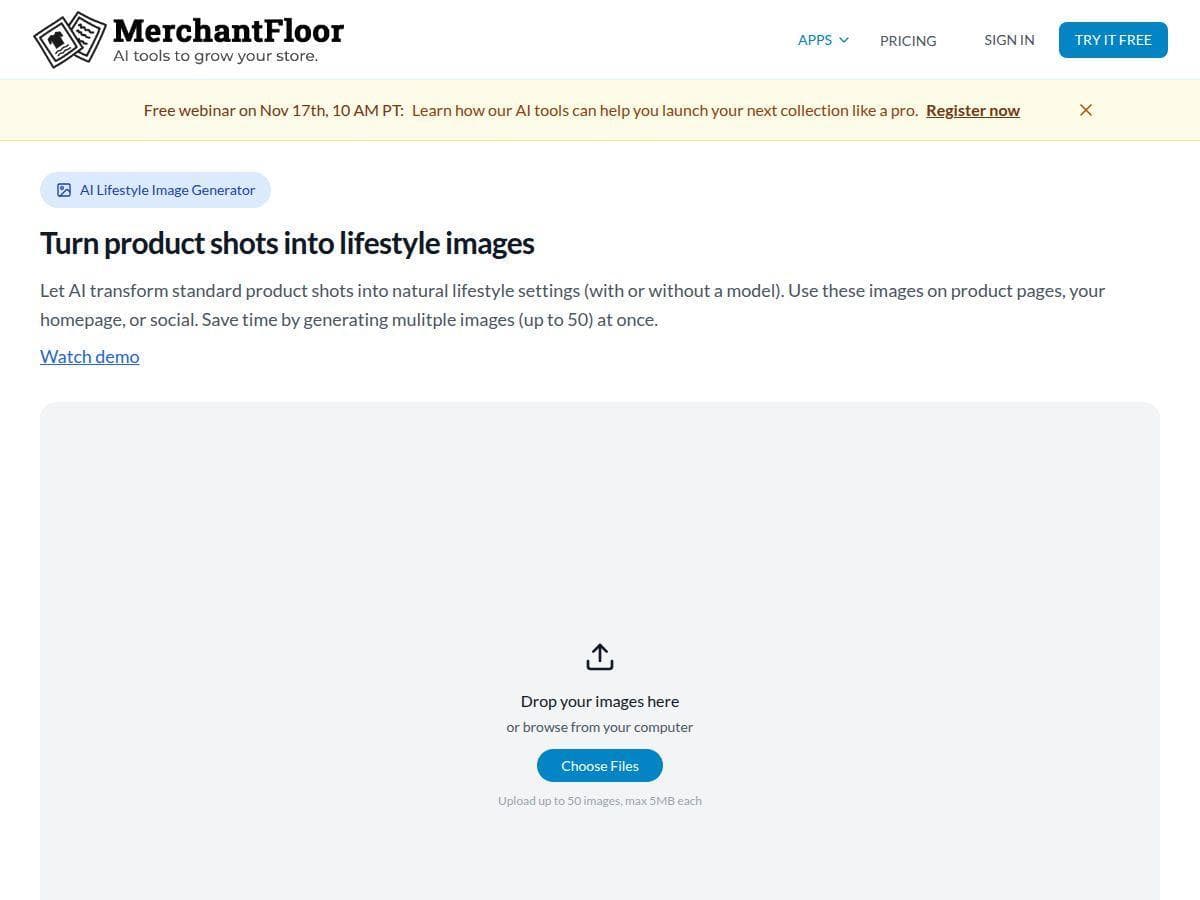
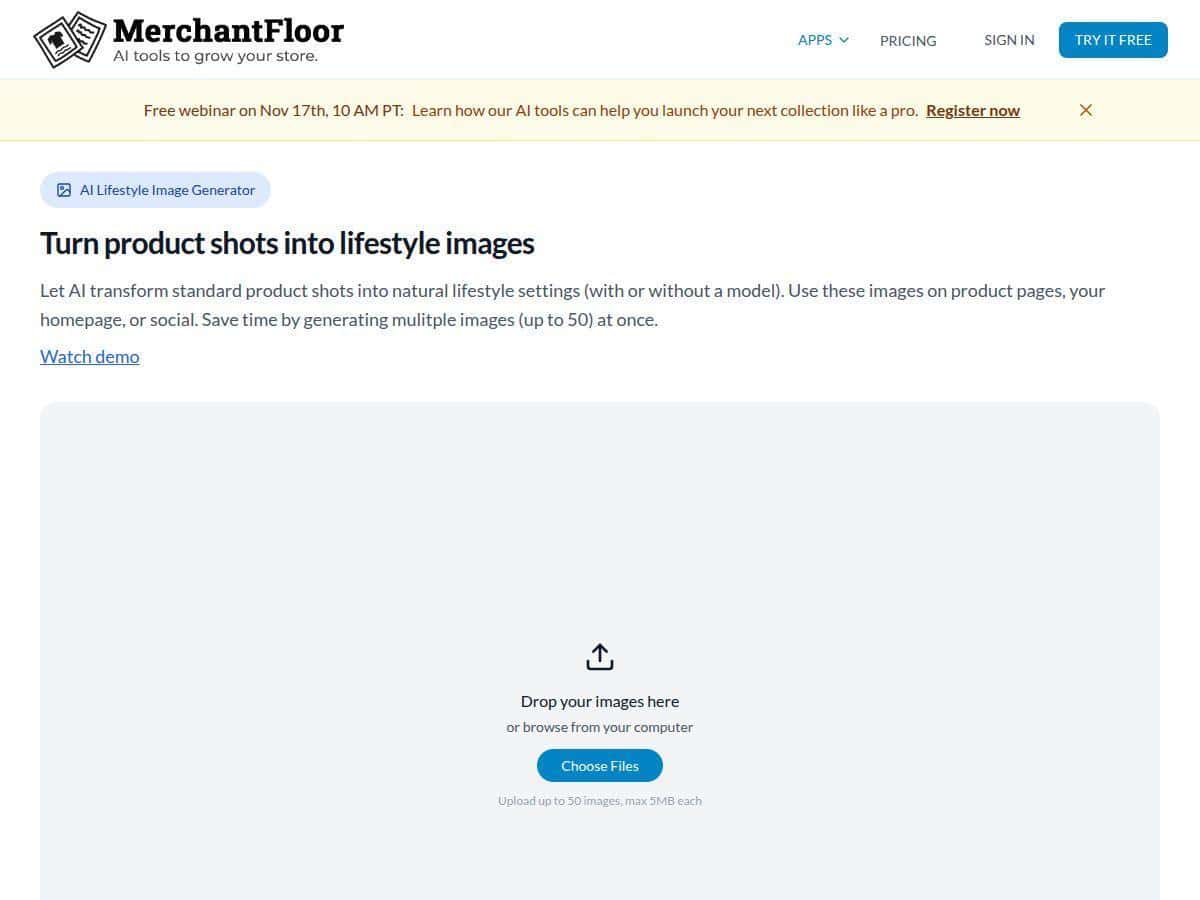
Photo workflow (the real-world version): The AI photo creation part is designed to help you turn product images into something that looks more “store-ready.” In my tests, the generated results were good enough that I could often use them directly—or at least after a quick tweak. The main thing I watched for was whether the images stayed consistent (lighting, framing, and how the product looked against the background).
Copy workflow (what I actually changed): The marketing copy generation was useful, but I didn’t treat it like a final draft. What I liked: it produced descriptions with a clear structure and sales-friendly tone. What I didn’t like: sometimes it sounded a bit generic, especially when I gave the AI sparse details. In those cases, I had to add specifics like sizing, material, compatibility, and shipping expectations.
Limitations I ran into:
- If your product details are thin (no specs, no use-case notes), the AI output will also be thin. Garbage in, you know the rest.
- AI-generated copy still needs your brand voice. I spent a few minutes per listing tightening wording so it matched how I normally write.
- For stores with very complex catalogs (lots of variants, strict compliance wording, unusual attributes), you’ll likely need more manual oversight.
So… is it a must-have? Not for every business. But if you’re a small to mid-sized retailer who wants to publish faster without hiring an extra content person, it’s one of the more practical AI tools I’ve tried.
Key Features (and how they work in practice)
- AI-powered product photo creation
- In the workflow I used, you start with your product image(s) and then generate photo variations meant for ecommerce listings. The output is designed to look more polished than a raw upload—especially when you’re trying to keep a consistent “store look” across many items.
- What I used it for: making listing images feel consistent across a small batch of new products.
- What I checked: whether the product stayed recognizable and whether backgrounds/lighting looked natural.
- Reality check: you may still want to review each generated image. In my case, a few needed minor adjustments before I was comfortable publishing.
- Automated marketing content generation
- This is where Merchant Floor saves time, because you’re not starting from scratch. You provide product info and then the tool drafts descriptions/copy you can adapt.
- What I noticed: it tends to produce clear, structured copy (benefits, features, and a sales tone).
- Where it needs help: if the product has technical specs, you’ll want to add/confirm details (dimensions, materials, compatibility, care instructions).
- My quick edit habit: I kept the AI’s layout, then swapped in my exact specs so it sounded like me.
- Faster listing and editing tools
- Instead of bouncing between multiple pages, the flow is built around quickly generating and then refining listing content. I found this helpful when I was trying to get multiple items ready for a launch.
- What I did: generated assets, then reviewed and saved.
- What mattered: how quickly I could move from one product to the next without losing my place.
- Seamless integration with major e-commerce platforms
- Merchant Floor is meant to connect with your store so you can push listings without manually copying everything over.
- What I looked for: whether the integration made it easy to apply generated assets to the right products.
- Tip: before you rely on it for a big upload, test with a couple products first—just to confirm formatting and where images/copy land in your theme.
- Basic analytics to track performance
- The analytics aren’t “enterprise BI,” but they’re still useful if you want to see what’s working after you publish.
- What I expected: performance indicators tied to your listings.
- What I actually used: quick checks to see whether the new content/photo updates correlated with better engagement.
- Limitation: if you need deep reporting, custom dashboards, or advanced attribution, you’ll probably pair this with your existing analytics tools.
Pros and Cons (based on my trial)
Pros
- It really does speed up listing creation: in my testing, I saved roughly 20–35 minutes per listing after the workflow clicked.
- User-friendly: I didn’t need a week of training to understand how to generate, review, and save.
- Helpful for consistent product presentation: the photo workflow makes it easier to keep a similar look across multiple new items.
- Good “first draft” output: the copy gives you a solid starting point, and then you can polish it to match your brand.
- Best fit for small to mid-sized shops: if you’re adding products often, it’s a practical time-saver.
Cons
- Not built for heavy customization: if you need very specific formatting rules, niche attributes, or strict compliance language, you’ll likely do more manual editing.
- AI copy can be generic without details: when I didn’t give enough product specifics, the descriptions needed more rewriting.
- Expect a review step: even when the generated photos looked good, I still checked each listing before publishing.
- Analytics are basic: useful for quick checks, but not a replacement for deeper ecommerce analytics.
Pricing Plans (what I found and what you should verify)
Merchant Floor includes a free trial, which is exactly how I’d recommend testing it—run a small batch of products through the workflow and see if your time savings are real.
After the trial, pricing is subscription-based. In my research, I saw plans generally falling in the $20–$50/month range depending on what you need and how many products you’re working with.
Important: pricing can change. Before you commit, I recommend checking the live pricing page (and confirming billing cadence and included features) on the official Merchant Floor site so you’re not surprised. If you want, tell me what platform you’re using (Shopify, WooCommerce, etc.) and I can suggest what to test first in the trial so you can judge value fast.
Final thoughts
My honest take: Merchant Floor is best when you want to publish faster without sacrificing too much quality. The AI photo creation + copy drafting workflow helped me crank out listings quicker, and the time savings were noticeable once I used it consistently. Just don’t expect it to replace your product knowledge—if you feed it solid details, you’ll get way better results.
If you’re a small or growing ecommerce shop and your bottleneck is content + images, it’s a tool worth trying. If you’re a power user with highly specialized catalog requirements, you’ll probably spend more time reviewing and tweaking than you want.