Table of Contents
What Is onsa.ai, Really?
When I first ran into onsa.ai, I’ll admit I was skeptical. I’ve seen a lot of “AI sales automation” tools that promise the moon, then quietly turn into a semi-manual workflow with a pretty UI. So I tested onsa.ai with the specific goal of seeing whether it can actually automate the sales cycle end-to-end—prospecting, qualification, outreach, and the stuff that happens after (like follow-ups and call notes).
In plain terms, onsa.ai is an AI-driven platform built to help with lead generation, lead qualification, outreach message drafting, and some meeting follow-up workflows. It’s designed to reduce the repetitive work that usually eats up an SDR’s time: researching companies, scoring leads, and writing first-touch messages. It also claims CRM integration with Salesforce and HubSpot, which is important if you don’t want to live in spreadsheets forever.
My first “okay, show me” moment came when I tried the core workflow: give it a website or describe an ICP, then let it generate leads, score them, and draft outreach. The pitch is straightforward, but the real question is whether the output is usable without hours of cleanup. In my experience, it does produce relevant suggestions—but it doesn’t magically get everything right, especially when your ICP is broad or when the AI doesn’t have enough context from the sources it’s using.
One thing that stood out: the company doesn’t feel super transparent about who’s behind it, and I didn’t see much in the way of public onboarding material. That’s not automatically a deal-breaker, but it does mean you’ll probably spend more time experimenting than you would with more established platforms.
Also, I couldn’t find clear, published pricing or a demo that spells out what’s included. If you’re trying to evaluate ROI fast, that lack of transparency adds friction. I ended up spending time figuring out what I could do in the product before I could even estimate whether it would be worth paying for.
Key Features of onsa.ai (What I Tested vs. What I Expected)
ICP Creation
This is where onsa.ai tries to win you over quickly. You can paste a website URL or describe your ideal customer profile in natural language, and it generates an ICP. In my testing, it produced a usable ICP in under two minutes, which is honestly faster than I expected.
Here’s the catch: the ICP it generates can be a little broad. I noticed it sometimes included characteristics that sounded right “on paper” but didn’t match the tighter segments I actually target. So instead of being a one-click solution, it felt more like a strong first draft. If you’re new to ICP work, that’s great. If you already have a very specific ICP, you’ll likely need to refine the output.
Autonomous Lead Sourcing
on sa.ai claims it can find B2B leads that match your ICP using sources like LinkedIn and open web/company databases. I fed it a basic ICP and reviewed the companies it surfaced. I did see relevant matches, but they weren’t perfect every time.
What I noticed most: when the ICP description wasn’t super specific (industry + company size + job titles + geography), the results drifted. Some leads were close but not quite the right fit, which meant manual cleanup before outreach. Better than starting from scratch? Yes. Replacing your entire lead curation process? Not in my experience.
Lead Qualification (0–100 Scoring)
The lead qualification score is one of the features that sounds great in a marketing deck: a 0–100 score based on fit, intent, and timing. When I tested it with sample leads, the scoring felt logical at a high level—higher scores lined up with the leads I would have prioritized.
But I’m going to be blunt: the scoring criteria aren’t transparent enough for me to trust it blindly. I’d still double-check the “why” before you treat it like gospel, especially if you’re making decisions that impact pipeline velocity or outbound volume.
If you’re evaluating onsa.ai, I’d recommend doing this simple sanity test: take 20–30 leads you already know are good/bad for your business, run them through the scoring, and compare. I didn’t run a full statistical study, but I did enough spot-checking to see that the score needs human review at least early on.
Personalized Outreach
This is the feature I cared about most, because personalization is where a lot of tools fall apart. onsa.ai generates outreach messages tailored to each lead, referencing company and role-related details.
In my testing, the messages were often better than generic templates. They didn’t always feel robotic. Still, quality wasn’t consistent. When the underlying data it used was thin or slightly off, the outreach could get a bit too formal or miss the nuance that a human would naturally include.
My practical takeaway: treat the first draft as a starting point. I found it worked best when I quickly reviewed tone, verified a detail or two (title, company focus, tech stack if relevant), and then adjusted the ask. If you send as-is without checking, you’ll occasionally get messages that don’t quite match the lead.
Sales Meetings Coach (Summaries + Next Steps)
After calls, the AI summarizes the conversation and extracts next steps. I didn’t have a huge number of calls to test this deeply, but the summaries I saw were concise and captured key points.
Where I’d want more proof: how it handles messy, longer, or highly technical conversations. I couldn’t verify edge cases like “multiple stakeholders,” “unclear requirements,” or “late-stage objections.” If your sales calls are complex, I’d test this with a few representative calls before relying on it for coaching or follow-up tasks.
CRM Integrations (Salesforce + HubSpot)
The CRM integrations are a big reason I wanted to test onsa.ai at all. It’s supposed to update records and generate AI-driven contact profiles in Salesforce and HubSpot.
Setup felt pretty straightforward. What I did notice, though, is that sync timing wasn’t instant. In my experience, updates took a few minutes to show up—nothing shocking, but it matters if you’re expecting “real-time” automation right after an action.
Practical tip: when you first connect your CRM, run a small test. Pick one lead, push it through the workflow, and confirm exactly which fields get updated (and whether it overwrites anything). I also recommend watching for duplicates—early-stage tools sometimes create an extra record instead of updating an existing one, depending on how your CRM matching rules are configured.
Automated Response Generation (Slack Bots)
on sa.ai offers Slack bot responses for inbound messages. The idea is simple: reduce the time you spend answering quick questions.
I didn’t test this as extensively as I did outreach drafts, but I did validate that the bot behavior is at least plausible. Still, I’d be careful about trusting AI for anything sensitive—pricing, legal language, security details, or anything that could cause a wrong commitment. Human oversight still matters here, at least until you’re confident in the bot’s accuracy.
Human-in-the-Loop Workflows
This is probably the most “real” feature on the whole list. onsa.ai supports workflows where AI does the work, but you get a chance to approve certain actions—like CRM updates or follow-up email sends.
In practice, I liked this. It reduces the risk of bad automation. But if your dream is fully autonomous outreach with zero review, you may feel slowed down by approvals. I noticed that the product still expects some human checkpoints, especially when you’re dealing with data updates and customer-facing messages.
How onsa.ai Works (My Setup + What the Workflow Felt Like)
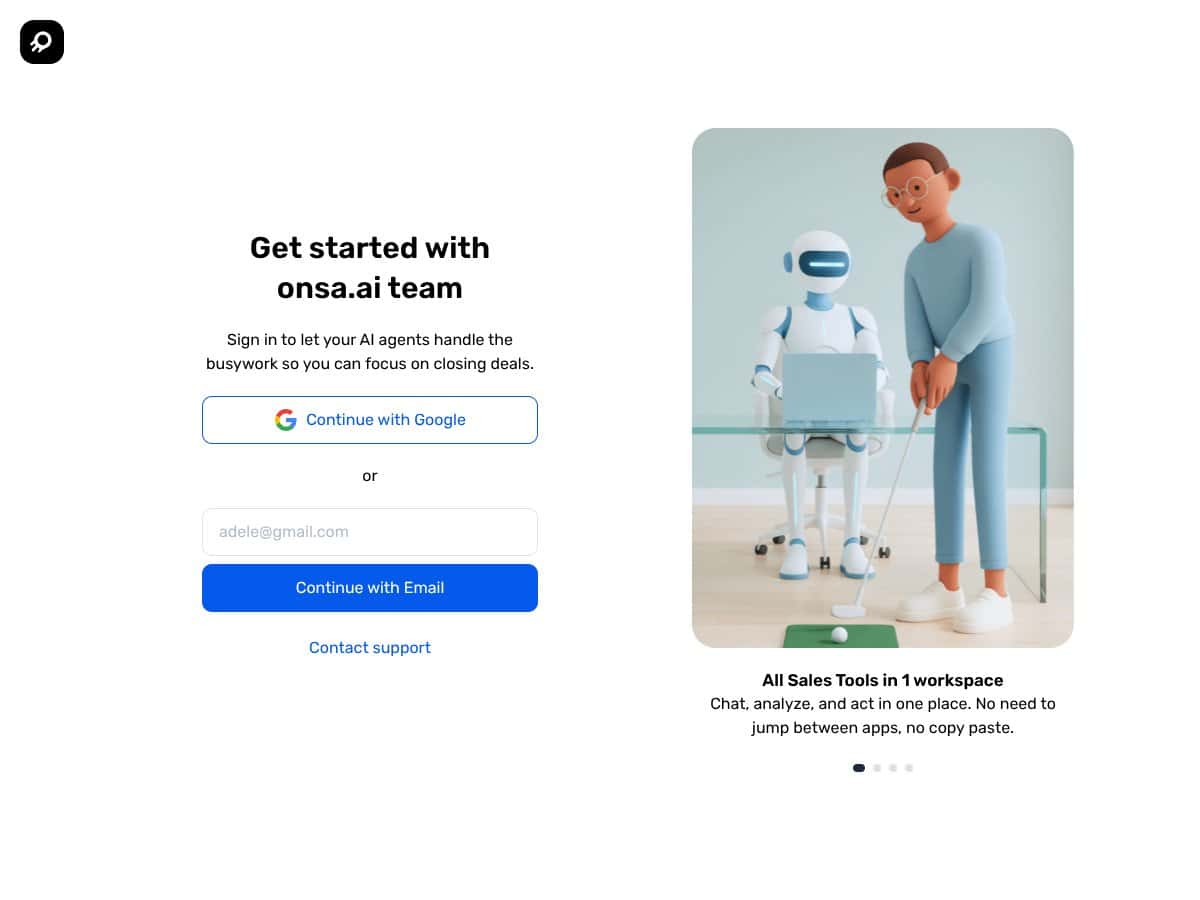
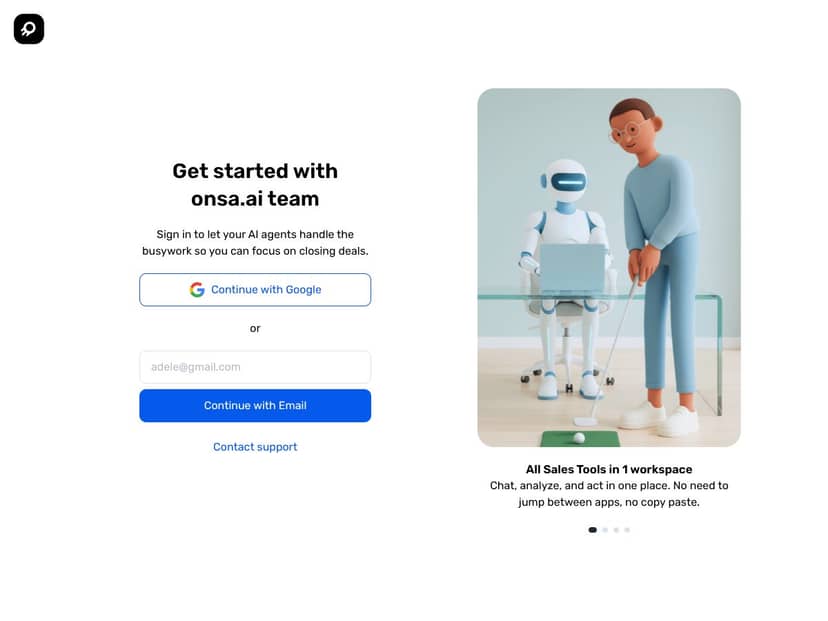
Getting started wasn’t brutal, but it’s not “press button, profit” either. I signed up using Google, and the onboarding was minimal. I was asked to input a website or description and choose settings, and then I was basically expected to figure out the rest.
There’s no guided tour or onboarding checklist that walks you through “do this first, then that.” So I spent time clicking around to understand what each step actually did. If you’re the type who hates exploring interfaces, you might find this annoying.
The dashboard is functional—more utilitarian than flashy. It loads quickly enough, and I could see tasks, leads, and workflows in one place. But the real value came only after I invested time tweaking inputs and testing outputs. I’d honestly budget at least 30 minutes of messing around before you expect solid results.
Within the first hour, I was able to generate an ICP and start sourcing leads. Lead scoring and outreach setup took longer, mainly because I wanted to verify quality before I let it run too far. That’s the theme: it’s automation, not magic.
One limitation I ran into: accuracy varies. Some generated messages drifted slightly off-topic or used details that didn’t fully match the lead. Lead matching also wasn’t perfect when my ICP was too general. So you should plan on reviewing and adjusting early on—especially if you’re running a high-volume outreach campaign.
Overall, the workflow felt a bit experimental during my test. It’s promising, and it can save time, but it still needs your attention to get it right.
onsa.ai Pricing: Is It Worth It?
| Plan | Price | What You Get | My Take |
|---|---|---|---|
| Free Tier | Unknown / Not clearly listed | Limited access to core features, likely basic lead sourcing and simple outreach | Fair warning: the free tier’s capabilities aren’t clearly spelled out. In my case, I couldn’t confidently predict what would be locked behind paywalls until I started using it. If you’re aiming for serious outreach testing, you might hit limits sooner than you want. |
| Paid Plans | Not publicly listed; expect to contact sales | Full automation, advanced lead qualification, integrations, and personalized outreach | What I didn’t like: the sales page didn’t show pricing ranges or a clear feature-to-price breakdown. So yes, it may be customized, but it also makes it harder to evaluate ROI without a call. I’d want a detailed quote and a clear list of what’s included before committing. |
Honest Take
Since pricing isn’t transparent, it’s hard to judge value quickly. If you’re a solo operator or small team, a free tier (if it’s genuinely usable) can help you validate fit. For bigger teams, expect to negotiate and potentially pay a premium—at least that’s what the lack of published tiers suggests.
Also, hidden costs are a real possibility with AI tools. Some charge extra based on usage volume (messages, leads processed, enrichment calls, etc.). I couldn’t confirm onsa.ai’s exact billing mechanics from public info, so you’ll want to ask about usage-based pricing, limits, and overage fees.
If you’re considering onsa.ai, don’t just ask “how much.” Ask for the exact features included, what limits apply, and what happens when you exceed them. If they can’t give clear answers, that’s a red flag.
The Good and The Bad (From My Testing)
What I Liked
- AI-Driven Lead Generation: It can turn an ICP description into lead suggestions quickly. In my test, I got a usable batch fast, but I still needed to refine the ICP for tighter targeting.
- Personalized Outreach: The drafts were often more tailored than generic outreach. Still, I saw inconsistency—some messages needed quick edits before they sounded “right.”
- CRM Integration: Integrating with Salesforce and HubSpot felt straightforward, and it reduced manual exporting/importing. Sync wasn’t instant, but it was workable.
- Always-On Automation (With Guardrails): The platform supports ongoing workflows, which is helpful if you’re running outreach continuously. The key is that approval steps can slow things down if you’re expecting full autonomy.
- Lead Scoring That Helps You Prioritize: The 0–100 scoring gave me a reasonable way to sort leads. It wasn’t transparent enough to trust blindly, but it did reduce the “where do I start?” problem.
- Summaries + Action Items: Call debriefs and next steps were concise. I’d still want more testing on complex calls, but for basic follow-up, it looked helpful.
What Could Be Better
- Transparent Pricing Is Missing: No clear published plans or costs. That makes it tough to evaluate ROI without a sales conversation.
- Limited Public Proof: I didn’t see much in the way of detailed user reviews or community feedback. So you’re mostly relying on the product experience and what you can validate yourself.
- Human Approval Can Add Friction: Workflows that require approval are safer, but they may reduce the “fully automated” benefit if you want zero-touch execution.
- Data Dependency: If the AI can’t access enough accurate info (or if your ICP is too broad), lead matching and personalization can drift. It’s not a deal-breaker, but it’s a real limitation.
- Early-Stage Product Feel: The overall experience feels like it’s still maturing. That usually means more iteration, and sometimes rough edges when you push beyond the “happy path.”
Who Is onsa.ai Actually For?
If you’re a B2B sales team tired of manual prospecting and repetitive outreach, onsa.ai is worth a look. I think it fits best for teams that want to automate the busywork—especially if you already use Salesforce or HubSpot and you want AI to draft outreach and help you prioritize leads.
For example, if you’re running daily SDR outreach sequences and you don’t want to spend hours researching companies and writing first-touch emails, onsa.ai can reduce that workload. It also makes sense for account executives who want faster debriefs and clearer next steps after calls.
On the other hand, if you don’t have a clear ICP yet, or you’re not ready to do some initial setup and refinement, it could feel confusing. And if your sales process relies heavily on relationship-building and bespoke negotiation, AI automation won’t replace the human part—it can only support it.
Who Should Look Elsewhere
If you’re a solo founder with a very small sales motion and you only do outreach occasionally, onsa.ai might be more complexity than you need. The benefits show up when you’re running enough volume and you can justify time spent tuning the system.
Also, if you strongly prefer transparent pricing and straightforward self-serve plans (no negotiations), you may want to look at alternatives with clearer published tiers.
Finally, if your team isn’t comfortable with tools that require configuration and iterative testing, the workflow could feel opaque. In that case, sticking to more guided CRM and outreach setups might be less frustrating.
How onsa.ai Stacks Up Against Alternatives
Apollo
- What it does differently: Apollo is more of a lead database and prospecting platform. It’s strong for searching and filtering, but it leans less on AI-driven prospecting and personalized engagement compared to onsa.ai’s “generate + outreach” approach.
- Honest price comparison: I didn’t find onsa.ai’s pricing publicly, and I also don’t want to guess Apollo’s current numbers without a captured source. In general, Apollo pricing varies by plan and add-ons, and automation/AI features can affect total cost.
- Choose this if… you want a robust database, strong filtering, and you’re okay doing more of the outreach work yourself.
- Stick with onsa.ai if… you want a more automated workflow that helps generate leads, score them, and draft outreach tied to your CRM.
ZoomInfo
- What it does differently: ZoomInfo is known for deep B2B data, but outreach workflows are more user-driven. You’re typically doing more of the filtering and engagement setup yourself.
- Honest price comparison: ZoomInfo is often positioned as an enterprise data platform, which usually means higher cost. I’m avoiding exact numbers here since pricing changes frequently and I didn’t pull a current captured quote during this test.
- Choose this if… you need comprehensive, highly detailed company/contact data and you’re comfortable running outreach through your own processes.
- Stick with onsa.ai if… you want more AI-assisted automation for outreach and qualification, not just data enrichment.
Clay
- What it does differently: Clay leans into AI-assisted enrichment and workflow automation. It’s often used to improve data quality and speed up research/enrichment before outreach.
- Honest price comparison: Costs can vary based on enrichment volume and features. I didn’t see enough public pricing detail during this review to make a precise numeric comparison without risking misinformation.
- Choose this if… you already have a solid CRM and want automation to enrich and clean your data.
- Stick with onsa.ai if… you want a more integrated “source → qualify → draft outreach” workflow designed around sales execution.
Instantly
- What it does differently: Instantly focuses heavily on outreach sequences and multi-channel follow-ups. It’s more about execution than AI-driven prospecting research and ICP-based lead sourcing.
- Honest price comparison: Outreach tools often price by sending volume or sequence usage. I didn’t confirm exact current tiers for this review, so I’m keeping this general.
- Choose this if… your main goal is outreach automation (sequences, follow-ups) and you already have your leads.
- Stick with onsa.ai if… you want an end-to-end-ish workflow that also helps generate and qualify leads, not just send sequences.
Bottom Line: Should You Try onsa.ai?
I’d rate onsa.ai around 7.5/10 based on my testing. It’s genuinely useful when your goal is to reduce manual research and speed up outreach with AI-assisted personalization and CRM workflows.
But it’s not fully “set it and forget it.” It’s early-stage, and some parts still feel like they need your attention—especially lead matching quality, message nuance, and anything beyond the simplest ICPs.
If there’s a free tier you can actually use for real testing, I’d start there. Run a small batch: validate lead relevance, check outreach quality, and confirm CRM updates behave how you expect. If it passes those checks, then the paid plans might be worth it—assuming the quote and limits make sense for your volume.
If you’re a startup or SMB trying to automate prospecting and outreach without hiring a bigger SDR team, onsa.ai could be a solid option. If you’re an enterprise that needs highly customized, manual-heavy workflows and strict transparency, you might want something more established and more clearly documented.
Common Questions About onsa.ai
Is onsa.ai worth the money?
It can be, especially if it saves you hours on research and drafting and if the outreach quality is good enough for your standards. Since pricing isn’t clearly published, I’d start with the free tier (if available) and ask for a detailed quote before committing.
Is there a free version?
There are indications of a freemium model or a trial, but the exact limits aren’t clearly listed publicly. If you want to evaluate it properly, I’d contact onsa.ai for a demo or trial details so you know what you can test.
How does it compare to [competitor]?
Compared to Apollo or ZoomInfo, onsa.ai leans more into AI-driven automation and personalized outreach drafting. The trade-off is that database depth and manual filtering strength may not be the main focus.
Can I get a refund?
I didn’t see a refund policy clearly published. Before subscribing or upgrading, check directly with onsa.ai (especially for enterprise plans).
What integrations does it support?
It supports Salesforce and HubSpot integrations, including automating record updates and contact/profile enrichment as part of its workflows.
Is it suitable for small teams?
Yes, especially if you want to scale outbound without hiring a large SDR team. Just plan for some initial tuning and review steps.
Does it handle inbound responses?
Yes. It supports custom Slack bots and automated response generation so inbound messages can be handled in real time.
How mature is the platform?
It’s a newer platform (launched in 2024), so expect ongoing improvements. Early adopters may find some features still evolving, but the core automation capabilities look promising based on my test.