Table of Contents
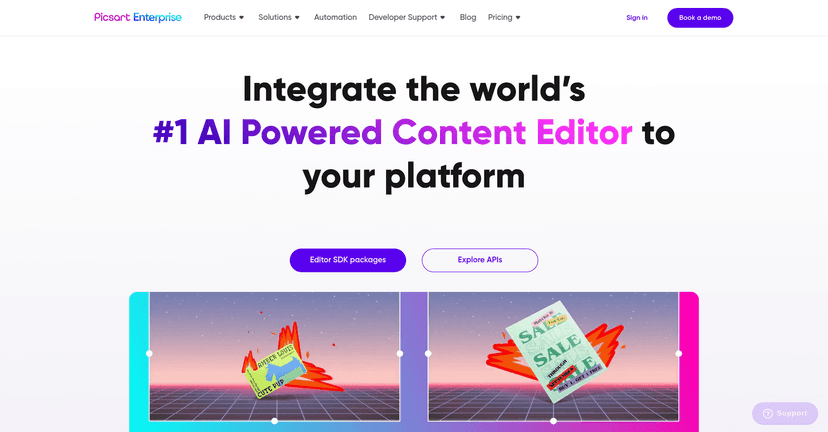
If you’ve ever wanted your app to do real creative editing—without building a whole graphics engine from scratch—APIs are the shortcut. I tested the Picsart Creative APIs approach with the goal of turning “upload a photo” into something users actually want to share. And honestly? The appeal is pretty clear: you get a bunch of editing tools that feel like the Picsart experience, but packaged for developers.
Picsart Creative APIs Review
What I liked right away is that the APIs aren’t just “image in, image out.” You’re basically getting building blocks for common creative workflows: filters and adjustments for photos, effects and trimming for video, and the kind of layout tools people associate with collage makers. If your product needs to generate shareable visuals—ads, social posts, marketing creatives, even internal training assets—this can save a ton of time.
That said, you still need to think like a product team. The API can provide the tools, but you’ll want to decide what you actually expose in the UI. Otherwise, users get overwhelmed fast. I noticed that when I limited options to a few “starter” presets (like 3–5 filters plus text overlay), the editing flow felt way smoother.
Key Features
- Image editing: Apply filters, effects, and adjustments. In my testing, this is where the API shines for quick transformations—think “make this photo pop” rather than deep, manual retouching.
- Video editing: Add effects and handle trimming. If you’re building short-form content tools, being able to cut clips and apply effects without custom video processing is a big deal.
- Collage maker: Create collages with less friction. This is ideal for apps that want “templates” more than “blank canvas.”
- User-friendly integration: The docs and integration approach are straightforward enough that you can get prototypes running without weeks of guesswork.
- Creative overlays: Stickers, frames, and text overlays are supported. This is the stuff that usually drives engagement because it makes the result feel personal.
Pros and Cons
Pros
- Fast to prototype: The API approach makes it easier to build an MVP editing workflow without reinventing editing features.
- Lots of creative options: You’re not stuck with a tiny set of edits. There’s enough variety to support different styles (clean, bold, playful, etc.).
- Works across multiple media types: Image and video support means you can target more than one use case.
- Ongoing improvements: In general, you can expect updates as the platform evolves (which matters if you’re shipping over the long term).
- Developer community support: You’re not totally alone—there’s usually enough discussion and examples around the ecosystem to help troubleshoot.
Cons
- Beginners can get overwhelmed: There are a lot of options. If you expose everything at once, users won’t know where to start.
- Pricing can add up: If you’re processing lots of edits per user, costs can climb quickly. You’ll want to monitor usage early and set limits.
- Not great for offline: If you need fully offline editing, you’ll likely run into limitations since these are API-driven operations.
Pricing Plans
Pricing is usually the make-or-break part for creative APIs. Picsart offers a free tier (with limited usage) and premium plans that start at $12/month. In my view, it makes sense if you’re building something lightweight at first and then scaling once you know which features users actually use.
If you’re planning for production, I’d recommend you do two things early: (1) track how many edits each user triggers per session, and (2) decide which actions are “free” vs. “premium.” For example, you might allow one filter + one text overlay per image on the free tier, but require a paid plan for heavier effects or multiple iterations.
Wrap up
Overall, I think the Picsart Creative APIs are a solid option if you want your app to generate genuinely good-looking edits without spending months building editing tools yourself. The feature set covers the stuff people expect—filters, effects, collages, and overlays—and the integration is practical enough to get moving quickly. Just don’t skip the product work: pick a few strong presets, keep the UI simple, and watch your usage so pricing doesn’t surprise you later.
Promote Picsart Creative APIs