Table of Contents
If you’re an otaku, a fan artist, or you just like making character art for fun, CannyArt is one of those apps that’s genuinely easy to open and start playing with. I tested it to see how well it turns rough doodles into something that looks finished—and I’ll be honest, it’s more satisfying than I expected.

What I like right away is the vibe: it’s built for creators who want to experiment. You can sketch an idea, pick a style, and let the AI help fill in the details. It’s not trying to replace artists. It’s more like a fast “assist” button when you don’t want to spend an hour perfecting every line.
And yes—there are plenty of anime/pop-culture leaning options. If that’s your lane, you’ll probably have fun here.
CannyArt Review
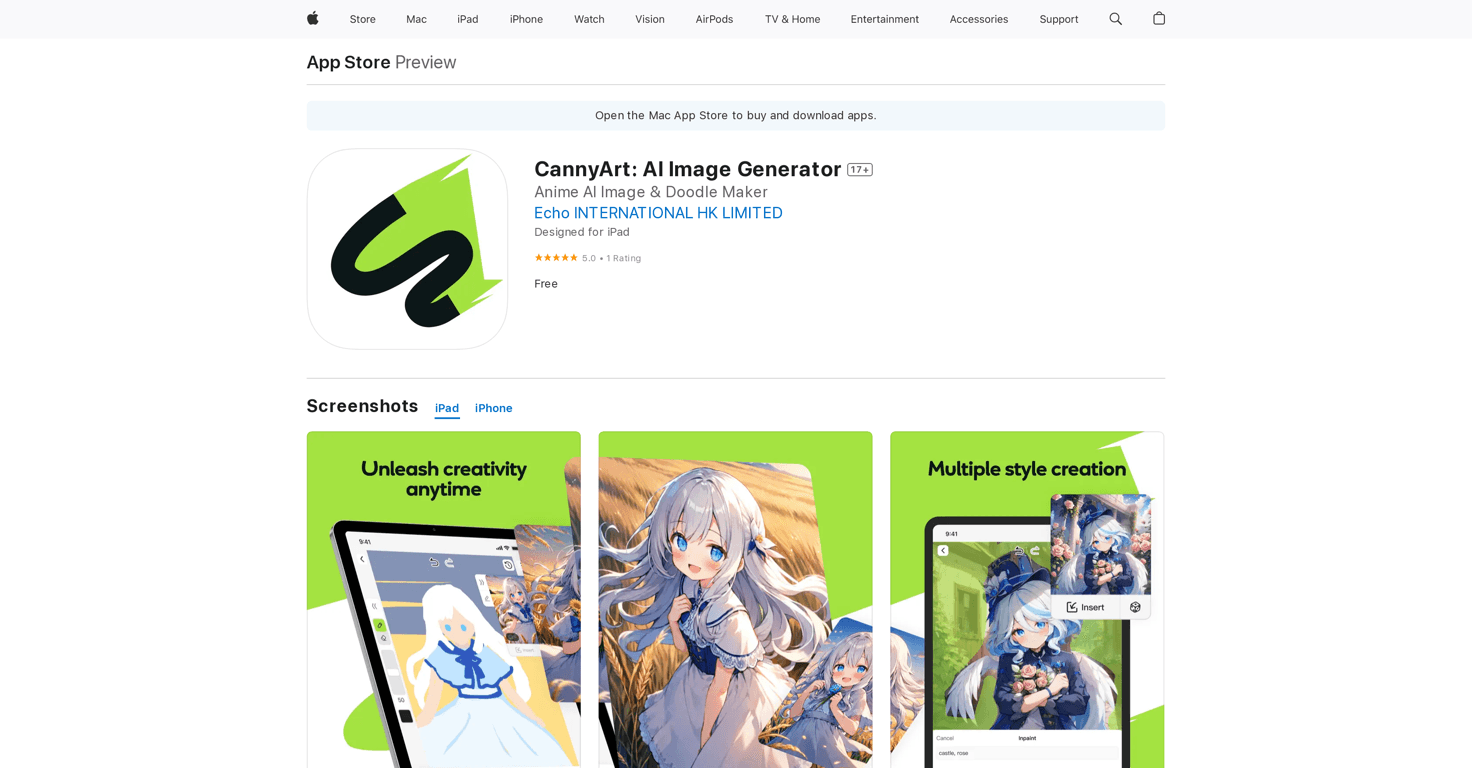
Here’s what using CannyArt feels like in practice. You start with a sketch—nothing fancy required. Even if your drawing is “stick figure + vibes,” the app can still produce something that looks like a styled image instead of a blank mess. I tried a few rough face sketches and then switched styles to see how much the output changes. What I noticed is that the style selection has a real impact. It’s not just a filter slapped on top; it changes the way the AI interprets details like hair, shading, and overall finishing.
The interface is pretty straightforward. I didn’t have to hunt around for the “right” button or figure out complicated menus. You sketch, choose a style, and generate. That’s exactly what I want when I’m creating for fun between other tasks.
Also, the “real-time” part matters. When the app responds quickly, it encourages iteration. You can adjust your sketch, regenerate, and try again without losing momentum. That might sound small, but it’s honestly the difference between “cool once” and “I’ll keep using this.”
One more thing: the app is clearly aimed at otaku and fan creators. If you’re into anime-ish aesthetics, character art, and pop-culture style outputs, you’ll probably find plenty to play with. If you’re expecting hyper-realistic painterly portraits, you might still get results—but you may not feel as “at home” as you would with anime-style generation.
Key Features
- AI-assisted image generation from your sketch
- A wide variety of styles and characters to choose from
- Real-time image creation so you can iterate faster
- Tailored for otaku and fan creators (anime/pop-culture leaning aesthetics)
If you’re coming in as a beginner, the biggest win is that you don’t need to be a skilled illustrator. The AI does a lot of the heavy lifting, especially around style and finishing. And if you’re more experienced, you can still treat it like a tool for exploration—try different looks for the same character idea and see what you like.
Pros and Cons
Pros
- Free to use: I didn’t hit a paywall just to test the basics, which makes it easy to try different styles.
- User-friendly interface: The workflow is simple enough that you can start creating quickly.
- High-quality outputs: The generated images can look surprisingly polished for a sketch-to-image app.
- Many customization styles: Style choices meaningfully change the final look, not just the color tone.
Cons
- Some features may require an Apple ID: Depending on what you try, you might need to sign in to unlock everything.
- Language support: If you’re not comfortable with English, you may need translations to fully understand prompts or options.
- Style-based limitations: Certain drawing details don’t always carry over exactly the way you expect. Sometimes the AI “interprets” your sketch more than it copies it.
That last one is the main reality check. If you want strict control—like “this exact hairstyle shape” or “these exact line placements”—you might need a few tries. In my experience, the app is best when you focus on the overall idea and let the AI handle the finishing.
Pricing Plans
CannyArt is free to use. For most casual sketch-to-image experiments, that’s a pretty solid deal—especially if you’re just testing different styles and character vibes.
That said, free apps sometimes reserve certain extras for sign-in or additional access. If you notice a feature asking for login, that’s usually why.
Wrap up
Overall, I think CannyArt is a fun, creator-friendly AI painting app—especially if you’re into otaku-style art and fan character creation. It’s easy to use, the outputs can look genuinely good, and the style options give you a lot of room to experiment without needing to be a professional artist.
If you’ve been wanting a quick way to turn rough doodles into something you’d actually want to share, this is worth trying. Just go in knowing it’s an assistant, not a perfect copy machine—and you’ll probably enjoy it a lot more.