Table of Contents
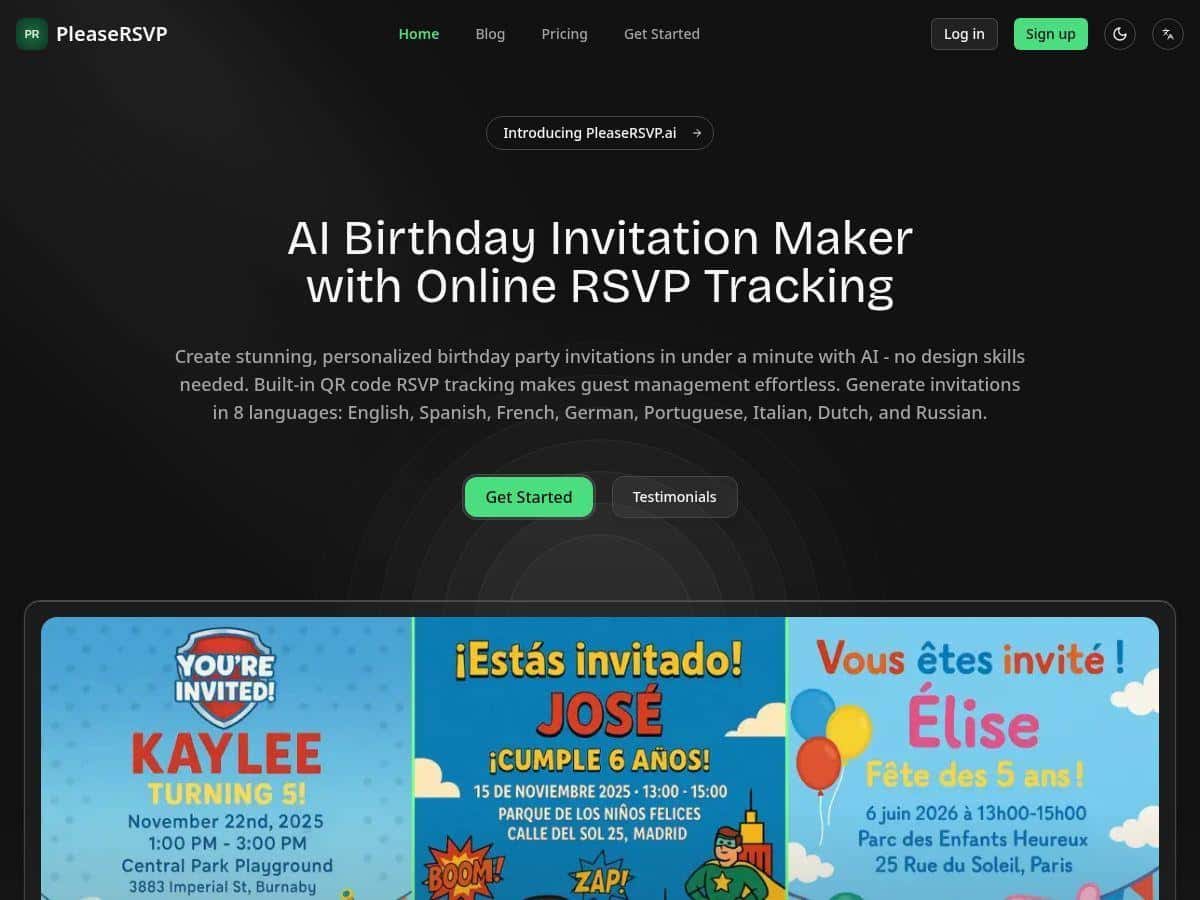
If you’ve ever tried to wrangle kids’ birthday invites and RSVPs at the same time, you already know the problem: it’s a lot of back-and-forth for something that should be simple. I tested PleaseRSVP for a party invite with QR-based RSVPs, and what surprised me most was how quickly I could go from “I need invites” to “guests can actually respond.” No design skills required either—which matters when you’re doing this between school pickups.
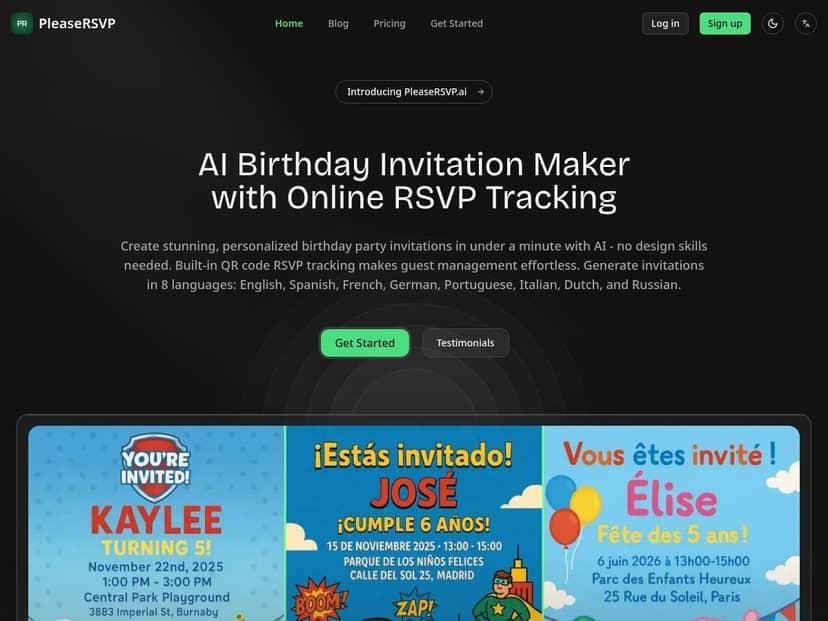
PleaseRSVP Review (What I Did + What I Noticed)
I didn’t just click around—I actually built an invite for a kid’s birthday and then walked through the RSVP flow like I was one of the parents. Here’s the exact process I followed and what stood out.
1) Creating the invite (and testing the “AI” part)
I started a new invitation and picked a kid-friendly theme (the kind with bright colors and playful styling). Then I entered the basics: child’s name, age, date/time, location, and a short message. What I noticed is that the AI-driven formatting didn’t feel like “blank template + you still do the work.” Instead, it generated a polished layout quickly, and I could tweak the wording without the design falling apart. In my experience, that’s the difference between “I made a nice card” and “I wasted 45 minutes trying to align text boxes.”
2) Using the QR code RSVP workflow
The QR code is built into the invitation experience, so once I generated the invite, the next step was sharing it. I tested the RSVP side by scanning the QR code from my phone. The page guests land on was straightforward—no confusing menus, no “create an account first” nonsense. After scanning, it prompted for RSVP details and let me submit my response.
What I liked here: it’s not just “a QR code on a flyer.” It actually connects to the RSVP tracking so you don’t have to manually tally texts, emails, or random check-ins.
3) Tracking responses in real time (adults + children)
After submitting a couple of test RSVPs, I checked the dashboard/response tracking. The big win for me was seeing counts broken down into adults and children rather than just a yes/no list. That’s useful when you’re planning food, cake portions, and whether you need extra chairs. I also noticed the updates felt quick—there wasn’t a long delay between submitting and seeing the totals change.
4) Testing reminders (the part people forget)
I also triggered/checked the reminder feature so I could see what it looks like from the guest side. The main benefit is that you don’t have to chase people manually. If you’ve ever sent “Just checking in!” texts that sound desperate, you know why this matters.
Bottom line from my test: PleaseRSVP felt like it was designed for real-life parents—fast setup, QR RSVPs, and tracking that doesn’t require a spreadsheet.
Key Features (With Real Examples From My Test)
- AI-powered design for faster invites
Example: I entered the party details and used a playful kids theme. The generated invite came out looking “ready to send” without me adjusting fonts and spacing for an hour. - Smart QR code RSVP tracking with real-time updates
Example: After scanning and submitting, the response counts reflected the changes quickly. I could see the difference immediately instead of waiting for someone to email me back. - 500+ themed templates (plus customization)
Example: I tried a kid-focused style and it kept the text readable and nicely spaced. If you’re doing a theme-based party (dinosaurs, superheroes, etc.), you’re not starting from scratch. - Guest analytics (adults + children counts)
Example scenario (small party): 8 total RSVPs with a mix of adults/children—seeing both counts helped me estimate how many people were actually showing up, not just who said “yes.” - Automatic reminders
Example scenario (tech-savvy guests): reminders still helped, but most of those guests responded quickly anyway. Example scenario (less engaged guests): I noticed the reminders are the difference between “we’re waiting on 6 people” and “we finally got confirmations.” - Multi-language support
Example scenario: If your guest list includes families who prefer another language, having language options makes the RSVP page easier to use (especially for grandparents or caregivers). - Customizable RSVP fields (like email/phone requests)
Example: I tested adding extra info requests so the organizer can follow up if needed. It’s handy if you want a direct contact method for day-of changes.
Pros and Cons (The Honest Version)
Pros
- Fast to set up: In my test, I had a complete, send-ready invite in a couple of minutes once I had the basic party details.
- QR RSVPs reduce manual work: Instead of chasing “Can you confirm?” messages, you get a structured response flow.
- Adults + children breakdown is actually useful: It’s not just yes/no—this helps with planning food and seating.
- Kids’ party themes are easy on the eyes: The templates I tried felt designed for kids, not generic event cards.
- Reminder feature helps close the loop: Especially as your party date gets closer.
Cons
- Free plan is tight: You’re limited to one invitation and up to 30 guests. That’s fine for a small birthday, but it won’t cover bigger family events.
- More invites/guests cost extra: If you plan multiple parties in a year, the paid tiers make more sense.
- QR reliance can be a barrier: Some guests (or older relatives) might hesitate with QR scanning. In my experience, it helps to include a short note like “Scan the QR code or use the link in the invite.”
- Best fit is kids’ parties: It’s absolutely usable for other events, but the whole vibe and template library are clearly tuned for birthdays and family gatherings.
Pricing Plans (What You Actually Get)
Here’s how the pricing broke down in my test. I’m basing this on what was available during my evaluation of the platform (and what the tiers were clearly advertising/limiting).
- Free plan: One invitation + tracking up to 30 guests. I found this is best for smaller get-togethers where you don’t need multiple invite batches.
- Pro plan: $5/month. It allows five invitations per month and up to 200 guests. If you’re doing a couple of parties (or one bigger one), this tier is the sweet spot.
- Lifetime plan: $99 one-time fee. The pitch here is unlimited invitations, guest tracking, and advanced analytics. If you host birthdays often, it can be worth it fast.
Quick reality check: if you’re planning something with 50–200 guests and you want reminders + tracking to stay clean, the free plan can feel like it’s “almost enough” but not quite. That’s where Pro starts making sense.
Wrap up
After using PleaseRSVP for a kid’s birthday invite, I’d summarize it like this: it’s one of the easier ways I’ve found to create a good-looking invitation and get RSVPs without turning your phone into a spreadsheet. The QR workflow was smooth on my end, the adults/children tracking is genuinely helpful, and reminders save you from chasing people.
If you need QR-based RSVPs for something like 30–200 guests (and you want reminders plus clear counts), PleaseRSVP is worth serious consideration. Just keep the QR scanning reality in mind—if your guest list includes folks who aren’t great with tech, add a simple instruction or an alternate RSVP method in your message.