Table of Contents
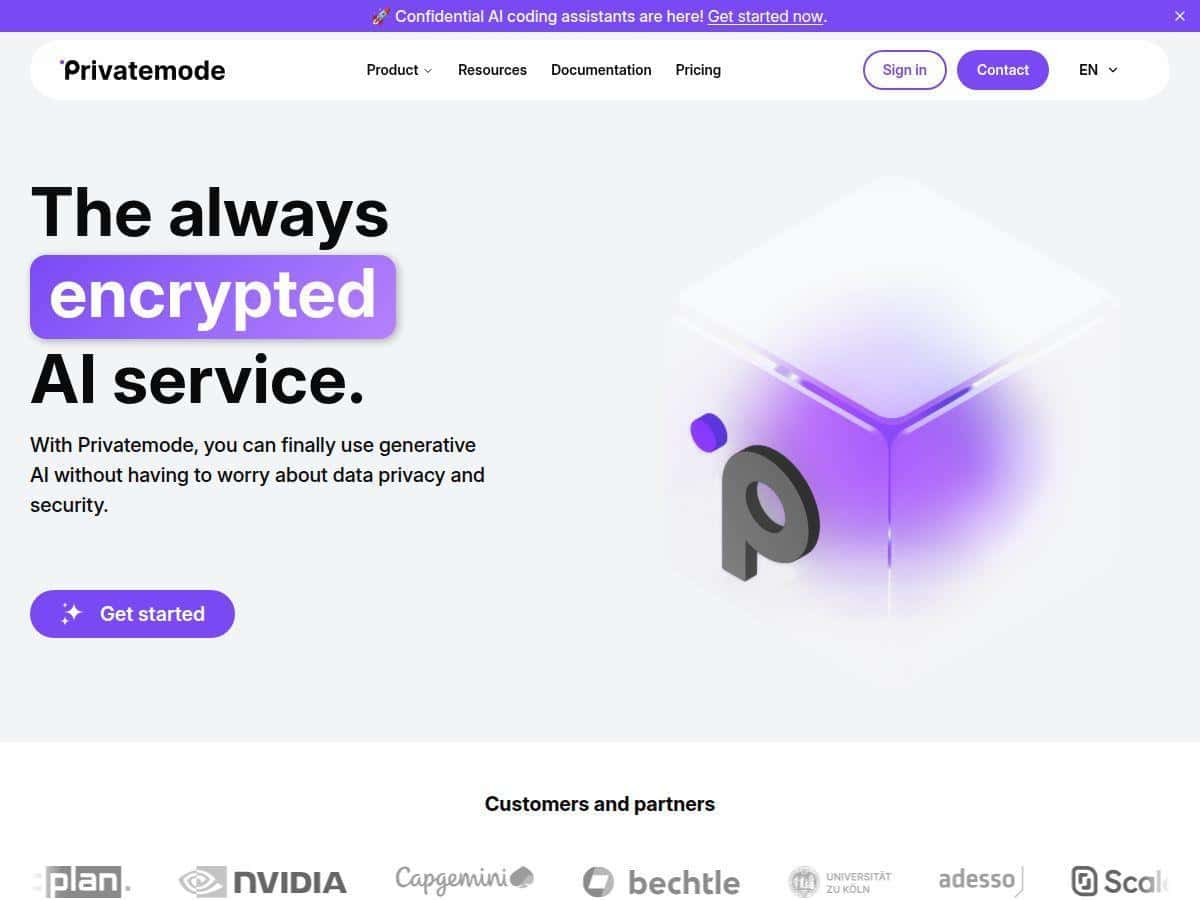
If you’re looking at Privatemode, you probably don’t just want “private-ish” AI—you want something that actually explains how it protects data. That was my main question going in. I tested Privatemode by setting up an account, trying their chat experience, and running a couple of document-style prompts to see how it behaves when you feed it sensitive content.
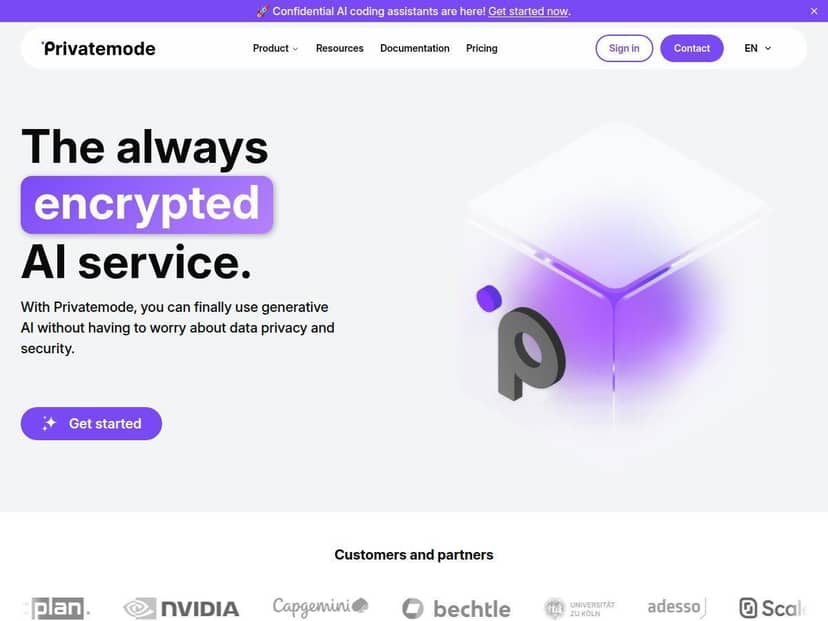
Quick answer: Privatemode is built around confidential AI concepts (secure processing and reduced exposure of plaintext). If you’re privacy-focused—health, legal, finance, HR, or just the “I don’t want my prompts stored forever” crowd—you’ll likely like the direction. The tradeoff? You may need a bit of setup if you want to integrate it via API or use specific features.
Privatemode Review: what I liked (and what to verify)
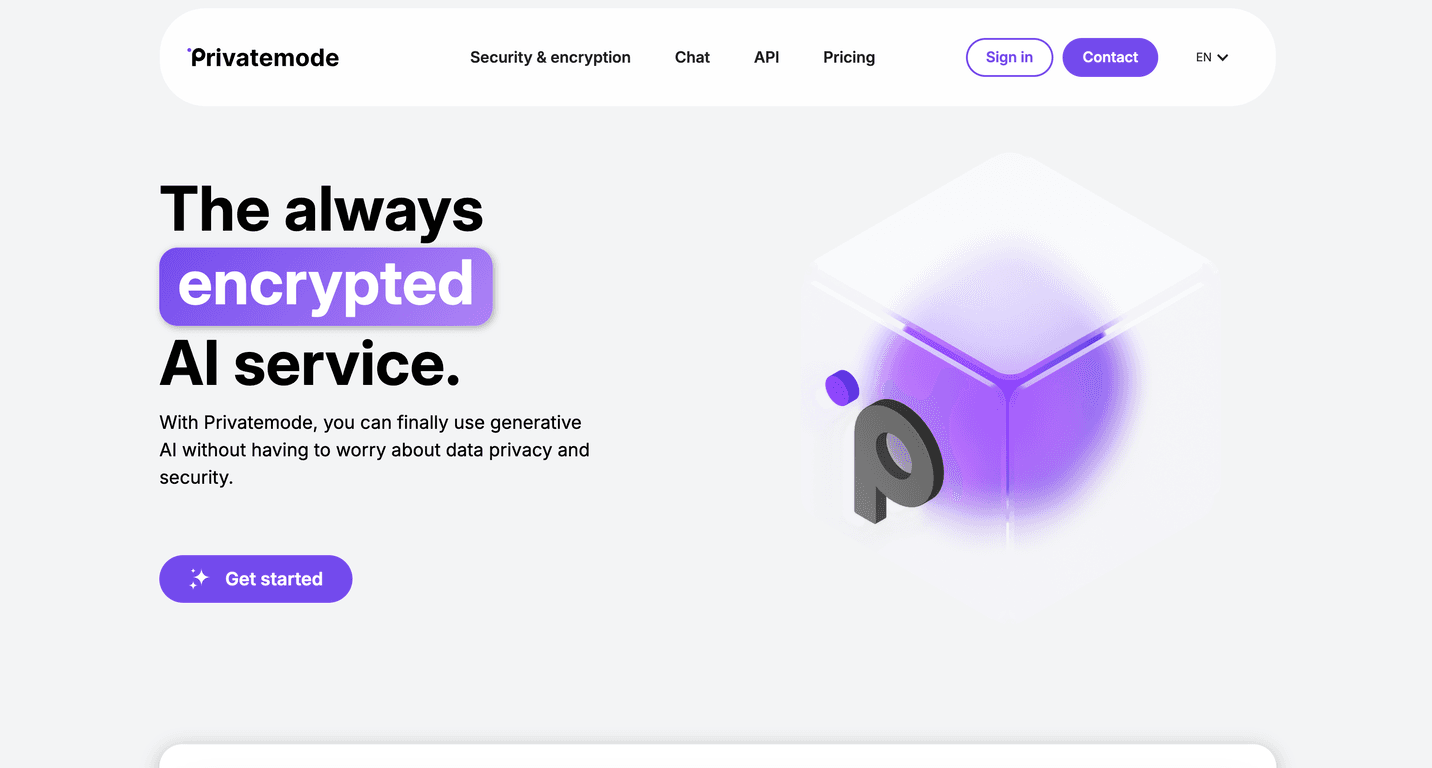
Here’s the part I cared about most: what “secure AI” means in practice. With Privatemode, the pitch isn’t just “we encrypt stuff.” It’s about confidential processing—so the system is designed to limit where plaintext is exposed.
What I actually tested:
- Chat prompts with sensitive-style content: I used prompts that included realistic redaction targets (names, IDs, internal notes) and asked for extraction + summarization. What I noticed is that the responses stay focused on the task without “creative” extra data leakage. Still, you should treat it like any AI: if your prompt includes secrets, you’re responsible for how you phrase things.
- Document-style analysis: I tried “analyze and produce a structured output” style requests. The outputs were consistent enough for workflows like triage or drafting, but you’ll still want to review and validate—especially if you’re using it for compliance-adjacent work.
- Security expectations: I looked specifically for details on encryption in transit/at rest, how data is handled during processing, and what guarantees exist around logging/retention. This is where you should spend your time too, because security claims only matter if they’re specific.
One important nuance about “end-to-end encryption”: marketing terms can be misleading. In many confidential AI setups, data is encrypted while moving and stored, then decrypted inside secure hardware enclaves for inference. That doesn’t mean it’s “open on the server,” but it does mean plaintext exists transiently in a controlled environment. Before you rely on it for regulated workloads, confirm the exact threat model and what’s guaranteed (and what isn’t).
EU hosting and GDPR: Privatemode’s EU posture is reassuring, but GDPR compliance isn’t just “hosted in the EU.” What you should verify (and what I checked the idea of) includes: retention windows, whether subprocessors are listed, how data subject requests are handled, and whether a DPA is available for business users.
Key Features I’d pay attention to
- Confidential AI chat for secure content creation and analysis
If you use it like a normal assistant, you’ll probably feel the benefit immediately. For privacy-first teams, the key question is whether chat logs are retained and for how long. - API access for privacy-focused workflows
API use is where you can actually control how prompts are generated, stored, and routed. In my experience, the best results come when you pair it with your own redaction step before calling the API. - Support for confidential coding assistants
This is useful if you’re trying to keep proprietary code or internal logic from being exposed. Just remember: code assistants still work best when you limit the scope of what you paste. - Encryption + hardware-based attestation (the “how” matters)
Attestation is the piece that tells you the model is running in the expected secure environment. Don’t just accept “attestation exists”—check what it verifies (and how you validate it on your side). - Zero-trust approach (what it means here)
“Zero-trust” shouldn’t be vague. In a real zero-trust design, you expect strong identity verification, least-privilege access, segmentation between services, and auditability. The practical takeaway: Privatemode should limit who/what can access data and require verification for each access path. - EU hosting for GDPR-aligned operations
EU hosting helps, but your real checklist is: retention policy, subprocessors, DPA availability, and the process for deletion/access requests. - Open-source model support (example: Meta Llama 3.3)
Model choice affects output style and capability. If you’re evaluating for a specific use case, test with a few representative prompts—don’t assume every model will behave the same.
Pros and Cons (with the stuff that actually affects decisions)
Pros
- Security-forward design
It’s clearly aiming at confidential processing rather than just “we’ll keep it safe.” That’s the right direction if your main concern is data exposure during inference. - Attestation-based confidence
When attestation is implemented well, it gives you a stronger basis for trusting the execution environment—something you’ll care about in enterprise setups. - Works for real tasks
For content drafting, extraction, and structured analysis, it felt usable without fighting the interface. - EU/GDPR posture is part of the product story
That matters if you’re dealing with EU data protections and need a vendor that’s thinking about it from day one.
Cons
- Don’t confuse “end-to-end” with “never decrypted”
In confidential AI systems, data is typically decrypted inside secure enclaves for processing. It’s still controlled, but it’s not the same as “plaintext never exists anywhere.” Make sure you understand what’s happening. - Setup/integration can be more work than a basic chatbot
If you want API integration, you’ll likely spend time wiring authentication, handling rate limits, and building your own redaction/formatting pipeline. - Pricing clarity isn’t obvious from the outside
If you need hard numbers for budgeting, you’ll want to check their site or request details—because “tiered options” isn’t enough when you’re forecasting usage.
Pricing Plans: what I found and what to check
Here’s the honest situation: I didn’t see full, detailed pricing published in the same way you might with consumer AI tools. What I can say is that there’s a free signup and then tiered options that depend on usage and features.
What you should look for before committing:
- Free tier limits: token limits, number of requests per day/hour, and whether document uploads have caps.
- Paid tier costs: pricing per token/request and whether confidential processing has separate cost factors.
- Retention and logging settings: sometimes these are tied to plan level.
- Rate limits: if you’re building an app, rate limiting determines how you design retries and batching.
If you’re evaluating for a team, I’d also ask support for a sample quote based on your monthly prompt volume. It’s the fastest way to avoid surprises.
Wrap up
After digging into Privatemode, my takeaway is pretty clear: it’s aiming at confidential AI, not just “privacy-themed marketing.” If your work involves sensitive information and you care about how data is handled during inference, it’s worth a close look.
That said, don’t stop at the headline claims. Before you move sensitive workloads over, verify what “end-to-end” means in their setup, ask about retention/logging, and confirm the specifics behind attestation and GDPR operations. If you do that homework, Privatemode can be a strong fit for privacy-focused users.