Table of Contents
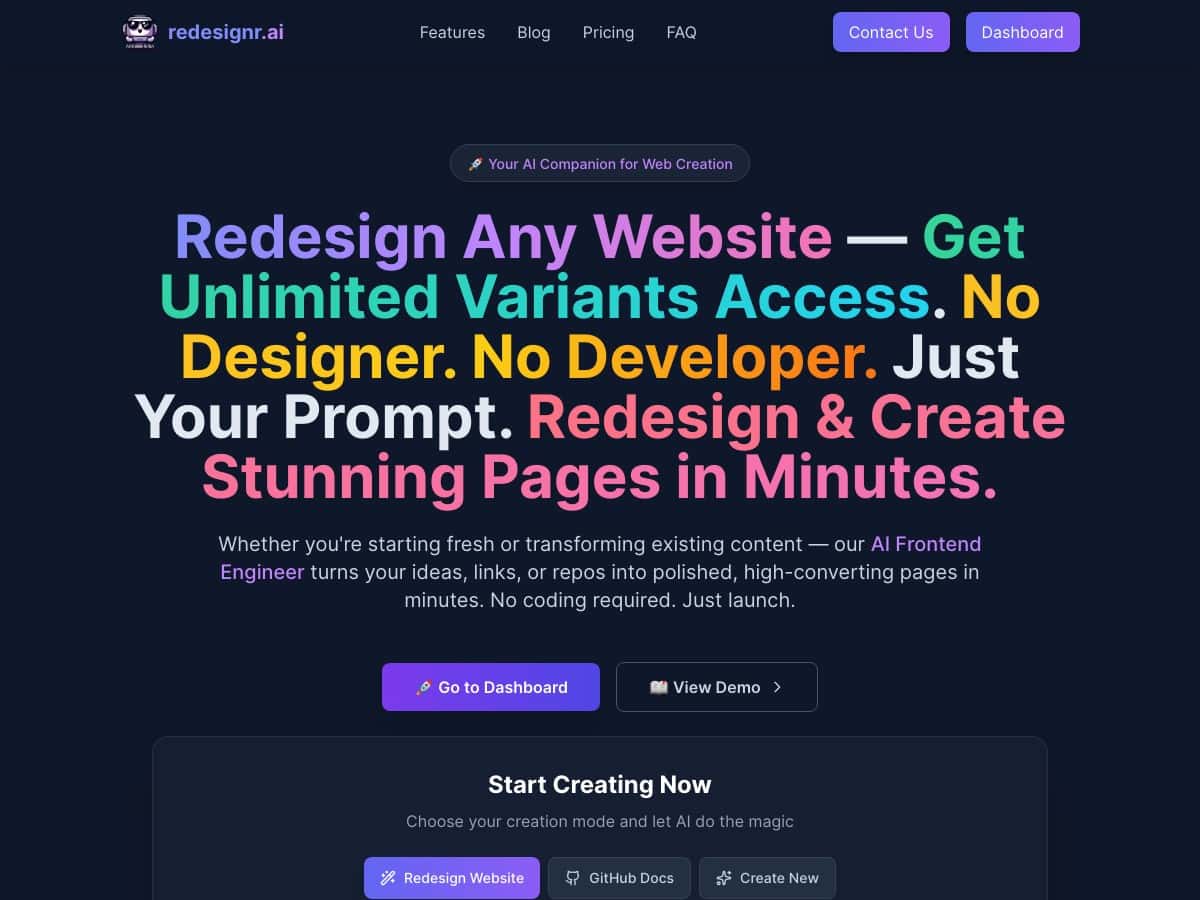
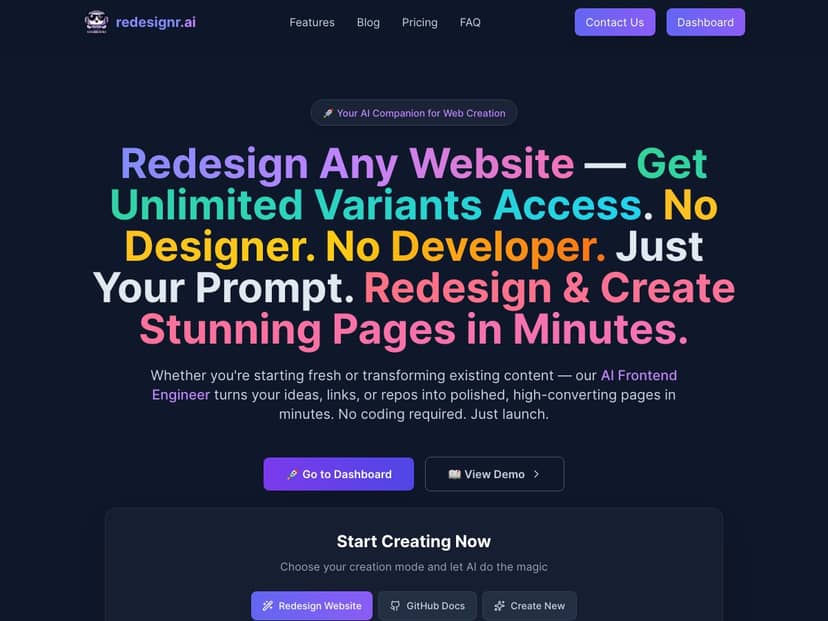
I stumbled onto Redesignr.ai because I’m always looking for tools that don’t waste my time. My goal was simple: build a landing page fast, get decent copy without starting from a blank page, and see whether the “AI” part actually helps or just sounds nice in marketing.
After signing up, what I noticed first was how quickly I could get to something usable. No long setup. No “watch this 45-minute onboarding video” situation. I was able to create a page, swap templates, and generate draft copy in the same session.
Redesignr.ai Review: what I actually did (and what I saw)
Let me be straight with you: I didn’t just click around. I tried to build a real page I could plausibly launch. My workflow looked like this:
- Step 1: Pick a template — I started with one of the landing page templates and focused on getting the structure right (headline, subheadline, benefits, CTA).
- Step 2: Generate AI copy — I used the AI copywriting tool to draft headline + section copy, then I edited it so it sounded like a human and not a robot.
- Step 3: Preview on mobile — I checked the responsive layout because a lot of landing tools look great on desktop and fall apart on phones.
- Step 4: Test variations — I tried the split testing/A-B testing flow to see if it’s actually usable or just a checkbox feature.
- Step 5: Export — I looked for clean HTML/CSS export so I’d know whether I could take the work elsewhere later.
Here’s what stood out to me most:
- Getting from “blank” to “publishable” felt fast. I wasn’t timing it with a stopwatch, but I can tell you it didn’t take hours. The interface is built for speed: edit sections, update copy, and preview without constantly hunting for buttons.
- The AI copy was helpful, but not magic. My drafts were a solid starting point—especially for headlines and benefit bullets. But I still had to tighten wording and make the CTA more specific. (If you want copy that sounds exactly like your brand voice, plan on editing.)
- Templates looked modern and stayed readable. The layouts didn’t feel cramped on mobile. Buttons and text blocks stayed in sensible proportions.
- The “website redesign” idea is real—at least for quick makeovers. I tested the redesign feature on an existing page structure and got a cleaner, more mobile-friendly layout without needing to touch code.
- Exporting clean HTML/CSS is a big deal. I always check this with landing page builders because it’s the difference between “locked in forever” and “I can move if I need to.”
If you want a quick gut-check: Redesignr.ai feels like a builder aimed at people who need marketing assets now, not teams waiting on design resources.
Key Features (with real use cases from my test)
- High-Converting Landing Pages with AI Copy
- I used the AI tool to generate a headline + supporting sections for a landing page. What I liked: the drafts were structured (headline, value props, CTA language) and I didn’t have to start from scratch. What I didn’t love: the first output often needed editing for clarity and specificity. In other words, it speeds up the first draft, but you still own the final copy.
- Automated Website Redesigns
- I tried the redesign flow on an existing layout. The main win was speed: it produced a cleaner, more modern look without me opening a code editor. The limitation I ran into was that deep, highly custom designs still require manual adjustments—AI can get you 80% there, but it won’t perfectly match a brand system out of the gate.
- GitHub Documentation Generator
- This one surprised me in a good way. I generated documentation from a repo and checked whether the output was readable and searchable. The doc generator is useful if you maintain technical projects and want docs that don’t look like they were typed in a hurry. Still, you’ll want to review the content—especially if your repo has messy folder naming or unclear entry points.
- Sales Funnel Page Builder with A/B Testing
- I set up a variation to see how the A/B testing behaves in practice. The workflow was straightforward: update the variation (headline/section/CTA), then run the test. The key thing I checked was whether it’s easy to manage which version is live. If you’re planning to test conversion elements (hero copy, CTA text, form wording), this is the feature you’ll actually use—not just for “testing” as a concept.
- Responsive, Mobile-Optimized Templates
- I always check mobile first when reviewing these tools. In my case, the templates stayed readable, and the spacing didn’t collapse into something unusable. If you’re launching on social traffic, this matters more than fancy desktop animations.
- Export Clean HTML and CSS
- I looked for “clean export” because some builders dump messy code you can’t reuse. The export option here is a reassuring fallback. If you ever outgrow the platform or want to hand off to a developer, having HTML/CSS output is a practical safety net.
- Built-in Analytics and Split Testing
- I checked how the analytics and testing tie together. For me, the most useful part was being able to run tests without building a separate tracking setup from scratch. That said, don’t expect enterprise-level dashboards—this is more about getting fast feedback than replacing a full analytics stack.
- Email Marketing Integration
- I explored the email integration path because it’s usually where “landing page builders” either help or fall short. The main value is connecting your CTA/form flow to an email tool without duct-taping everything together. If you rely heavily on custom automation, you’ll still want to verify the integration supports your exact workflow.
- SEO Optimization Tools
- I didn’t just assume SEO was covered—I checked what controls are available inside the builder (basic on-page optimization options like titles/meta and page settings). This is best for standard SEO hygiene. If you need advanced SEO management (schema rules, deep technical audits), you’ll likely still use a dedicated SEO tool.
- Custom Domain Support
- Custom domains are one of those “must-have” features for me. I made sure the flow exists so your landing pages don’t look like they’re hosted on a generic subdomain. If you’re running paid traffic, this is part of trust and branding.
- White Label Solutions for Agencies
- I looked at the white label angle from an agency perspective: can you present the work under your brand? This is useful if you manage multiple client sites and want a consistent client-facing experience. Just remember: white label value depends on how flexible the branding controls are, and you’ll want to confirm what’s included before committing.
Pros and Cons (based on what I ran into)
Pros
- Fast to get results. I didn’t feel stuck in setup. The UI is built for getting a page live quickly.
- AI copy is a strong starter. It helps with headlines and first drafts, which is usually the slowest part.
- Responsive templates. My mobile preview didn’t look broken or cramped.
- Export option matters. Clean HTML/CSS export gives you flexibility if you need to move later.
- Built-in testing/analytics are practical. It’s not just “we support A/B testing”—the workflow is actually usable.
Cons
- Not an “enterprise CMS.” This feels aimed at small teams, founders, and agencies making marketing pages—not complex multi-author publishing workflows.
- AI still needs editing. If you expect fully polished brand voice on the first pass, you’ll be disappointed. Plan on revising.
- Pricing details weren’t clear when I checked. I couldn’t find transparent tier pricing in the content I reviewed, so I won’t guess numbers.
Pricing Plans (what’s confirmed vs. what isn’t)
Here’s the honest part: I didn’t see publicly listed pricing tiers in the material I reviewed for this post. Because I can’t verify exact plan costs, I’m not going to throw out “$18–$30/month” style estimates like some reviews do.
What I recommend instead:
- Check the official Redesignr.ai page for the current plan names and feature limits.
- Look specifically for what’s included in each tier: A/B testing, analytics depth, integrations, export/export frequency, and custom domain support.
- If you’re an agency, verify what “white label” includes (branding controls, client access, and whether you can fully remove vendor marks).
If you want, tell me what pricing page you’re seeing (or paste the tier list), and I’ll help you compare which plan makes sense for your use case.
My take: who Redesignr.ai is best for
Redesignr.ai is the kind of tool I’d recommend if you’re trying to launch landing pages, run simple funnel tests, and get decent copy without paying a designer for every iteration. It’s not a replacement for a full marketing stack, but it can definitely cut down the “time-to-first-draft” and “time-to-publish” gap.
Just don’t treat the AI output as final. Use it to speed up the first version, then edit for your offer, your audience, and your brand voice. That’s where the results actually come from.