Table of Contents
If you manage a Facebook or Instagram page, you already know the problem: the comments never stop, and half of them are either questions you should answer fast or spam you don’t want showing up. I tested ReplyZen for a few weeks specifically to see if it could help me respond faster without turning my inbox into a robot mess.
Here’s what I liked, what took tweaking, and where I still wouldn’t fully “set it and forget it.”
ReplyZen Review: Does It Really Speed Up Social Comment Replies?
I tested ReplyZen for a few weeks on a couple of active posts where I was getting a mix of “Where can I buy this?” questions, generic reactions, and the occasional rude or spammy comment. My goal was simple: reduce the time I spent staring at the notifications while still keeping my replies helpful and on-brand.
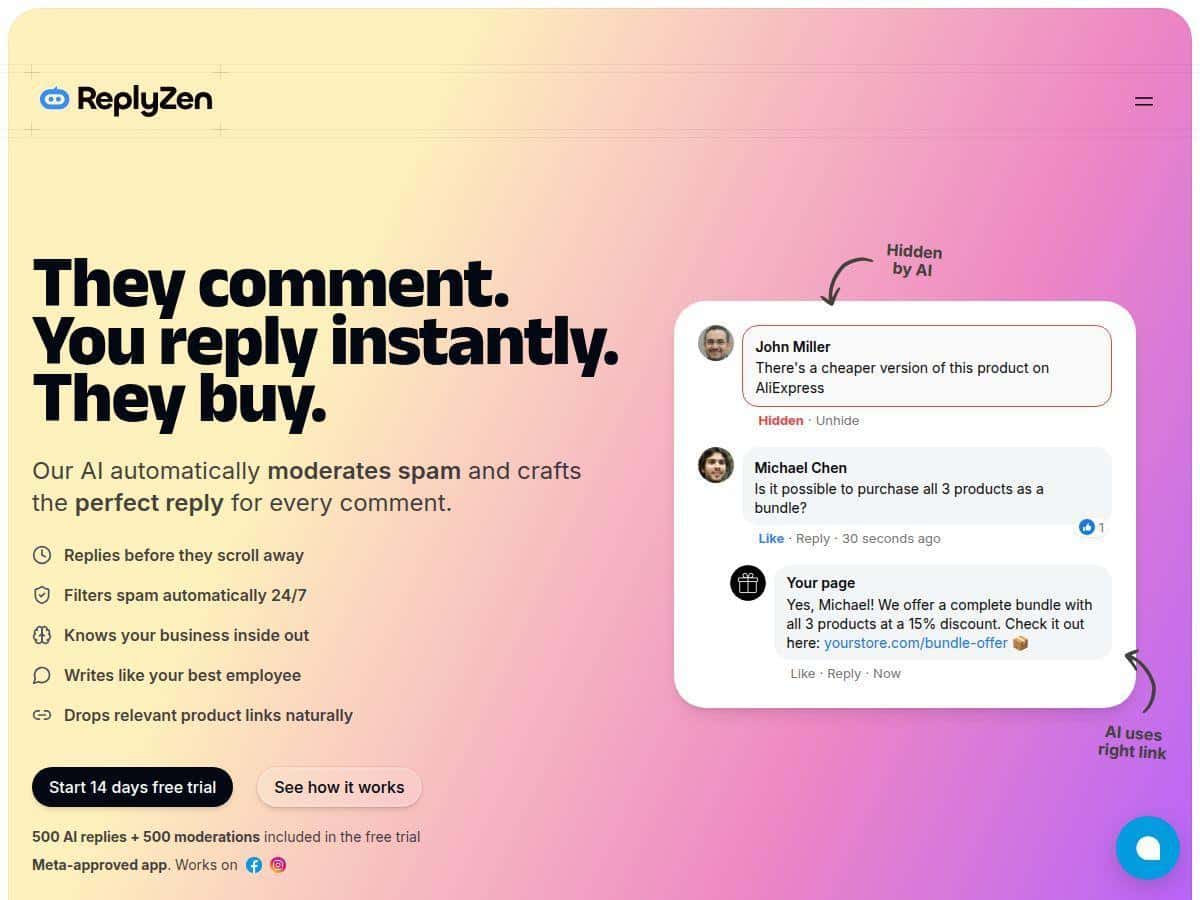
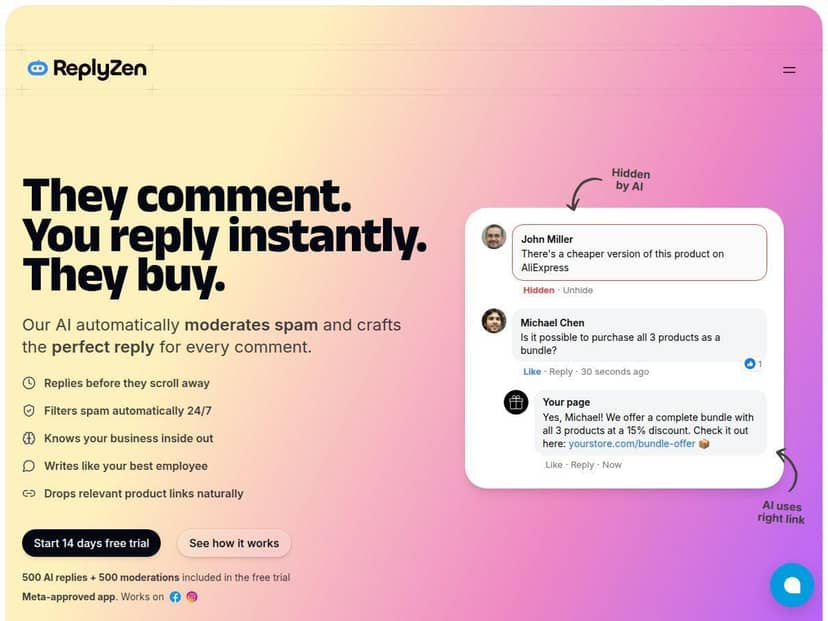
What I noticed right away: when ReplyZen recognizes a comment as something that needs a response, it generates a reply quickly and posts it (or queues it—more on that in a second). The pacing felt natural. It didn’t take minutes to think; it was basically instant from a user’s perspective.
Before/after workflow: before using ReplyZen, I was manually replying to most questions and filtering out obvious spam. After setting it up, I spent less time doing repetitive responses and more time handling the “messy” stuff—things like complicated complaints, edge-case questions, or comments that needed a policy-level answer.
Here are a few real examples of the kinds of replies it produced (paraphrased to protect the exact comment text, but they reflect the same structure and tone I configured):
- Buyer intent: A comment like “Is this available in Canada?” turned into a clear reply with availability guidance and a link to the right product/landing page.
- Pricing question: “How much is it?” resulted in a short, direct answer plus a call-to-action to check the current price on the official page.
- General support: “Does it work with iPhone?” got a concise compatibility response (and it didn’t ramble).
- Spam detection: A bot-style promotional comment was filtered out instead of being replied to, which saved me from accidentally engaging with junk.
- Multi-language: When a comment came in another language, the reply stayed in that language rather than defaulting to English.
Now, I’ll be honest: ReplyZen isn’t perfect with truly complex, multi-part complaints. If someone writes a long paragraph with multiple issues (billing + shipping + product defect + frustration), the first reply might need a human touch to make it fully accurate and empathetic. That’s not a deal-breaker, but it does mean you should set up an approval/escalation approach (more below).
Key Features That Matter (Not Just Buzzwords)
- AI-generated replies for comments—built to respond 24/7 instead of “only when you’re online.”
- Spam and negative comment filtering to keep your comment section cleaner (the big win here is not accidentally replying to obvious bots).
- Contextual responses so replies stay on-topic instead of sounding generic.
- Multi-platform support including Facebook and Instagram.
- Brand voice customization so the tone matches how you already talk to customers.
- Multi-language detection so replies don’t get stuck in one language when your audience isn’t.
- Performance insights that help you see what’s working (and what isn’t), not just vanity metrics.
- Link insertion to automatically include relevant product or affiliate links when it makes sense.
How It Works (What I Actually Configured)
Setup is where most automation tools either shine or fall apart. In my experience, ReplyZen is pretty straightforward, but you do need to spend a little time on configuration so it doesn’t start guessing your brand voice.
1) Connecting your accounts
I linked my Facebook page first, then added Instagram. The connection flow was quick, and I didn’t have to dig through a bunch of weird settings to get it working. Once connected, I could see incoming comments and how they were categorized.
2) Training the “tone” (this is the part people skip)
ReplyZen’s customization is the difference between “helpful assistant” and “awkward chatbot.” I adjusted the tone settings so replies sounded like me—friendly, short, and not overly salesy. I also used templates for common questions (availability, shipping, pricing, compatibility) so the replies were consistent.
What I noticed: the more I specified (examples, wording preferences, do/don’t phrases), the better it sounded. If you leave everything generic, you’ll get generic replies. That’s just how it works.
3) Spam filtering rules (so you don’t reply to bots)
ReplyZen filters spam and negative comments automatically. In practice, I watched a handful of bot-like comments and promo spam appear in the queue (or get blocked, depending on the rule), and I didn’t have to manually stop them from getting a response.
One tip: start with stricter filtering for the first few days. Once you’re comfortable, you can loosen rules if you want broader coverage.
4) Approval workflow (my safety net)
This is the part I’d recommend even if you’re tempted to go fully automated. I didn’t want the AI replying to everything without oversight—especially for complaints or anything that could be policy-sensitive.
So I used a simple approach:
- Auto-reply for straightforward questions (hours, availability, product link requests).
- Human review for long complaints, disputes, or anything that looks like it could escalate.
- No auto-replies for spam/bot comments and clearly abusive messages.
That way, I got the speed benefits without risking a weird reply that would take longer to fix later.
5) Performance insights (what you should actually look at)
ReplyZen’s analytics are useful when you treat them like a feedback loop. I checked:
- Reply coverage: how many comments were handled automatically vs. needing manual action.
- Response speed: how quickly replies went out after comments arrived.
- Engagement impact: whether posts with faster replies were getting more follow-up interactions.
- Conversion signals: whether link-insert replies led to more clicks/visits (whatever tracking you connect on your side).
In other words: I wasn’t just asking “Did it reply?” I was asking “Did it help?”
Pros and Cons (Based on Real Usage)
Pros
- Big time savings: repetitive Q&A got handled without me jumping in every time.
- Faster conversations: replies went out quickly, which tends to keep threads from dying.
- Brand voice control: once I tuned tone + templates, replies felt more consistent with my usual messaging.
- Spam filtering helped immediately: it reduced the annoying “reply to bots by accident” risk.
- Multi-language support: it didn’t force everything into English.
Cons
- Nuance can slip: complex, multi-issue complaints may need a human edit to be fully accurate and empathetic.
- Initial setup takes time: you’ll likely spend time refining keyword rules, tone, and templates before it feels “right.”
- Not fully hands-off: in my test, I still reviewed a portion of replies, especially for edge cases.
Pricing Plans (What You’ll Pay for Replies)
ReplyZen offers a 14-day free trial, and the trial includes up to 500 AI replies and moderation actions. After that, the basic plan is $29/month for up to 500 replies. Higher tiers (like Pro and Enterprise) increase the reply volume and unlock more advanced capabilities.
Quick note: pricing and plan limits can change, so I recommend checking the official ReplyZen page for the latest plan names and numbers before you commit.
Who ReplyZen Is Best For (And Who Should Skip It)
- Great fit: small-to-mid businesses, creators, and marketers who get consistent comment volume and want faster first responses.
- Works well for: product questions, availability checks, compatibility/support FAQs, and “drop a link” style requests.
- Use with caution: brands handling lots of high-stakes support issues, regulated claims, or heated disputes—unless you set an approval workflow.
- If you only post occasionally: you may not get enough volume to justify automation (unless you still hate moderating).
Wrap up
ReplyZen is one of those tools that feels genuinely useful once you tune it. It helped me cut down the repetitive back-and-forth and keep my comment threads active without being glued to the inbox. Just don’t expect it to handle every nuance perfectly—especially when someone is upset or the question is unusually specific. Set up your tone, tighten spam rules, and keep a simple review path for tricky comments, and you’ll get the best results.