Table of Contents
What Is TalentAid?
I ended up testing TalentAid because I’ve watched a bunch of AI job platforms launch recently. A lot of them either feel like an ordinary job board with a new logo, or they promise “smart matching” but don’t show you anything meaningful along the way. I wanted to see if TalentAid actually does something different—or if it’s just marketing.
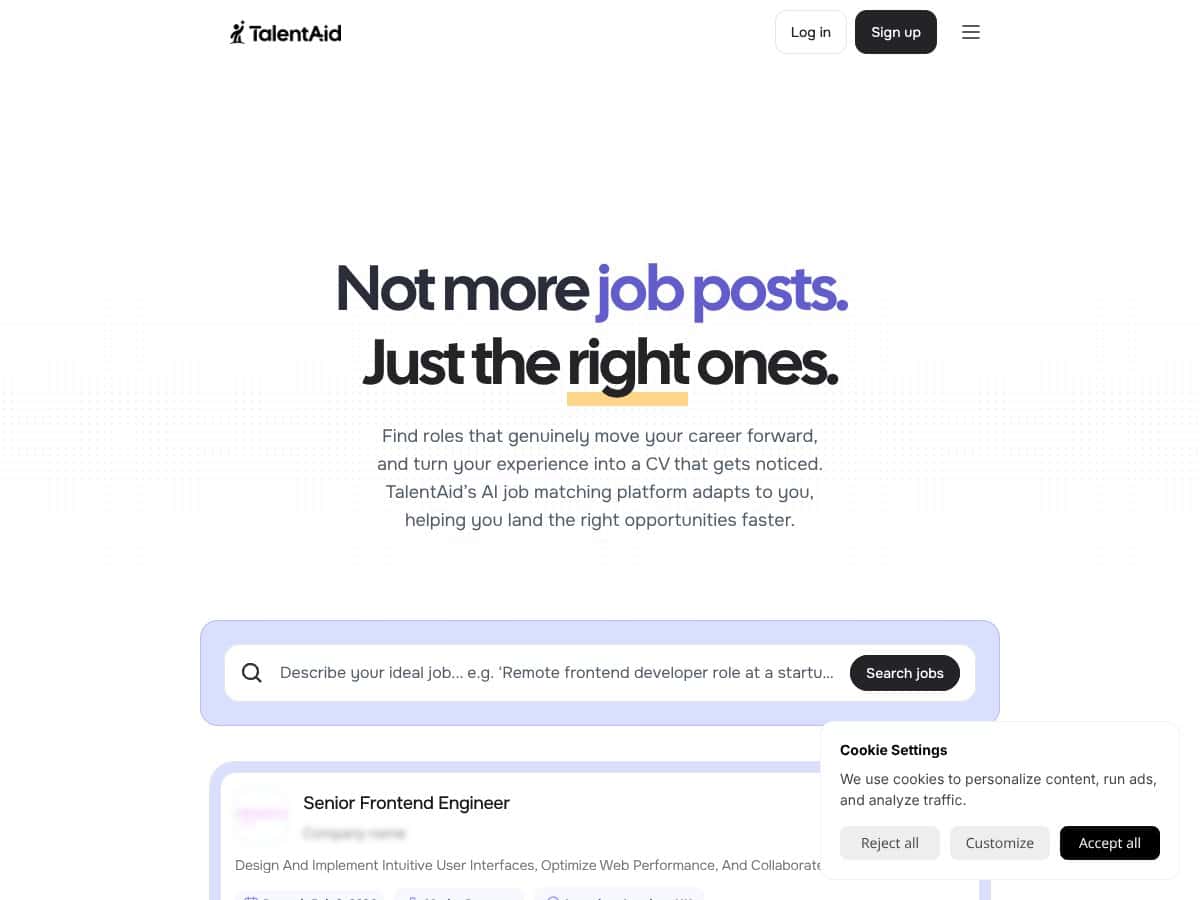
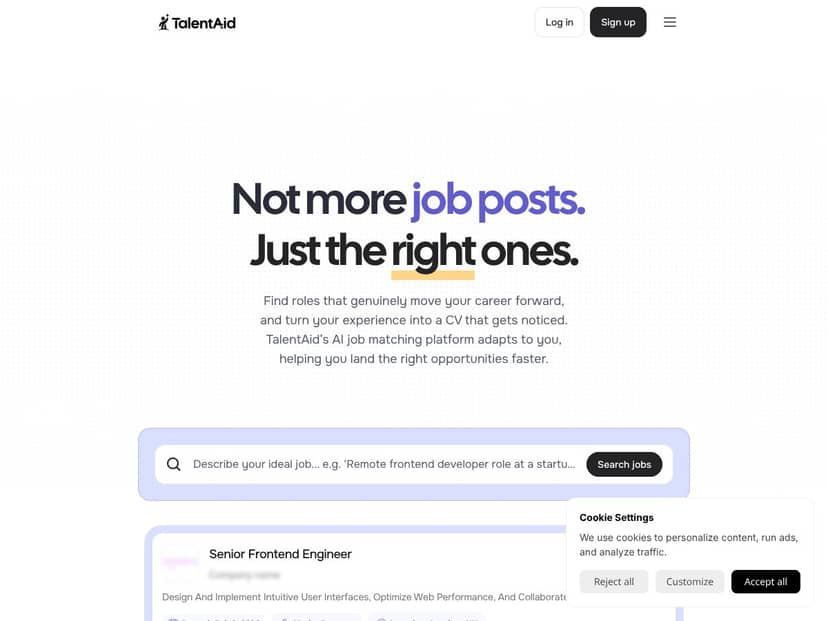
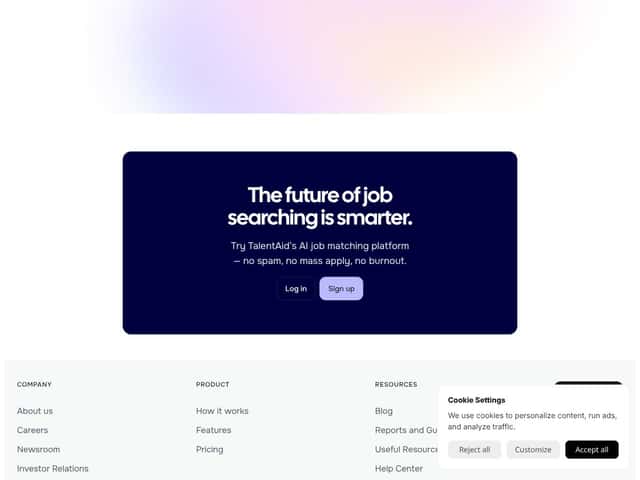
Here’s the simple version: TalentAid positions itself as an AI-powered job matching platform. Instead of dumping every listing in front of you, it tries to recommend roles based on your skills and career goals, with the goal of reducing the time you waste clicking through mismatched jobs.
It also claims it can help you build and optimize your CV using AI suggestions. On top of that, they talk about speeding up applications and offering interview prep with employer-specific insights. One thing I couldn’t verify, though, is who’s behind the product. When I looked around, there weren’t clear company details or team bios that made me feel comfortable understanding the people operating the platform. Since it appears to be new (early 2026), that’s something I’d want to see clarified before trusting it with anything sensitive.
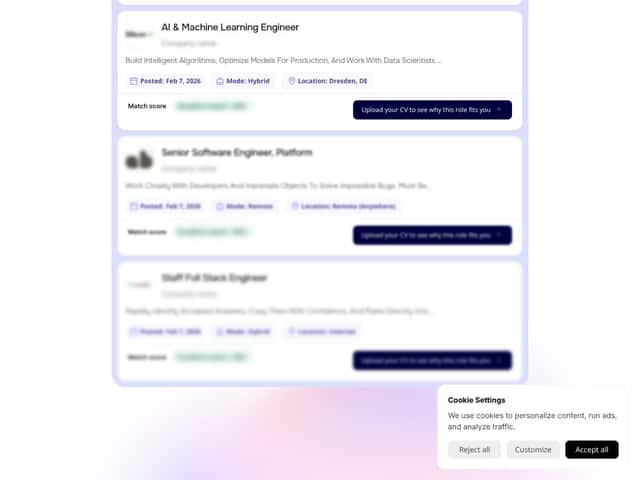
Another thing I noticed right away: the site is clean and easy to use, but it’s still light on transparency. There isn’t a true demo or step-by-step walkthrough showing exactly how the matching works under the hood. What you get instead are “compatibility” style claims, and the UI gives you the sense of scoring without explaining the full logic.
Also, don’t expect it to replace your full job-search stack. In my experience, TalentAid isn’t a complete application tracker. When you’re ready to apply, you get redirected to the original job site rather than applying inside TalentAid. They also frame some features as “coming soon” (like deeper interview prep and more advanced CV tailoring). So if you’re hoping for a one-stop platform today, this isn’t fully there yet.
So yeah—TalentAid feels like an early-stage tool that does the core matching/CV idea, but it’s not a finished product. If you’re okay testing a work-in-progress and you like the idea of explanation-based matching, it can help you move faster. If you want polish, deep features, and full control right now, you’ll probably feel the gaps.
TalentAid Pricing: Is It Worth It?
| Plan | Price | What You Get | My Take |
|---|---|---|---|
| Free Tier | Free |
- Basic job matching with compatibility scores - CV creation and optimization - Job aggregation from multiple sources - Limited application management - No paid plans yet |
The fact that the MVP is free is the main reason I recommend trying it. You can test the core workflow without committing money. Just keep in mind that “coming soon” features mean you may not get the full experience you’re hoping for. |
| Paid Plans | Not publicly listed |
- Not disclosed publicly as of my check (no confirmed tier details) - No verified pricing or feature breakdown available in public pages I could find - Contact/support may be required for specifics |
I don’t like guessing here. If you can’t find a pricing page or a clear feature table, you can’t plan your budget. If they eventually publish tiers, then you can compare value properly. |
Honest assessment: Right now, the pricing story is simple: it’s free during the MVP phase, so you can judge the matching and CV suggestions without paying. The moment paid plans show up, the real question will be whether they unlock meaningful features (like application tracking inside the platform, or deeper interview prep) versus just adding “nice-to-have” extras. Until those details are published, I’d avoid paying based on assumptions.
Fair warning: since paid options aren’t publicly listed yet, watch for usage caps or feature gates once they launch. I also wouldn’t rely on TalentAid as your only application manager at this stage—because applying is still routed to the original job sites.
The Good and The Bad
What I Liked
- Matching explanations (when they show up): TalentAid doesn’t just throw jobs at you. It includes a compatibility-style explanation so you can understand why a role is being recommended. In my tests, the “why” text made it easier to decide whether a role was worth clicking into instead of treating everything like a lottery ticket.
- CV optimization suggestions you can actually apply: I uploaded my CV and reviewed the AI suggestions for improvements. What helped me most wasn’t just generic wording—it was the way the suggestions aligned with the roles I was looking at. In my case, it saved time because I wasn’t staring at my resume wondering what to change first.
- Job aggregation that reduces bouncing around: Rather than making me jump between multiple job sites for every search, TalentAid aggregates listings and helps reduce duplicate/low-quality results. That “one place to scan” flow is genuinely convenient.
- Recommendations that adjust as you interact: As I spent time selecting roles and using the suggestions, the recommendations felt less random than the first pass. It’s not perfect, but it’s better than tools that never learn anything from your choices.
- More targeted than “spray and pray”: The feed felt more focused than the typical job board experience where you scroll for 20 minutes and still feel like nothing matches. It’s not magic, but the intent is clear.
What Could Be Better
- MVP limitations (features are still “coming soon”): Interview prep and deeper CV tailoring aren’t fully available yet. If you’re expecting a full coaching-style workflow, you’ll feel that missing layer.
- No in-platform application tracking: In my experience, you’re redirected to the original job site to apply. That means TalentAid doesn’t currently help you track application status, follow-ups, or deadlines inside the platform.
- Unclear pricing and no public paid-plan breakdown: Since paid tiers aren’t publicly listed, you can’t easily tell what’s gated behind payment. That’s frustrating if you want to plan your budget upfront.
- Regional availability seems limited: The listings I saw were heavily oriented toward Europe-focused roles. If you’re targeting global opportunities outside that region, you may end up with fewer relevant matches.
- Privacy details aren’t easy to find: I couldn’t locate clear, specific information about how your data is stored, retained, or protected (encryption, retention period, subprocessors, etc.). If you’re privacy-conscious, you should treat this as a red flag until the privacy policy is fully published and detailed.
How TalentAid Stacks Up Against Alternatives
LinkedIn Jobs
- LinkedIn gives you a huge job board plus a professional network, which matters if you want recruiters to actually find you. You can also message people and see relationship context.
- It’s free to use for browsing, but premium features (like InMail and visibility boosts) cost extra. Pricing depends on the plan, but it’s typically not cheap.
- Choose LinkedIn if networking and direct recruiter visibility are part of your strategy.
- Stick with TalentAid if you care more about tailored job matching and reducing the time spent scrolling through irrelevant postings.
Indeed
- Indeed is a massive aggregator with a straightforward approach: search, scan, apply. It’s simple and familiar.
- Job seekers can use it for free. Employers pay for postings and promotions, not you.
- Choose Indeed if you want breadth and a huge database more than “smart explanations.”
- Stick with TalentAid if you want a more curated matching experience that tries to cut down mismatches.
Glassdoor
- Glassdoor adds context around companies with reviews, salary info, and interview-related content.
- Most features are free, but some insights are behind subscription.
- Choose Glassdoor if you want transparency about culture and compensation before you apply.
- Stick with TalentAid if your priority is role matching and CV support rather than company research.
ZipRecruiter
- ZipRecruiter focuses on AI matching and quick application flows, sometimes including “one-click” style applications depending on the posting.
- Job seekers can use it free, while employers handle paid features.
- Choose ZipRecruiter if you want speed and minimal friction when applying.
- Stick with TalentAid if you prefer explanation-based matching and CV suggestions that help you tailor faster.
Workable
- Workable is built for employers and recruiting teams, with candidate tracking and internal collaboration.
- It’s not really designed for individual job seekers as a “match me and help me apply” tool.
- Choose Workable if you’re hiring or you’re involved in recruitment.
- Stick with TalentAid if you’re a job seeker looking for an AI-enhanced search workflow.
Bottom Line: Should You Try TalentAid?
My overall rating for TalentAid is about 7/10. It’s genuinely promising in the way it tries to make job searching faster—especially with AI-driven matching and CV optimization. The interface is easy to navigate, and since it’s free during the MVP phase, it’s low-risk to test.
That said, it’s not a complete solution yet. If you want application tracking inside the platform, or a full interview prep pipeline, you’re still waiting on “coming soon” features. And because paid plans and privacy details aren’t fully transparent, you should be cautious about how much personal info you upload.
Here’s how I’d decide:
- Try TalentAid if you want explanation-based matching, you like CV suggestions, and you’re actively searching (especially for Europe-focused roles).
- Skip it for now if you need built-in application management, direct “apply” workflows, or you want deeper transparency and privacy clarity before trusting an AI tool.
Since it’s free right now, I think it’s worth a spin—especially if you’re the kind of person who likes testing tools and iterating your job search. If it doesn’t help enough, you can always shift back to more established platforms without losing money.
Common Questions About TalentAid
Is TalentAid worth the money?
Right now, TalentAid is free during its MVP phase, so there’s no reason to pay just to test it. Once paid plans are introduced, the “worth it” part will depend on what’s actually unlocked (and whether application tracking, interview prep, and deeper CV tailoring are included).
Is there a free version?
Yes. During the MVP stage, TalentAid is available for free and doesn’t require a credit card for basic access. Some advanced features still appear to be in development.
How does it compare to LinkedIn?
LinkedIn is stronger for networking and direct recruiter interaction. TalentAid, on the other hand, leans harder into tailored job matching and CV optimization, which can save time when you’re trying to find roles that fit your background.
Can I apply directly through TalentAid?
No. At the moment, TalentAid redirects you to the original job posting to complete the application. Direct apply features are not available yet (they’re framed as future updates).
What about data privacy?
There’s limited clarity available right now. Before you upload sensitive information, check whether TalentAid has a published privacy policy that clearly covers storage, retention, security measures, and how they handle requests (like deletion or data access). If that info isn’t present, I’d hold off.
Is there a refund?
Since the platform is free during the MVP phase, refunds aren’t applicable yet. If paid plans launch later, refund terms would depend on what TalentAid publishes at that time.