Table of Contents
If you’ve ever had a couple of lines in your head and thought, “Why can’t I just turn this into a real song?” then you’ll probably like TextMusic. TextMusic.net is one of those AI music tools that focuses on the practical part: type (or paste) lyrics, pick a vibe, and get an actual track back—without needing to know chords, BPM, or any of that.
TextMusic Review
I tested TextMusic.net on April 19, 2026, using Chrome on Windows. I didn’t want to overthink it, so I started with a simple prompt: a short verse + a chorus idea, then I picked a mainstream style and let it do the heavy lifting.
What I typed (my lyrics input):
Verse: “Neon nights, I’m wide awake / City breath on my face”
Chorus: “Hold me close, don’t let go / We’ll light up the road”
Settings I chose:
- Language: English
- Style/genre: Pop
- Vibe: 90s synth (I went for something that feels upbeat but a little nostalgic)
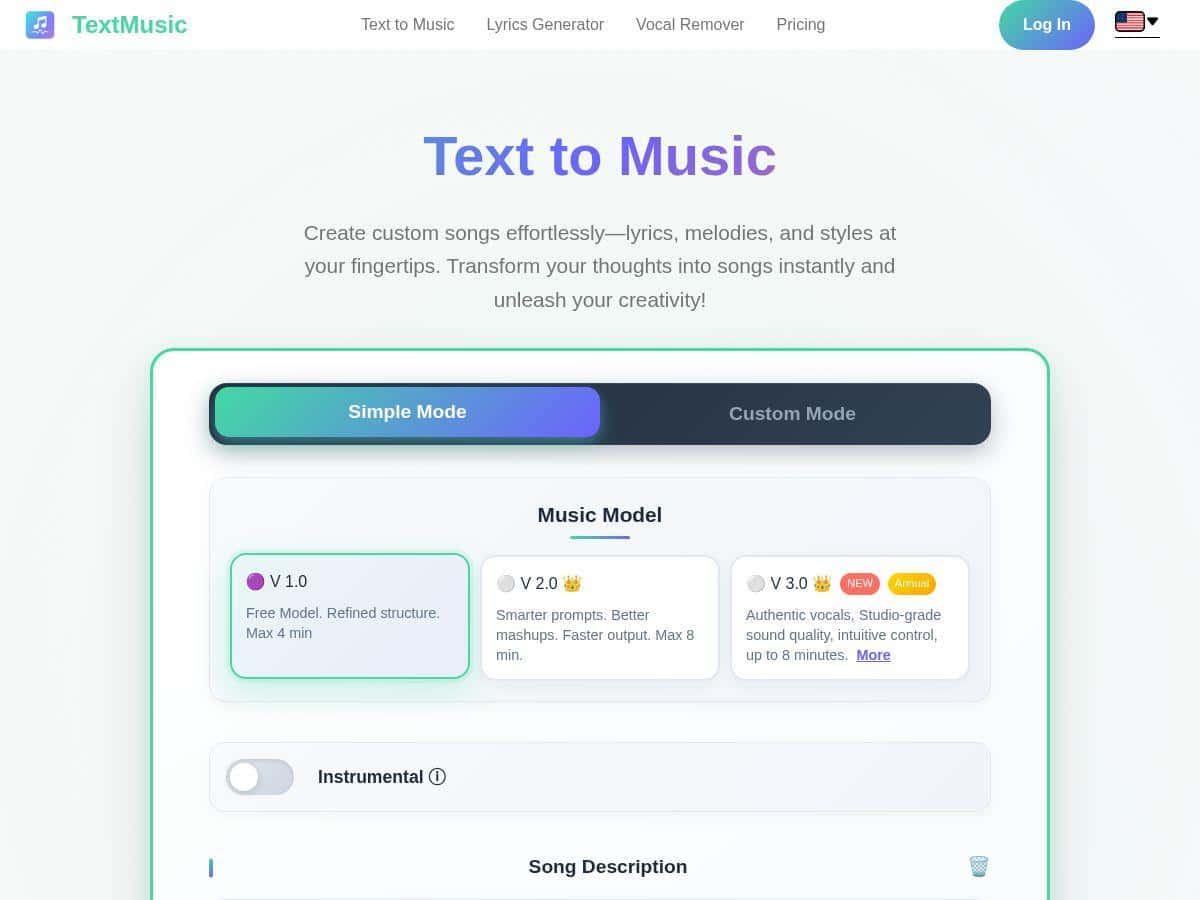
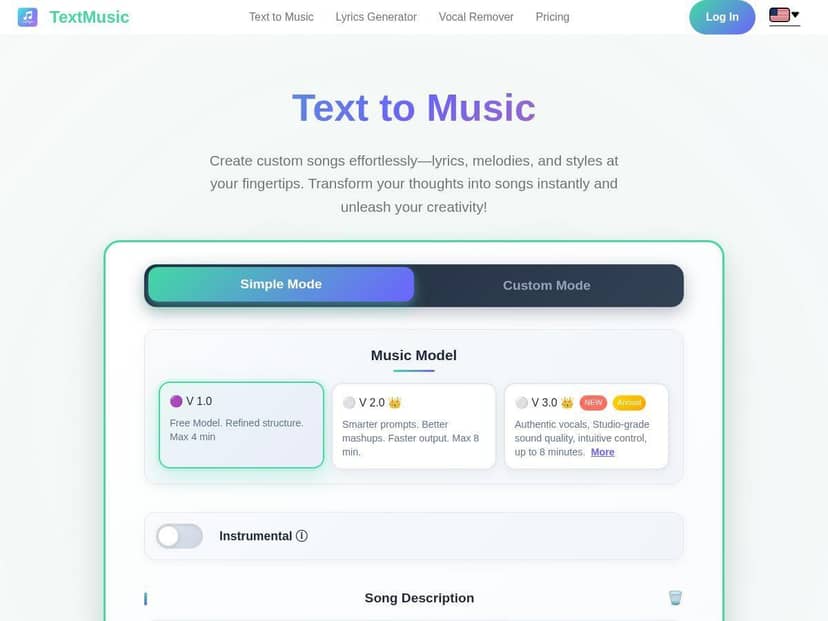
Here’s what I noticed while generating: the interface is straightforward—no weird setup screens, no “music theory” required. I hit generate and waited. The first draft came back quickly enough that I wasn’t tempted to walk away (it felt like a few minutes, not 20+). When I listened, the track had a real structure—intro, verses, and a chorus that actually sounded like it was meant to repeat.
One specific result I liked: the vocals were clear in the mix, and the chorus had that “singable” lift. I also tried the same lyrics with a different genre vibe (EDM-ish direction). What surprised me was how much the instrumental changed while keeping the overall lyrical flow recognizable.
Now, I’ll be honest: if you paste lyrics that are extremely long or written like a poem with no clear rhythm, the output can feel a bit uneven. It’s not “broken,” but it’s also not magic. Clean, short lines with a chorus hook tend to work best.
Key Features
- Genre variety (over 40 styles): I tested Pop and then switched to an EDM-style direction. The instrumentation and energy changed noticeably, not just the “skin” of the track.
- Track length up to 8 minutes: In my testing, shorter generations felt consistent and quick. When I pushed toward longer output, the workflow still worked—but you should expect more time and more chances to want a second attempt.
- MP3 and WAV downloads: I downloaded an MP3 and it sounded like a typical music file—no obvious weird compression artifacts. WAV was the better pick if you’re doing edits later.
- Vocal + instrumental separation: This is great for remixing or karaoke. In practice, it’s the difference between “cool song” and “I can actually use this in a project.”
- Custom modes for lyrics + style: You don’t just pick a genre—you can feed it lyrics and steer the sound. That matters if you want the track to match your intent (like “sad indie” vs “summer pop”).
- Fast generation (around a few minutes): My first pass was in the “blink and it’s done” range for a normal user workflow. If you’re doing multiple variations, it adds up fast.
- Licensing + download behavior: I specifically checked the download experience and didn’t run into an obvious watermark issue on my generated files. Still, if you care about commercial use, don’t assume—confirm the license details on the pricing page for your plan.
- Multiple languages: TextMusic supports more than just English. I didn’t run a full multilingual batch test, but the language option is there, and it’s a big deal if you’re creating content for non-English audiences.
Pros and Cons
Pros
- Easy to start: I didn’t need any musical background. Paste lyrics, choose a style, generate.
- Output feels “song-like,” not background music: The structure is usually there—intro/verse/chorus patterns show up more often than not.
- Genre switching is meaningful: Changing styles actually changes the instrumental character and energy.
- Quick iteration: If the first version isn’t perfect, you can tweak and try again without a huge time sink.
- Commercial-friendly licensing (plan-dependent): The platform is designed for creators, not just personal listening—just make sure your plan covers what you need.
Cons
- Free vs premium isn’t just “speed”: The free tier comes with limitations that affect what you can realistically ship (shorter output and reduced access to some upgrades).
- Long/complex lyrics can get messy: If your lyrics are long-winded or don’t have a clear hook, expect the track to lose some focus.
- Customization has a learning curve: If you’re new to describing music (tempo, mood, genre sub-style), you might need a couple attempts to get it right.
Pricing Plans
TextMusic.net uses a freemium model. The free tier is useful for testing—think “try a couple styles and see if the vocals/instrumentals work for your lyrics.” But if you want the full experience (longer tracks, better downloads, and the licensing details you’d need for commercial projects), you’ll likely end up on a paid plan.
For the latest tiers and exact limits, check their official page: https://www.textmusic.net/pricing/en.
What I’d budget for: when I reviewed the pricing info, it looked like plans typically start around $6–$10/month (depending on what’s included). Don’t just compare price—compare what you need: maximum track length, download formats, and whether the commercial license is included for that tier.
So…who is TextMusic actually for?
If you need MP3/WAV downloads, want vocal/instrument separation, and you’re okay iterating a couple times to get the sound you want, TextMusic is a solid option. If your goal is a polished track for short-form content (ads, reels, YouTube intros, karaoke-style projects), it fits nicely.
On the other hand, if you’re expecting perfectly faithful lyric-by-lyric delivery for dense, highly specific writing on the first try—yeah, that’s not what AI music tools do reliably. You’ll get better results with cleaner, hook-friendly lyrics.
Wrap up
TextMusic.net is one of the more practical AI music generators I’ve tried: it’s fast, the interface is friendly, and the output sounds like actual songs you could use. Just don’t skip the pricing/licensing details—free tier limitations are real, and the plan you pick matters if you’re creating commercially. If you’ve got lyrics and you want them turned into something playable today, this is worth a test run.