LIFETIME DEAL — LIMITED TIME
Get Lifetime AccessLimited-time — price increases soon ⏳
AI Tools

Therapulse Review – Streamlining Mental Health Documentation

Updated: April 20, 2026
5 min read
#Ai tool#Documentation

Table of Contents

Every therapist I know has the same “after sessions” pile-up: notes, summaries, billing-ready documentation, and the tiny details you swore you’d remember. I’ve been there—closing the laptop at the end of the day and realizing I still need to finish progress notes. That’s exactly where Therapulse positions itself: an AI assistant built for documentation so you can spend more time in the room (or on the call) with your client.

I tested the idea of using an assistant like this around three things: how fast it gets notes done, how accurate the transcripts/summaries feel, and whether it’s actually comfortable for day-to-day practice—not just a “cool demo.” Therapulse aims to cover that with a session scribe, automated progress notes, and post-session transcripts with timestamps. In other words: less manual typing, more consistent documentation.

Therapulse

Therapulse Review: Documentation That Doesn’t Eat Your Evenings

Therapulse is designed specifically for therapists, not for “general note-taking.” That matters, because session documentation has its own rhythm—goals, interventions, progress, risk notes, and the little clinical details that need to show up consistently.

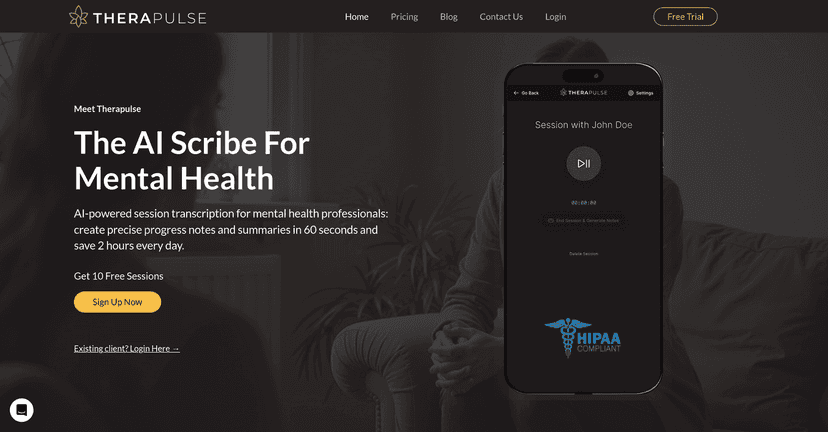
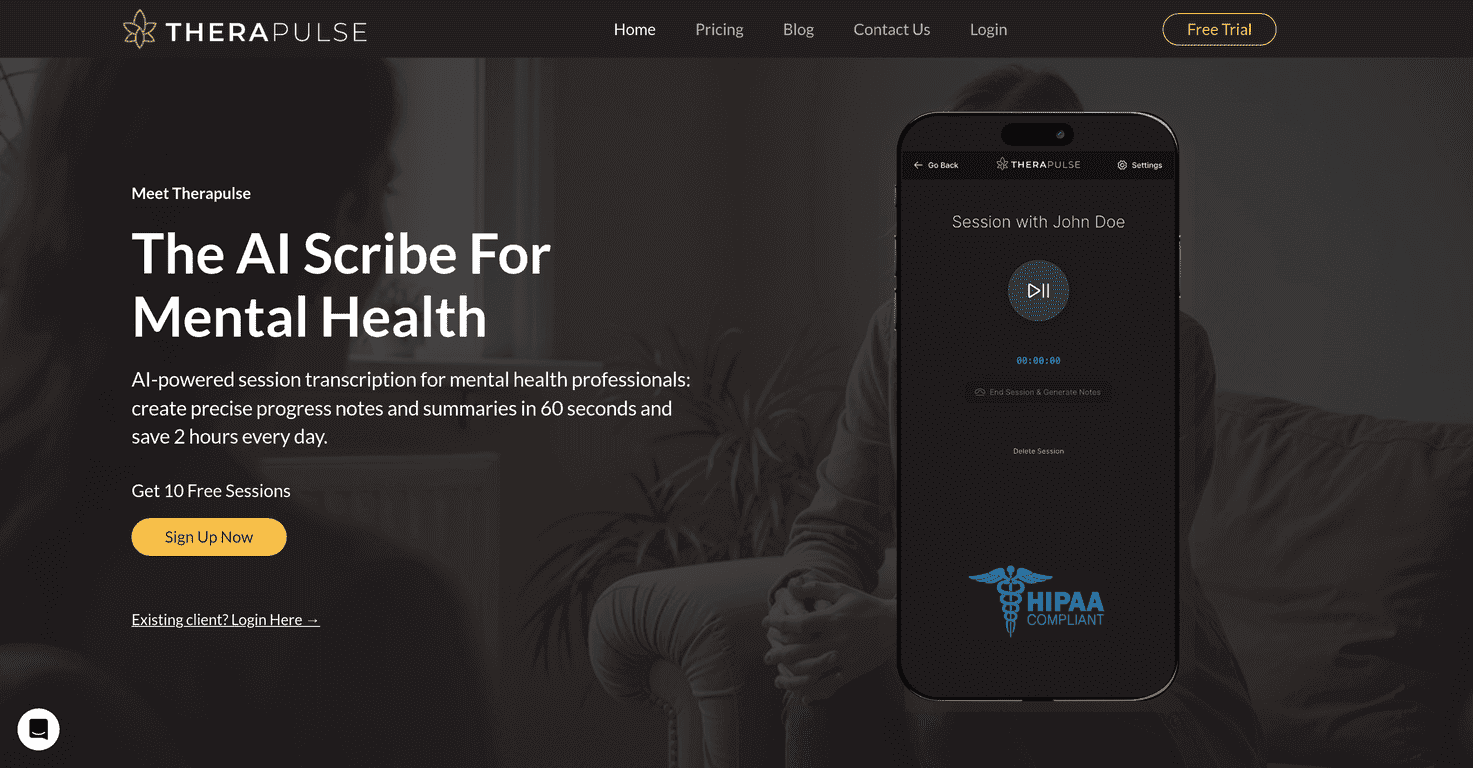
From what Therapulse offers, the core workflow looks like this: you record your session (live or by uploading audio), then you get transcripts plus timestamps. After that, the platform generates progress notes in formats therapists actually use. If you’re used to writing DAP, SOAP, or BIRP notes by hand, this is where the time savings are supposed to show up.

What I like about the concept is that it doesn’t just spit out “a paragraph.” It’s aiming to give you something usable you can edit quickly. And honestly, that’s the real test—can you take what it gives you and finish your documentation without starting from scratch?

Key Features: Session Scribe, Note Formats, and Post-Session Transcripts

  1. Session Scribe to record live sessions or upload audio files.
  2. Automated progress notes generated in the format you prefer.
  3. Detailed summaries that highlight what happened and what to focus on next.
  4. Customizable note formats like DAP, SOAP, and BIRP.
  5. Secure storage with AES 256-bit encryption and full HIPAA compliance (as marketed).
  6. Transcript and timestamps provided after the session, which is huge when you need to verify wording or timing.
  7. Integration options with most EHR systems and telehealth platforms (worth checking for your specific setup).

One practical thing to keep in mind: even with great transcription, you’ll still want to review the output. I’ve found that the “last mile” is usually editing for accuracy and clinical tone. Therapulse can cut the typing time, but it shouldn’t replace your judgment.

If your documentation style is very specific (certain risk language, your own phrasing for interventions, or structured templates), make sure the note format options match how you already work. Otherwise, you might spend those saved minutes adjusting the generated text.

Pros and Cons: What’s Actually Helpful vs. What to Watch Out For

Pros

  • Time savings: Therapulse claims you can save up to 2 hours daily on documentation—if it reduces your note-writing from “from scratch” to “review and polish,” that’s believable.
  • Easy interface: It’s built to be usable without turning your workflow into a tech project.
  • More presence with clients: Less mental energy spent on typing during sessions means you can stay focused on the conversation.
  • Risk-free trial: A trial with no credit card needed for the first 10 sessions helps you test it on real sessions, not just one quick try.
  • Security/compliance: AES 256-bit encryption and HIPAA compliance are positioned as built-in, which matters for patient privacy.

Cons

  • Setup learning curve: There may be some initial setup time, especially if you’re not already comfortable with recording workflows and integrations.
  • Not everyone will love the tech reliance: If you’re a traditional practitioner who prefers writing everything manually, the idea of using AI-generated notes might feel like extra steps at first.

My honest take? The biggest “con” isn’t the AI itself—it’s the reality that you still need to review notes for accuracy, clinical appropriateness, and consistency with your documentation requirements. If you’re expecting fully hands-off documentation, you’ll likely be disappointed.

Pricing Plans: What You Pay Per Month (and Per Sessions)

Therapulse offers three tiers:

  • Standard Plan: $49/month for 50 sessions
  • Professional Plan: $99/month for 100 sessions
  • Professional+ Plan: $149/month for 150 sessions

All plans include access to the Session Scribe and automated progress notes, plus a free trial for new users. If you’re part-time or you only want this for certain clients, it might make sense to start at Standard and see how quickly you burn through your session allotment.

One tip I’d give anyone evaluating this: calculate your average weekly sessions and how quickly you want notes turned around. If you’re doing 20–25 sessions/week, that’s a different pricing reality than someone doing 8–10.

Wrap up

Therapulse looks like a solid option if your biggest pain point is documentation time. The session scribe + transcript/timestamp approach is exactly what you need to turn “I’ll write this later” into “I can finish this in minutes.” And the customizable note formats (DAP/SOAP/BIRP) are a practical touch—because therapists don’t want generic writing, they want notes that fit their workflow.

Just don’t skip the review step. In my experience, the value comes from using the AI output as a strong first draft you can edit, not from treating it like a final authority. If you want to reduce the administrative drag without sacrificing clinical accuracy, Therapulse is definitely worth trying—especially with a 10-session trial to see how it performs on your actual sessions.

Promote Therapulse

Stefan

Stefan

Stefan is the founder of Automateed. A content creator at heart, swimming through SAAS waters, and trying to make new AI apps available to fellow entrepreneurs.

Related Posts

Figure 1

Strategic PPC Management in the Age of Automation: Integrating AI-Driven Optimisation with Human Expertise to Maximise Return on Ad Spend

Title: Human Intelligence and AI Working in Tandem for Smarter PPCDescription: A digital illustration of a human head in side profile,

Stefan
AWS adds OpenAI agents—indies should care now

AWS adds OpenAI agents—indies should care now

AWS is rolling out OpenAI model and agent services on AWS. Indie authors using AI workflows for writing, marketing, and production need to reassess tooling.

Jordan Reese
experts publishers featured image

Experts Publishers: Best SEO Strategies & Industry Trends 2026

Discover the top experts publishers in 2026, their best practices, industry trends, and how to leverage expert services for successful book publishing and SEO.

Stefan

Create Your AI Book in 10 Minutes