Table of Contents
Ad creation always sounded easier in theory to me. In practice, I’ve lost way too much time wrestling with layouts, resizing images, and trying to make something look “on-brand” without starting from scratch. That’s why I was curious about Veedy.AI.
Veedy.AI is an AI ad design platform that lets you build both static and video-style ads without needing a design background. I’m talking about turning a basic product photo into something that actually moves—fast. And it doesn’t stop at creation: it also includes analytics and optimization so you’re not just “hoping” your ads perform.

One thing I noticed right away is the workflow. Instead of bouncing between a dozen tools, you’re guided through the ad creation steps and then you can push the result toward common social placements. If you’re a small team (or just one person running campaigns), that kind of simplicity matters.
Veedy.AI also claims big performance improvements—some users mention up to a 10x lift in ad performance. I can’t promise every account will see that, but I do like that they’re focused on iteration (not just generating a pretty creative and calling it done).
Veedy Review
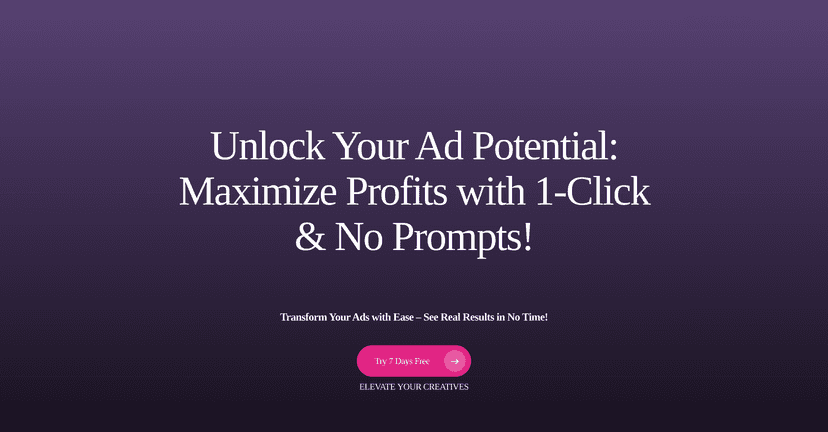
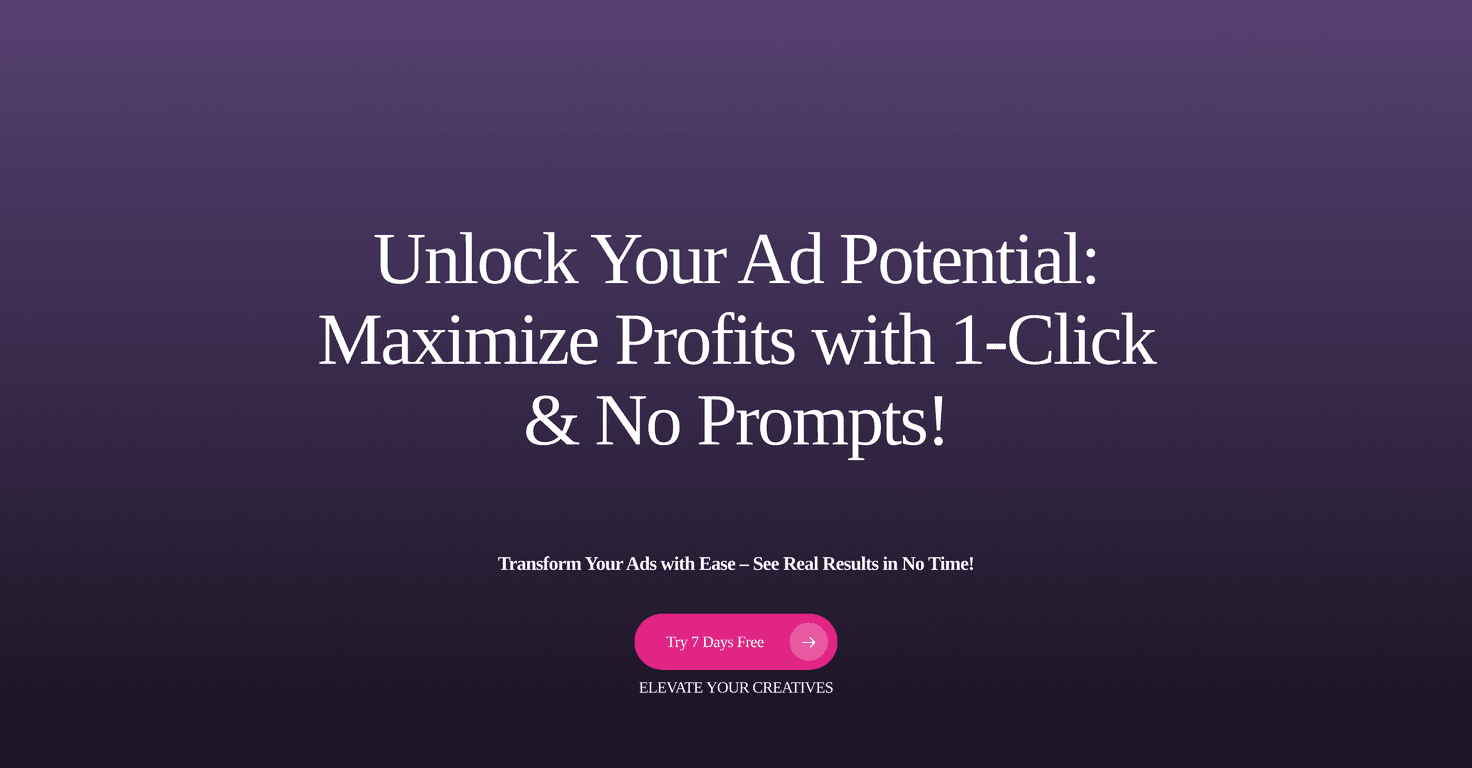
Here’s the simplest way I can describe Veedy.AI: it helps you go from a product image to an ad concept quickly, and it keeps the process moving instead of stalling at “design creation.” When I tested the flow, the “one-click” idea felt like the real selling point—especially if you don’t want to spend hours tweaking animation timing manually.
What I liked most:
- It’s built for non-designers. I didn’t have to learn a bunch of design tools to get something usable.
- It supports both static and animated-style ads. That matters because not every campaign needs video, but motion usually grabs attention.
- It nudges you toward optimization. Ads aren’t “set and forget,” and Veedy.AI seems to understand that.
Now, let’s be real—AI tools can sometimes produce results that look a little generic. In my experience, the difference comes down to how good your starting photo is and how much you customize the final creative. If your product image is clean and well-lit, you’ll get way better output than if you’re starting with a messy background.
Also, if you’re expecting full control like you’d get in a professional editor, you might feel a bit limited at first. But if your goal is speed and volume (and you still want decent creative), that tradeoff can be worth it.
And yes, the platform mentions ROI improvements—some users report up to a 10x increase in ad performance. That’s a big claim, but it’s consistent with what makes ad tools valuable: faster iteration, more variations, and quicker learning from performance data.
Key Features
- 1-Click Ad Generation for animated ads — I found this is the fastest way to get motion creatives without building everything from scratch.
- Transform product photos into ad designs — Upload an image, then let the tool handle the layout and styling.
- Create dynamic carousel ads — Helpful if you run multi-card placements and want variations that still feel cohesive.
- AI-Powered Photo Editor — Quick enhancements for things like clarity and presentation (useful when your original photo isn’t perfect).
- Custom animation options — You can tweak the movement style so it doesn’t all look identical.
- Animation and effects library — This is where you can pick “vibes” quickly instead of hunting for assets.
- Automated A/B testing — The idea is simple: generate variations and learn what performs better.
- Integration with ad platforms — The smoother the publishing path, the less time you spend exporting files and resizing them again.
Pros and Cons
Pros
- Beginner-friendly. You don’t need design experience to create ads that look like ads.
- Fast turnaround. If you’re iterating weekly (or even daily), speed is the whole point.
- Good shot at ROI lift. Faster creative iteration usually means you can test more angles and learn faster.
- Analytics and optimization. You’re not flying blind once you launch.
Cons
- Full access may depend on your plan. Some features can be locked behind a subscription, so check what’s included before committing.
- Not every brand is “plug-and-play.” If you have strict brand guidelines (specific fonts/colors/spacing), you may need extra customization.
- AI tools can have a learning curve. It’s not hard, but you’ll still want a little time to understand how to get consistent results.
Pricing Plans
Veedy.AI has a Premium Plan with a 7-day free trial. After that, it’s $29/month billed monthly. If you pay annually, the price drops to $21.6/month (billed yearly). There’s also an Agency Plan for bigger teams that want additional support and extra features.
My practical tip: if you’re testing this for the first time, use the trial to create a few variations for the same product (at least 3–5). That way you can actually compare performance instead of judging based on one creative.
Wrap up
Veedy.AI is a strong option if you want to create ads quickly—especially if you don’t have a design team on standby. The 1-click approach, the photo-to-ad workflow, and the built-in focus on testing/analytics are exactly what I look for when I’m trying to move faster without sacrificing quality.
Just don’t expect perfection from a single upload. If you want consistently better results, start with good product images and spend a few minutes refining the creative so it looks like your brand, not just “an AI template.”