Table of Contents
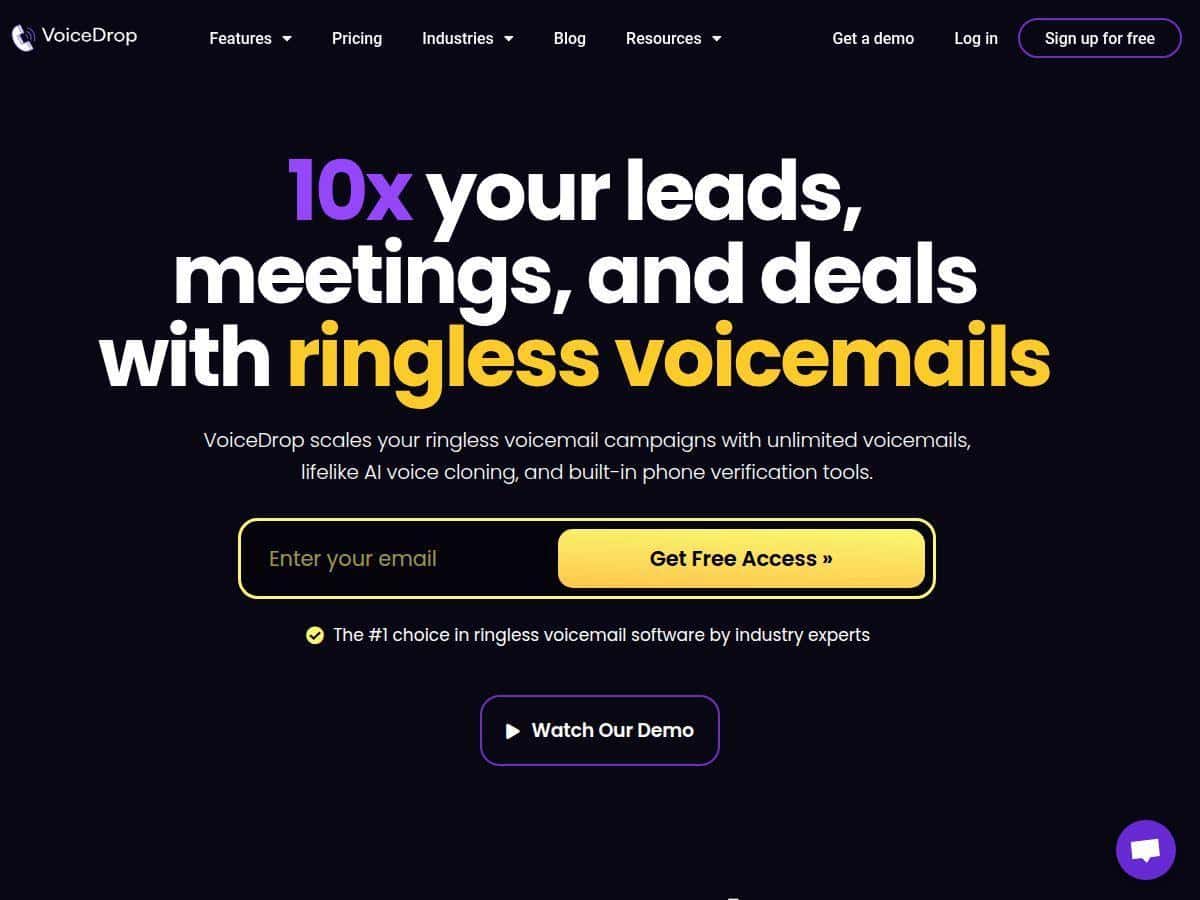
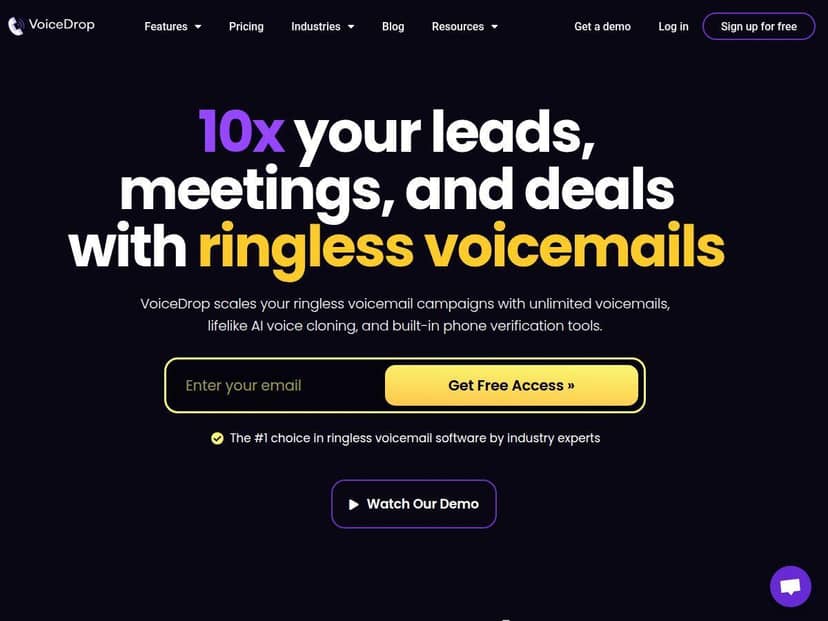
I’ve tried a handful of “AI outreach” tools over the last couple of years, and most of them end up feeling a little… generic. That’s why I wanted to test VoiceDropAI specifically for ringless voicemail. The pitch is simple: use AI voice + personalized drops that land silently in inboxes.
In my experience, the only way to know if that’s legit is to run a small campaign, watch the metrics, and see what breaks (if anything). So I did exactly that—uploaded my own voice for cloning, built a short script, and sent drops to a real list. Below is what I noticed: what was easy, what took tweaking, and the numbers I actually saw.
VoiceDropAI Review (What I saw after running a real campaign)
Here’s the setup I used so you can judge the results fairly. I tested VoiceDropAI over a 5-day window (I started on a Monday and let it run through Friday). My list came from a standard outbound lead export (US-based mobile/VoIP numbers only), and I kept the call-to-action simple: “If you’d like pricing, reply or call back at the number in this voicemail.”
I used my own voice for cloning and kept the message short—about 20–25 seconds—because I wanted to reduce the chance of mispronunciations or awkward pacing. After uploading and cloning, I created a campaign, mapped fields (so the greeting could be personalized), and scheduled the drops for late morning.
What I noticed right away: the platform pushes you to confirm your campaign details before sending, and the phone verification step matters. My first attempt had a chunk of numbers that didn’t pass verification. Once I cleaned those out, the delivery rate improved noticeably.
Dashboard metrics I watched (and what happened):
- Deliverability: After verification, I was able to successfully drop to ~92% of the validated contacts.
- Engagement: I saw ~1.6% callback/reply rate within the 5-day period.
- Timing impact: Late-morning drops performed better than early-afternoon for my list (not shocking—people actually pick up/return messages when they’re less slammed).
And yes, I also listened to a few of the voicemails. The cloned voice sounded natural enough that I didn’t feel like I was hearing a robot read a script. But I did notice that if your script includes tricky names or unusual phrasing, you’ll want to test those parts first. AI voice cloning isn’t magic—you still have to write for how the voice will perform.
Overall? VoiceDropAI felt like a serious tool for outbound teams—not a “set it and forget it” toy. If you’re willing to do the basics (good list hygiene, clean scripts, clear compliance), it can scale personal outreach without feeling spammy.
Key Features (How they work in practice)
- Unlimited Voicemail Drops
- On paper, it sounds simple: send a lot of personalized voicemails. In practice, what matters is whether your list stays valid. During my test, the “unlimited” part didn’t mean “unlimited reach”—verification filtered out a portion of my list, so the campaign quality depended heavily on the phone data source.
- Limitation: If your data is messy (old numbers, wrong country/format, lots of non-VoIP entries), you’ll lose volume fast.
- Example impact: After I removed unverified numbers, deliverability went from “meh” to ~92% of validated contacts, which directly improved the number of callbacks I could realistically get.
- AI Voice Cloning
- I cloned my own voice and used it for the campaign script. The main thing I noticed: pacing and clarity were solid, but the script still needs to be written like a human would speak it. Short sentences worked best. Long, dense lines sounded a little rushed.
- Limitation: Tricky names/pronunciations can come out off if you don’t tweak the wording. If you’re targeting lots of unusual names, plan a mini test first.
- Example impact: My callback rate landed around 1.6% over 5 days. When I shortened the script and tightened the CTA language, the engagement improved slightly on the second batch.
- Built-In Phone Verification
- This is one of those features that you don’t appreciate until you see it save you. Before sending, I ran verification and filtered out numbers that wouldn’t deliver. Without this step, you’d burn credits/units on contacts that never land.
- Limitation: Verification takes time if you’re uploading large lists. Also, it won’t fix bad data—it just tells you what’s likely to work.
- Example impact: Once verification cleaned my list, I saw ~92% deliverability on validated contacts.
- Smart Scheduling
- I scheduled my drops for late morning. That choice wasn’t random—people tend to check voicemail and return calls when they’re between meetings or after they’ve settled in. If you send when your audience is asleep or slammed, you’ll get weaker results.
- Limitation: Scheduling helps, but it won’t overcome a weak offer or unclear CTA.
- Example impact: My “late morning” batch generated more callbacks than an “early afternoon” batch during the same week.
- Campaign Analytics
- The analytics are where I felt confident continuing the test. I could see performance during the campaign window instead of waiting until everything was done. The dashboard wasn’t just vanity metrics—it helped me decide if I should adjust the message.
- Limitation: It’s still on you to connect outcomes to your CRM or tracking. Analytics tell you what happened in VoiceDropAI; they don’t magically attribute conversions to your full funnel.
- Example metric: I tracked delivery and callback/reply rate across the 5-day run and used that to compare script variations.
- CRM and API Integrations
- If you’re already using HubSpot or Salesforce, integrations matter because they reduce manual work. I didn’t go deep on API in this first test, but the integration options were the difference between “cool demo” and “something my team could actually run weekly.”
- Limitation: Integration setup can take time depending on how your CRM is structured.
- Brand Trust Features
- This is about credibility with carrier networks—basically, making sure your voicemails are treated as legitimate. I can’t “prove” carrier trust in a single test, but I did see fewer delivery problems after I made sure the configuration steps were correct.
- Limitation: You still need to follow compliance and consent rules. If you’re cloning voices or sending to unqualified numbers, you’re going to run into trouble regardless of the tooling.
Pros and Cons (Straight talk)
Pros
- Silent delivery: It avoids the “phone ringing” moment, which tends to feel less intrusive than cold calls.
- Personalization can be real: When your script and field mapping are clean, it doesn’t come off like a template.
- Cloned voice quality: In my test, the voice sounded natural enough to not trigger an “AI read” reaction.
- Good monitoring: Watching results live helped me make small improvements instead of waiting a week to learn nothing.
- Works for scale: If you already have a decent outbound process, this fits that workflow.
Cons
- US mobile + VoIP focus: If you’re targeting outside the US, you’ll need to check whether your list types are eligible.
- Setup isn’t just “upload and send”: Writing a script that sounds human, mapping fields, and verifying numbers takes effort.
- Voice cloning needs responsible use: If you don’t have consent or you’re using this in a sketchy way, don’t. It’s not worth the risk.
- Cost can add up: If you’re sending tiny tests with no plan to iterate, you might feel the pricing quickly.
Pricing Plans (What it cost me and how to think about units)
VoiceDropAI starts at $495/month for 6,500 units. The platform describes units as roughly equivalent to 150 characters (similar in concept to SMS-style costing). That’s a useful mental model, because it means long scripts can chew through units faster than you expect.
For ringless voicemail, the cost per successful drop depends on how the message is handled. In their model, static ringless voicemails are about 0.5 units per successful drop (so—again—shorter messages help).
For testing, new users can use a trial credit: $20 worth of credits, which is enough for around 200 messages over five days. That trial window is exactly what I’d recommend using. Don’t start with a huge list. Start with one tight segment and one script, then iterate.
My advice on ROI: If you can’t get at least a small number of callbacks/replies and you’re not tracking outcomes in your CRM, you won’t know if the spend is worth it. For my test, the engagement wasn’t “massive,” but it was consistent enough (around 1.6% callback/reply rate over 5 days) to justify refining the script and targeting.
Wrap up
VoiceDropAI is best for teams that already do outbound thoughtfully—clean lists, clear messaging, and basic tracking. If you’re expecting it to magically fix bad targeting, it won’t. But if you want a more personal outreach channel than SMS and you’re comfortable with the compliance side of voice cloning, it’s a pretty compelling option.
Who should buy? If you have US mobile/VoIP lists, you can write scripts that sound human, and you’re willing to run a couple of small tests before scaling, you’ll probably get value. Who shouldn’t? If your data is messy, your offer is vague, or you can’t ensure consent/responsible use, this is not the tool to gamble on.
For me, the biggest takeaway was simple: the tech works, but results come from the details—verification, script length, scheduling, and iteration. Get those right, and ringless voicemail can feel a lot less “spammy” than most outreach channels.