LIFETIME DEAL — LIMITED TIME
Get Lifetime AccessLimited-time — price increases soon ⏳
AI Tools

ImgToVideoAI Review – Create Videos from Images Easily

Updated: April 20, 2026
5 min read
#Ai tool

Table of Contents

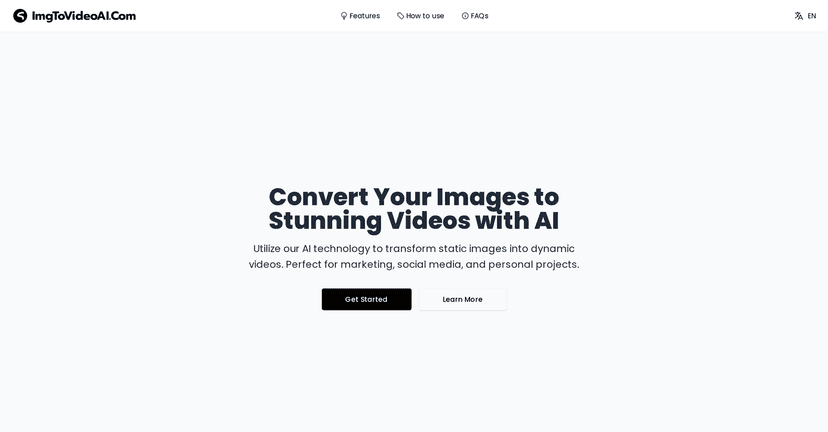
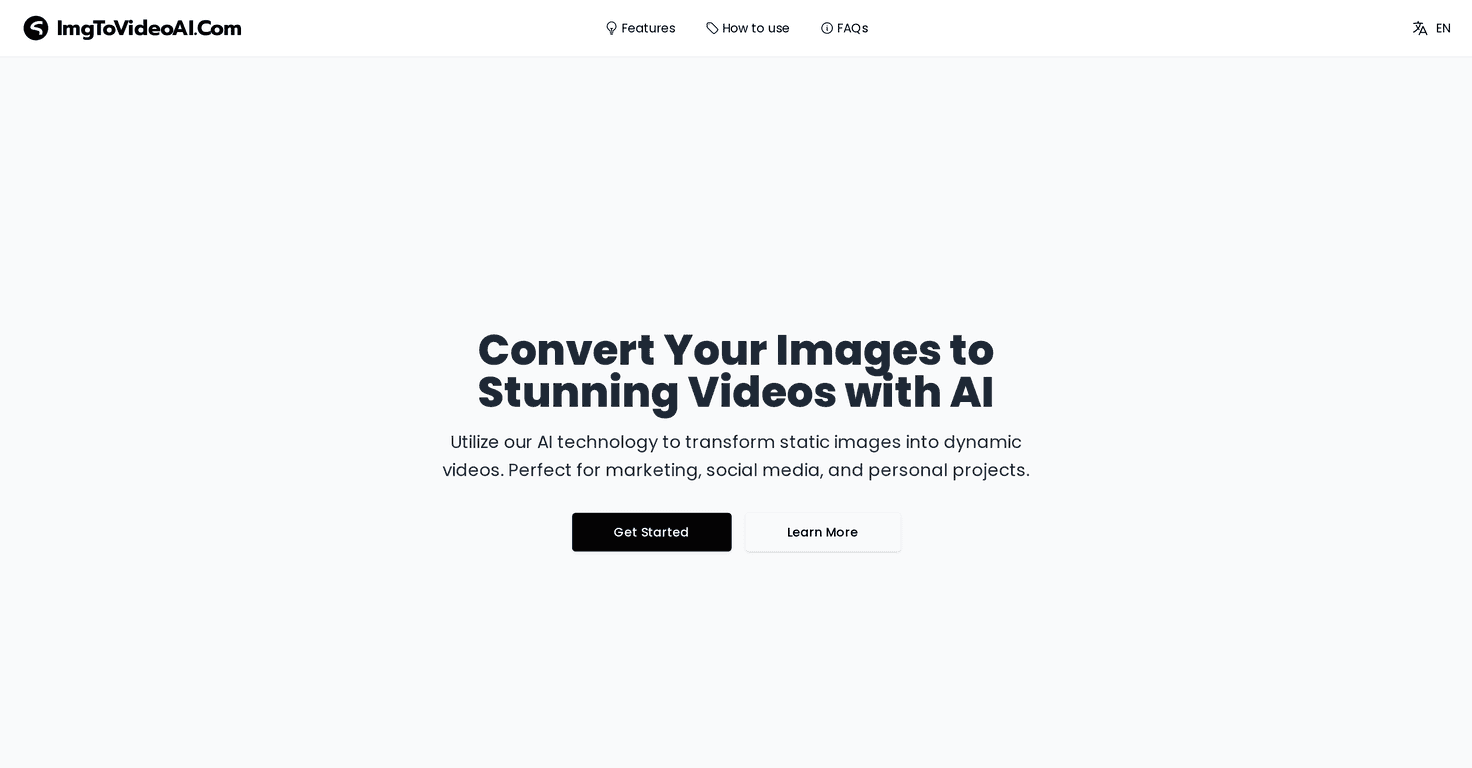
If you’ve ever looked at a bunch of photos and thought, “I wish these moved,” then you’ll probably like ImgToVideoAI. I tested it with a few image sets (old travel pics, a couple of product-style images, and one portrait) and the whole point is simple: turn a still image into a short video without having to learn editing software.

Imgtovideoai

What stood out to me right away is how little effort it takes. You upload an image, pick a style, and generate. No timeline. No keyframes. Just… done. And yes, the results are “AI video” (so it’s not the same as live-action footage), but for social posts, ads, and quick storytelling, it’s genuinely useful.

In terms of speed, I saw videos generate in roughly the 30–120 second range depending on what I selected. Sometimes it feels instant-ish, other times it takes a little longer—especially when the service is busy. Still, that’s pretty normal for tools like this.

Oh, and the best part? You can tweak things like transitions and effects, so you’re not stuck with a single generic output every time. If you want something that feels more like a reel than a slideshow, that customization matters.

Table of Contents

ImgToVideoAI Review (What I Liked and What to Watch)

ImgToVideoAI basically focuses on one job: converting still images into short video clips. It uses Dream Machine AI via Luma AI, which is part of why the outputs can look more “animated” than you’d expect from a basic slideshow tool.

When I say it’s easy, I mean it. The workflow feels straightforward enough that you don’t need to be a tech person. I didn’t spend time hunting for settings. I just uploaded, chose my style/effects, generated, and reviewed the result.

What I noticed across different photos:

  • Some images animate better than others. Photos with clear subjects (like a person centered in frame, or a product with strong contrast) tend to look more convincing.
  • Transitions and effects can make a big difference. A “subtle motion” style looked more natural on portraits, while a more dramatic effect worked better for travel shots.
  • Resolution matters. If your source image is blurry or heavily compressed, the AI has less to work with. I’d rather start with a clean 1000px+ image than something tiny.

Now, let’s be honest—this isn’t magic. If you feed it a low-quality image, you’ll probably get low-quality results. Also, it won’t replace full video production. But for turning a photo into a short clip for marketing, stories, or content calendars? It’s a solid option.

One more thing: generation time. I didn’t hit the absolute fastest every single time. Sometimes it took longer to generate, but it was still within the general “wait a minute-ish” expectation (30–120 seconds). If you’re generating multiple versions, just plan for a little downtime.

Key Features That Actually Matter

  1. Automated image-to-video creation — You don’t need to stitch clips or set up a timeline. Upload and generate.
  2. High-quality output powered by AI — The motion and visual effects can look surprisingly polished for quick edits.
  3. User-friendly interface — It’s easy to navigate even if you’re not used to AI tools.
  4. Customization options — You can adjust transitions and effects so your video doesn’t feel like a one-size-fits-all template.
  5. Fast video generation — Typically around 30 to 120 seconds, depending on what you choose and how busy the service is.

If you’re using this for content, here’s a practical tip: generate 2–3 variations of the same photo. Pick the one that looks most natural in motion. That small habit saves you from posting something that feels “off” after the fact.

Pros and Cons (Straight From My Testing)

Pros

  • Quick conversion from images to videos—great when you need content fast.
  • Strong AI results for short-form clips, especially when the source image is clear.
  • Easy to use—I didn’t feel like I needed a tutorial.
  • Customization helps—transitions and effects let you shape the vibe.
  • Mobile-friendly access—handy if you’re generating on the go.

Cons

  • You need to create an account to access the tool. It’s not a deal-breaker, but it is a barrier.
  • Generation speed isn’t constant. Sometimes it’s quick; other times it takes longer than you’d expect.
  • Image quality impacts results. If your photos are low-res or noisy, you’ll likely notice weaker motion and less detail.

Also, if you’re expecting perfectly realistic animation (like a full CGI movie), you’ll be disappointed. This is best for “animated photo” style content—not photoreal live action.

Pricing Plans (Free Trial + Credits)

ImgToVideoAI includes a free trial with limited features, which is a nice way to test the workflow before committing. When I tried it, the main idea was clear: you’re getting enough to see whether the outputs match what you’re aiming for.

For paid plans, the big thing is credits. Credits control how much video generation you can do, and premium features typically come with higher tiers. New users can start with 30 credits upon account registration, which gives you a decent buffer to test multiple styles.

For the most accurate pricing (since it can change), check the pricing section directly on their website—this is the part you don’t want to guess on.

Wrap up

Overall, I think ImgToVideoAI is a practical tool if you want to turn images into short videos quickly, especially for social content and marketing. The interface is simple, the results are generally solid when your input images are clear, and the customization options help you avoid that “samey” look.

If you’re sitting on a folder of photos and you want a faster way to repurpose them, it’s worth a try—just don’t expect it to magically fix blurry images or replace real video production.

Stefan

Stefan

Stefan is the founder of Automateed. A content creator at heart, swimming through SAAS waters, and trying to make new AI apps available to fellow entrepreneurs.

Related Posts

indie writers featured image

Indie Writers in 2026: Essential Strategies for Success

Discover how indie writers are thriving in 2026 with direct sales, AI tools, and community strategies. Learn expert tips to boost your indie author journey today!

Stefan
urban publishing companies featured image

Urban Publishing Companies: Top Trends & Self-Publishing Tips for 2026

Discover the latest in urban publishing companies, including top publishers, self-publishing platforms, and industry trends shaping urban fiction in 2026. Learn how to succeed today!

Stefan
general fiction definition featured image

General Fiction Definition: Complete Reading Guide for 2026

Discover the comprehensive definition of general fiction, its genres, examples, and tips for writers and readers in 2026. Unlock the secrets today!

Stefan

Create Your AI Book in 10 Minutes