Table of Contents
Have you ever wished you could bring your static images to life? If so, you’re not alone. There’s a growing demand for creative tools that can make our visual content more engaging. That’s where the AI Image To Video tool comes in. This innovative platform promises to take your images and turn them into dynamic videos in just a few seconds. In this review, we’ll explore its features, pros and cons, and pricing plans to help you decide if it’s the right tool for you.
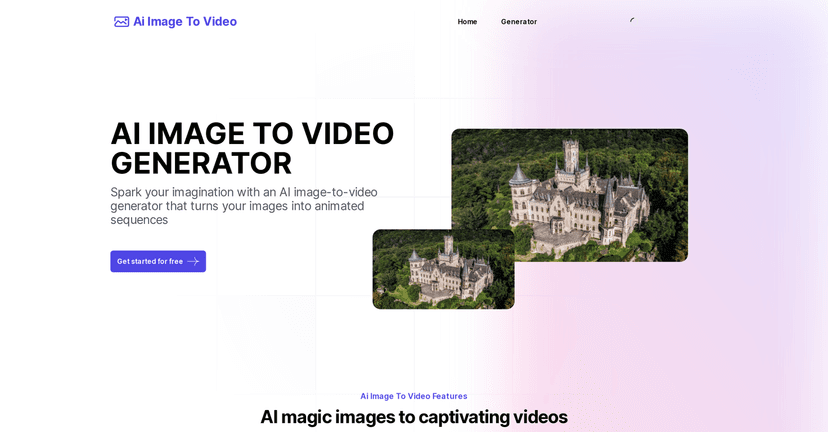
AI Image To Video Generator Review
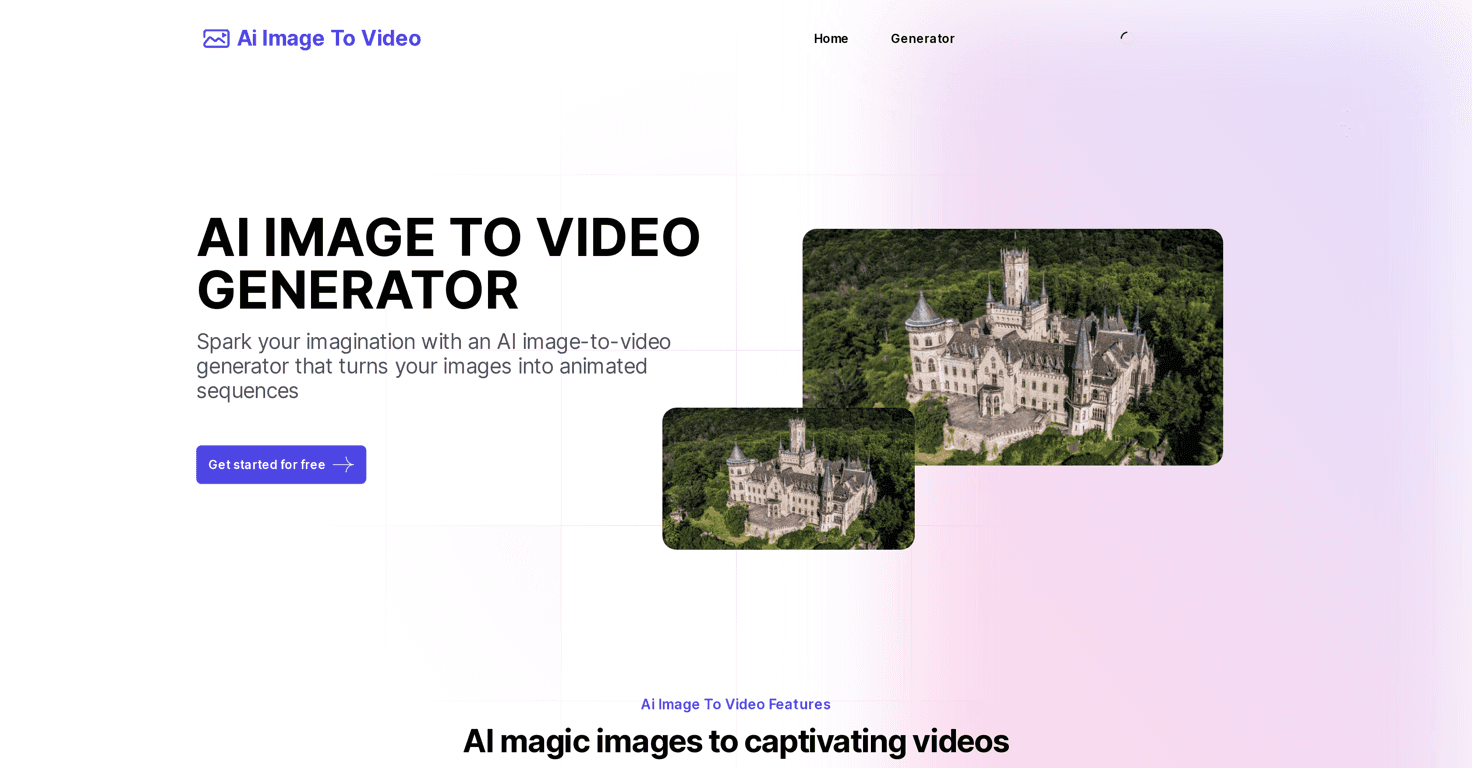
The AI Image To Video Generator is an online tool that utilizes advanced AI to transform still images into lively videos. The process is incredibly simple and user-friendly, even for those who aren’t tech-savvy. Just upload your images, and let the AI handle the animation for you. The results can be used for a variety of purposes, whether you want to spice up your social media posts, create engaging marketing content, or enhance educational presentations.
With this tool, users can expect high-quality animations that include effects like blinking and changing expressions which add a personal touch to your visuals. The AI is designed to handle everything efficiently, which means you don’t have to spend hours on video editing skills to get great results. In just a few seconds, you can have a polished video ready to share with your audience.
Key Features
- AI Animation that automates image animations
- User-friendly interface for hassle-free uploading and video generation
- Fast video generation with advanced AI algorithms
- Versatile applications for social media, marketing, and education
Pros and Cons
Pros
- Easy to use for all skill levels
- Quick video creation process
- High-quality animations and effects
- Flexible pay-as-you-go system with no subscription
Cons
- Requires purchasing credits to generate videos
- Limited free trial options available
Pricing Plans
The pricing plans are as follows: Starter Plan at $7.9 for 20 credits valid for 1 month, Premium Plan at $9.9 for 40 credits valid for 2 months, Deluxe Plan at $19.9 for 100 credits valid for 2 months, and Ultimate Plan at $39.9 for 300 credits valid for 3 months. All plans offer high-quality videos, with faster generation options and some plans providing no watermarks.
Wrap up
In conclusion, the AI Image To Video Generator is an excellent option for anyone looking to enhance their visual content with ease. It offers a simple, effective way to animate images, making it suitable for hobbyists and professionals alike. Although there are some costs involved with credit purchases, the quality and speed may just be worth the investment. Whether you’re on social media, in marketing, or in education, this tool can help you create compelling videos that captivate your audience.