Table of Contents
If you’ve ever sat down to edit a video and thought, “Why is this taking me so long?” you’re definitely not alone. I’ve been there—watching the clock tick while I’m manually cleaning up audio, trimming dead air, and trying to make subtitles look halfway decent. It’s exhausting, and it pulls you away from actually creating.
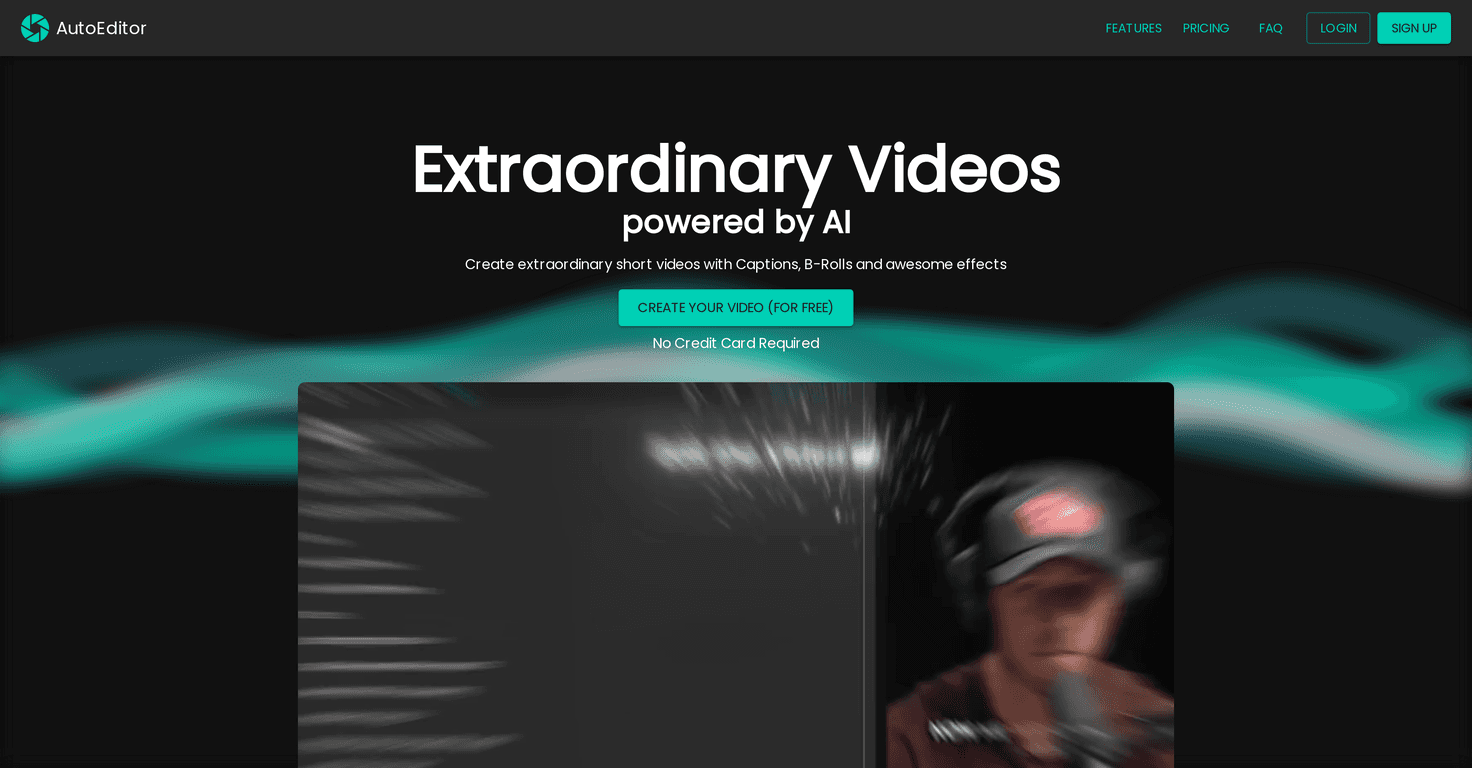
That’s why I tried AutoEditor. The big promise is simple: let AI handle the tedious parts so you can get to publishing faster. In my experience, it’s especially useful if you post short-form content (YouTube Shorts, TikToks, Reels) or if you’re constantly turning raw recordings into something watchable.
AutoEditor Review: Does It Actually Save Time?
AutoEditor is an AI video editing tool built around the stuff that usually eats up your time: subtitles, trimming silence, and getting a clean layout for short videos. When I tested it, the workflow felt pretty straightforward—upload your video, let it process, then tweak what you want instead of starting from scratch.
One thing I appreciated right away: I didn’t feel like I needed to be a full-time editor to get a decent result. I could see how it would help beginners, but it also doesn’t feel “toy-like” if you already know what you’re doing.
That said, it’s not magic. If your footage is messy (lots of background noise, overlapping voices, super fast speech), you’ll still want to review the output. AI can speed up the heavy lifting, but you’ll still be the final quality checker.
Key Features I’d Actually Use
- Automatic Subtitles (40+ languages)
This is the feature that gets you the fastest wins. Instead of manually transcribing and timing subtitles, AutoEditor generates captions in over 40 languages. In practice, I found this is great for repurposing one video into multiple audiences without redoing everything. - Silence Detection
If you record long takes, there’s usually dead air—pauses, “uhh” moments, and long stretches where nothing useful happens. AutoEditor’s silence detection helps remove lengthy silent sections so the final edit feels tighter. - B-Rolls and Layers
Want to add a quick visual clip, highlight text, or a watermark? The tool includes B-roll and layering options. I like this because it avoids the “blank talking head” look, especially for Shorts-style videos. - User-Friendly Interface
It’s designed to be approachable. I didn’t have to hunt through menus for basic actions, and that matters when you’re trying to publish consistently. - Long Video Handling
No need to pre-cut everything into tiny segments just to get started. If you’re working with longer recordings, this helps keep your workflow sane. - YouTube Integration
If you publish on YouTube, being able to edit and manage directly (instead of exporting and re-uploading everywhere) is a real convenience. - Subtitle Style Customization
This is one of those small features that actually changes the vibe. You can adjust subtitle styles so your video looks more consistent with your channel branding. - Fast Editing with a few clicks
The whole point is speed. I noticed the fastest results came from letting the AI do the first pass, then spending a few minutes refining instead of hours rebuilding the timeline.
Pros and Cons (The Honest Version)
Pros
- No credit card required for trials — that’s huge. I don’t have to commit before I can see if it works for my kind of videos.
- Easy way to suggest features — it’s nice when a tool actually listens. If you’ve ever used software that ignores feedback, you’ll appreciate this.
- Generous free tier — enough to test the workflow and see if the results are good enough for your standards.
- Pricing feels competitive compared to other AI editing options, especially if you’re making short-form content regularly.
- Customizable edits — subtitle styling and edit adjustments are flexible enough that you’re not stuck with one “AI look.”
Cons
- Enterprise pricing may be steep for casual creators. If you’re just trying to edit a couple videos a month, you might not need the top tier.
- Free tier limitations — you may hit restrictions sooner than you’d like if you want to test everything (and export lots of versions).
Pricing Plans: What You’ll Pay (and Who It’s For)
AutoEditor’s Enterprise plan starts at $1500/month. From what’s described, it’s aimed at teams that want extensive features, priority support, and even personalized development options. That makes sense if you’re running a content operation at scale—multiple editors, lots of outputs, and a need for customization.
If you’re an individual creator, you’ll probably want to start with the free tier first and see whether the results match your expectations before thinking about Enterprise. The good news is you can test the workflow without immediately jumping into a pricey subscription.
Wrap up
AutoEditor is one of those tools that can genuinely reduce the “boring” parts of editing—subtitles, trimming silence, and getting a clean baseline faster. In my experience, it’s best when you’re producing short videos frequently and want to spend your time on ideas, scripting, and reviewing the final output (not wrestling with timelines for hours).
If you’re expecting it to replace every editing decision you’d make in a traditional editor, it won’t. But if you want speed, solid subtitle automation, and a more streamlined workflow, it’s absolutely worth a try—especially with the free tier and no credit card requirement.