Table of Contents
Let me be honest—PDF reading can get brutal fast. One minute you’re trying to find a specific paragraph, and the next you’ve been scrolling for 20 minutes like it’s your job. I tested BooSum with a couple of PDFs I regularly use (notes from courses and a long-form report), and it honestly felt like someone finally gave that “search through everything” problem a better interface.
BooSum is built around the idea that you shouldn’t have to read every single page just to get the useful parts. Instead, it focuses on turning a PDF into something more interactive—so you can jump to what matters and keep moving.

BooSum Review
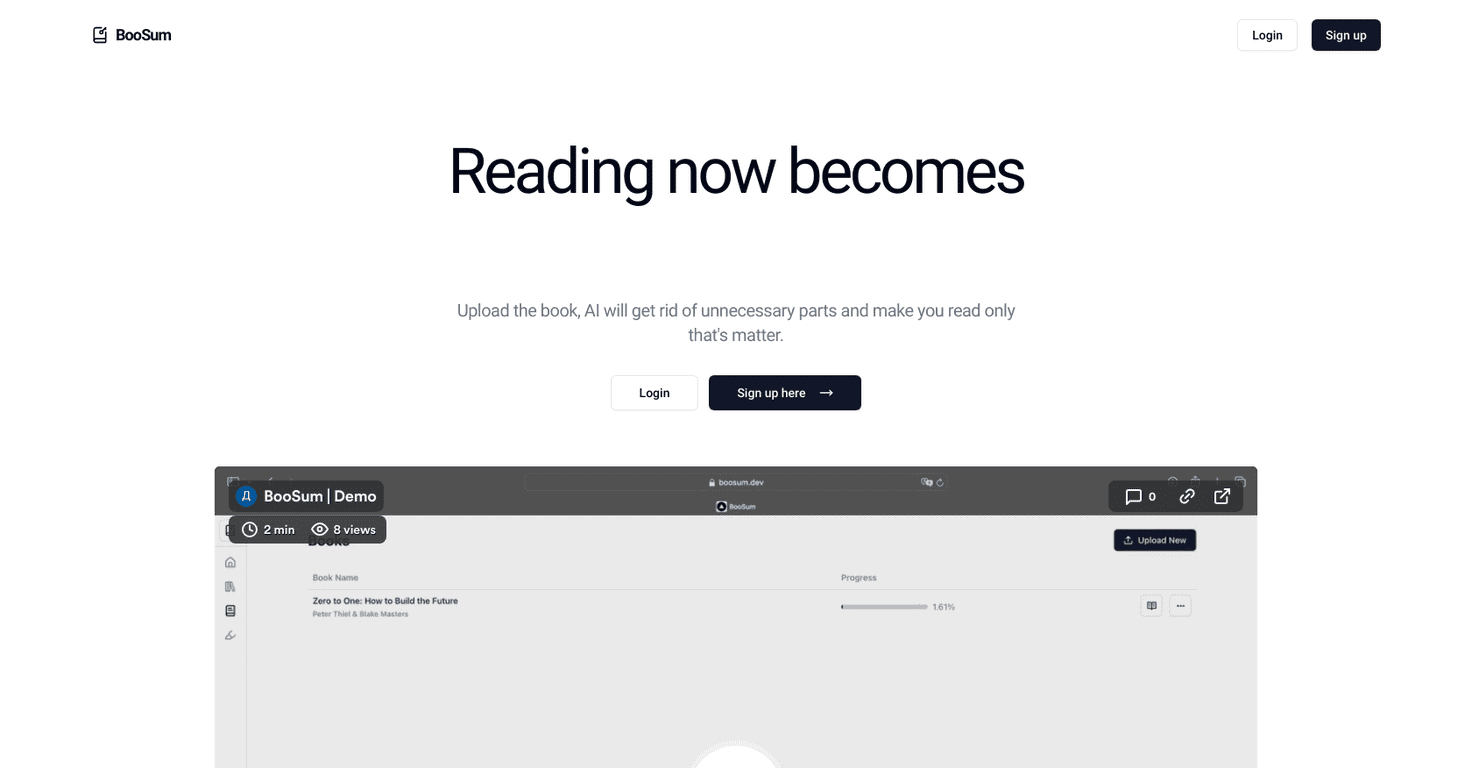
When you upload a PDF to BooSum, the app tries to cut through the noise and surface the stuff you actually need. That’s the core promise: less time hunting, more time understanding.
In my experience, the biggest difference is how quickly I can get oriented. Instead of starting at page 1 and hoping the answer is somewhere in the middle, I can skim the “important” parts and then drill down. It feels closer to working with a document that’s been organized for you, not just dumped into a viewer.
What surprised me is how useful this is for PDFs that are long but not dense. Think: textbooks, lecture slides exported as PDFs, policy docs, or anything with headings and sections. BooSum seems better at handling structured documents where “relevant” content is actually discoverable.
That said, I wouldn’t call it perfect. If your PDF is messy—scanned images, weird layouts, or text that’s embedded in a way OCR struggles with—then you’ll notice the results can be hit-or-miss. It’s still AI, so you may need to double-check key details.
Key Features
- Interactive PDF Reading that keeps you engaged (and helps you jump around instead of endlessly scrolling)
- AI Content Optimization to highlight what matters, so you’re not wasting time on filler pages
- User-Friendly Interface designed for quick use—upload, review, and continue without feeling like you’re fighting the tool
Pros and Cons
Pros
- Faster “find the point” reading: I spent less time searching for paragraphs and more time actually reading the sections that mattered.
- Less page fatigue: Filtering out irrelevant content makes long PDFs feel way more manageable.
- Pretty approachable UI: Even if you’re not super techy, it doesn’t feel complicated to get started.
Cons
- Pricing details weren’t clear on the page I saw: I couldn’t find exact numbers, so you’ll want to check the official BooSum site before committing.
- AI accuracy depends on your PDF: If the document layout is complex or the text extraction isn’t great, BooSum can miss context or surface the wrong section.
Pricing Plans
Here’s the part that’s a little annoying: the webpage I reviewed didn’t list exact pricing for BooSum. If you’re trying to budget (or compare it to other PDF tools), you’ll need to check the official BooSum website for the most up-to-date subscription options and costs.
If you want a practical tip, do this before you upload anything important: open the pricing/subscription page first, then confirm whether it supports the kind of PDFs you deal with most (scanned vs. text-based, short docs vs. huge reports).
Wrap up
BooSum is one of those tools that makes you wonder why PDF reading has to be so painful in the first place. In my testing, the AI-driven filtering and interactive layout helped me move faster and focus on the right parts of the document. Just don’t assume it’ll be flawless with every PDF—especially if the text extraction is shaky.
If you read a lot of PDFs and you’re tired of wasting time scrolling and searching, BooSum is worth a look. And if you care about accuracy, it’s smart to double-check the important bits after it highlights them.