Table of Contents
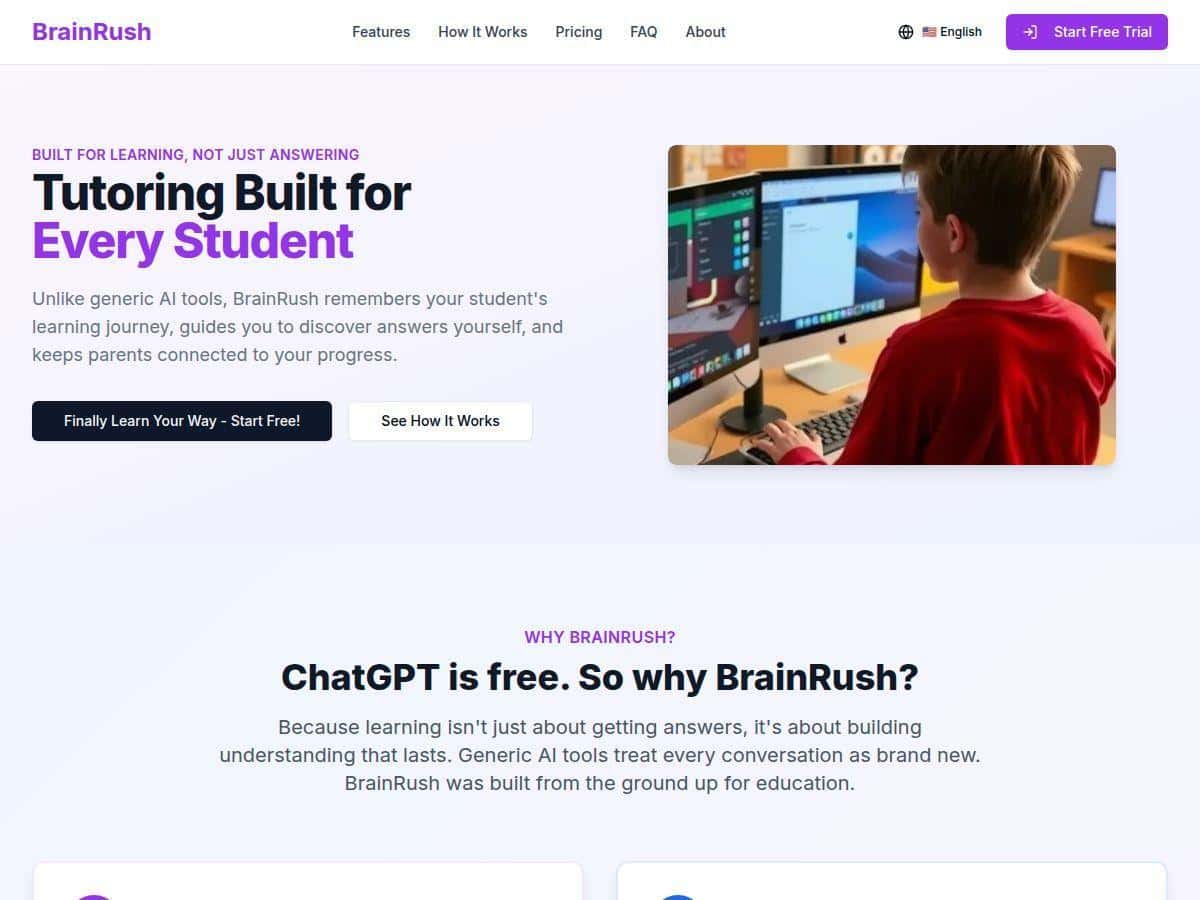
I wanted to see if BrainRush is more than just another “AI homework helper” in name only. So I tested the experience as a parent would: starting with a typical homework-style request, watching how the tutoring responds, and checking whether it actually adapts or just gives generic answers. The short version? It’s smooth to use, the guidance feels structured, and it’s easy for kids to jump in. But it’s not a replacement for a real teacher (and there are a couple moments where I’d want a human to double-check).
BrainRush Review: what it’s like to use for K-12 help
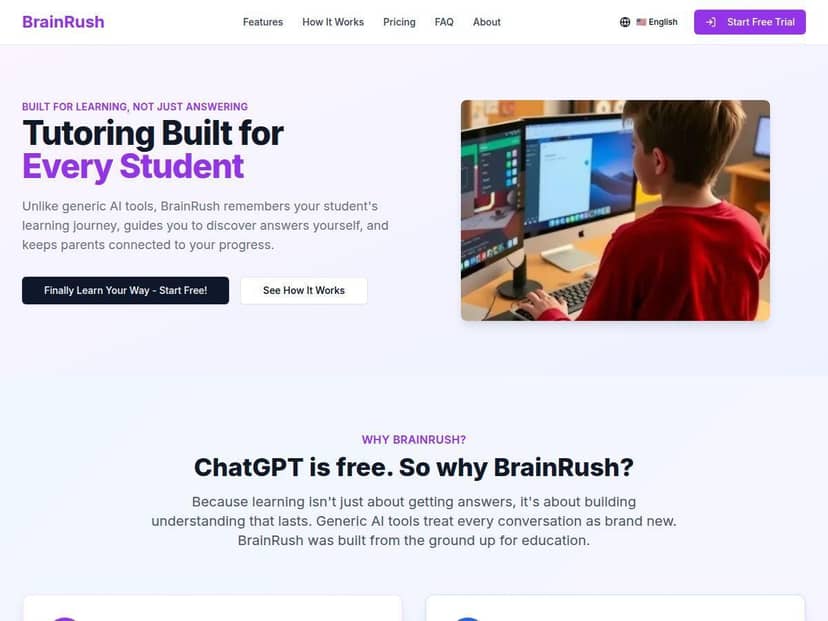
The first thing I noticed was how quickly you can get from “I need help” to “here’s the next step.” The interface doesn’t feel cluttered, and it doesn’t bury you in settings before a student can start. That matters, because if a tool is too complicated, kids won’t use it when you’re busy.
How I tested it (real-world style): I tried a few homework-style prompts, then followed up when the tutor asked questions or when I gave a wrong/partial answer. In my experience, this is where “personalization” either shows up or falls flat.
- Math (Grade 6-ish): I started with a basic fraction simplification request. BrainRush broke the problem down into steps and then asked me to confirm the next move instead of just dumping the final answer immediately.
- Writing (middle school): I asked for help turning a short idea into a paragraph with a clear topic sentence. The tutor produced a draft structure and then prompted me to adjust details (like adding evidence or tightening the wording).
- Science (general concept): I requested an explanation of a concept in “student-friendly” language. What I liked here was that the explanation felt layered—simple first, then more specific—rather than one long paragraph.
What I noticed about “adaptation”: BrainRush doesn’t just repeat the same template every time. When I gave an incorrect response or incomplete reasoning, it tried a different approach—more guidance, a different framing, and in some cases a quick check question to make sure the student is actually following.
Still, I’ll be honest: it’s not magic. If the prompt is vague (“help me with fractions”), the first response can be broad. If you include the exact problem or what part is confusing, the tutoring gets noticeably more useful. In other words, it helps most when you give it something concrete.
Key Features: where BrainRush actually helps
1) Personalized learning flow (not just generic answers)
The “personalization” shows up in the way the lesson progresses. Instead of a single response, BrainRush tends to guide through steps and uses follow-up questions to keep the student moving forward. I also noticed that when I answered incorrectly, the tutor didn’t simply say “wrong”—it tried to diagnose what I probably misunderstood and then restarted the explanation in a slightly different way.
2) Interactive tutoring (step-by-step, with checkpoints)
In practice, the tutoring feels like a conversation with structure. Rather than handing over a full worksheet solution at once, it tries to get the student to do the next step. That’s a big deal for K-12, because it nudges kids toward actually thinking.
Example of the flow I saw:
- BrainRush explains the concept in simpler language.
- It then offers a first step (like “simplify this part…” or “pick the best topic sentence…”).
- After I responded, it either confirmed and moved forward or adjusted the explanation and asked another checkpoint question.
3) Real-time feedback and progress tracking
The platform includes feedback during sessions, and it also tracks activity in a way that parents can review. I like that it’s not only “instant answers.” There’s a sense of momentum—students can see what they’re working on next, and parents can check whether help is being requested repeatedly for the same type of problem.
What I’d look for as a parent:
- Whether the dashboard shows which subjects or skills are getting the most practice
- Whether it flags repeated struggles (so you can intervene before it becomes a habit)
- Whether session history is easy to browse without digging through settings
4) Interactive lessons designed to keep kids engaged
BrainRush feels built for shorter “help now” moments. The tutor’s tone and formatting are generally kid-friendly, and the back-and-forth keeps students from zoning out. I wouldn’t call it a replacement for motivation from a teacher, but it does help reduce the “homework dread” feeling.
5) Parental oversight (what that should mean in real life)
For K-12, I care less about “parent features” as a buzzword and more about whether I can see what’s happening. BrainRush positions itself as having parental involvement tools. In a good setup, that means:
- parents can review recent tutoring activity
- you can understand what topics are being practiced
- you’re not completely in the dark about what your child is being told
One practical tip: if you’re using BrainRush at home, I’d set a simple routine—“Use it for hints and steps, then show me your reasoning.” That keeps the tool supportive instead of spoon-feeding.
6) K-12 coverage across subjects
BrainRush is aimed at K-12 students and supports homework-style help across common school subjects. In my testing, the biggest wins were in math explanations, writing structuring, and science concept breakdowns—basically the areas where students often need a clearer explanation than they get on the first try.
Pros and Cons: honest take from my testing
Pros
- Guidance feels step-based: When I followed along, BrainRush encouraged checkpoints instead of just dropping the final answer. That helped me keep the “student does the work” goal intact.
- Better when prompts are specific: With the exact problem (or at least the exact question), the tutoring got more accurate and useful. The “it works better with details” effect was consistent.
- Kid-friendly experience: The interface and lesson flow are easy to start, even for someone who isn’t super techy.
- Follow-up when answers are off: When I gave an incorrect/partial response, it didn’t just stop. It tried a different explanation path.
- Useful for quick help moments: For after-school questions or when you’re busy, it’s fast to jump in.
Cons
- Not a human tutor: It can’t replace the emotional nuance and real-time classroom context a teacher brings. If your child needs confidence-building or deeper mentorship, you’ll still want a human.
- Vague prompts lead to broad guidance: If you type “help with fractions,” you may get a more general lesson than you wanted. Give it the exact worksheet question when possible.
- Risk of over-reliance: If students use it as an answer generator, they won’t build independent problem-solving. I’d use it for hints and explanations, then require the student to show their steps.
- Accuracy is generally good, but still needs checking: Like any AI tutoring tool, there can be moments where an explanation needs a second look—especially for multi-step problems. If it’s high-stakes (grades, tests), have a teacher or parent verify the final reasoning.
Pricing Plans: what I could (and couldn’t) confirm
As of my check: I didn’t find clearly published, detailed pricing on the page content provided here. BrainRush may use a subscription or tier-based structure, but I don’t want to guess.
What you can do right now: click through to the official BrainRush site and look for a “Pricing” or “Plans” section. If you don’t see it, check the checkout page after starting signup, because that’s often where the real numbers appear.
If you want, I can help you compare plans—just paste the pricing options you see (monthly/annual, any family/student limits, and whether there’s a free trial).
Wrap-up
BrainRush is a solid option when you want fast, structured homework help for K-12—especially for subjects where kids get stuck on the “how do I start?” part. In my experience, it’s easiest to get good results when you feed it the exact problem and then use the hints step-by-step.
It won’t replace a great teacher, and you’ll want to manage how students rely on it. But as a supportive tutoring tool for after-school practice, it’s genuinely useful—and the workflow feels designed for real families, not just demos.