Table of Contents
In today’s fast-paced world, customer support needs to be efficient and effective. Enter BrainyBear, a platform that simplifies the process of building AI chatbots. With just a few steps, businesses can create smart assistants capable of engaging customers in natural conversations. Ready to dive into the details? Let’s explore what BrainyBear has to offer!
BrainyBear Review
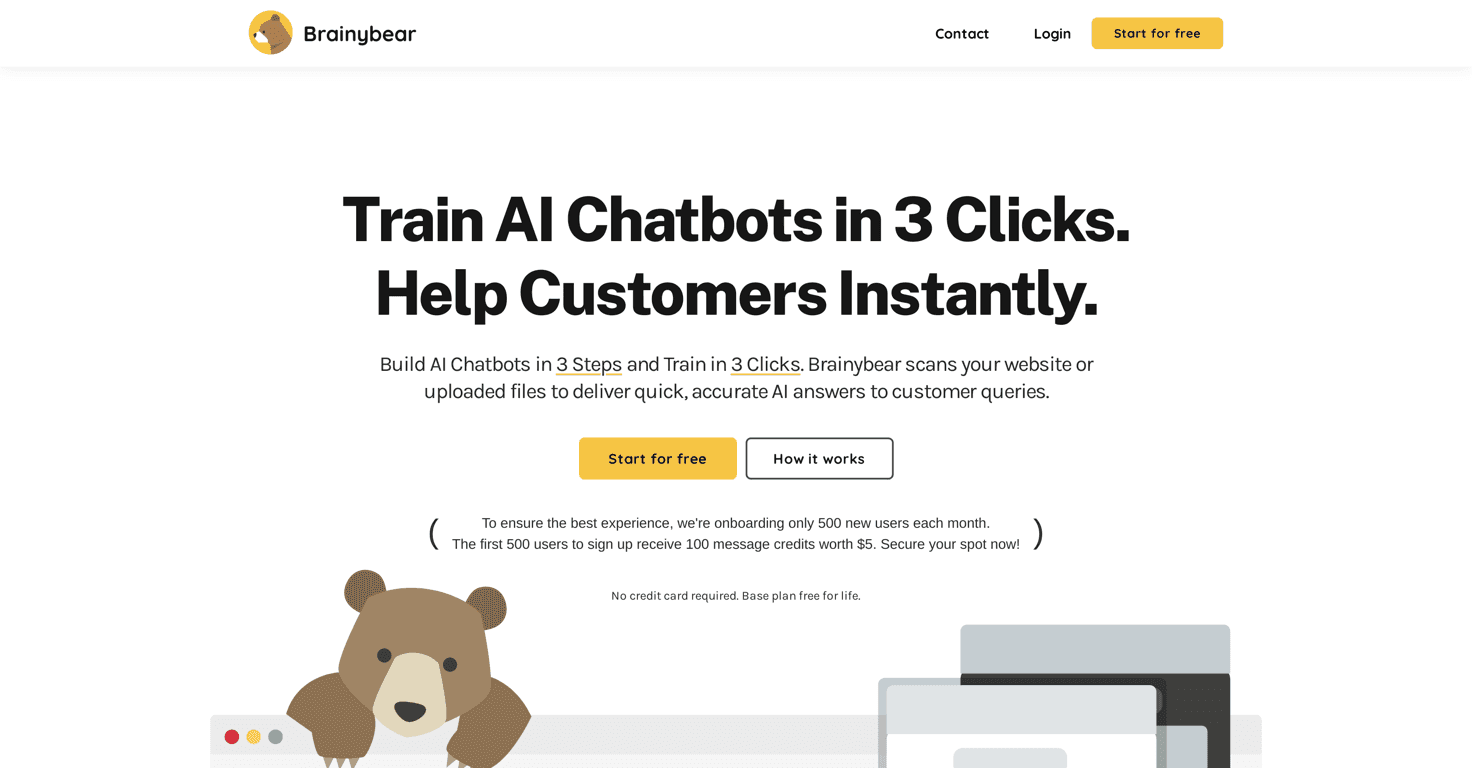
BrainyBear is a game-changer for businesses looking to enhance their customer support. This platform stands out with a user-friendly interface that allows users to build custom chatbots in less than three steps. Imagine having an intelligent assistant that provides quick, accurate responses to customer queries, all while learning and improving over time. With over 80 languages supported, BrainyBear can cater to a global audience, making it a versatile option for any business.
The natural language processing capabilities ensure that conversations feel human-like, which is crucial for maintaining customer satisfaction. Additionally, the self-learning feature means that the chatbot continues to evolve, requiring less manual intervention and keeping the responses relevant and engaging. With integrations available for popular platforms like Facebook Messenger and WhatsApp, BrainyBear truly makes it easy to connect with customers wherever they are.
Key Features
- 3-Step Setup for easy customization
- Simple training through website scans or uploaded knowledge
- Natural and engaging conversational abilities
- Self-learning AI for improved interaction over time
- Supports over 80 languages for global accessibility
- Direct integrations with popular messaging platforms
Pros and Cons
Pros
- Quick setup with an easy process
- User-friendly design for enhanced interaction
- Adaptive learning minimizes the need for constant updates
- Low maintenance and operates independently post-setup
- Handles a majority of customer queries effectively
Cons
- Limited to 500 new user sign-ups monthly
- Effectiveness dependent on the training data quality
Pricing Plans
BrainyBear offers a Free Plan that allows users to get started without any financial commitment. Users receive 100 message credits valued at $5 for life upon signing up, and no credit card is required to start.
Wrap up
In conclusion, BrainyBear is an excellent choice for businesses looking to adopt AI technology for customer support. With its easy setup, user-friendly interface, and powerful features, it allows anyone to create an effective chatbot without needing technical expertise. Whether you have a small business or a growing enterprise, BrainyBear could be the solution to elevate your customer service experience.