Table of Contents
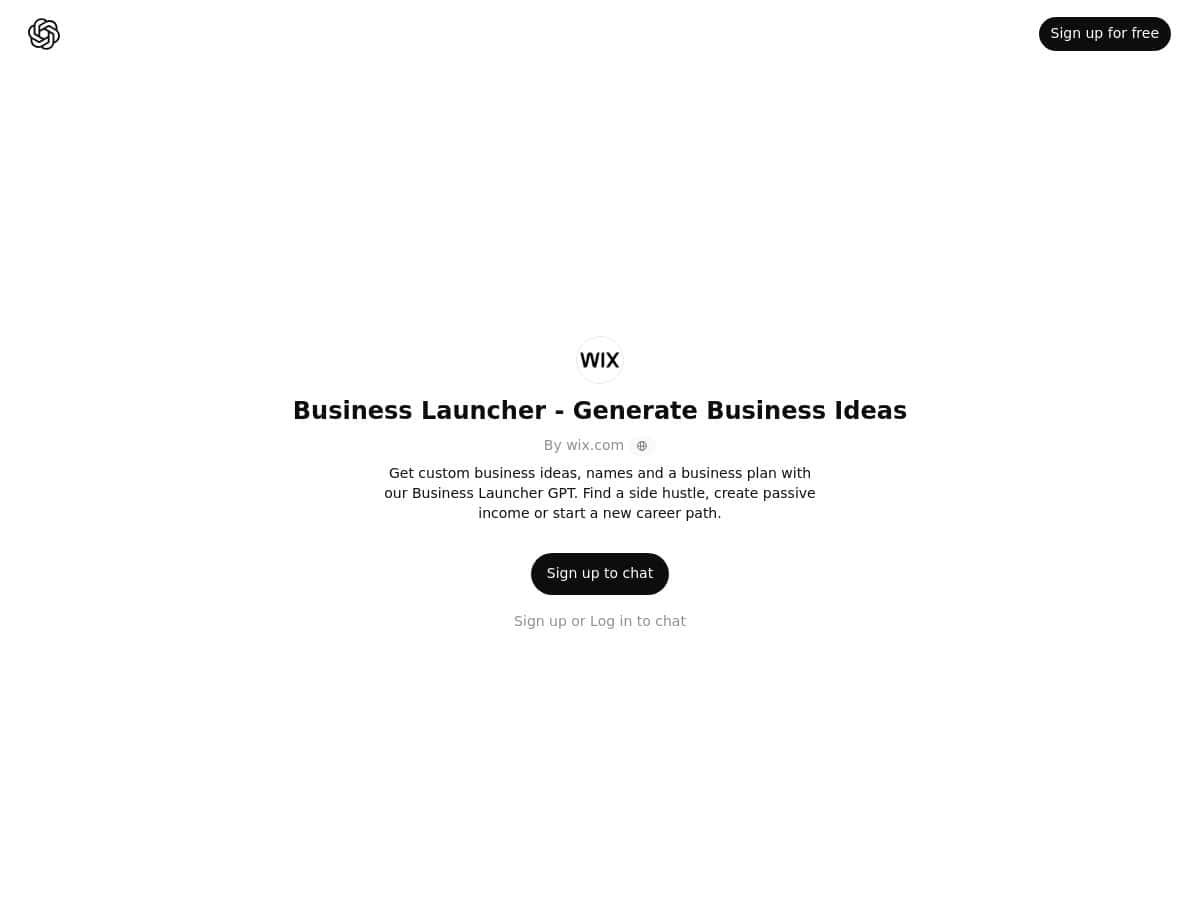
Thinking about a new side hustle or trying to build a little passive income? I checked out Business Launcher (the one tied to ChatGPT) to see if it actually helps you go from “I have an idea” to “here’s something I can work with.”
In my experience, it’s one of those tools that’s genuinely fast to use—no weird learning curve—and it produces a pretty usable starting point. But it’s not magic. The quality of what you get really depends on how specific you are with your inputs.
Business Launcher Review: Does It Actually Help You Build a Plan?
After using Business Launcher myself, I’d describe it as “fast planning.” It doesn’t just throw out random ideas—it tries to guide you through the basics: an idea, a business name, and a plan you can skim and then refine.
What surprised me most: it felt easy to get results quickly. The form-style input is simple, and the output is organized enough that I didn’t have to fight with formatting. Still, if you’re super niche or you want real market numbers (pricing benchmarks, TAM/SAM, conversion rates), you’ll need to do that yourself. The tool gives you a starting draft, not a validated business.
Key Features I Noticed in Business Launcher
- Personalized business idea generation based on your inputs (interests, goals, and constraints).
- Suggested business names that are tied to the idea you’re building.
- AI-assisted business plan creation (organized into a readable “what to do next” style output).
- Side hustle / passive income leaning—most suggestions are framed around starting small and testing.
- Easy workflow through a ChatGPT-like experience (you’re not bouncing between 10 different screens).
How I Tested Business Launcher (Inputs, Output, and What I’d Change)
So I didn’t just click around. I actually ran a few rounds and paid attention to what the tool did well—and where it got generic.
Round 1: “Practical side hustle” test
Inputs I used: I entered interests and goals like “I’m into productivity and helping busy people,” plus a goal of “start small, make it service-based first, then scale.” I also mentioned I wanted something I could do from home.
What I got back: Business Launcher produced a few idea options, then followed up with names and a plan outline.
Example output (idea + name + plan excerpt):
- Idea: “Weekly Productivity Reset for Busy Professionals”
- Name suggestion: “ResetRoutine Co.”
- Plan excerpt: Start with a simple weekly audit + checklist, offer tiered packages (basic/advanced), and collect feedback after each session to improve the next week.
Honestly? That one felt realistic. The plan wasn’t vague “become a millionaire” stuff. It had a basic offer structure and next steps.
Round 2: “Niche hobby to income” test
Inputs I used: I gave it a more specific angle: “I like niche communities and creating content,” and I wanted an idea that could grow over time (content + community, not just one-off gigs).
What I noticed: This round produced ideas that were more concept-y. The names were still decent, but the plan needed more “flesh” than the first round.
Example output (idea + name + plan excerpt):
- Idea: “Community-Based Learning Kits for a Specific Interest”
- Name suggestion: “KitCraft Learning”
- Plan excerpt: Build an initial kit, post content to explain it, then invite people into a small group for feedback and early upgrades.
It wasn’t bad. But I had to push it to get more concrete about who the customer is and how I’d reach them. If you don’t give it customer details, it tends to fill gaps with assumptions.
Round 3: “Make it more passive” test
Inputs I used: I asked for something that could eventually feel more passive, while still starting with time investment upfront.
What happened: Business Launcher leaned toward digital products and templates. The plans looked cleaner, but I noticed that “passive” was more like “less hands-on later,” not truly passive from day one.
Example output (idea + name + plan excerpt):
- Idea: “Template Library for Small Business Onboarding”
- Name suggestion: “OnboardNest Templates”
- Plan excerpt: Create 10–15 templates, bundle them by use case, validate with a landing page, then expand based on user requests.
If you want real passive income, you’ll still need to validate demand and keep improving the product. The tool helps you outline that path, but it won’t do the market research for you.
Time + iteration (what felt efficient)
Across these rounds, I spent about 15–25 minutes total from entering inputs to having a few usable drafts. The speed is the big win here. I could generate options, pick one, and then iterate without starting from scratch.
What I’d change to improve the output: I’d like it to ask follow-up questions more aggressively (for example: “Who exactly is the buyer?” “What’s your starting budget?” “What channel do you prefer?”). Right now, if your inputs are broad, the plan can become broad too.
Pros and Cons (Based on My Test)
Pros
- Fast, organized output: I got idea + name + plan in a way that was easy to skim and act on.
- Good for first drafts: It’s great when you need something to build from, not when you need final answers.
- Names are actually connected to the concept: they weren’t random words.
- Side-hustle friendly: suggestions were framed around starting small and testing.
Cons
- Garbage in, garbage out: when my inputs were vague, the plan filled in the blanks with generic assumptions.
- Not a substitute for validation: there’s no deep market sizing or competitor analysis baked in.
- Limited “performance tracking”: I didn’t see anything like built-in analytics, KPIs, or progress dashboards.
- Premium details weren’t clear: I didn’t find concrete plan tiers with pricing numbers inside what I reviewed.
Pricing Plans (What I Can Verify)
Business Launcher offers a free sign-up option, so you can explore the basic experience at no cost.
When it comes to premium plans and exact pricing, I didn’t see explicit tiers or numbers in the content I reviewed. I’m not going to guess. If you want the most accurate pricing, check the page linked above (Business Launcher) right before you sign up.
Also, just to keep expectations straight: OpenAI’s ChatGPT (like ChatGPT Enterprise) is a different offering entirely, and it isn’t the same thing as this branded “idea + plan” workflow.
How to Use Business Launcher for Real Validation (Not Just Inspiration)
Here’s the part most people skip: once you have an idea draft, you still need to test it. What I found helpful is treating Business Launcher like the “outline generator,” then using a simple validation checklist.
1) Use better inputs (so you get better plans)
If you want higher-quality outputs, don’t just say what you like. Add constraints. For example:
- Your target customer (even if it’s rough)
- Your starting budget (ex: $0, $200, $1k)
- Your time limit (ex: 2 hours/day)
- Your skills (ex: writing, design, coaching, coding)
- Where you’ll promote it first (ex: TikTok, LinkedIn, Etsy, Upwork)
2) Turn the plan into a 7-day test
Pick one idea and run a short test. For example:
- Day 1: write a one-sentence offer and a landing page headline
- Day 2–3: post 2–3 times in your chosen channel
- Day 4: message 10 people who match your buyer profile
- Day 5–7: collect replies and refine your offer based on objections
3) Decide fast: keep it, tweak it, or kill it
Don’t overthink it. If you’re getting no interest after a small test, don’t “optimize” forever—pivot the angle, pricing, or audience. The tool helps you generate options quickly, which is perfect for iteration.
4) Improve the AI output with your own reality checks
When the plan says something like “create content for months,” I treat that as a placeholder. I replace it with a schedule I can actually follow. Want a simple rule? If you can’t commit to the plan for 30 days, it’s not a plan—it’s a wish.
Wrap up
Overall, Business Launcher is a solid way to get from “vague idea” to a usable draft business plan without spending hours staring at a blank document. It’s especially helpful if you’re new to this and want momentum.
Just remember: the tool is best at brainstorming and structuring. It won’t validate demand for you. Use it to generate and outline, then test the idea like you mean it—and you’ll get way more value out of it.