Table of Contents
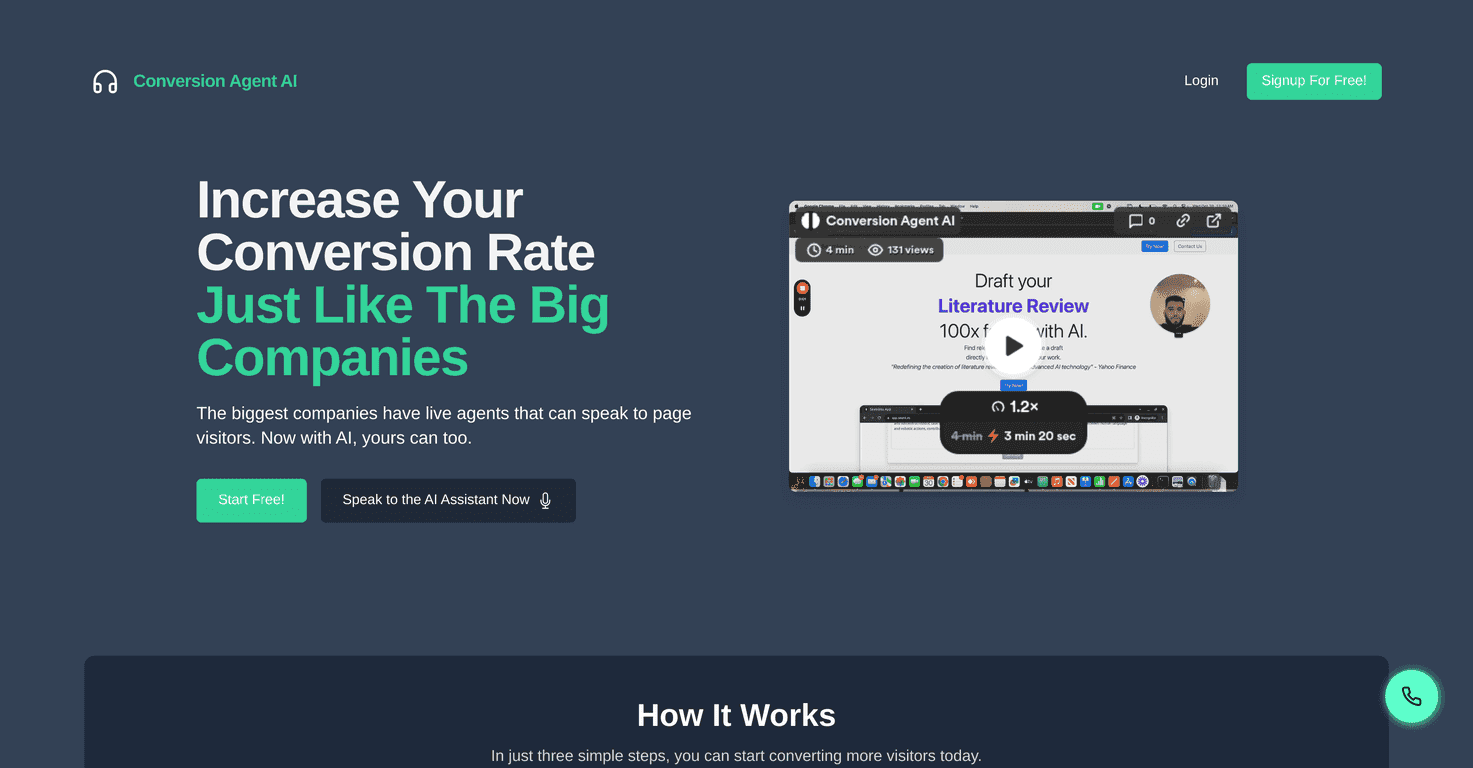
If you’ve ever watched a visitor bounce from your site, you already know the real problem isn’t traffic—it’s what happens after they land on your page. In my experience, most people don’t want to dig through FAQs. They want answers now. That’s where Conversion Agent AI comes in.
Conversion Agent AI is basically an AI assistant that chats with visitors like a human would—except it’s available 24/7. I tested the idea of “instant help” on a few common buyer questions (pricing, setup time, integrations, and whether the tool works for smaller teams). What I noticed was that the assistant can keep conversations moving instead of leaving prospects hanging while they hunt for answers.
Conversion Agent AI Review: Does It Actually Help Conversions?
Let me be straight with you: most “AI chat” tools fail when you ask real questions. They either sound generic or they don’t know what to do next. Conversion Agent AI feels more practical because it’s built around turning chats into actions—like guiding visitors toward the next step on your site.
Here’s what I’d expect to improve if you install it:
- Faster answers for common questions (pricing, availability, how it works, what you need to get started).
- Less drop-off because visitors don’t have to wait for email or human support.
- Better lead quality when the assistant asks follow-up questions instead of just answering once and disappearing.
Also, the “always on” part matters more than people think. If someone lands on your site at 9:47 PM and has a question, that’s a conversion moment. With an AI assistant, you’re not stuck waiting until morning.
Key Features (What You’ll Actually Use)
- Multiple Engagement: It can handle more than one visitor at a time. In plain terms, that means your chat widget won’t just “go quiet” when you have traffic spikes.
- AI-Powered Insights: The platform is meant to recommend improvements for your landing pages based on what people ask and how they respond. I like this because it turns conversations into something usable, not just logs you’ll never open.
- 24/7 Availability: Visitors get responses even when your team isn’t online. If you’ve ever missed leads after hours, you already get why this is a big deal.
- Cost-Effective Support: Instead of scaling support headcount as traffic grows, you can use the AI to cover the repeat questions and triage more complex ones.
- Scalable Solution: Works for small sites and teams, but it’s also built for larger businesses that need consistent visitor handling across more pages.
- Data & Transcripts: Conversation analytics and transcripts help you see what visitors are really trying to figure out. This is where you can spot gaps in your messaging quickly.
Pros and Cons: The Real-World Tradeoffs
Pros
- Instant engagement: Visitors don’t have to wait around, and that alone can reduce bounce rates.
- More affordable than hiring: If you’re currently paying for live chat coverage or dealing with lots of repetitive tickets, AI support can help cut those costs.
- Setup feels straightforward: Embedding a chat assistant on your site is typically the biggest hurdle with tools like this. This one is designed to be quick to get running.
- Works any time: Weekends, late nights, holidays—your chat stays active.
- Scales with you: You don’t need to add more people just to handle more visitors.
- Transcripts are useful: If you actually review them, you can improve your FAQs, pricing page, and onboarding content.
Cons
- Complex questions can still trip it up: Like any AI assistant, it won’t always match what a top-tier human support agent would say, especially for edge cases.
- Initial setup takes attention: If you want the assistant to sound on-brand and answer accurately, you’ll need to spend a bit of time configuring prompts, FAQs, and what “good answers” look like.
- Not a replacement for all support: I wouldn’t rely on it for high-stakes scenarios (refund disputes, legal questions, highly technical troubleshooting) without a way to escalate.
Pricing Plans: What You’ll Pay to Get Started
Conversion Agent AI starts at $25/month. That’s the kind of pricing that makes sense if you’re trying to test whether “AI chat for conversions” is worth it for your specific audience.
They also offer a free trial for the first 3 days. My advice? Don’t just click around during the trial—use it like you’d use it in production. Try your top 10 visitor questions. Watch what the assistant says. Then decide if you need to tweak your setup so it answers the way you want.
How I’d Use It (Quick Setup Tips)
- Start with your highest-intent pages: Put the assistant on pricing, demo, and onboarding pages first. That’s where questions usually convert.
- Write short, clear “next step” prompts: If the assistant can guide people toward “book a call,” “start trial,” or “request a quote,” you’ll see better results than pure Q&A.
- Review transcripts weekly: Look for repeated questions, unanswered topics, and phrasing visitors use. Then update your landing page copy to match.
- Plan an escalation path: If the AI can’t answer, make sure it can route the visitor to a human or a contact form instead of looping.
Wrap up
Conversion Agent AI is a solid option if you want an always-on assistant that helps visitors get answers quickly and nudges them toward the next step. It’s not magic—if your product info is messy or your setup is sloppy, the AI can only work with what you give it—but when you configure it with the questions your customers actually ask, it can genuinely improve engagement. If you’re trying to boost conversions without adding a full support team, this is definitely worth a closer look.
Promote Conversion Agent AI