Table of Contents
If you’ve ever had to dig through a long PDF—research papers, contracts, manuals, you name it—you already know the pain. You scroll, search, scroll again… and somehow the one paragraph you need is always buried somewhere near the end. That’s why I was curious about Documind v2.3.
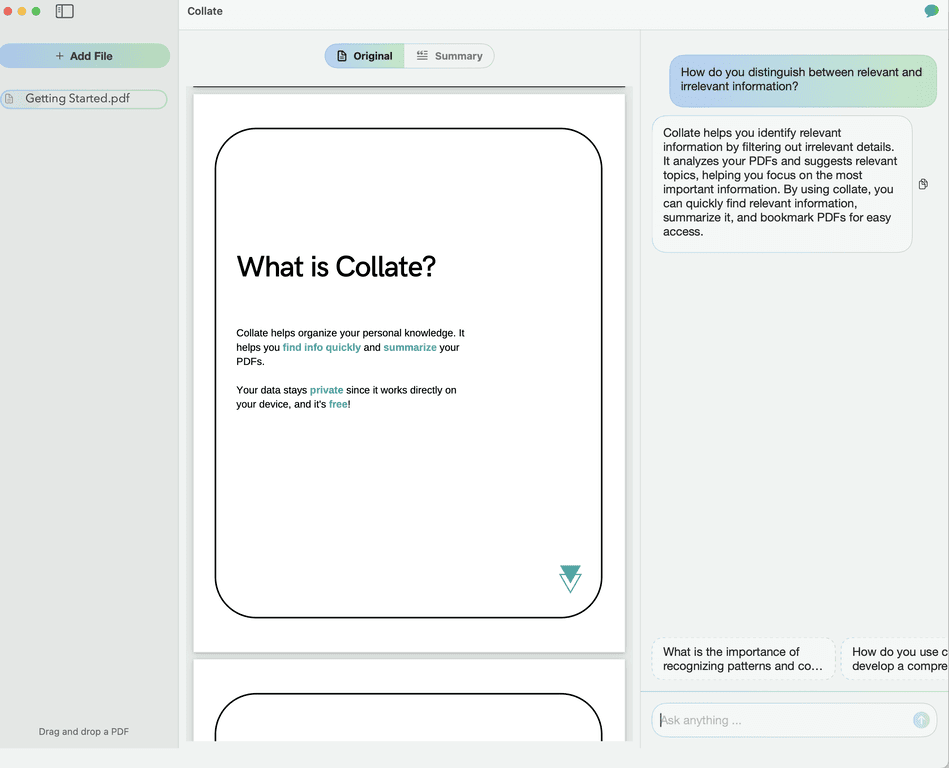
Documind v2.3 basically lets you chat with your PDF instead of just reading it. In my experience, that changes everything for tasks like “summarize this section,” “what does this mean,” or “find the exact answer to this question.” I tested it with a couple different document types (a dense academic-style PDF and a more structured report), and the results were… genuinely useful—especially when I didn’t want to spend an hour hunting for details.

Documind v2.3 Review: Chat With Your PDFs (Not Just Read Them)
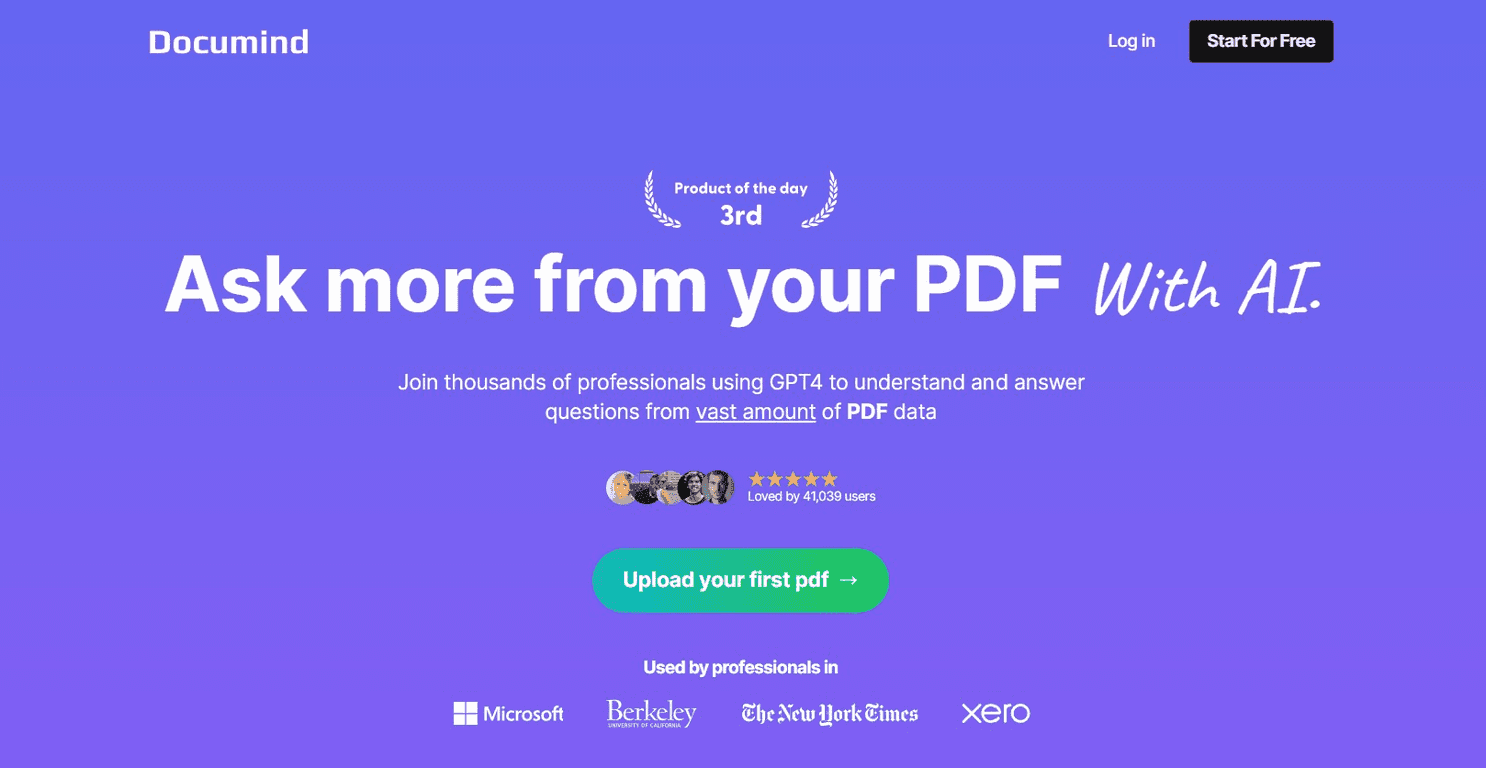
Documind v2.3 is built around one idea: instead of treating a PDF like something you have to manually parse, you treat it like a source you can ask questions to. The tool uses GPT-4-level reasoning (at least that’s the positioning), and in practice it shows up most when you want quick answers without re-reading the whole file.
Here’s what I liked right away: it’s not just “summarize the document.” You can go back and ask follow-up questions like “What are the key arguments?” or “List the steps described in section 3.” That kind of back-and-forth is exactly what I want when I’m working with dense material.
One thing I noticed, too: the quality of answers tends to track the quality of the PDF text. If your PDF is scanned images or poorly extracted text, you’ll get less reliable results. If it’s a normal text-based PDF, the experience is much smoother.
Key Features That Actually Matter
- Summarization that’s more than fluff
When I used it on a multi-page document, I didn’t just get a vague overview. I asked for a summary of specific sections, and the responses stayed focused on the content I targeted. It’s great for “I need the gist now” moments—like before a meeting or when skimming research. - Question answering from the PDF content
This is the feature I keep coming back to. Instead of searching for keywords, I could ask direct questions like “What does the report say about X?” and get answers grounded in the document. For practical work, that saves a ton of time. - Content generation tied to your PDF
If you want to expand on an idea from the document—like drafting a short explanation, turning notes into a paragraph, or building a study outline—Documind v2.3 can help. In my tests, the generated text was most useful when I gave it a clear prompt (for example: “Turn this into bullet points for a presentation slide”). - Custom chatbot creation for specific documents
This is the “make it reusable” part. Instead of chatting once and moving on, you can create a chatbot tailored to a document (or set of documents, depending on how the tool is set up). I can see this being really helpful for teams—like onboarding docs, internal SOPs, or a course syllabus you reference all the time.
Pros and Cons From My Testing
Pros
- Fast summaries and quick answers — I didn’t have to read page-by-page to get started. The “ask and get” flow is the main win.
- Feels made for real workflows — research review, studying, report analysis… it supports the way people actually work with PDFs.
- Custom chatbot option — once you set it up for a document, you can reuse it instead of repeatedly summarizing.
- GPT-4-style reasoning — prompts like “extract the steps” or “compare these two points” produced results that were coherent and relevant.
Cons
- Internet access is basically required — this is a cloud-style AI experience, so if you’re offline, you won’t get much out of it.
- PDF complexity can affect results — long documents, weird formatting, or PDFs with poor text extraction can lead to less reliable answers. If your PDF is scanned, you may need OCR elsewhere first.
- Not a substitute for verification — like any AI tool, it can miss nuance. If the document is legal/financial/medical, I’d still double-check the original text.
Pricing Plans (What I Could and Couldn’t Confirm)
The exact pricing for Documind v2.3 isn’t listed in the content I reviewed here. I’d recommend checking the official site directly for the latest plan options and limits (uploads, usage, and any feature differences). Since pricing can change, you’ll save yourself time by verifying it on Documind’s website before committing.
Wrap up
Overall, I think Documind v2.3 is a genuinely practical tool if you work with PDFs often. The “chat with your document” approach is exactly what I want when I’m short on time, and the ability to summarize and answer questions makes it feel way more efficient than traditional PDF reading.
Just keep expectations realistic: the better your PDF text quality, the better the results. And if it’s high-stakes content, still verify the answers in the original document.
Promote Documind v2.3