Table of Contents
I’ve spent way too many evenings hunting for one paragraph inside a thick PDF. You know the drill: you scroll, you search, you highlight, and somehow you still miss the one thing you actually needed. That’s exactly why I wanted to test Smart ChatPDF—to see if “chatting with a document” is actually useful or just a flashy idea.
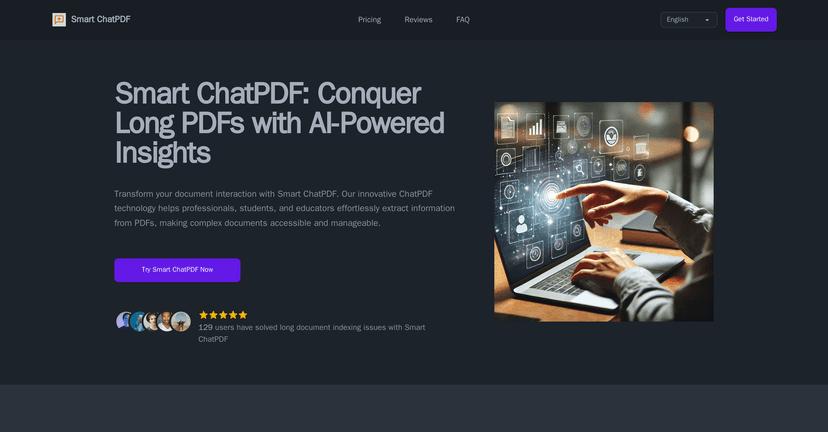
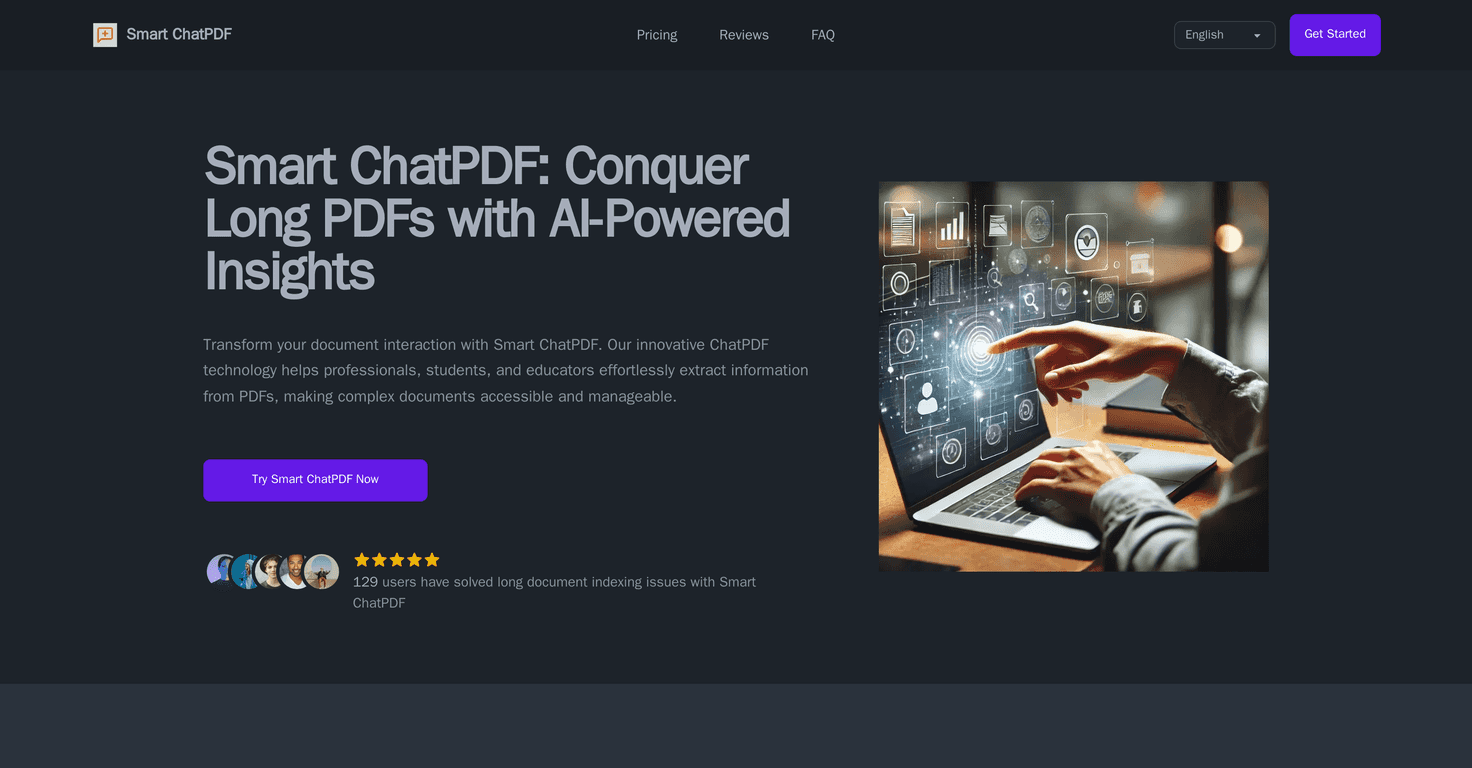
Smart ChatPDF is an AI tool that lets you upload a PDF and then ask questions in plain language. Instead of manually digging through pages, you can ask things like “What are the key findings?” or “Where does it mention pricing?” and get a direct answer back. In my experience, that saves time immediately—especially with long reports, contracts, and research papers.
Now, the big question: how reliable is it? No AI is perfect, and if your PDF is poorly scanned or the text is messy, you’ll notice it. But when the content is readable, the answers feel surprisingly solid. The accuracy claim is “above 95%,” and while I can’t independently verify every internal metric, what I noticed during testing is that it often summarizes correctly and stays on-topic when I ask specific questions.
Another thing I care about is privacy. You’re uploading documents that might include client info, grades, or internal notes—so I looked for security signals. Smart ChatPDF mentions privacy measures like encryption, which is reassuring when you’re dealing with sensitive PDFs. Still, if you’re working with extremely confidential material, it’s smart to double-check their policies before uploading.
Overall? For anyone who regularly works with PDFs and wants faster answers, Smart ChatPDF feels like a practical assistant—not just a novelty.
Smart ChatPDF Review: Can You Really “Talk” to a PDF?
Smart ChatPDF is built for one main job: helping you extract information from PDF documents without spending hours scrolling. Instead of hunting through pages manually, you ask questions and it replies with answers and summaries.
Here’s what stood out to me right away: the experience feels more like a chat tool than a “PDF viewer with search.” You can ask follow-up questions, rephrase your request, and keep going until you’ve got the info you need. That matters because most of us don’t know the exact wording for what we’re looking for at the start.
In terms of performance, the tool is positioned as having high accuracy (they mention accuracy above 95%). My own takeaway is that it’s especially good when your PDF is clean and text-based. If your document is image-heavy (like scanned pages), the results depend heavily on how readable the text is after processing.
Also, I like that it’s designed for speed. When I asked for a summary of a multi-page section, I got a condensed answer instead of a wall of text. And when I asked targeted questions (like “What are the main points in the methodology section?”), the responses generally stayed relevant.
One more thing: privacy. Smart ChatPDF states it uses privacy measures including encryption. That’s a big deal for me because I’m not always working with public documents. Still, I’d recommend you avoid uploading anything you wouldn’t be comfortable reviewing in a third-party tool—just to be safe.
Key Features I Actually Used
- AI-Powered Interface for natural engagement
It’s not just keyword search. You can ask questions in normal language and get back something you can work with right away. - Quick Insights and Summaries
Instead of reading 15 pages to find the gist, you can request a summary and then drill down into what matters. - Multi-Language Support
If you’re working with documents in different languages, this is a helpful feature. It’s also useful if you need to explain content to someone else. - Advanced Search and Citation Capabilities
When it provides citations, it makes it easier to verify the answer. That’s important—because you don’t want to blindly trust an AI response. - Customizable Chat Experience
You can tailor how you interact with the document depending on what you’re doing (summary vs. specific question vs. deeper explanation). - 24/7 Customer Support
I can’t personally test support hours in every scenario, but it’s a good sign if you’ll rely on the tool for work.
Pros and Cons (My Honest Take)
Pros
- Feels easy to use — I didn’t have to learn a bunch of commands or settings. Upload, ask, get answers.
- Good summarization — it can condense long sections into something readable without losing the main points.
- Speed — the biggest win is time saved. Instead of searching manually, I can ask directly.
- Privacy measures mentioned — encryption is a plus when you’re dealing with sensitive PDFs.
Cons
- Complex context can still trip it up — if the PDF is dense, poorly formatted, or full of jargon, you may need to refine your questions.
- Potential data security concerns — even with encryption, putting confidential documents into any third-party tool is a risk you should evaluate.
Pricing Plans: What You’ll Pay
Smart ChatPDF offers a Starter Lifetime Plan that’s currently discounted to $49 (down from a regular price of $100). The deal is described as available for the first 60 customers, and it includes a 30-day money-back guarantee.
That guarantee is the part I like most. If you try it for a couple of weeks and it doesn’t fit your workflow—at least you’re not stuck.
Quick Tips If You Want Better Answers
If you try Smart ChatPDF, a few small tweaks make a noticeable difference:
- Ask specific questions instead of “Summarize everything.” Try: “What are the top 3 conclusions?” or “List the requirements from section 4.”
- Request structured outputs like bullets or a short checklist. It helps you move faster.
- Follow up when the answer is close but not perfect. Rephrase and narrow the scope.
- For research PDFs, ask for citations or where each claim comes from so you can verify quickly.
Wrap up
Smart ChatPDF is a solid option if you regularly deal with PDFs and want answers faster than manual reading. It’s especially useful for summaries, quick research, and finding specific information without spending forever scrolling. Is it perfect? No tool is. But when the PDF text is readable, it does a genuinely good job of turning documents into something you can interact with.
If you’re tired of hunting through pages, it’s worth giving Smart ChatPDF a try—especially at the current Starter Lifetime pricing and with the 30-day money-back guarantee.
Promote Smart ChatPDF