Table of Contents
Let me be honest—video editing gets old fast. You spend hours scrubbing through footage, cleaning up captions, rewriting descriptions, and then somehow you still end up with a “good enough” title that doesn’t quite pull its weight. That’s why I wanted to test Dadan AI Assist. I was curious if AI could actually reduce the boring parts of production—or if it would just generate fluff.

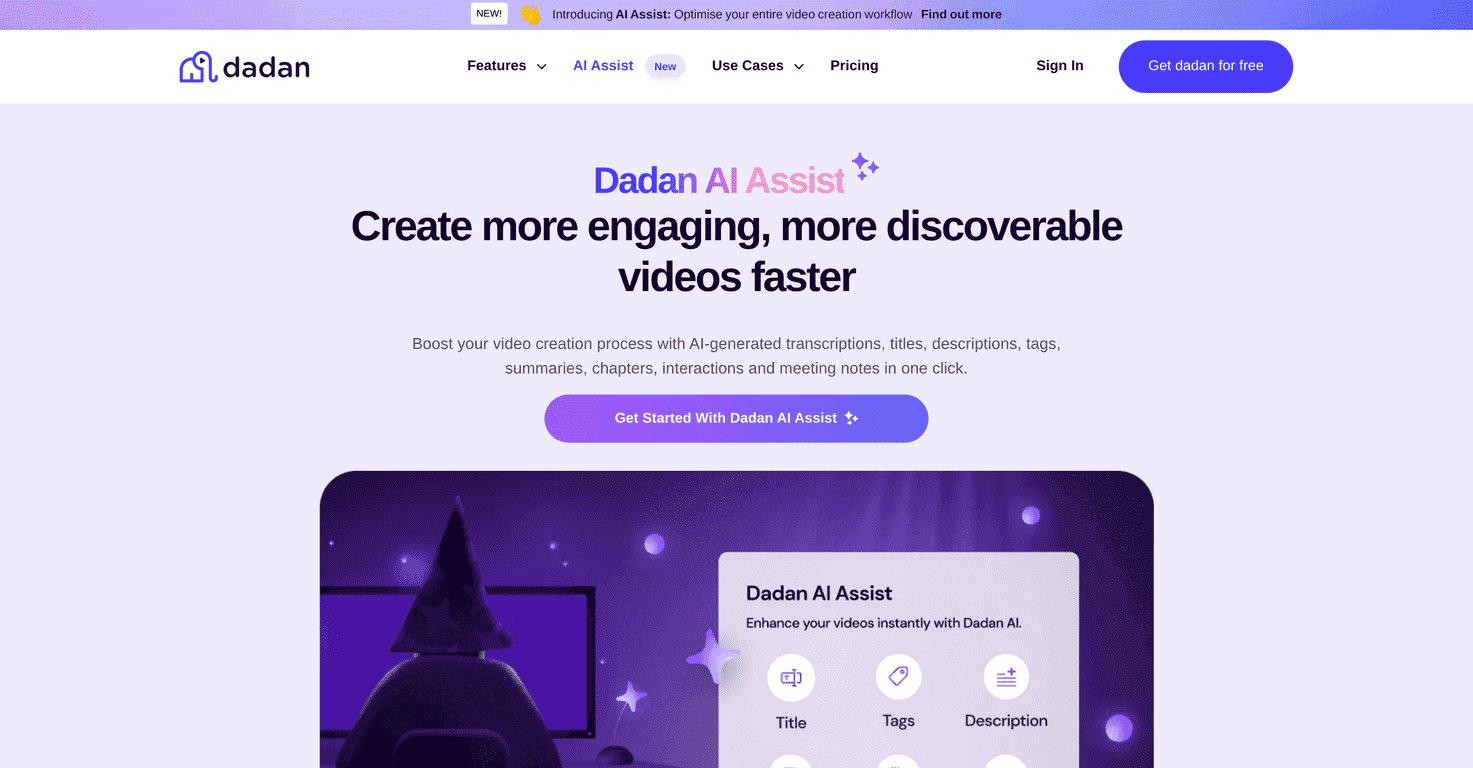
What I noticed right away is that Dadan AI Assist is built around one goal: turning a raw video into the stuff you’d normally create manually—transcripts, titles, descriptions, summaries, and other metadata. If you’re posting consistently (or you’re stuck turning interviews into publishable content), it can genuinely save time.
Dadan AI Assist Review
Dadan AI Assist is aimed at creators and teams who want to publish faster without sacrificing the basics. In my experience, the biggest win isn’t “AI magic”—it’s the fact that you don’t have to start from a blank page every time you upload a video.
For example, when I tested it with a typical talking-head video, the transcript output was the foundation for everything else. From there, it generated supporting copy like titles and descriptions. That means you can spend your time polishing the parts that matter (your hook, your CTA, the angle) instead of manually typing timestamps, rewriting the same summary, or guessing keywords.
One thing I like: it feels designed for the workflow, not just the output. You’re not only getting a transcript—you’re getting a bundle of publish-ready assets that help you keep momentum.
Key Features
- AI-Generated Transcriptions for searchable text and easier editing. In practice, this is what makes it possible to reuse your video content without rewatching everything.
- Auto-Creation Tools for titles, tags, chapters, and meeting notes. I especially found chapters useful when the video runs long—viewers love skipping to the part they care about.
- SEO Optimization so your video has metadata that’s actually built from the content (not just random keyword stuffing). If you’ve ever posted a great video and it barely moved, you already know how important this is.
- User-Friendly Management so you can keep track of what you’ve generated and reuse it for future uploads. It’s not just “generate once and disappear.”
- Interactive Features like auto-generated quizzes and calls to action. I don’t use these for every video, but when it fits—like training or educational content—it’s a nice way to boost engagement.
Pros and Cons
Pros
- You save time on the repetitive stuff. Transcripts, summaries, and metadata are the “hidden tax” of video publishing. Dadan AI Assist cuts that down.
- Transcription is a strong starting point. Even when it’s not perfect (no AI is, honestly), it gets you 80–90% there fast, and you can correct the rest.
- Discoverability gets a boost. Auto-generated SEO-friendly metadata helps your uploads look more complete and relevant when people search.
- It’s a suite, not a single trick. You’re not bouncing between five tools just to get from “recorded” to “published.”
Cons
- Some features likely require the paid plan. I’d recommend checking what’s included before you build your whole workflow around it.
- There’s still some cleanup involved. AI-generated titles/descriptions can be good, but they’ll still need your voice. Don’t expect it to nail your exact style every time.
- Learning curve if you’re new to AI tools. If you’ve never worked with transcription/metadata automation, it may take a couple tries to get the best results.
Pricing Plans
Dadan AI Assist offers a free 2-week trial of the Pro plan. After that, you’ll need to choose a subscription option. The exact pricing can vary, so I’d double-check the current rates on the official site before committing.
If you’re trying it for the first time, I’d use the trial to test your real use case—upload one of your typical videos and see how much time you actually save from transcript to final description.
Wrap up
Overall, I think Dadan AI Assist is worth a look if video publishing is part of your job (or you’re serious about growing a channel). It doesn’t replace your creativity, but it does handle the time-draining steps that slow you down—especially transcription, summaries, and SEO-friendly metadata.
If you want to reduce the “post-production grind” and get to publishing faster, give the 2-week Pro trial a shot. Just make sure you review the generated text before you hit publish—because that’s where your credibility lives.
Promote Dadan AI Assist