Table of Contents
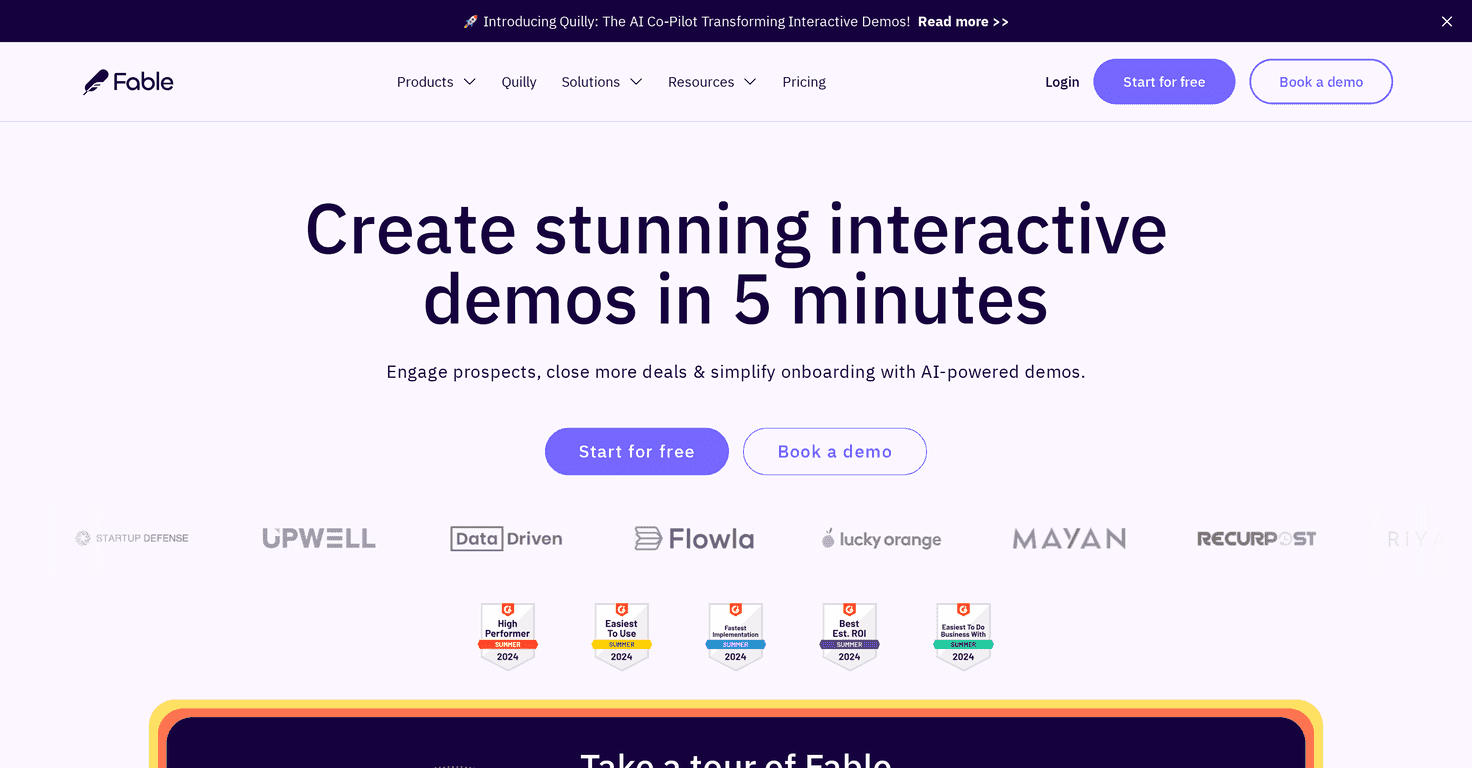
If you’re trying to get more people to actually watch your product demo (and not just skim past it), I think Fable is worth a look. I tested it with a couple of product pages and what stood out right away was how fast I could turn an idea into a demo that feels interactive instead of like a static slide deck.
Fable lets you create interactive, personalized product demos quickly, and the “AI-powered” part isn’t just marketing fluff. In my experience, it helps generate the demo flow and messaging so you’re not starting from a blank page. You can also customize the experience so it matches your brand—colors, tone, and the way the demo explains features—so it doesn’t feel generic to visitors.
And the sharing is genuinely convenient. Instead of sending a PDF or a long video link and hoping for the best, you can share demos across channels and let people explore at their own pace. That usually means higher engagement than traditional presentations—especially for folks who aren’t ready to book a call yet.
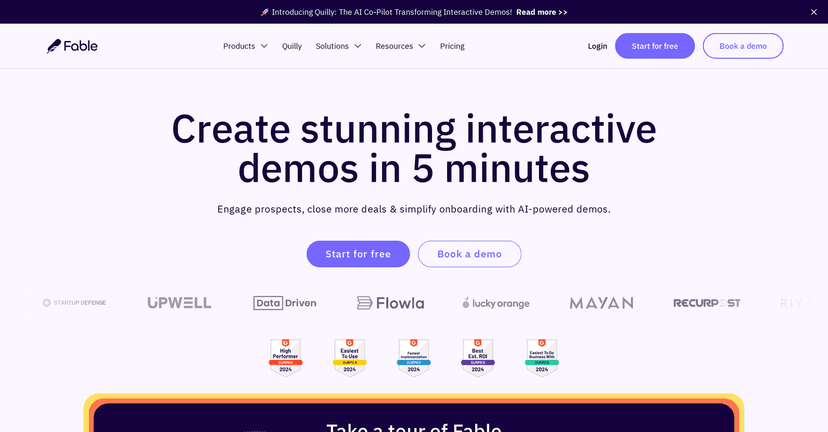
Fable Review
So what exactly is Fable? It’s a platform for building interactive product demos that feel tailored to the viewer. Instead of a one-size-fits-all walkthrough, you can structure demos around the features that matter most to different audiences.
Here’s what I noticed during setup: you don’t need to be a developer to get a solid first demo out. I was able to get a working version up quickly—think “first draft in a few minutes”—and then iterate from there. That matters, because most teams don’t want to spend a week perfecting one demo when they could be testing multiple angles.
Fable also includes analytics, which is a big deal if you’re trying to improve conversion rates. You can track viewer engagement so you’re not guessing. For example, if you see people drop off after a specific section, that’s a clear signal to tighten the messaging or simplify the flow.
Another plus: integrations. Fable is built to work alongside common sales and marketing tools, including HubSpot and Salesforce. In practice, that means you’re less likely to end up with a “demo tool” that lives in a separate universe from your CRM and lead tracking.
If you want to check it out, you can start here: Fable.
Key Features
- Interactive demos powered by AI — helps generate the demo structure and messaging so you can publish faster.
- Customization for branding — you can make the demo feel like it belongs to your company, not a template.
- Easy sharing across channels — share demos in a way that’s meant to drive engagement, not just deliver a link.
- Engagement analytics — track how viewers interact so you can improve your demo over time.
- Integrations (HubSpot, Salesforce) — connect the demo experience to your existing marketing/sales workflow.
Pros and Cons
Pros
- No-code friendly — I didn’t run into anything that required heavy technical knowledge to get started.
- Fast to build — a basic demo can be created in about five minutes (at least in my testing), then refined as you go.
- Better engagement than static content — interactive demos tend to hold attention longer, and that usually translates into stronger lead conversations.
- Works for multiple teams — marketing, sales, and onboarding can all use the same approach, just with different messaging.
Cons
- Advanced settings can be a bit much — once you start tweaking more complex parts, it may take a little time to get comfortable.
- Internet-dependent — like most web-based tools, a stable connection matters if you’re creating and sharing demos frequently.
One honest note: if your demo content is weak (unclear value prop, too many features, no clear “why now”), Fable won’t magically fix that. It helps you present better, but you still need a solid story.
Pricing Plans
Fable’s pricing isn’t fully listed in the public details I saw. What is available is a free start option, plus the ability to book a demo to learn more about plans and features. If you want exact numbers, you’ll likely need to check their pricing page or talk to their sales team for the current packages.
Wrap up
Overall, I like Fable because it’s practical. It helps you create interactive product demos without turning it into a giant production project, and the analytics are the kind of thing you can actually use to improve results. If your team is tired of sending the same deck or watching prospects ignore long videos, Fable is a pretty solid alternative to test.
If you’re curious, give the free start a shot and build one demo for your most important use case. Then compare engagement and follow-up quality—because the real win is what you can learn from the data.
Promote Fable