Table of Contents
Document work is one of those things that looks simple until you’re actually drowning in PDFs, scanned pages, and “just one more attachment” emails. I’ve worked through enough contracts and reports to know the pain: you spend hours hunting for the same numbers, clauses, and definitions, and by the time you find them, you’re already behind.
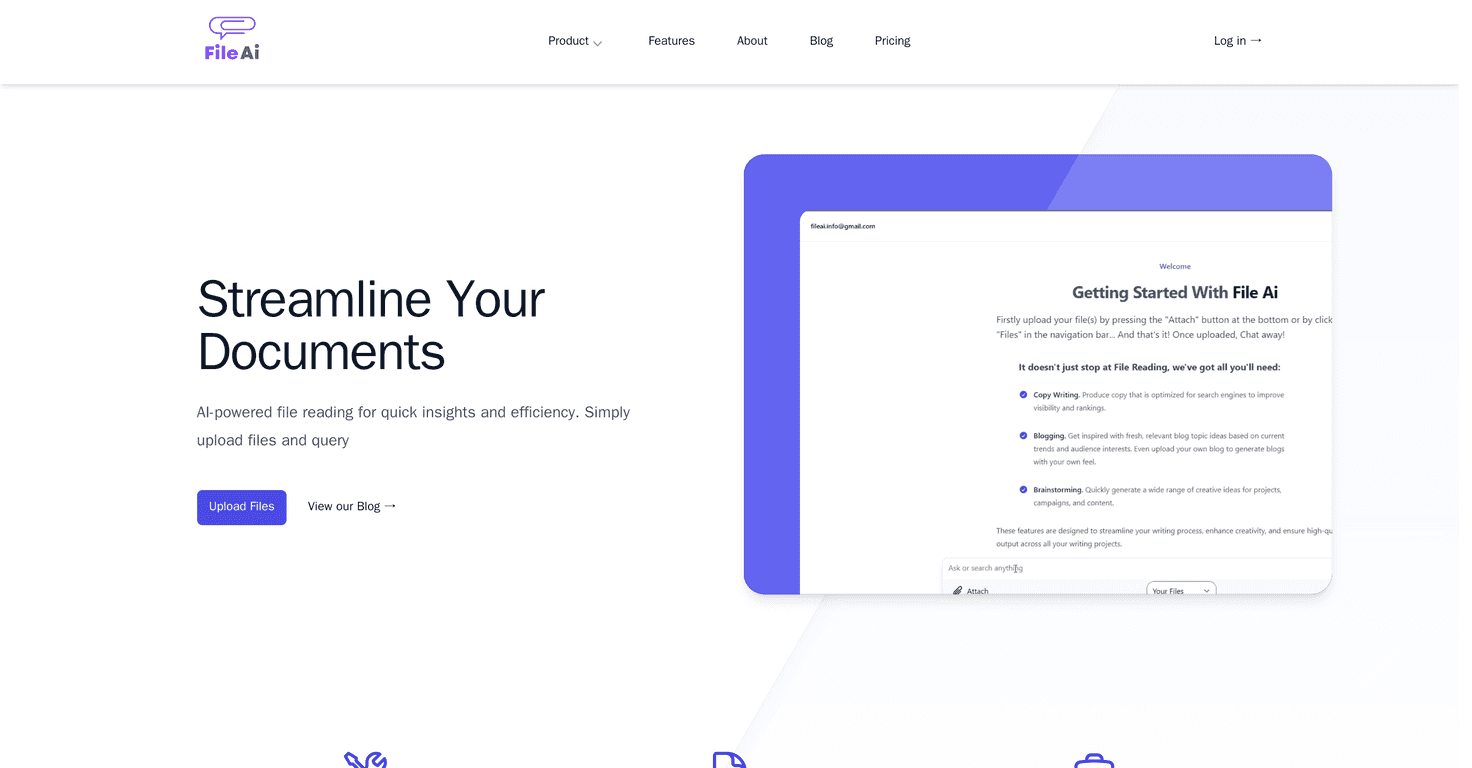
That’s why I was interested in FileAI. It’s an AI-powered document analysis tool that’s built around quick uploads, instant questions, and extraction/summarization—so you can spend less time searching and more time making decisions.

FileAI Review: What It’s Actually Like to Use
FileAI is positioned as an AI file reading tool, and the core idea is simple: upload documents, then ask questions or request summaries/extractions. In my experience, the best results come when your documents are either fairly clean text (not just images) or follow a recognizable structure—like reports with headings, contracts with consistent clause formatting, or academic papers with standard sections.
Here’s what I noticed right away during testing:
- Fast “find it for me” queries: Instead of scrolling through a long PDF, I could ask for specific details (like key dates, definitions, or totals) and get a response without manually digging.
- Summaries that are actually usable: The summaries weren’t just fluff. They gave me a quick overview so I could decide whether the document was worth a deeper read.
- Extraction feels targeted: When I asked for specific items (like a list of obligations or a set of numbers), the output was formatted enough to copy/paste into notes.
Now, let’s be honest—AI tools aren’t magic. If a file is messy, heavily scanned, or has weird layouts, the quality can dip. Still, for everyday document analysis, it can save a lot of time.
Key Features I’d Use Every Week
- Data extraction from structured documents – Useful when your PDFs have tables, headings, or consistent formatting.
- Automated review of legal contracts – Great for pulling out clause highlights, obligations, or risk-related sections.
- Financial report preparation by data aggregation – Helpful when you need quick totals or to consolidate repeated figures across pages.
- Insights from academic materials for research and learning – Good for summarizing sections and extracting key points for study notes.
- Quick summarization of lengthy texts – When you’ve got a 30-page doc and need the “what matters” version fast.
- Key information extraction from academic texts – Works best when the paper is clearly written and sectioned.
- Plagiarism detection in submissions – This is one of those features that sounds straightforward, but results depend on the input quality and how the text is presented.
If you’re wondering how this shows up in real life: imagine you have three invoices and a contract. You don’t just want a summary—you want specific fields like dates, payment terms, and totals. That’s where FileAI’s “ask a question” approach is handy.
Pros and Cons (No Sugarcoating)
Pros
- Efficient document analysis and data extraction: Faster than manual searching, especially for repeated questions.
- Streamlines workflows in various sectors: Finance, legal, research—this kind of tool fits naturally into those routines.
- User-friendly interface for uploads and queries: I didn’t feel like I needed a training session to get started.
- Supports multiple file formats: That matters when you’re getting documents from different sources.
Cons
- Unstructured or highly complex documents can be hit-or-miss: If the layout is chaotic or the text is hard to read, extraction quality may drop.
- Cloud-based dependency: If your connection is slow or unstable, it can slow down your workflow (or at least make it less pleasant).
- AI answers still require a quick sanity check: I’d treat outputs as a strong starting point, then verify important details—especially numbers and legal language.
Pricing Plans: Where to Check What You’ll Pay
For the most up-to-date pricing, you’ll want to check the pricing section on the FileAI website. Plans can change, and I don’t want to guess and send you in the wrong direction.
If you’re trying to decide whether it’s worth it, here’s what I’d look at: how many documents you’ll process per month, and whether you’re mostly doing quick summaries or deeper extraction/review tasks.
Wrap up
FileAI is the kind of tool I’d recommend when you’re stuck dealing with lots of documents and you want faster answers—summaries, extracted details, and quick contract or report reviews. It’s not perfect with every messy PDF or complex layout, and you’ll still want to double-check anything critical. But if you value saving time and reducing manual searching, FileAI can genuinely make document analysis feel a lot less painful.
Promote FileAI