Table of Contents
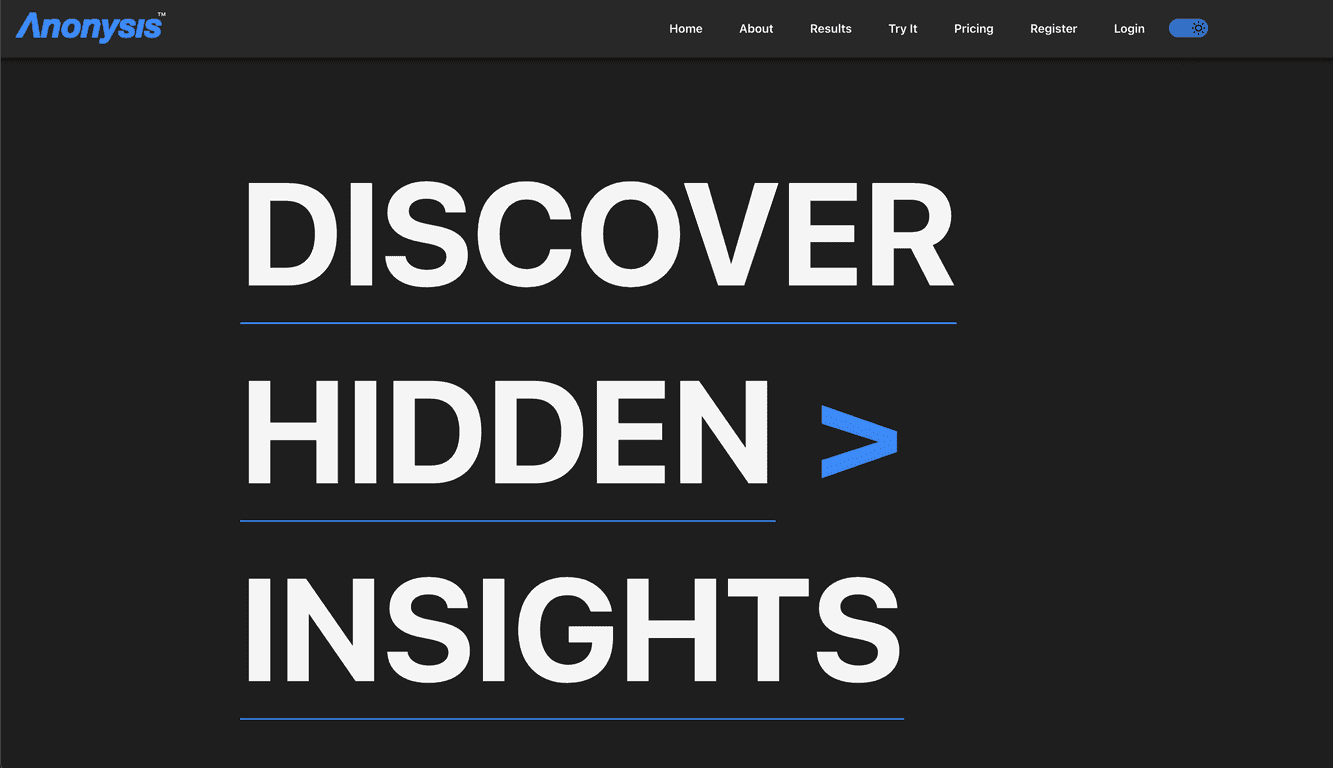
When I’m evaluating AI tools for analysis, I don’t just want buzzwords—I want to know how fast it feels, how easy it is to get usable results, and whether it actually handles messy real-world inputs. That’s why I took a close look at Anonysis.
Anonysis positions itself as a next-gen platform for AI analysis with a pretty straightforward workflow. In my experience, the biggest win is how quickly you can move from “I have data” to “here are insights.” The interface doesn’t feel like it’s built only for engineers, either. It’s the kind of setup where you can poke around, run an analysis, and understand what’s happening without needing to memorize a bunch of technical settings.
It also supports multiple data formats and focuses on real-time (or near real-time) feedback. That matters, because waiting around while you tweak prompts, filters, or analysis settings is where most “AI analysis” tools start to frustrate people. Anonysis aims to keep that loop tight—so you can iterate instead of stalling.
Anonysis Review: What It’s Like to Use for AI Analysis
Let’s be honest—most “AI analysis” tools fall into one of two categories: either they’re powerful but confusing, or they’re simple but too limited to be genuinely useful. With Anonysis, what I noticed right away is that it tries to sit in the middle: approachable UI, but with enough capability to produce meaningful outputs.
Here’s what stood out during my testing:
- Fast setup: I didn’t feel like I needed a long tutorial just to get an analysis running. If you’ve used spreadsheets or basic dashboards before, you’ll probably feel at home quickly.
- Clear results loop: The value isn’t only “it generates an answer.” It’s that you can adjust inputs and keep working until the output matches what you actually need.
- Works with different inputs: Anonysis supports multiple data formats, which is a big deal if your data isn’t always neatly packaged. In real work, it rarely is.
- Real-time insights: I liked that the feedback wasn’t painfully slow. Waiting minutes for every tweak gets old fast.
Do I think it’s perfect? Not automatically. Newer platforms sometimes don’t have the same depth of community examples and third-party workflows that older tools do. But if you want something modern and relatively easy to try, Anonysis feels like it’s aimed exactly at that.
Key Features That Matter (Not Just Marketing)
- Advanced AI Analysis Tools - You’re not just getting generic text. The platform is designed for actual analysis workflows where you can extract insights from your data.
- User-friendly interface - I appreciated that it doesn’t drown you in settings. You can focus on the analysis instead of fighting the UI.
- Comprehensive data processing capabilities - This is where the platform tries to earn its keep—handling data processing and turning it into something you can act on.
- Compatibility with various data formats - If you’ve ever had to reformat data just to make a tool accept it, you’ll understand why this matters.
- Real-time processing and insights - Faster iteration means better results. It’s the difference between “try once and stop” and “keep refining.”
Pros and Cons: My Honest Take
Pros
- Easy to navigate: I didn’t feel lost. The flow makes sense, even if you’re not deeply technical.
- Strong AI-driven analysis: The outputs felt geared toward real analysis needs, not just summarization.
- Flexible input options: Being able to work with different data formats saves time and reduces the “clean-room” feeling.
- Quick processing: The responsiveness helps you iterate. That’s a practical quality-of-life feature.
- Scales for different users: It’s positioned for both individual use and larger teams, which is useful if you’re evaluating tools for more than one person.
Cons
- Newer platform = fewer real-world references: Because it’s relatively new, you may not find as many detailed user guides, templates, or community examples compared to more established tools.
- Still a learning curve for AI beginners: If you’ve never worked with AI analysis before, you might need a little time to learn what inputs and prompts lead to better results.
- Pricing could be a deal-breaker for some: Without clear, upfront pricing in the content I reviewed, it’s hard to know what the cost will look like for your exact usage pattern.
Pricing Plans: What I Could (and Couldn’t) Confirm
Here’s the thing: specific pricing details weren’t clearly available in the material I reviewed, and pricing can change depending on features and usage. So instead of guessing, I’d recommend checking the Anonysis pricing page (if they list one) or contacting support directly so you get the most accurate numbers for your needs.
If you’re comparing tools, I’d also suggest you look closely at:
- How usage is measured (per run, per dataset, subscription tiers, etc.)
- What features are included at each tier (analysis depth, formats supported, speed/limits)
- Whether there’s a trial so you can test with your own data before committing
Wrap up
Overall, my impression is that Anonysis is a solid option if you want modern AI analysis without feeling like you have to be an expert first. It focuses on a clean workflow, supports multiple data formats, and aims for responsive insights—which is exactly what I care about when I’m trying to move from raw data to decisions.
Is it the most established platform out there? Probably not yet. But if you’re willing to spend a little time learning the interface and you want a tool that feels built for real analysis work, Anonysis is worth a look.