LIFETIME DEAL — LIMITED TIME
Get Lifetime AccessLimited-time — price increases soon ⏳
AI Tools

GetQuiz Review – AI-Powered Learning Made Easy

Updated: April 20, 2026
5 min read
#Ai tool

Table of Contents

If you’ve ever reread the same paragraph five times and still couldn’t answer a basic question afterward, I get it. I’ve been there. Memorizing stuff is hard—especially when you’re studying alone and you’re not sure what you actually know versus what you just think you know.

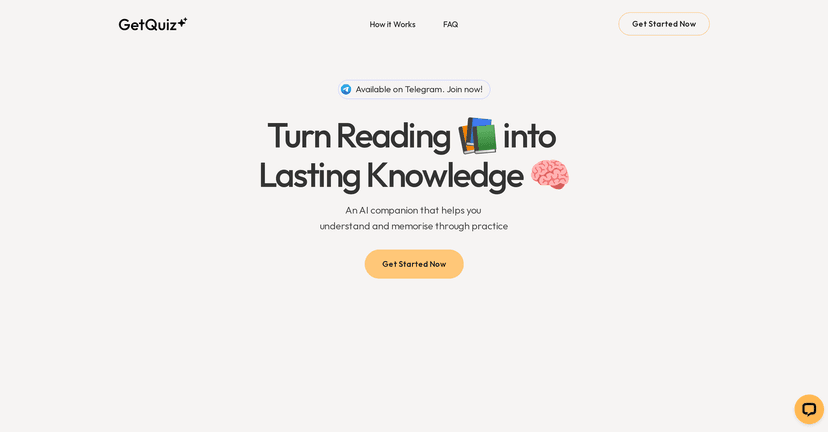
That’s why I tried GetQuiz. It’s an AI-powered learning tool that lives inside Telegram, so you’re not bouncing between platforms just to practice. The basic idea is simple: you share your study material (like a document), and the AI turns it into quizzes you can work through. After that, you get feedback on where you’re strong and where you need to focus.

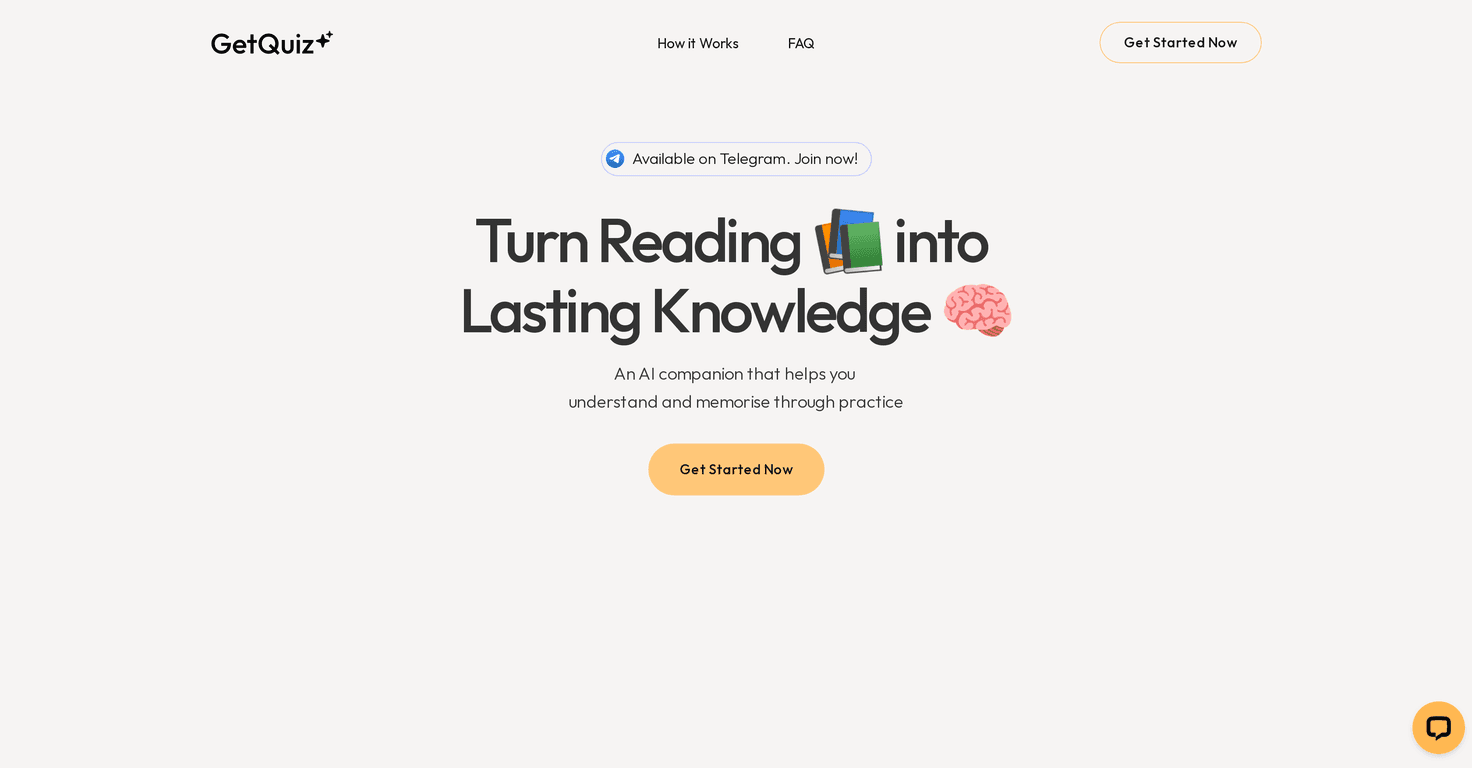
Getquiz

In my experience, the “Telegram-first” setup matters more than it sounds. If you already live in Telegram, it’s way easier to do quick study sessions—like 5 to 10 minutes between meetings—without opening a whole new app or dashboard.

In this review, I’ll break down what GetQuiz actually does, what I liked, what felt a little clunky, and whether it’s worth your time.

GetQuiz Review

GetQuiz is basically an AI quiz generator with a learning loop attached. Instead of you manually turning notes into flashcards or quizzes, you upload your content and the AI creates questions based on it. It’s designed to help with retention, not just “testing” for the sake of testing.

Here’s what stood out to me when I used it:

  • It works right in Telegram, which means there’s less friction. I didn’t have to learn a new interface or set up a complicated workflow.
  • Quiz creation is document-based. You send your material, and the AI converts it into quiz questions. That’s convenient if you already have PDFs, notes, or study guides.
  • You get feedback after each quiz. I like that it doesn’t just spit out a score and disappear. The feedback helps you decide what to review next.
  • Scheduling is built in. This is a big deal for retention, because cramming one time usually doesn’t stick. Being able to schedule quizzes encouraged me to do short review sessions instead of only studying once.

Now, let’s be real: the quality of the quizzes depends a lot on the quality of the input material. If your document is messy, poorly formatted, or full of tables/images, you might notice the AI struggling to interpret everything correctly. Still, for straightforward text-based notes, it’s pretty effective.

Also, if you’re studying for an exam, it’s easy to fall into passive reading. GetQuiz nudges you into active recall. And honestly, that’s where most learning gains come from.

Key Features

GetQuiz focuses on a few core things. These are the features I’d actually recommend using first.

  1. Telegram integration
    You access GetQuiz from Telegram, so you can start a quiz quickly without switching apps.
  2. File quiz generation
    Upload your documents and the AI creates quizzes from your content. This is great if you already have study PDFs or notes.
  3. Personalized quizzes
    The questions are tailored to the material you provided, so you’re not wasting time on generic practice sets.
  4. Performance reviews
    After you complete quizzes, you get feedback that points out what you should improve. In my experience, this makes it easier to study smarter instead of just repeating everything.
  5. Quiz scheduling
    You can schedule quizzes for later review, which supports spaced repetition habits. I found it helpful for keeping momentum over several days.

Pros and Cons

Pros

  • Quick to use if you already use Telegram. Starting a session felt effortless.
  • Quizzes are actually based on your material, not random questions. That makes practice feel more relevant.
  • Feedback helps you target weak spots. I didn’t just see a grade—I saw what to revisit.
  • Scheduling supports retention. It’s easier to stay consistent when you can prompt future review sessions.

Cons

  • Document support can be limited. If your content is in formats the AI can’t parse well, you may need to simplify or convert it first.
  • Uploading files may be annoying for some people. If you prefer studying from plain text or websites, you’ll probably spend extra time preparing your materials.
  • It’s not magic. If you upload a huge document, the quiz may still miss nuance or focus more on the most obvious sections. Garbage in, garbage out.

Pricing Plans

GetQuiz mentions a free trial, but the exact pricing details can change depending on the plan and region. The most reliable approach is to check the current options on their official site. If you want to see what you’ll pay (and what you get for it), click the “Get Started Now” option and review the plan screen.

If pricing is a concern, I’d suggest trying the trial with one or two documents first—see how the quiz quality feels for your subjects—then decide whether it’s worth continuing.

Wrap up

Overall, I think GetQuiz is a solid option if you want more active recall without spending hours building your own practice quizzes. The Telegram setup is genuinely convenient, the feedback loop is useful, and the scheduling feature helps you review instead of just taking one quiz and moving on.

Are there limitations? Sure—file handling isn’t always perfect, and you may need to prep your documents a bit. But if you’re willing to upload clean, readable study material, it can make studying feel less repetitive and more effective.

If you’re looking for a practical way to turn your notes into practice questions, I’d say it’s worth trying.

Promote GetQuiz

Stefan

Stefan

Stefan is the founder of Automateed. A content creator at heart, swimming through SAAS waters, and trying to make new AI apps available to fellow entrepreneurs.

Related Posts

all free novel reviews featured image

All Free Novel Reviews: Best Free Book Reviews & Sites for 2026

Discover the top free novel review platforms, how to find honest reviews, and tips to boost your book’s exposure without spending a dime in 2026.

Stefan
60 paper thickness featured image

60 Paper Thickness: The Ultimate Guide & Chart for 2026

Discover everything about 60 paper thickness, including measurements, uses, comparisons, and tips to choose the right paper for your project in 2026.

Stefan
author tax featured image

Author Tax: Top Strategies & Trends for 2026 Income Tax

Discover the latest author tax research, best practices, and tools to optimize your income tax strategies in 2026. Stay compliant and maximize deductions today!

Stefan

Create Your AI Book in 10 Minutes