Table of Contents
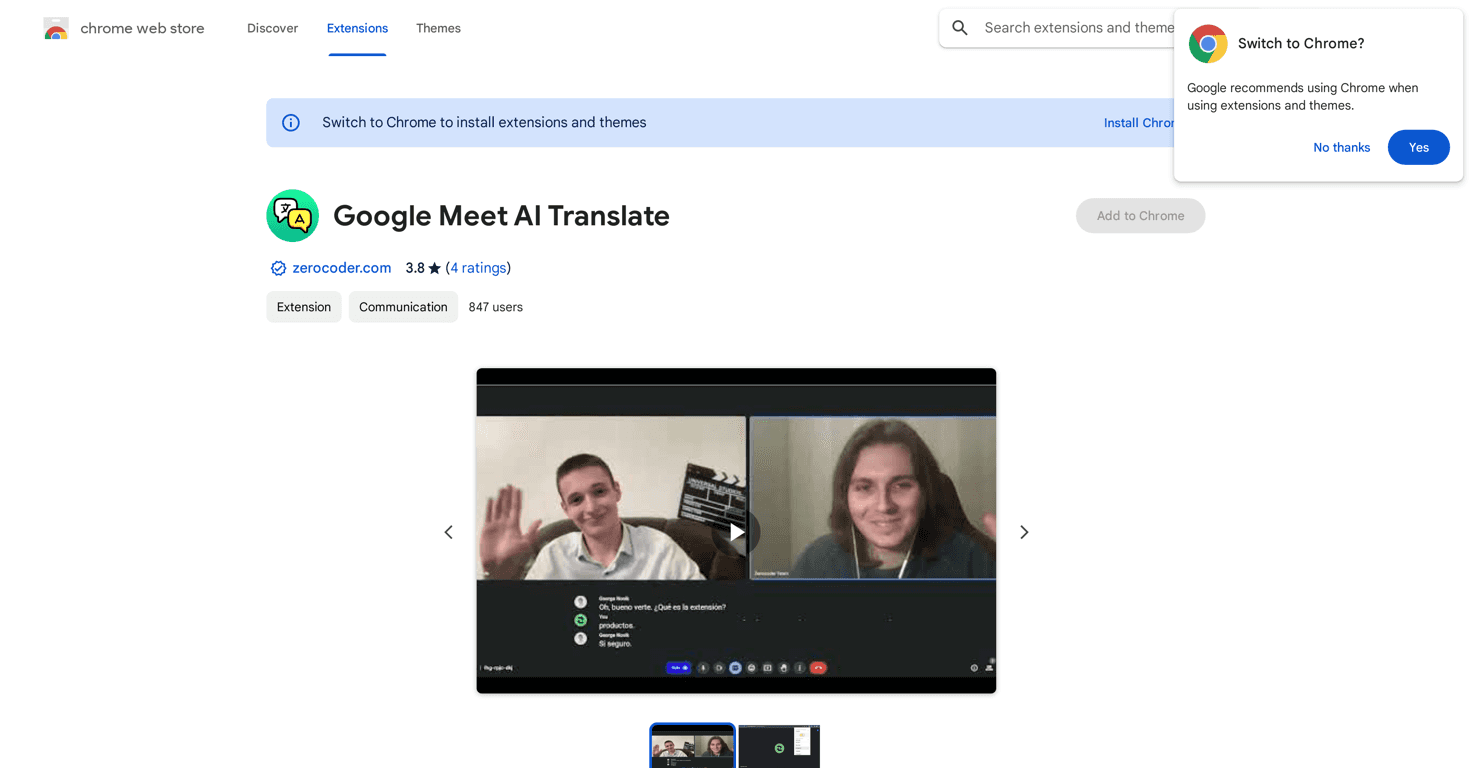
In today’s globalized world, effective communication is key, especially during virtual meetings. If you’re part of a team that speaks different languages, the challenge of understanding each other can be daunting. Thankfully, Google Meet AI Translate comes to the rescue, offering a way to translate subtitles in real-time.
This handy Chrome extension is designed for smooth communication, ensuring that everyone can participate fully, regardless of language proficiency. In this review, we’ll dive into its features, pros and cons, and pricing plans to see if it’s the right tool for you.
Let’s explore how Google Meet AI Translate can enhance your meeting experience and help foster an inclusive environment.
Google Meet AI Translate review
Google Meet AI Translate is a user-friendly Chrome extension that transforms the way multicultural teams communicate. With its real-time subtitle translation, language differences fade away, allowing everyone to contribute and follow discussions with ease.
Powered by advanced AI technology, this extension provides accurate translations, making it an essential tool for educators and businesses operating in diverse settings. Let’s take a closer look at what this tool can do!
Key features
- Instant Subtitle Translations: Enjoy real-time translation of spoken words into subtitles, making discussions smoother.
- Extensive Language Support: Offers support for a variety of languages, meeting diverse needs.
- User-Friendly Interface: Seamlessly select and modify translation languages on the go.
- AI-Driven Accuracy: Benefits from advanced AI technology for reliable translations.
- Enhances Meeting Experience: Fosters inclusive communication, ensuring everyone can participate.
Pros and Cons
Pros
- Enables real-time communication across different languages.
- Easy to use while participating in meetings.
- AI-powered translations contribute to high accuracy.
- Helps foster inclusive work environments.
Cons
- Occasional bugs may arise, like issues retrieving data from Google Meet.
- Some users report needing to close and reopen the browser to fix functionality issues.
Pricing Plans
Google Meet AI Translate is generally available for free, making it accessible for most users. However, keep in mind that some features or in-app purchases may require payment. For exact pricing details, it’s best to check directly within the Chrome Web Store or the developer’s website.
Wrap up
In conclusion, Google Meet AI Translate is an invaluable tool that can enhance communication in diverse environments. Its real-time translation capabilities and ease of use make it a great choice for anyone looking to break down language barriers in meetings. While there may be occasional bugs, the overall benefits of fostering inclusivity and understanding far outweigh the negatives. If you’re interested in making your virtual meetings more accessible, give Google Meet AI Translate a try!