Table of Contents
If you’ve ever stared at a spreadsheet full of messy survey answers and thought, “Okay… but what does this actually mean?”, I get it. That’s exactly where Groupt comes in.
In my experience, Groupt is one of those tools that tries to remove the “I need a data person” feeling. You upload your qualitative data (usually feedback or survey responses), and it helps you group things into categories so you can spot patterns faster. Does it replace a full research workflow? Not always. But for getting from raw text to something you can discuss with your team? It’s genuinely handy.
Groupt Review
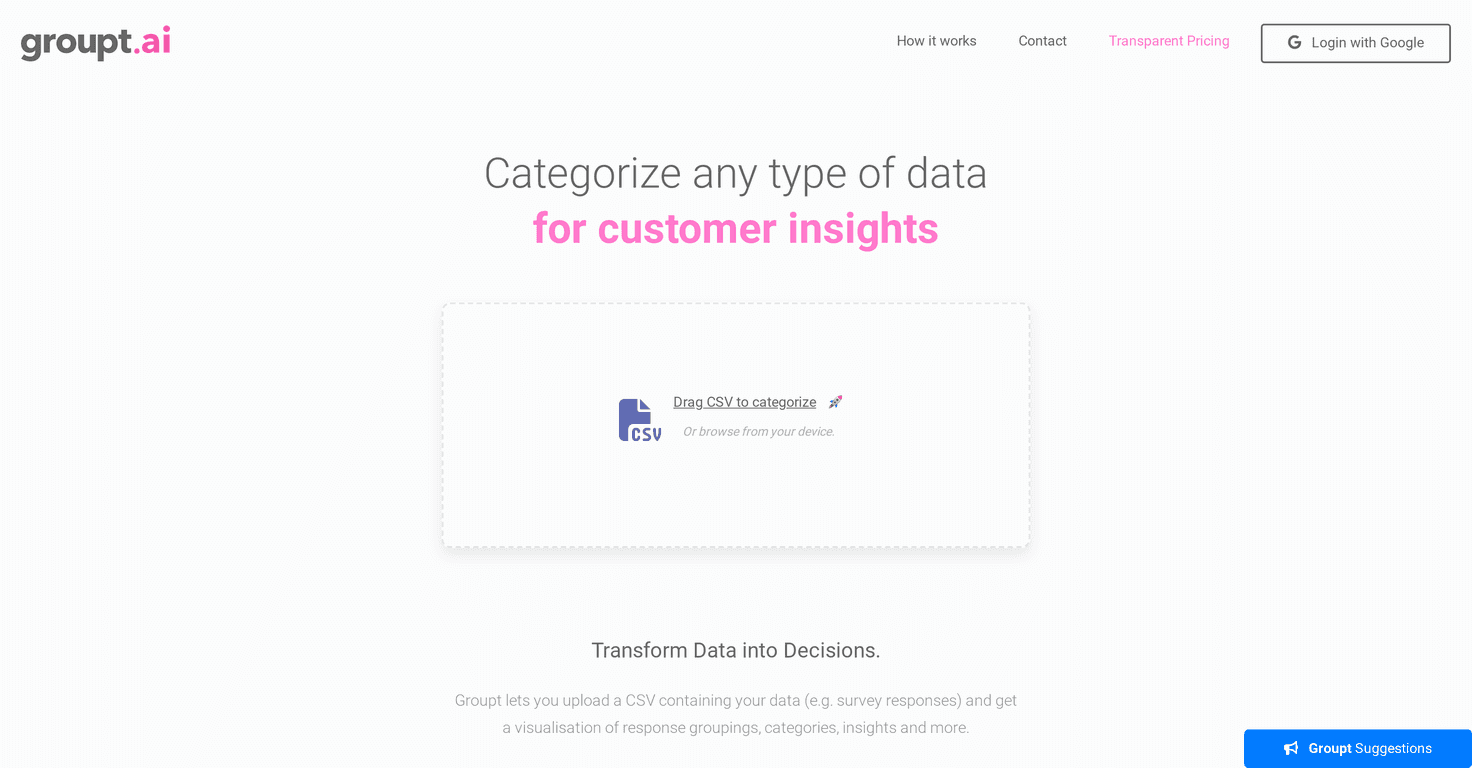
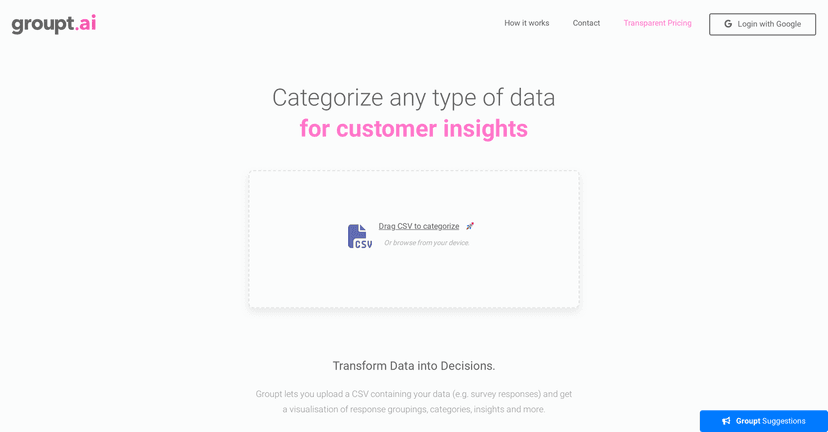
Groupt really focuses on one thing: turning qualitative data into something you can understand quickly. If your dataset is full of open-ended responses, you usually don’t want to manually label everything. You want categories, themes, and a way to summarize what people are saying.
Here’s what stood out to me when I tested it:
- It starts simple. The upload process feels straightforward, and you’re not forced through a bunch of setup steps before you see results.
- It groups your content. Instead of dumping a wall of text back at you, the visuals help you see categories and groupings right away.
- AI analysis is used to make sense of the text. You’re not just getting charts—you’re getting interpretation that helps you move from “data” to “insights.”
For survey creators, product teams, and customer research folks, that matters. When you’re trying to answer questions like “What are the top reasons people churn?” or “What issues keep showing up in feedback?”, speed is everything. Groupt gets you there faster than starting from scratch.
One small detail I appreciated: even early on, the platform provides visual representations that make it easier to talk through findings with non-technical teammates. You can point to categories and themes instead of arguing about what the data “might” mean.
Key Features
- CSV uploads for qualitative feedback — You can upload CSV files with text-based qualitative data like user feedback and survey responses.
- Visualizations for grouping and categories — The output is designed to show how responses cluster into categories, so themes don’t stay hidden in the spreadsheet.
- AI-driven analysis — The AI helps interpret the text so you can understand patterns without manually coding everything.
- Pricing options that scale — There’s a free option/trial setup and paid tiers for heavier use.
If you’re wondering how to get better results, here’s a practical tip from my side: make sure your CSV is clean and consistent. If one column has short fragments and another has full paragraphs, you’ll usually get more useful grouping when the text field is uniform (or at least clearly defined).
Pros and Cons
Pros
- Easy to use. The interface is built for people who don’t want to deal with complex analytics tooling.
- Free trial option. You can start without jumping straight into a paid plan, which is great if you just want to test the workflow.
- Affordable for what you get. For teams doing regular feedback analysis, the monthly cost is reasonable compared to bigger enterprise research platforms.
- No credit card needed to start the free tier. That lowers the barrier if you’re evaluating it for the first time.
- Flexible subscription management. Cancellation doesn’t feel like it’s designed to trap you.
Cons
- Free plan limits can be tight. The free tier is capped (for example, 50 rows is mentioned), so larger datasets will require an upgrade sooner than you might expect.
- CSV-only (for now). If your data lives in Google Sheets, a database, or you’re pulling from tools like Intercom/Zendesk, you’ll likely need to export to CSV first.
Also, I’ll be honest: if you’re expecting ultra-custom workflows (like deeply structured qualitative coding with multiple layers of tagging), you may find Groupt a bit more “guided” than “fully flexible.” It’s great for getting to insights fast, but it’s not trying to be a full qualitative research platform.
Pricing Plans
Groupt’s pricing is pretty straightforward:
- Free Trial — Up to 100 rows with a 2x CSV upload limit.
- Pro Plan — $18.99/month, with no row limits and full AI analysis.
- Enterprise Plan — Custom pricing. You’ll need to contact Groupt depending on your requirements.
If you’re doing monthly feedback reviews, the Pro plan can make sense quickly—especially once your dataset grows beyond what the free tier allows.
Wrap up
Groupt is a solid option if your main problem is qualitative data overload. It’s not trying to be complicated. It helps you upload CSV data, visualize how responses group together, and use AI to interpret patterns faster than manual coding. For survey insights, user feedback themes, and quick reporting, it does the job well.
Just keep the limitations in mind—CSV-only support and row limits on the free tier. If your datasets are bigger (or you’re running analysis often), you’ll probably end up on Pro sooner than later.