60-second summary
Quick answer
Use DOCX when editable structure matters, make the intended title the first genuine heading and check critical captions after import. Legacy DOC becomes simple extracted paragraphs, while several Word caption styles are removed by local DOCX processing.
Before you start
What you need
- Work from a copy of the manuscript so structural cleanup does not overwrite your only source file.
- Use DOCX when chapter hierarchy, images or inline formatting need to survive the editable import.
Procedure
Complete the task step by step
- 01
Work from a copy
Prepare a duplicate of the source manuscript so cleanup never overwrites the only original.
Current app screenOpen full size: Automateed Book Editor file selection area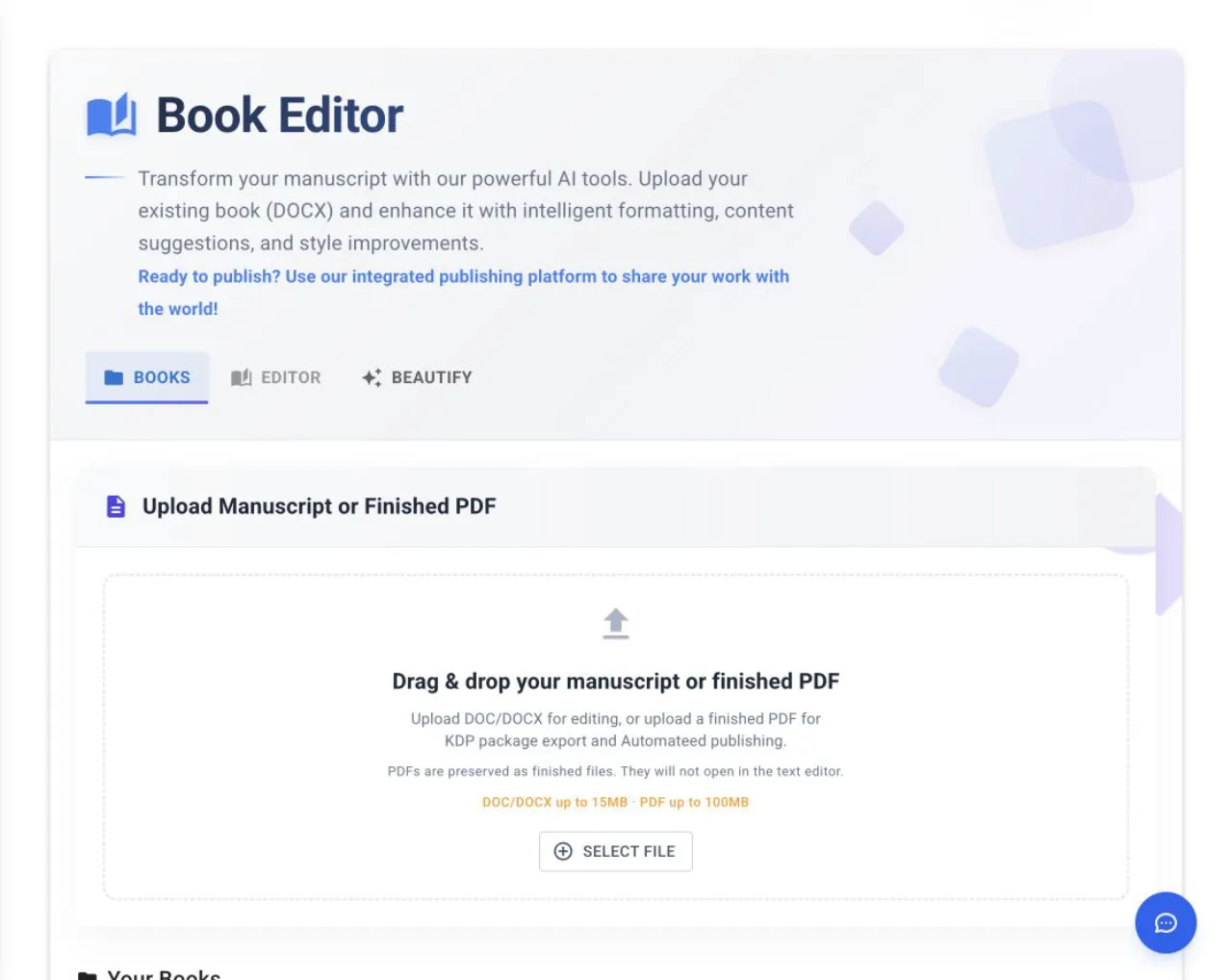
Choose DOCX for the strongest editable-import path, then verify the title, headings, images and any essential captions in Editor. - 02
Use DOCX for editable structure
DOCX is the safer source when headings, images or inline formatting need to survive; legacy DOC becomes simpler extracted paragraphs.
- 03
Use real heading styles
Word Title maps to H1, while Subtitle and TOC Heading map to H2 before Automateed performs additional heading detection.
- 04
Protect important captions
Caption, Figure Caption and Image Caption styles can be removed by local import, so move essential wording into ordinary paragraphs or restore it in Book Editor.
- 05
Check the imported result
Verify the first genuine heading, chapter order, images and selectable body text after the file opens in Editor.
Success check
Confirm that it worked
- The intended title is detected from the first real heading instead of an unrelated front-matter line.
- Chapter headings, body paragraphs and images appear in the expected order when the file opens in Editor.
Important notes
- The local DOCX path maps Word Title to H1 and Subtitle and TOC Heading to H2, then performs additional heading detection.
- Do not rely on Word caption styles for text that must survive local import; restore critical captions in Book Editor if necessary.
- A legacy DOC import creates simple paragraphs from extracted text and does not preserve the same structure as DOCX.
Troubleshooting
If it still does not work
The wrong text becomes the imported title
Make the intended title the first genuine heading, or rename the project in Editor after import.
Figure or image captions disappear
Check whether they used Caption, Figure Caption or Image Caption styles, then restore the required wording in Editor.
DOC formatting collapses into plain paragraphs
Save a DOCX copy of the source and reimport that version.